Make every page your own
Digital stickers for planners, journals, and notes
Discover hand-drawn digital planner stickers for GoodNotes, Notability, Noteshelf, Xodo, Samsung Notes, and more. Shop seasonal, floral, travel, celebration, and everyday sticker packs designed to help you organize, decorate, and personalize every digital page.
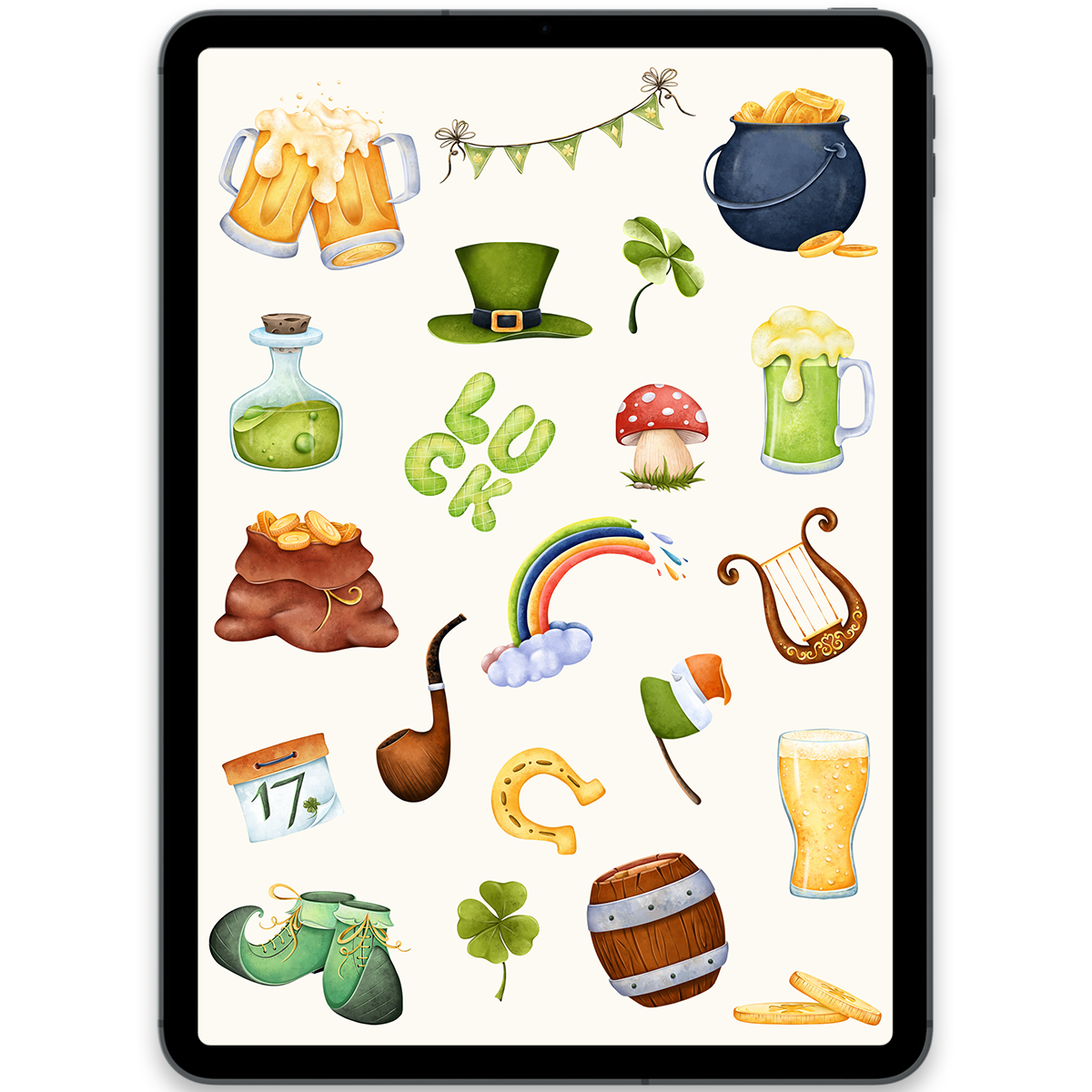
St. Patrick's Day Stickers
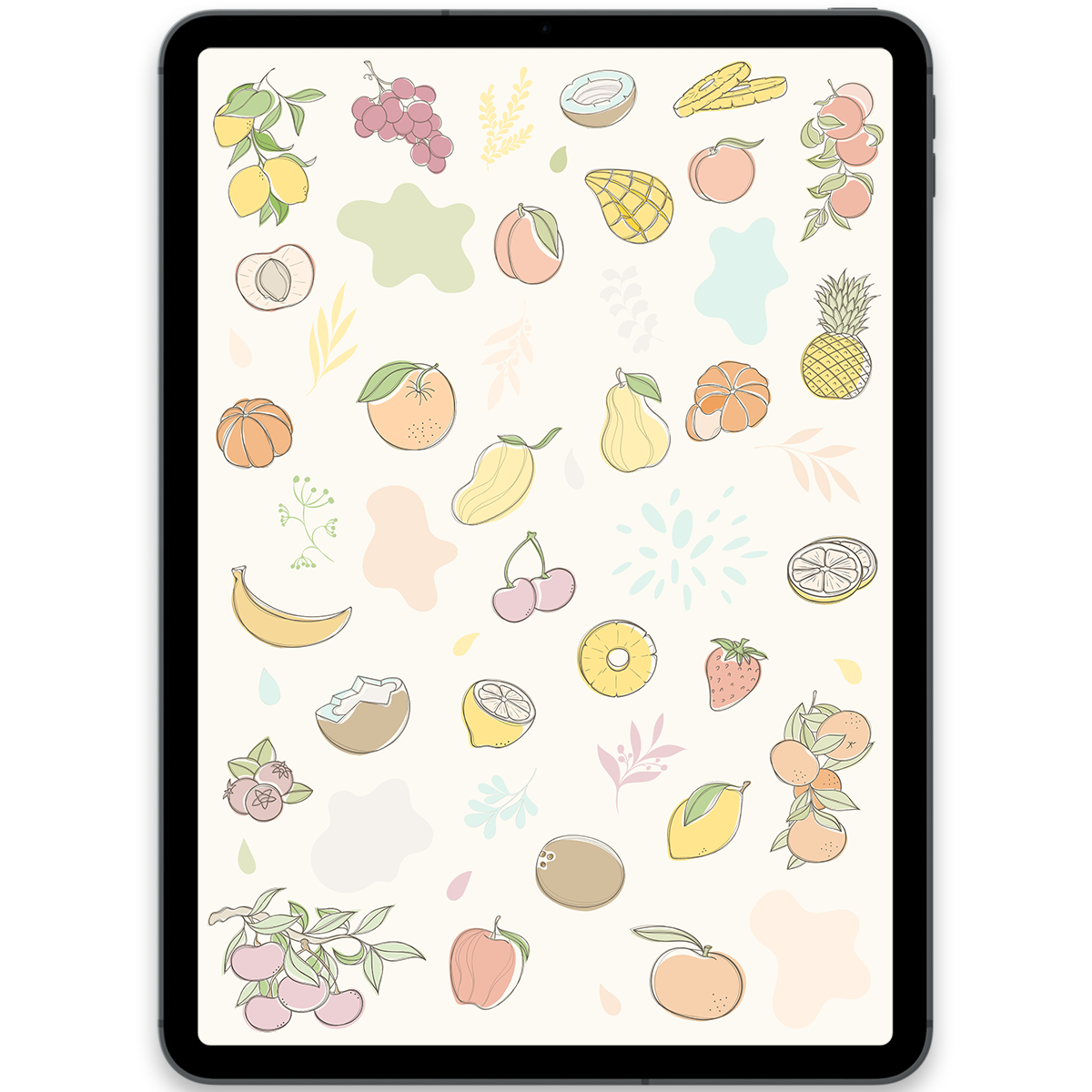
Boho Fruits Stickers
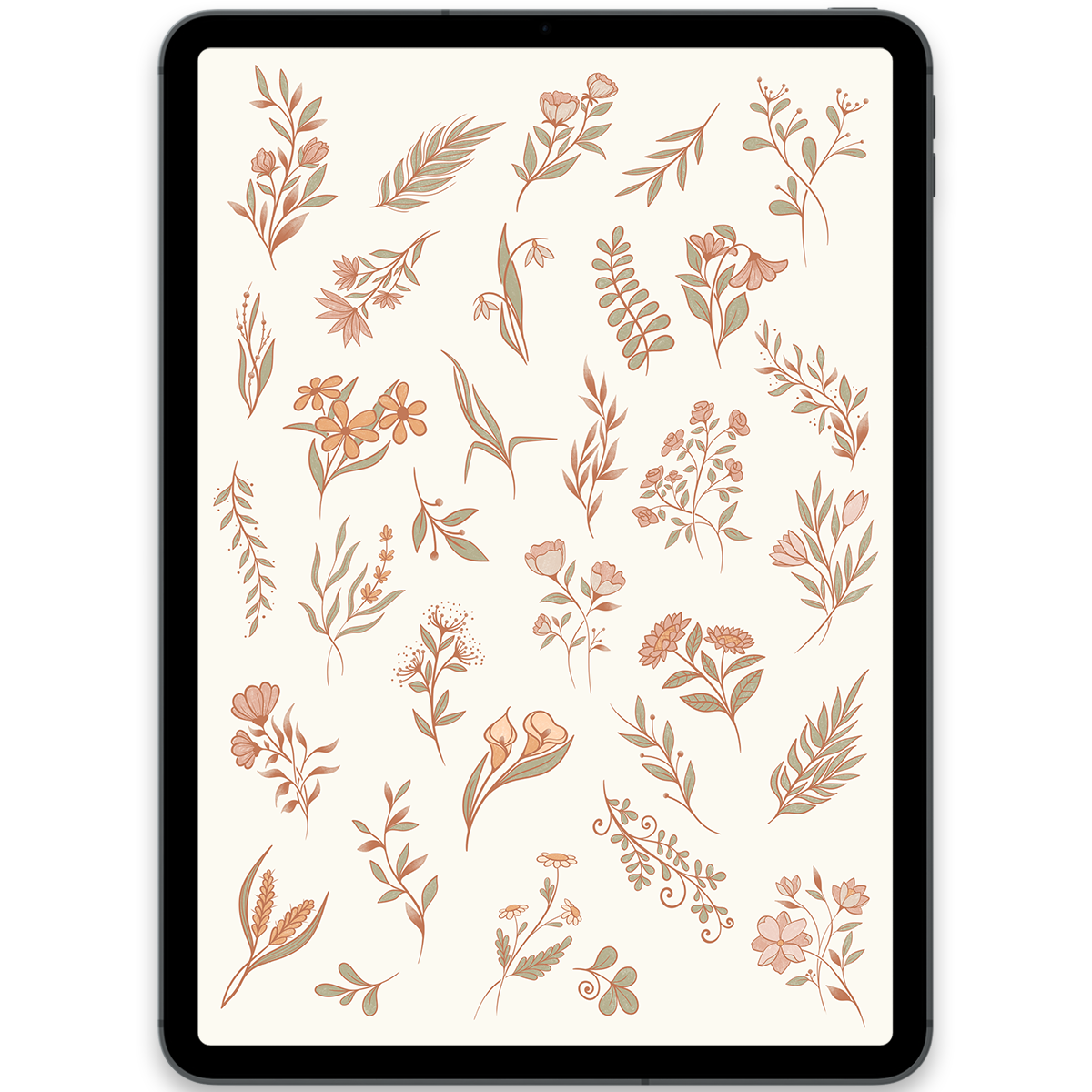
Boho Flowers Stickers
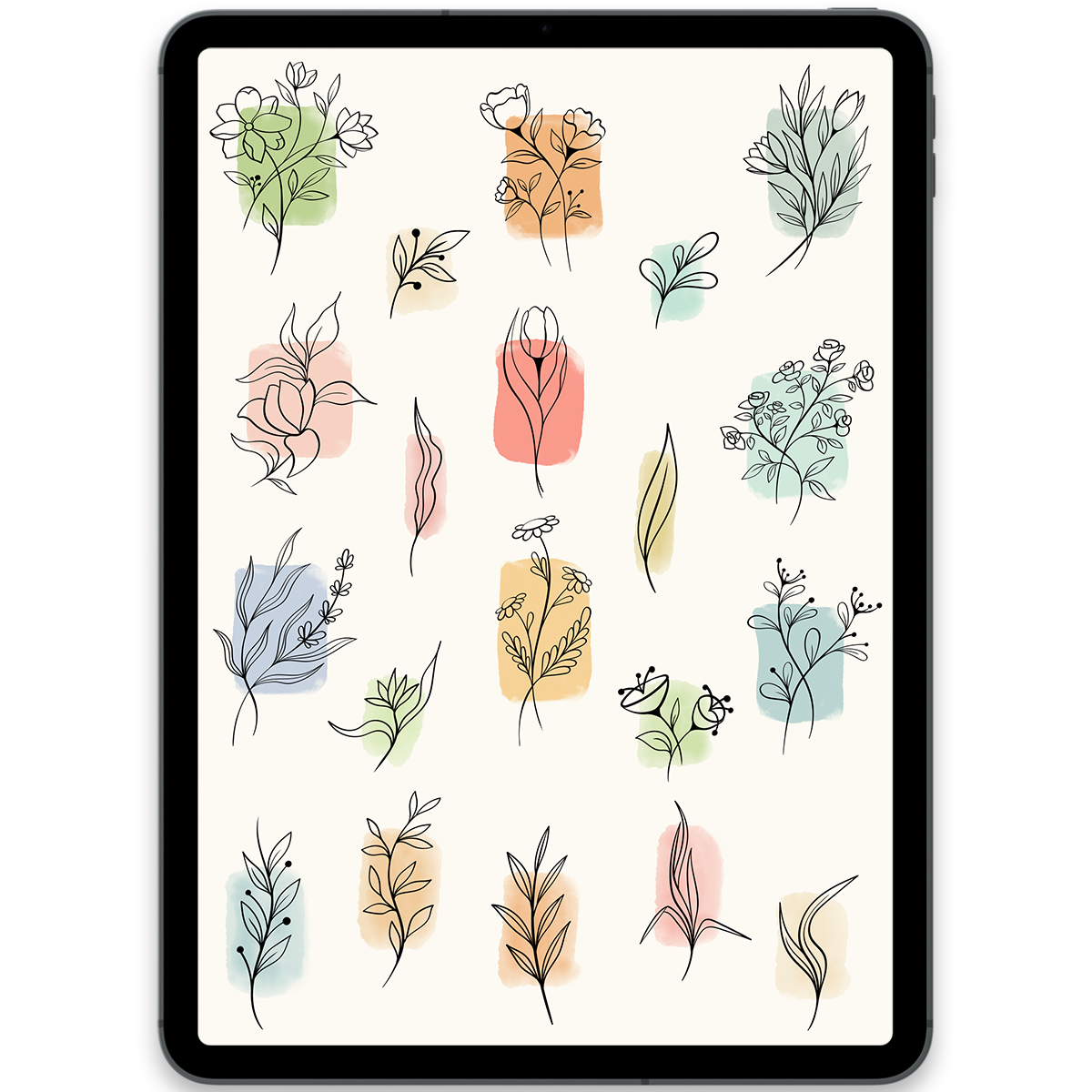
Watercolor Flowers Stickers
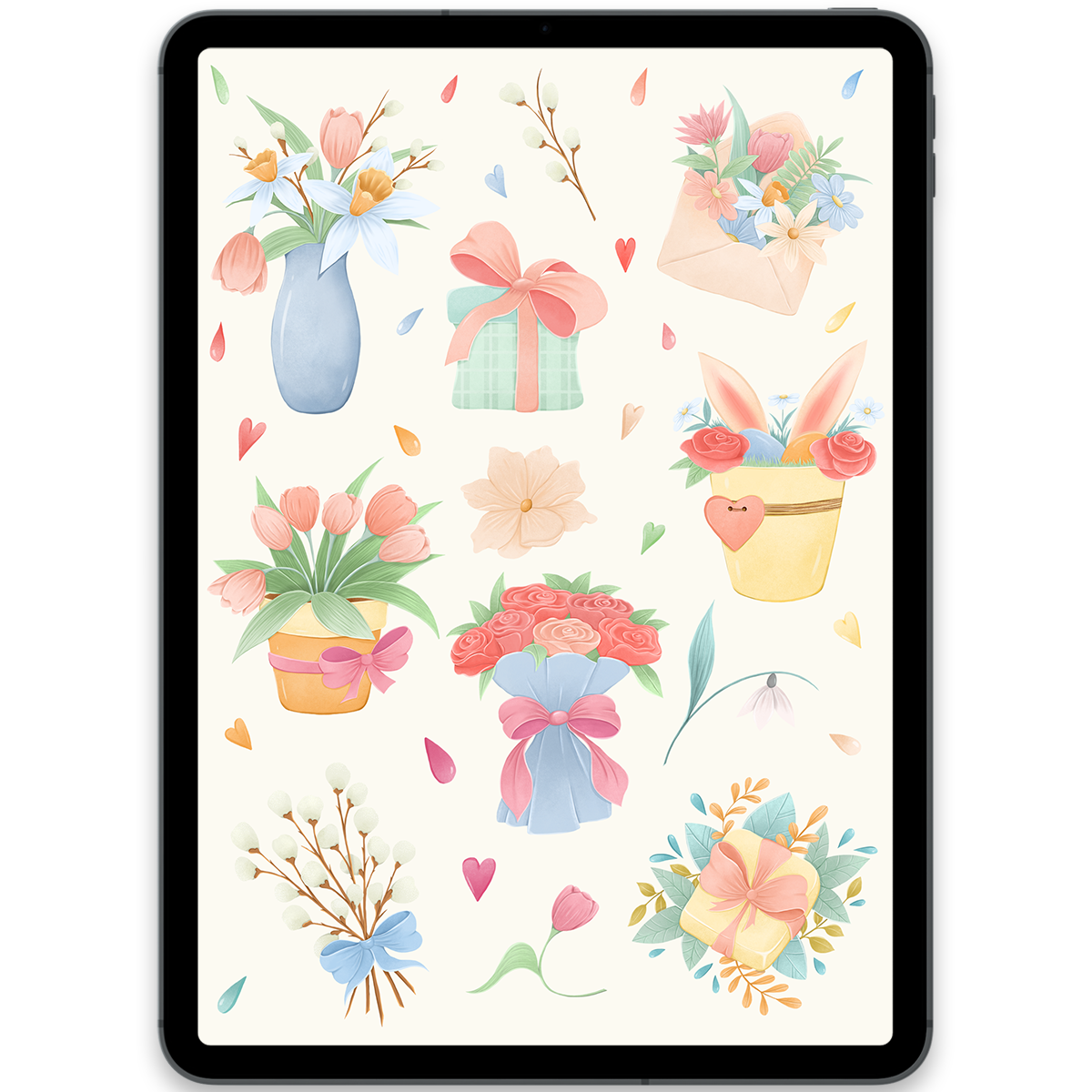
Spring Flowers Stickers
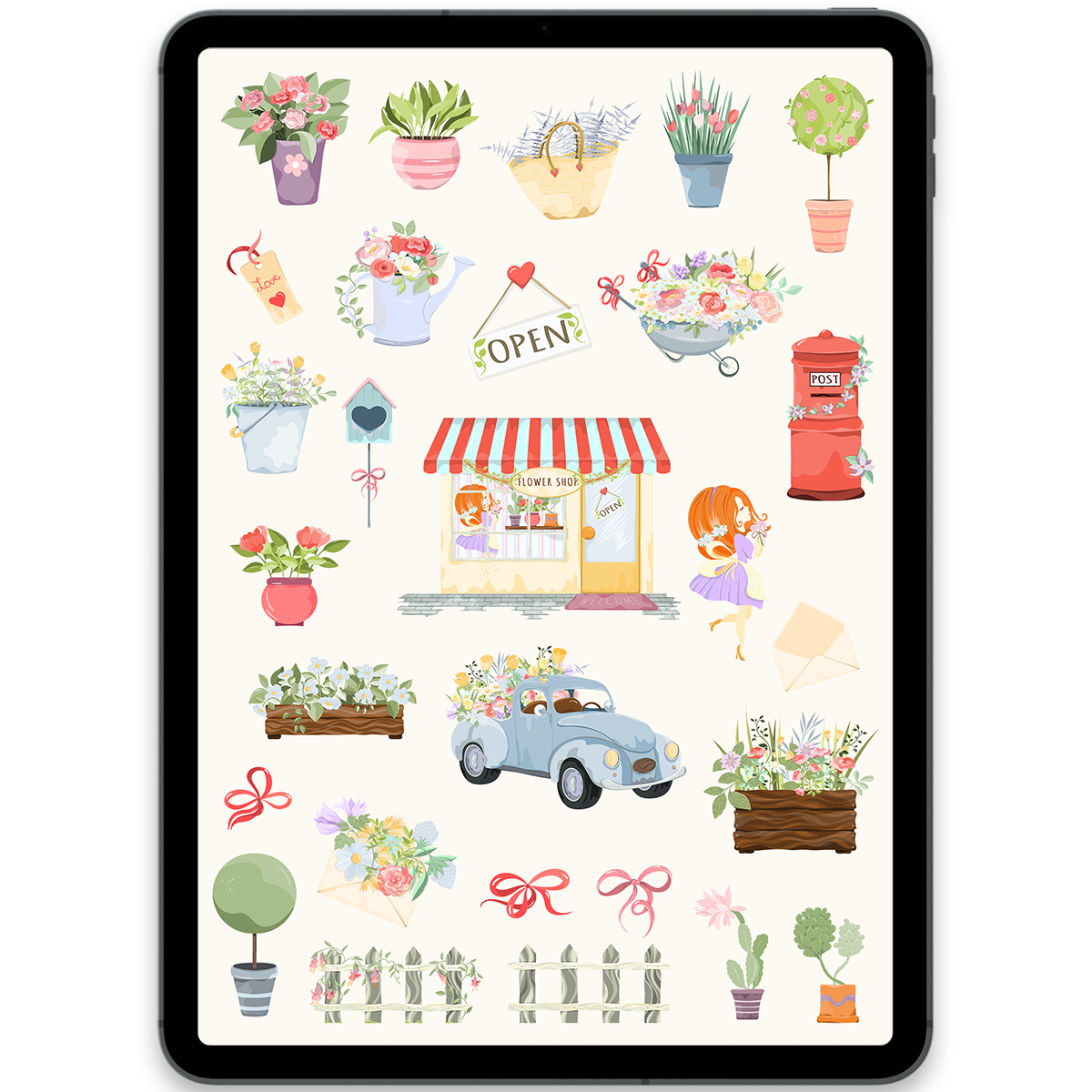
Flower Market Stickers
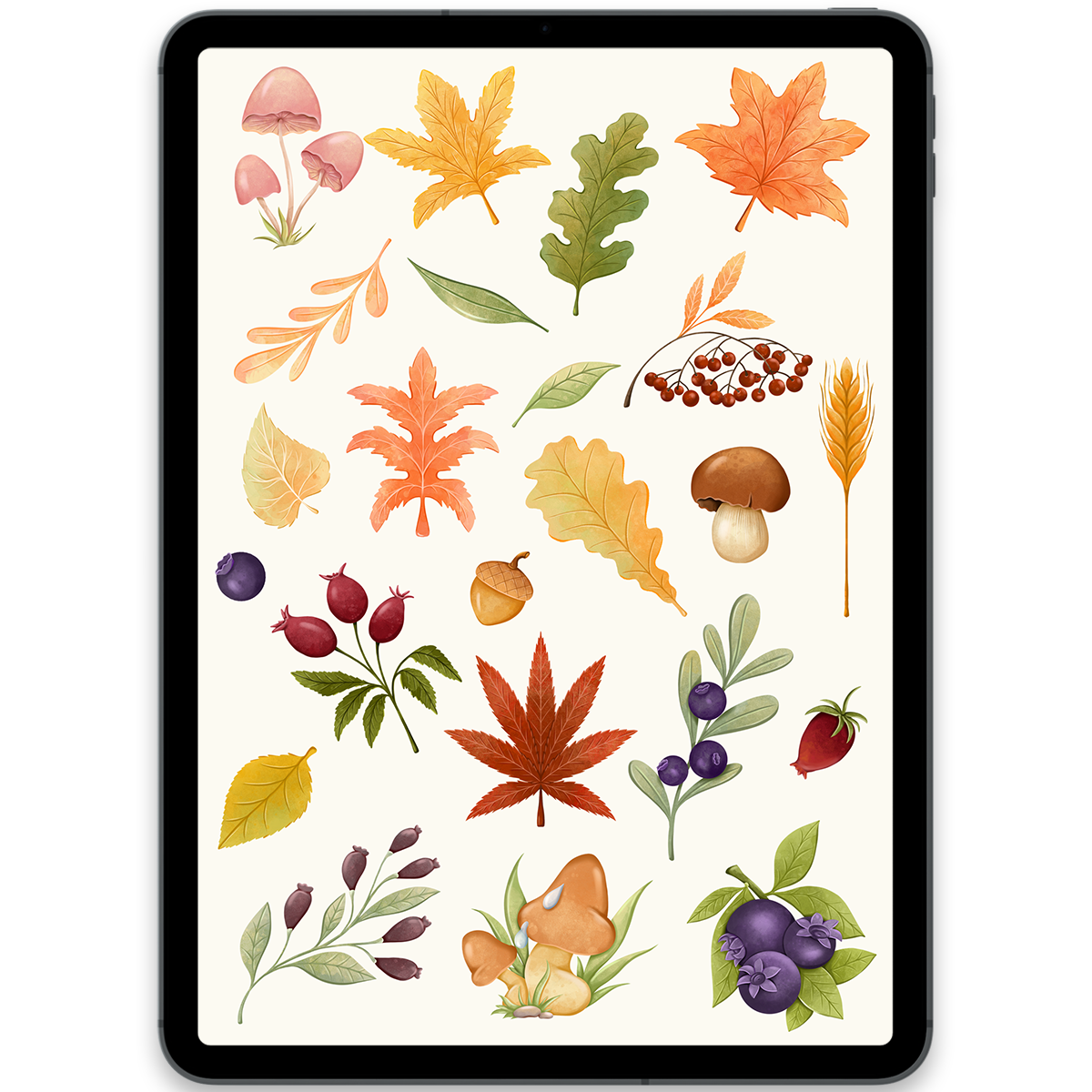
Autumn Leaves Stickers
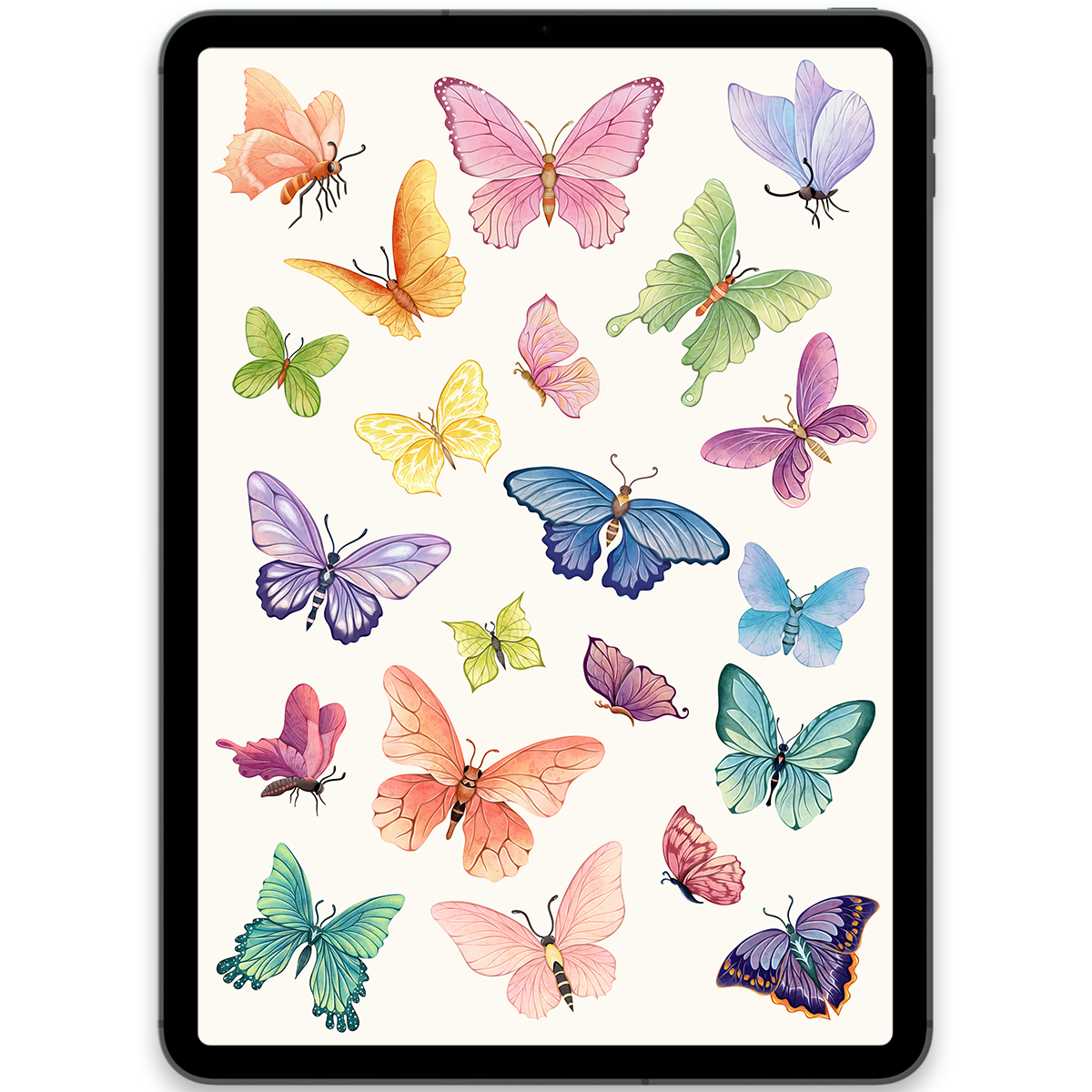
Butterflies Stickers
Planner + stickers
Don't have a digital planner yet?
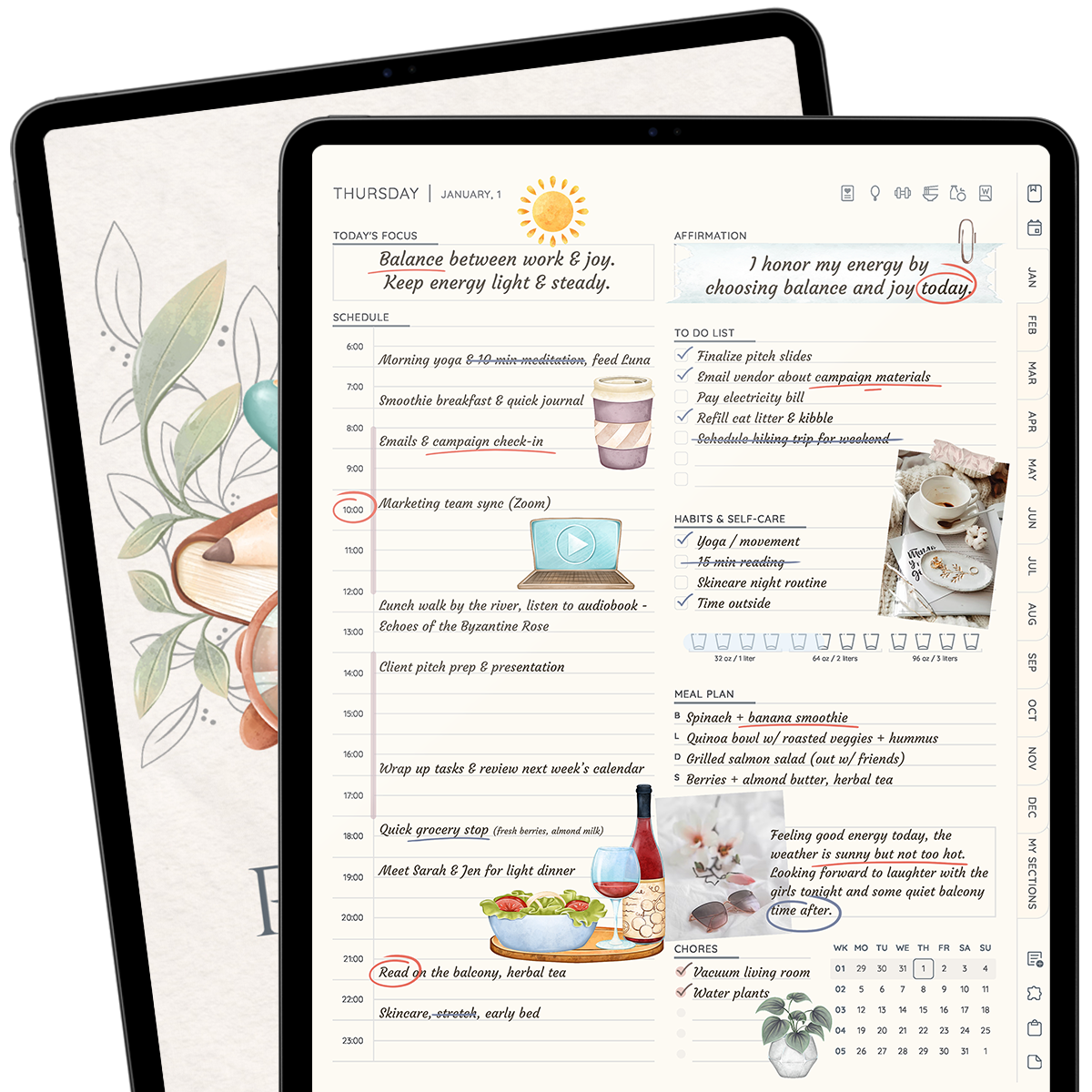
Start with the All in One Planner 2026. It brings your schedule, goals, habits, and notes together, and already includes a coordinated pack of 300+ digital stickers.
Explore the All in One Planner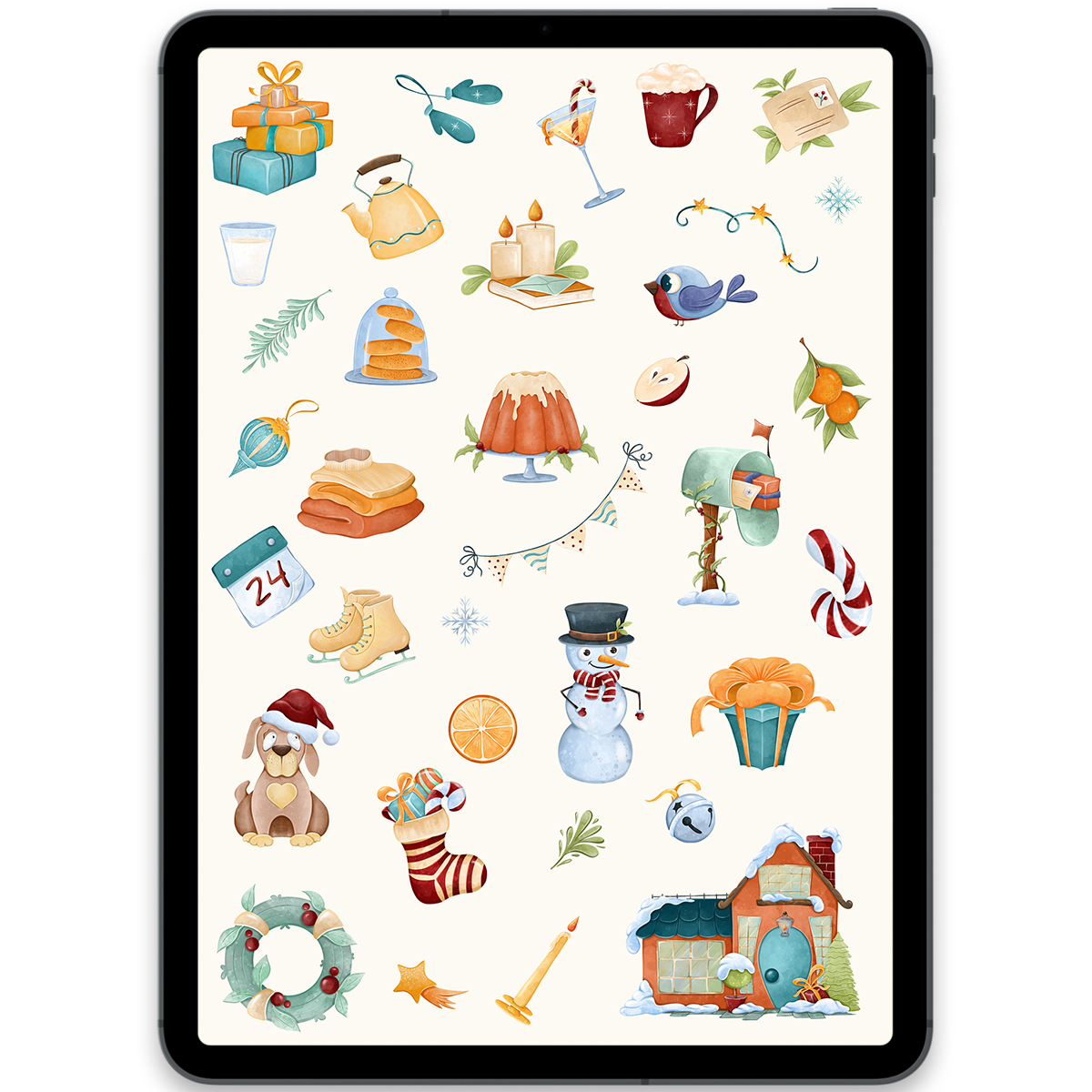
Christmas Stickers
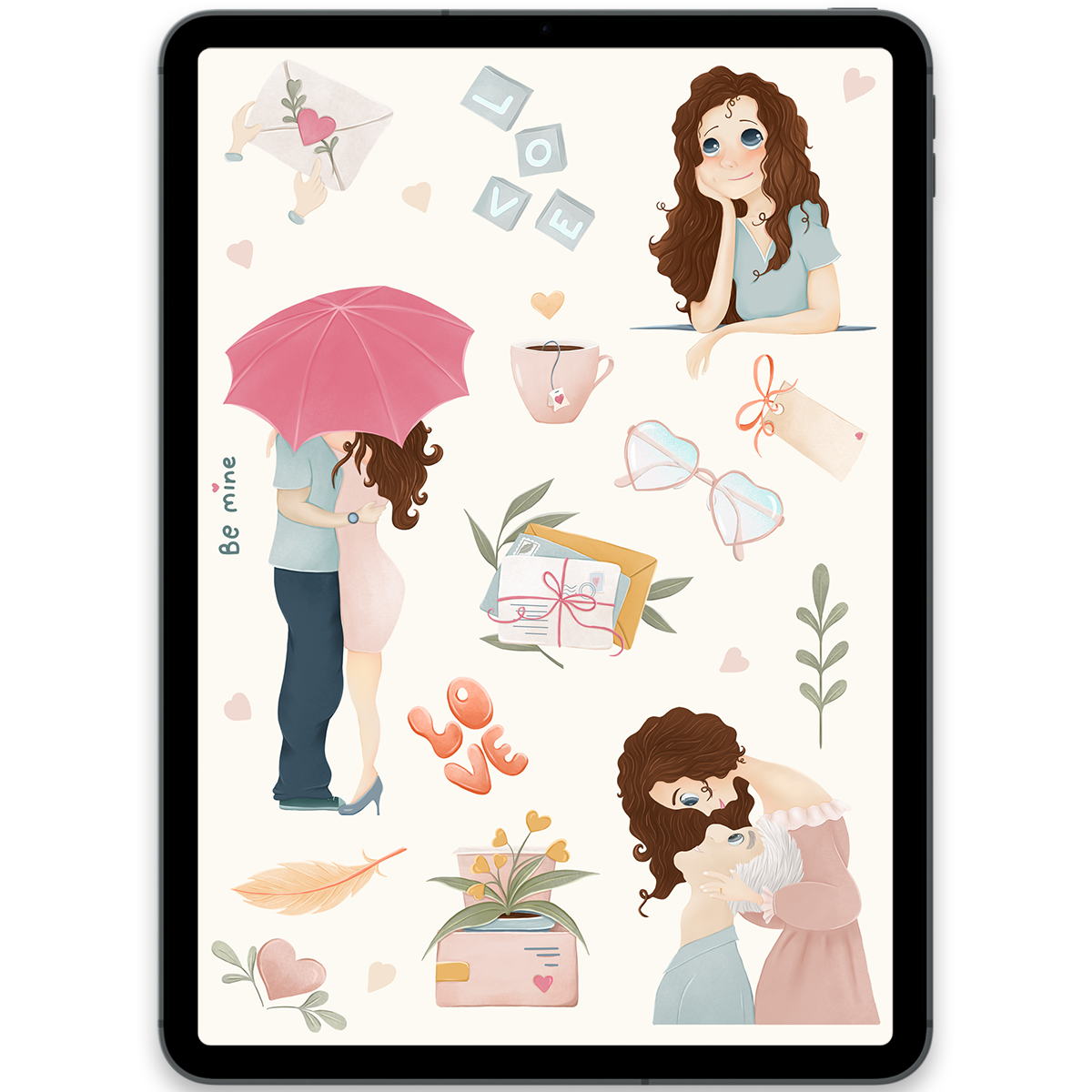
Love Stickers
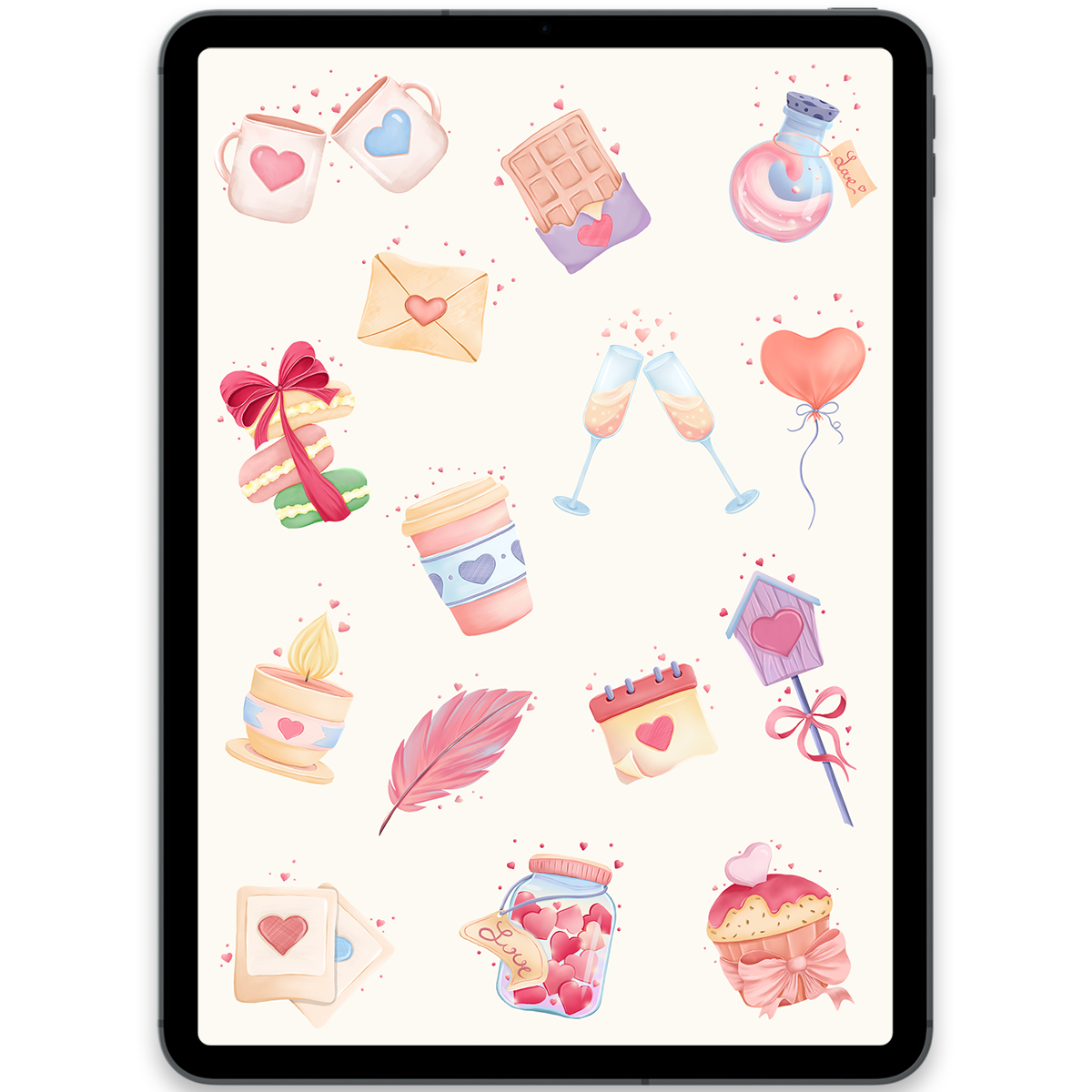
St. Valentine's Day Stickers
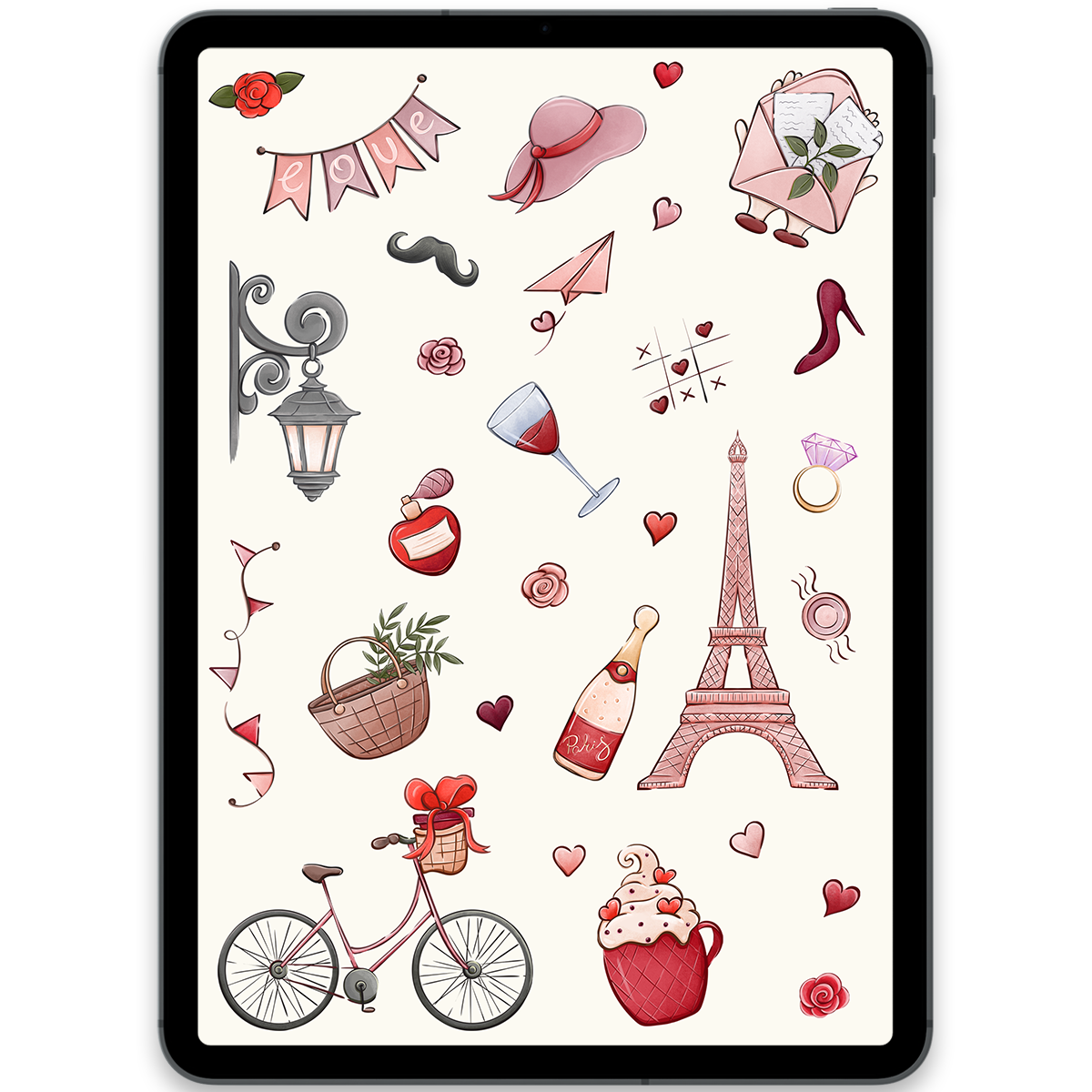
Happy St. Valentine's Day Stickers
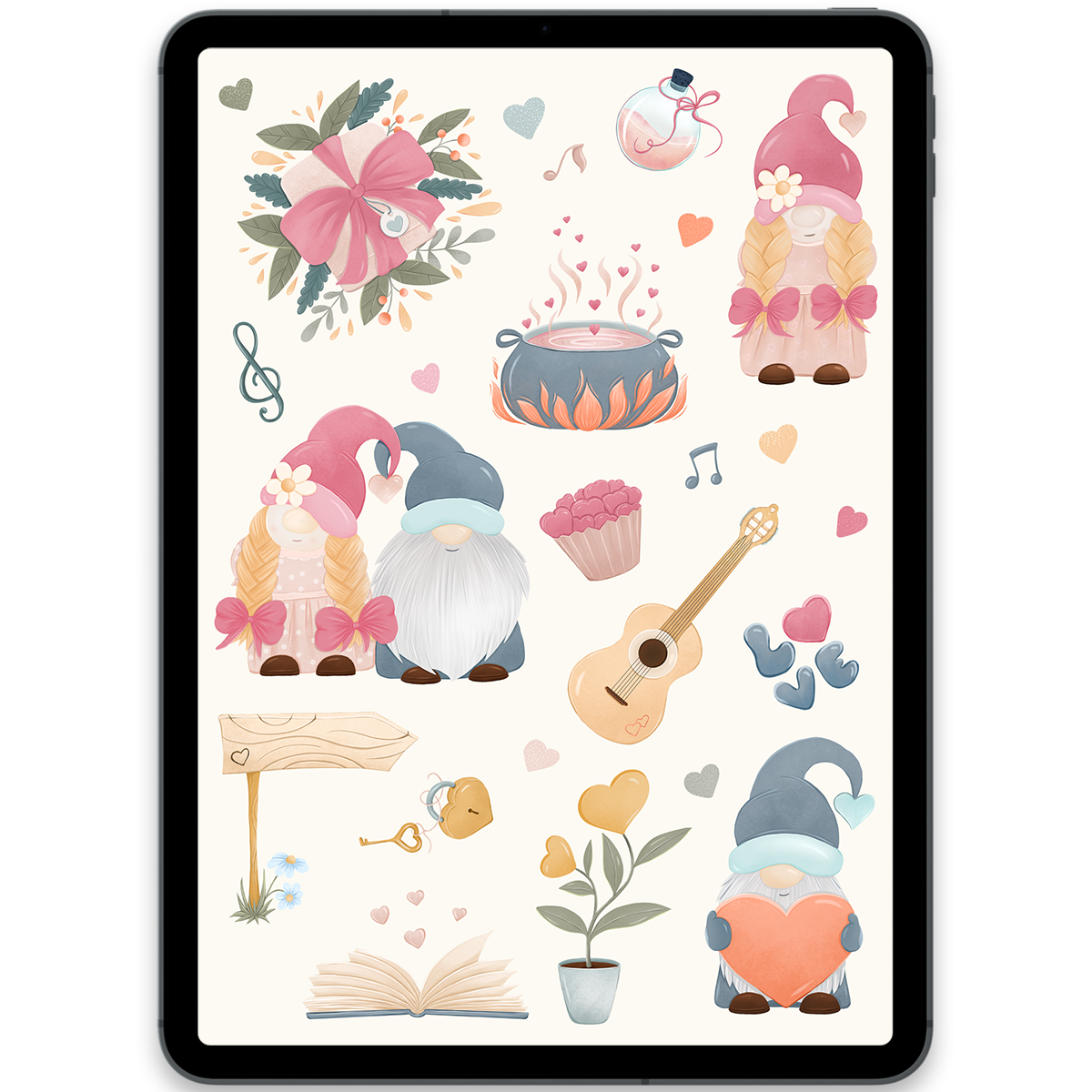
St. Valentine's Gnomes Stickers
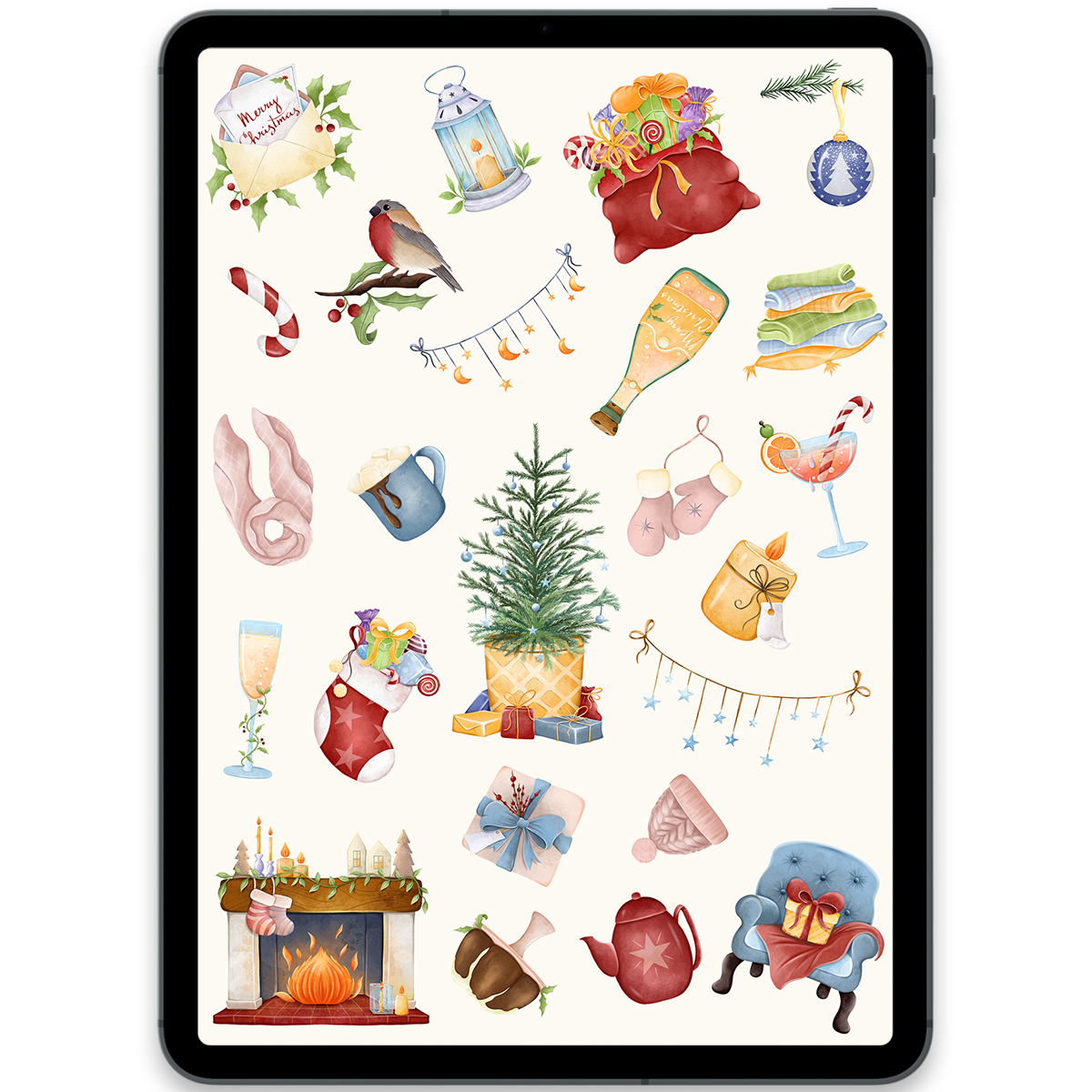
Cozy Christmas Stickers
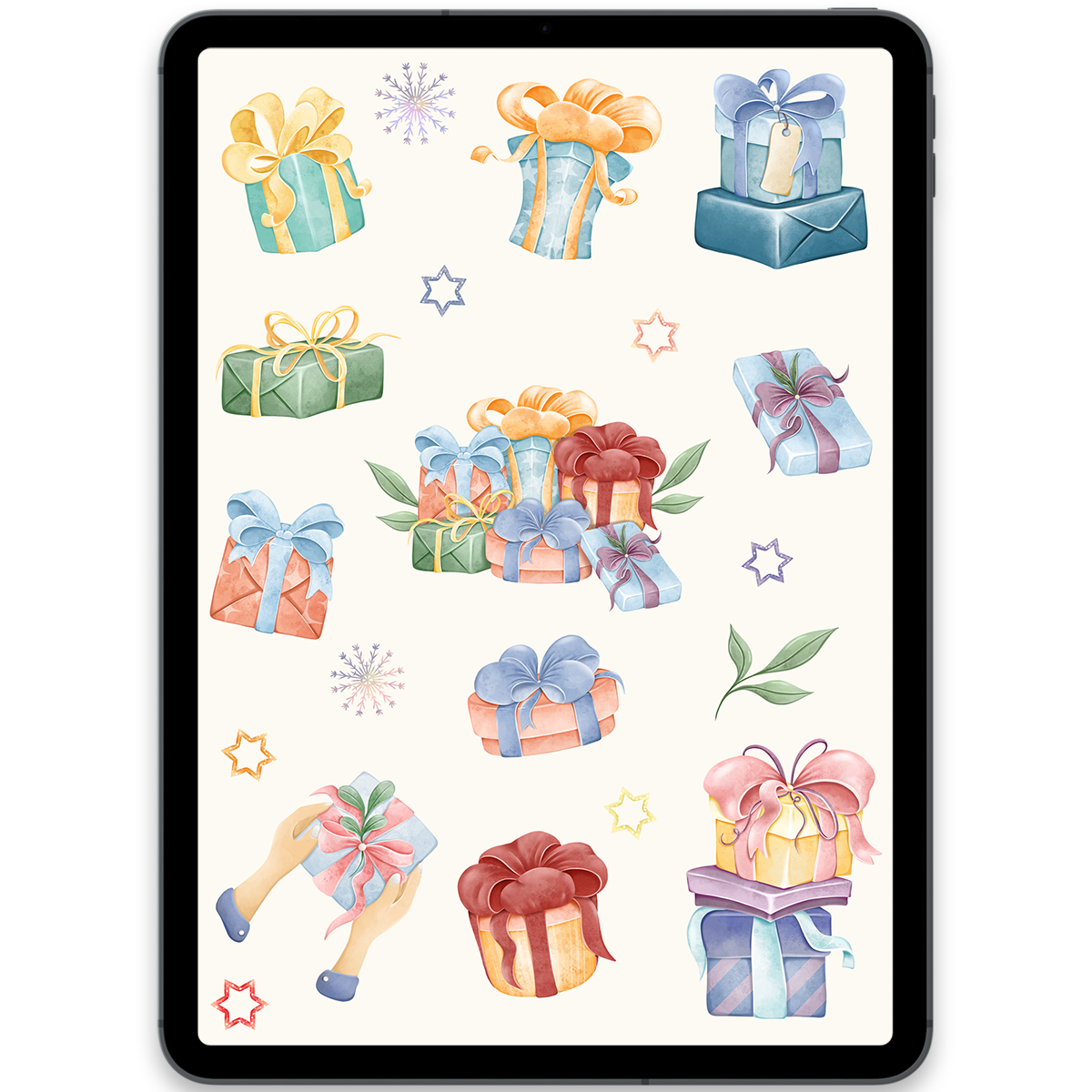
Christmas Gifts Stickers
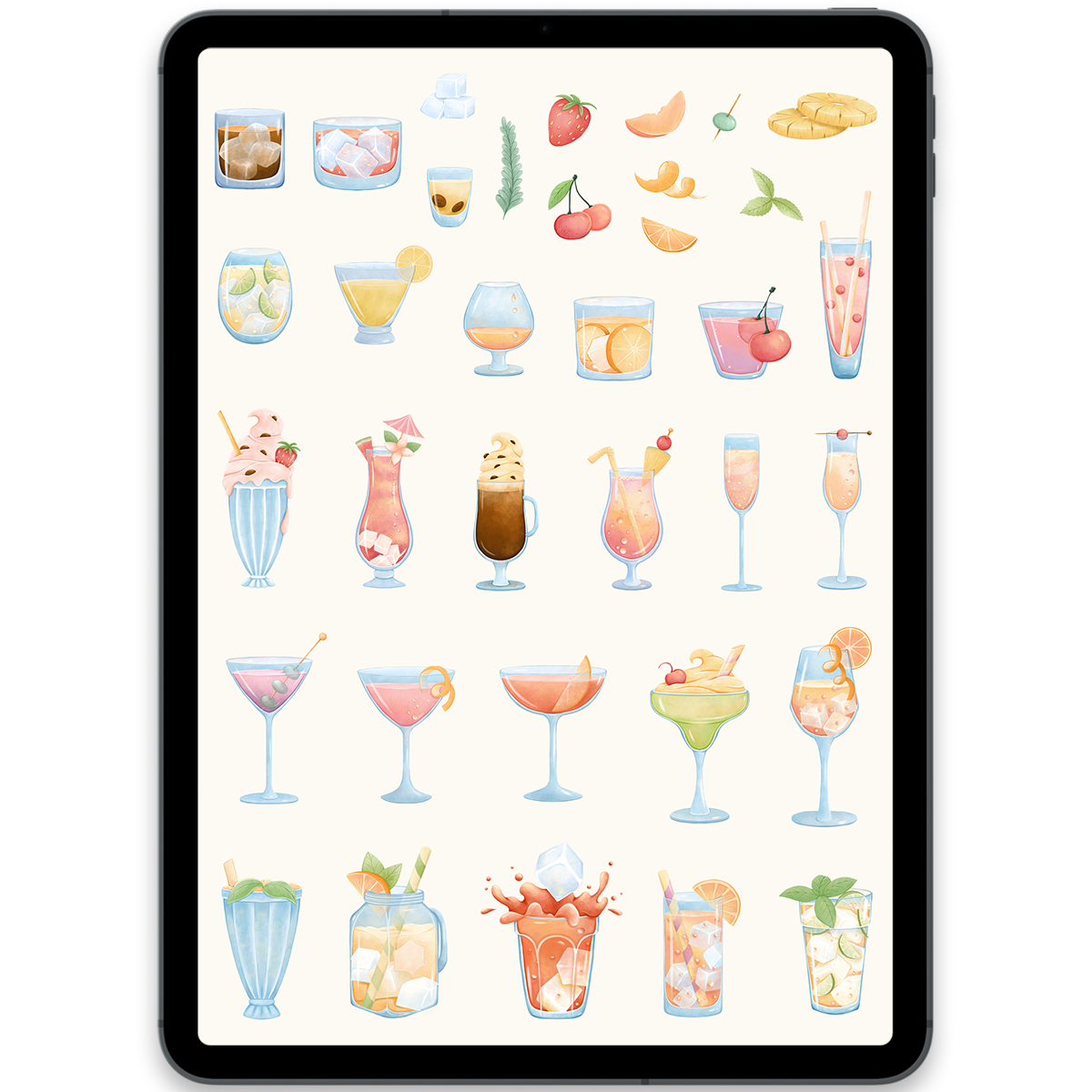
Cocktails Stickers
Simple to use
How to use digital stickers
Every pack is ready for popular digital planning and note-taking apps, so you can make any page feel more useful and personal in minutes.
- 1
Download your files
After checkout, download the included GoodNotes file or individual transparent PNG stickers.
- 2
Import into your app
Open the sticker book in GoodNotes, or add the PNG files to GoodNotes, Notability, Noteshelf, Xodo, or Samsung Notes.
- 3
Decorate your pages
Copy, paste, resize, and arrange stickers in your planner, journal, calendar, or digital notebook.
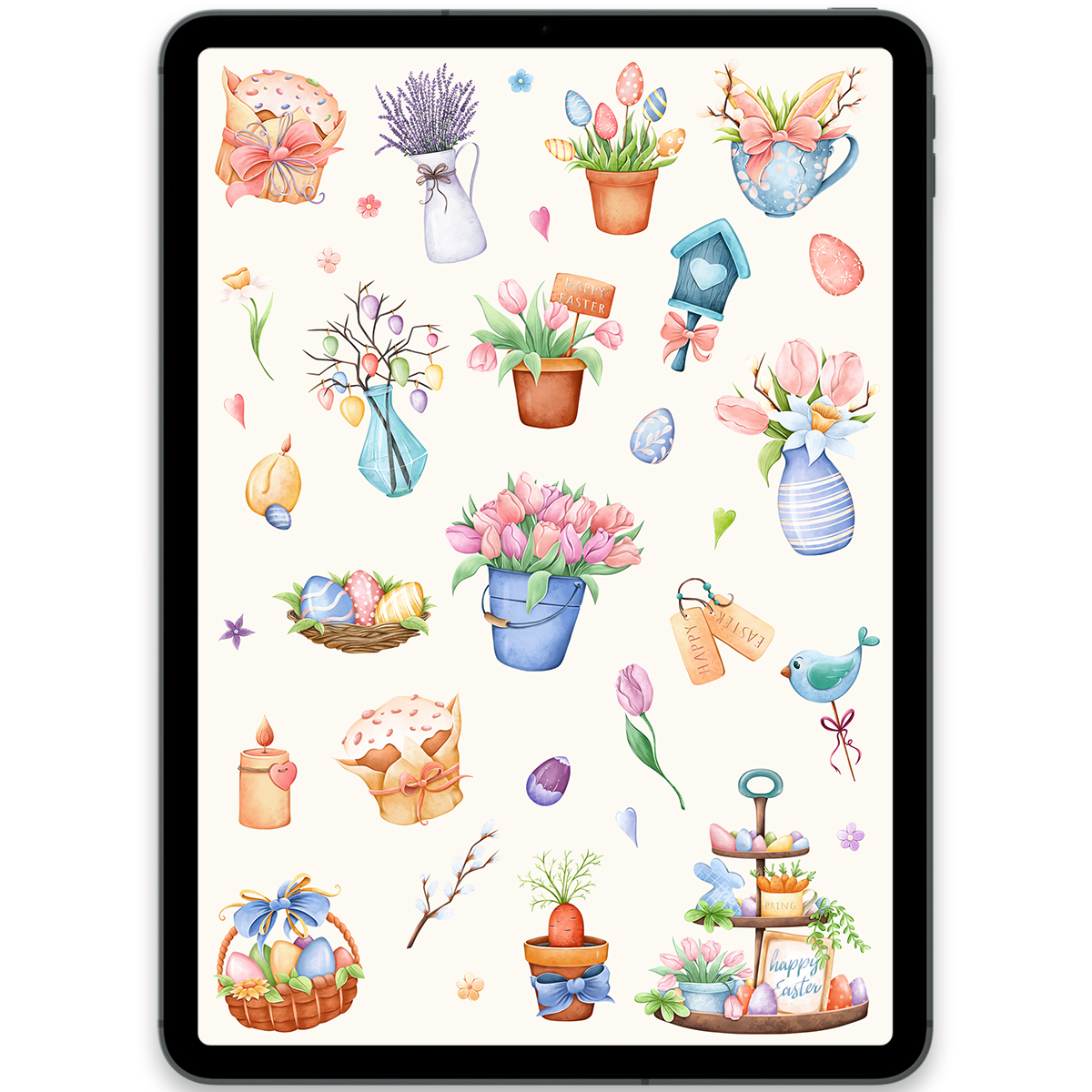
Easter Stickers
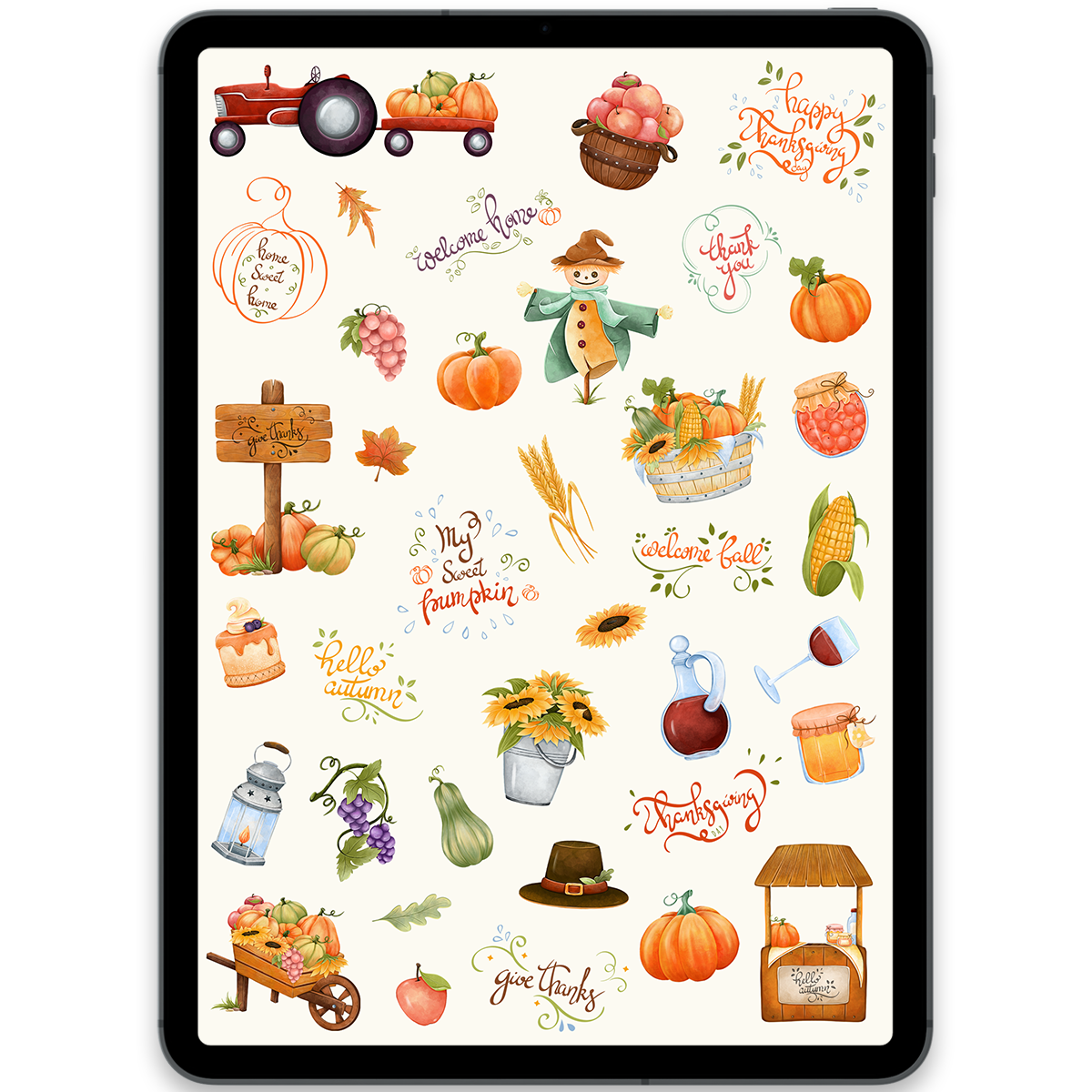
Harvest Stickers
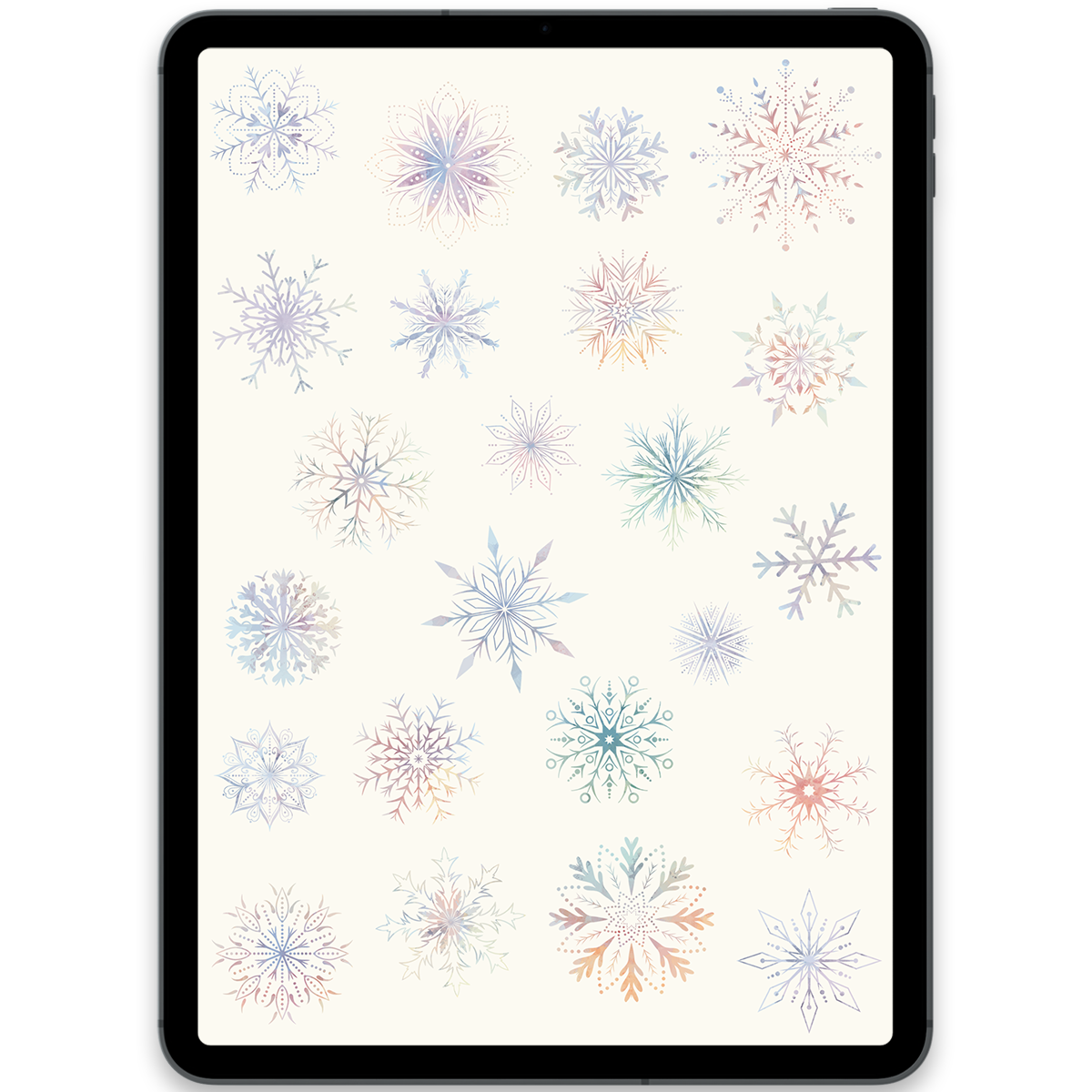
Snowflakes Stickers
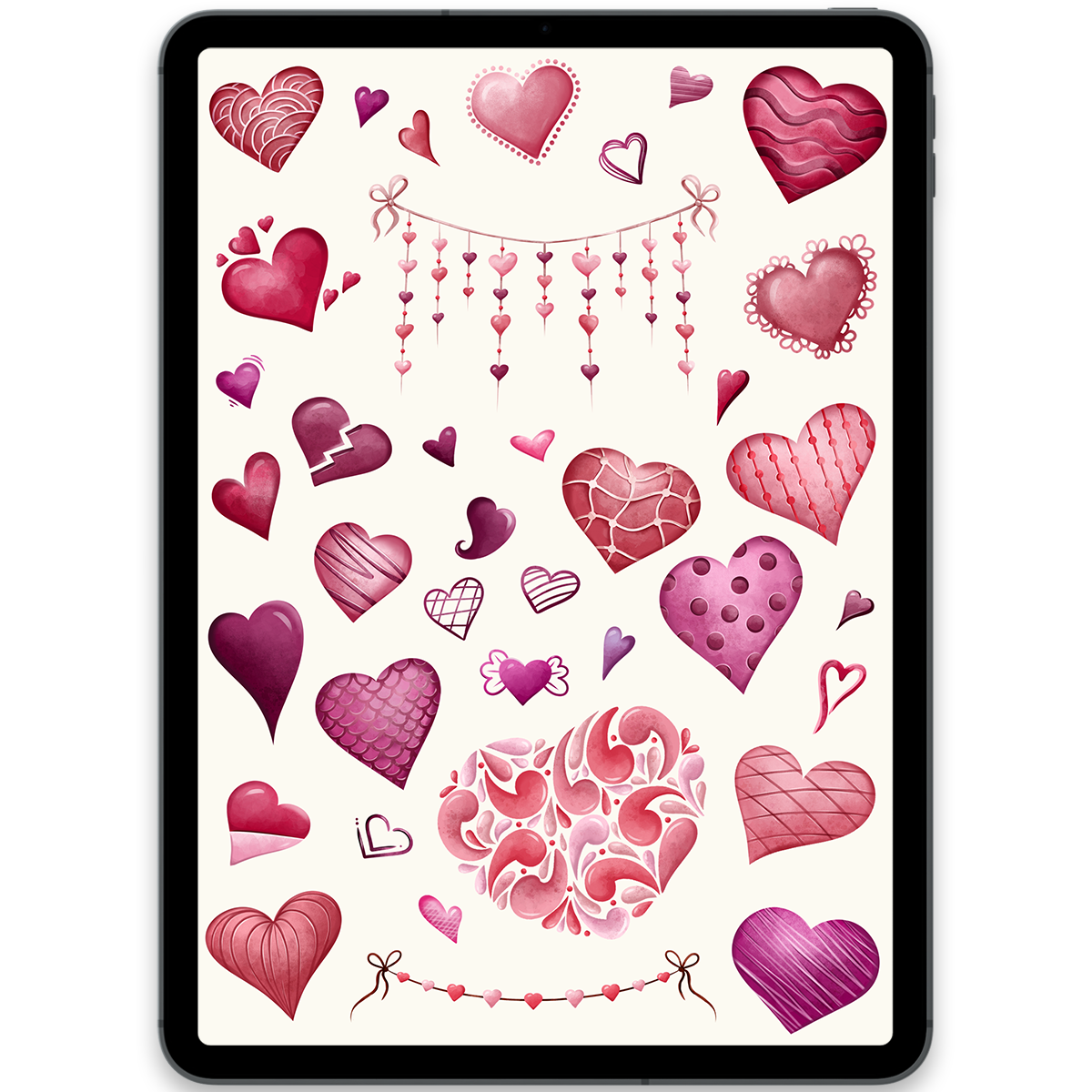
Hearts Stickers
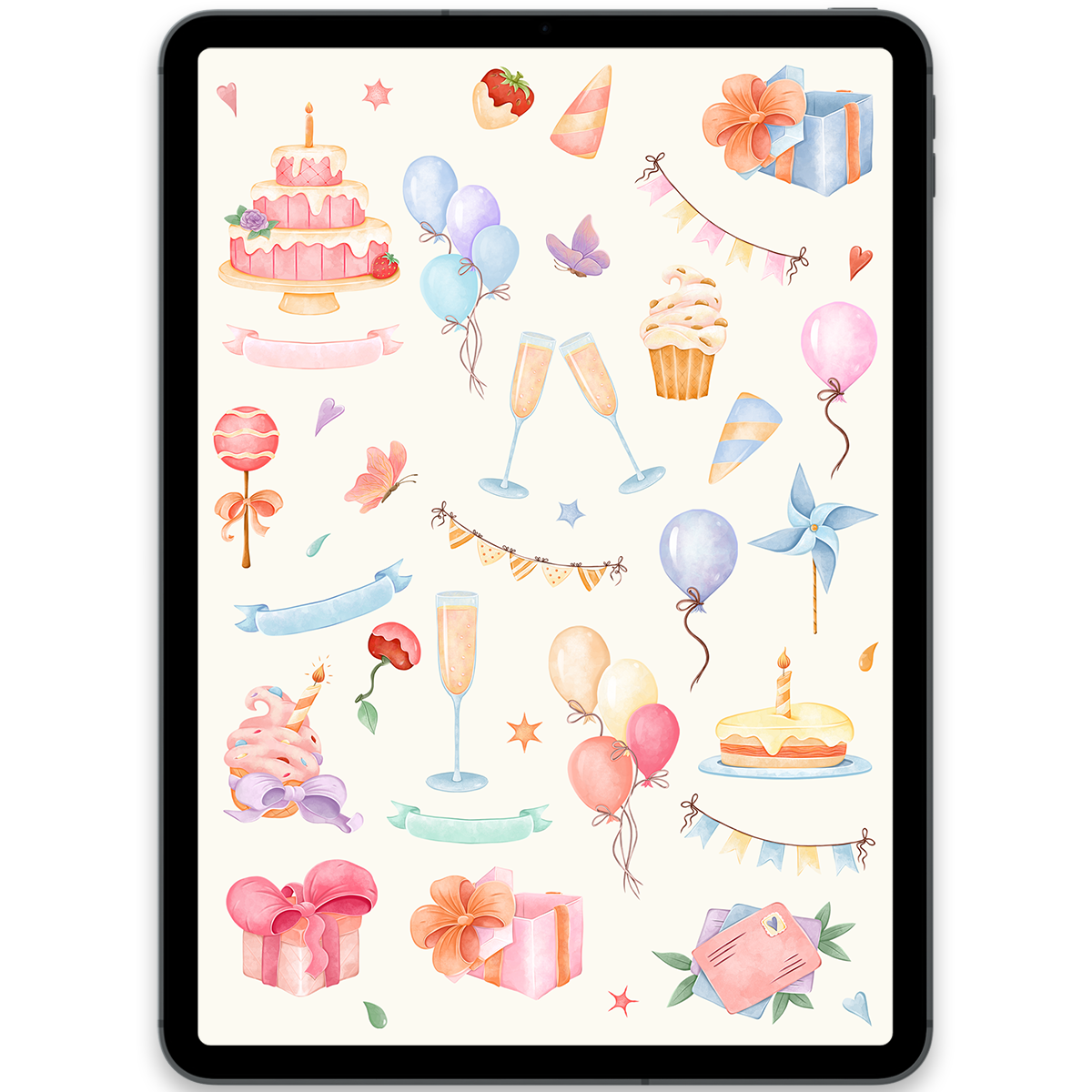
Birthday Party Stickers
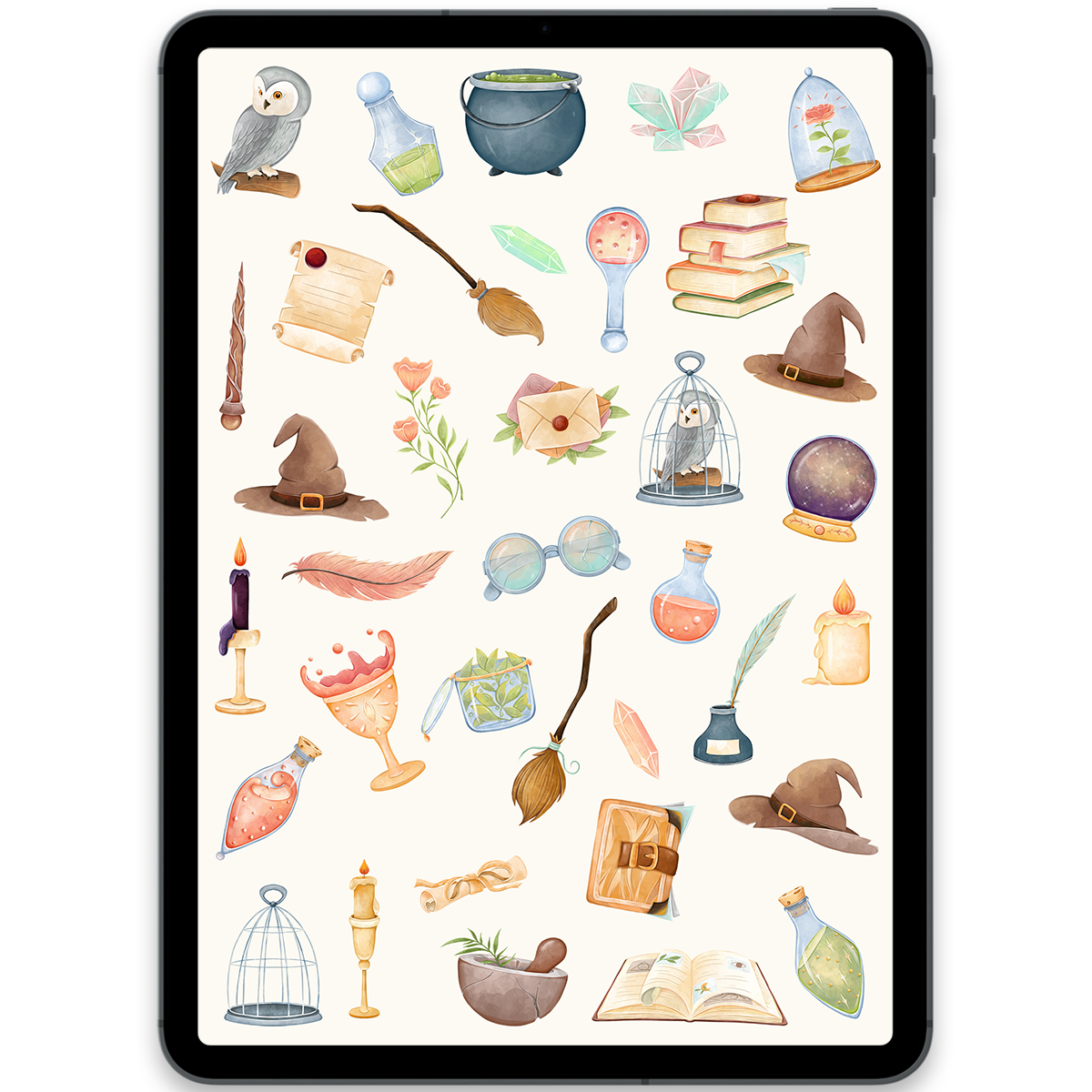
Magic School Stickers
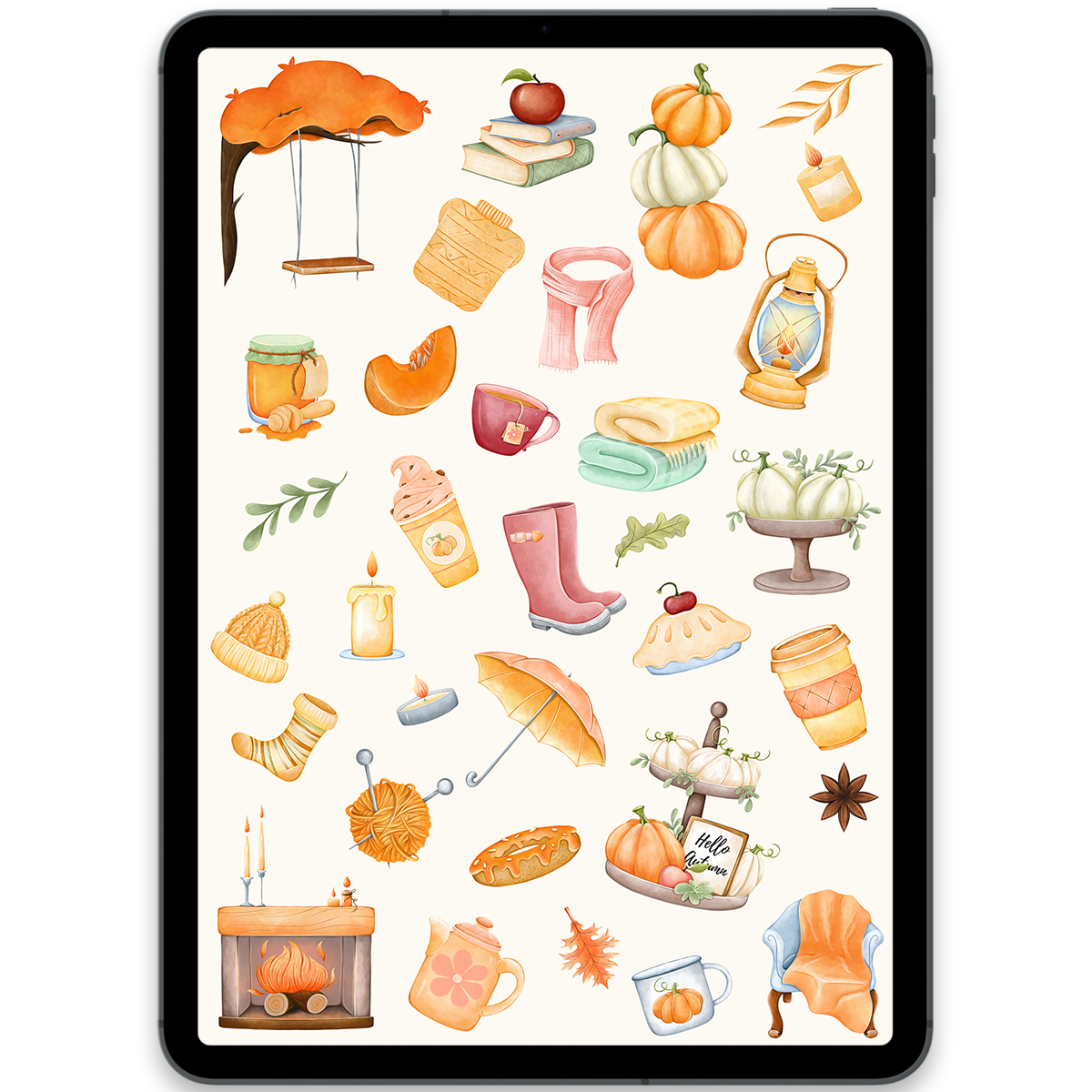
Cozy Autumn Stickers
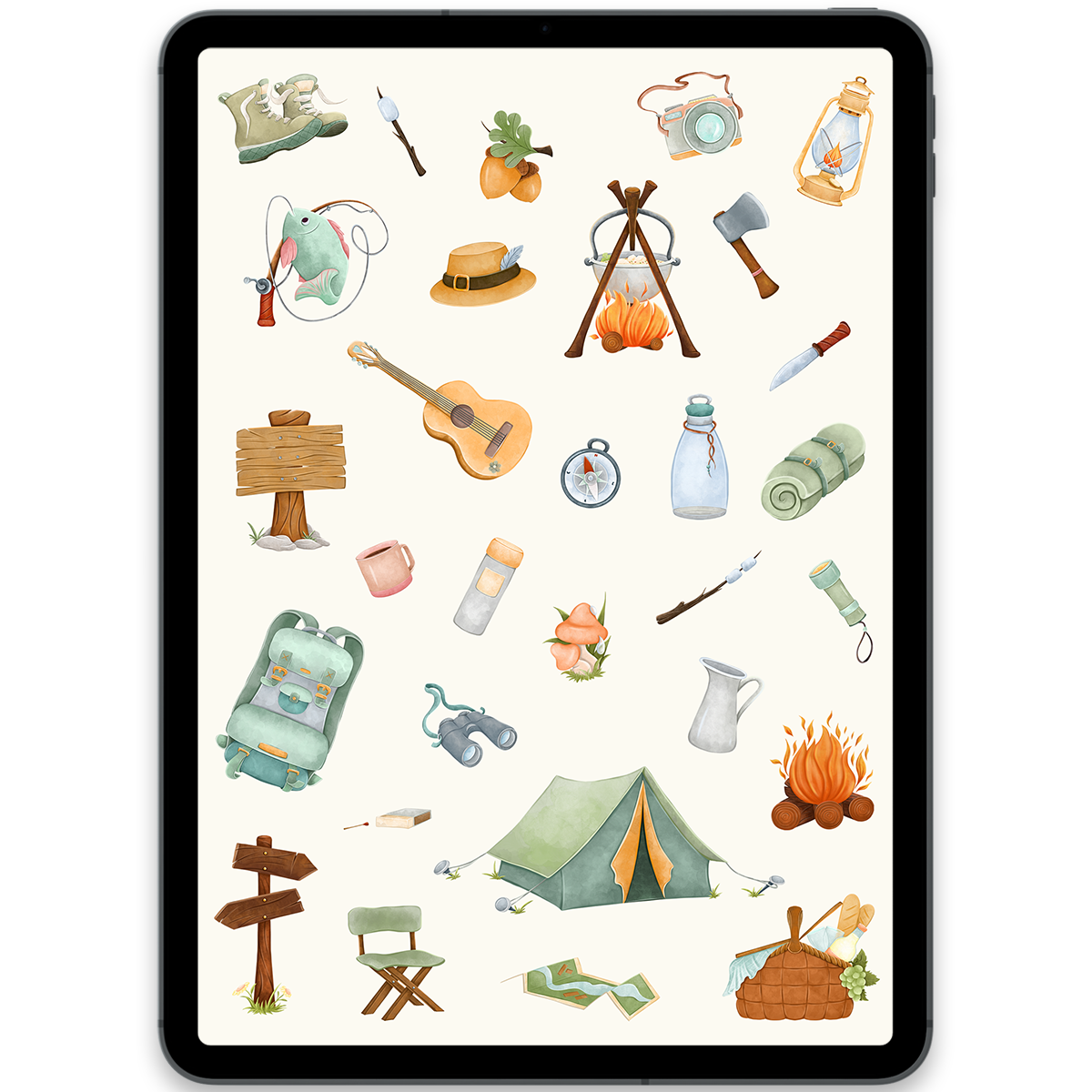
Camping Stickers
Build your planning system
Find a digital planner made for your goals and routine
Explore dated planners, journals, notebooks, and focused bundles, then personalize every page with the stickers you love.
Shop all digital planners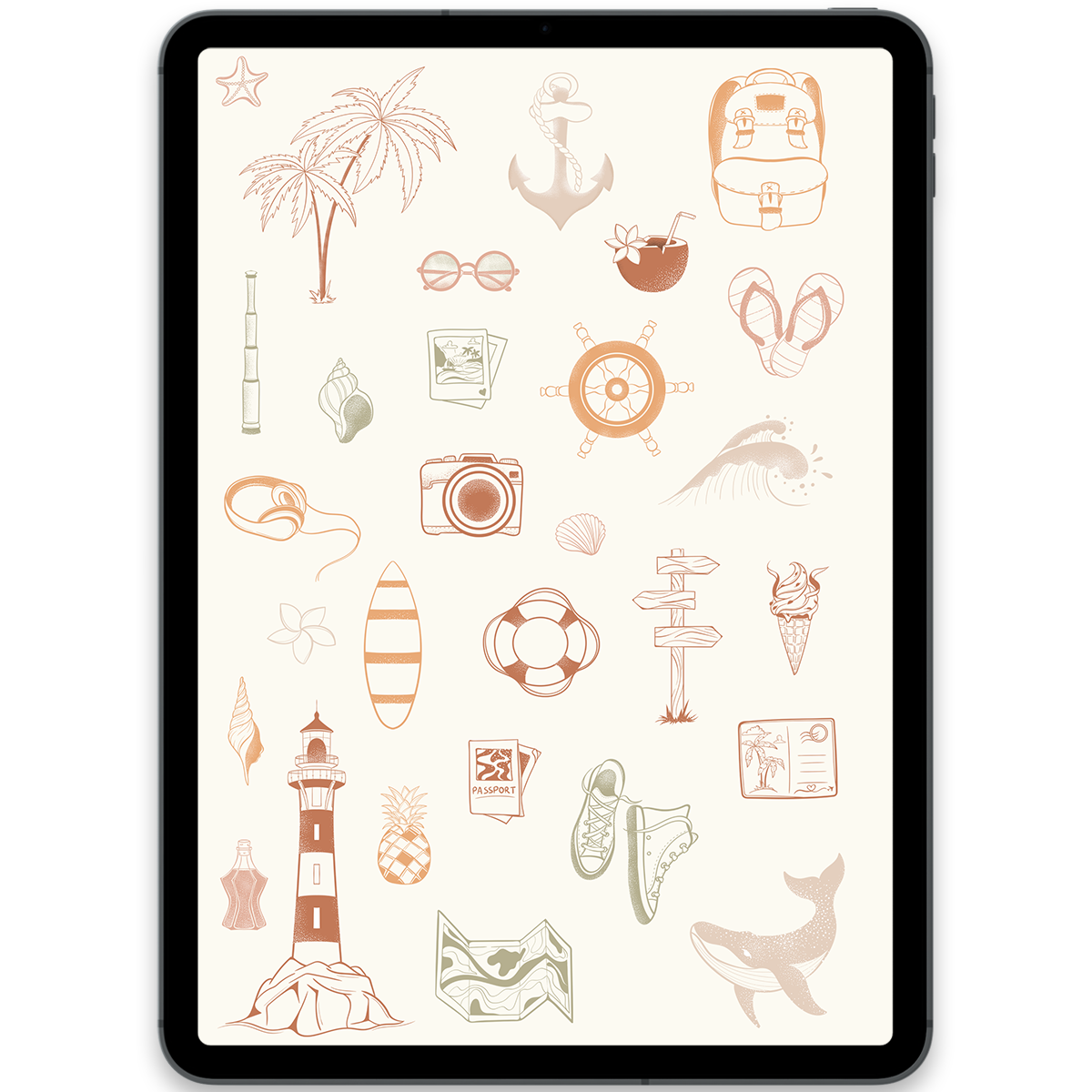
Boho Travel Stickers
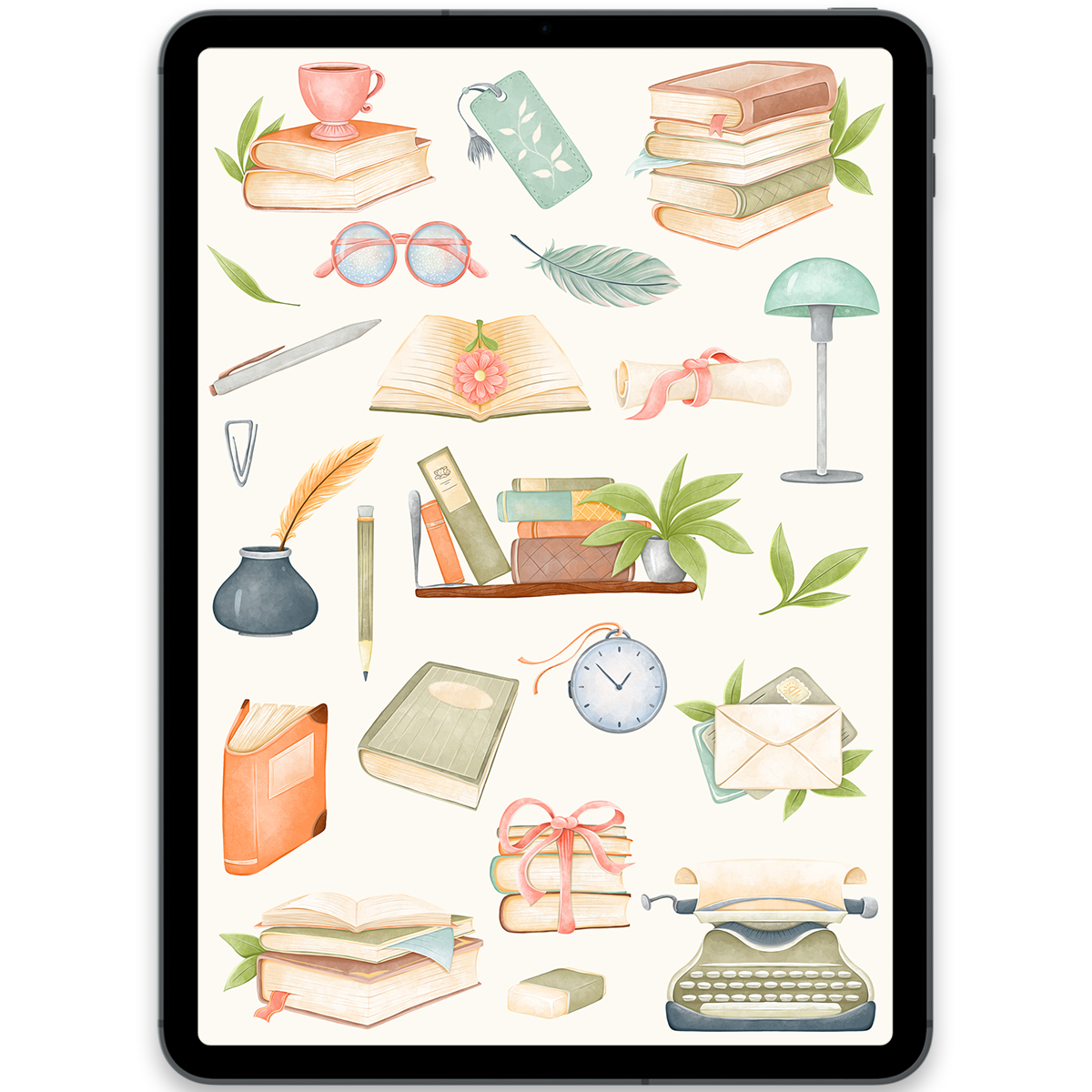
Books Stickers
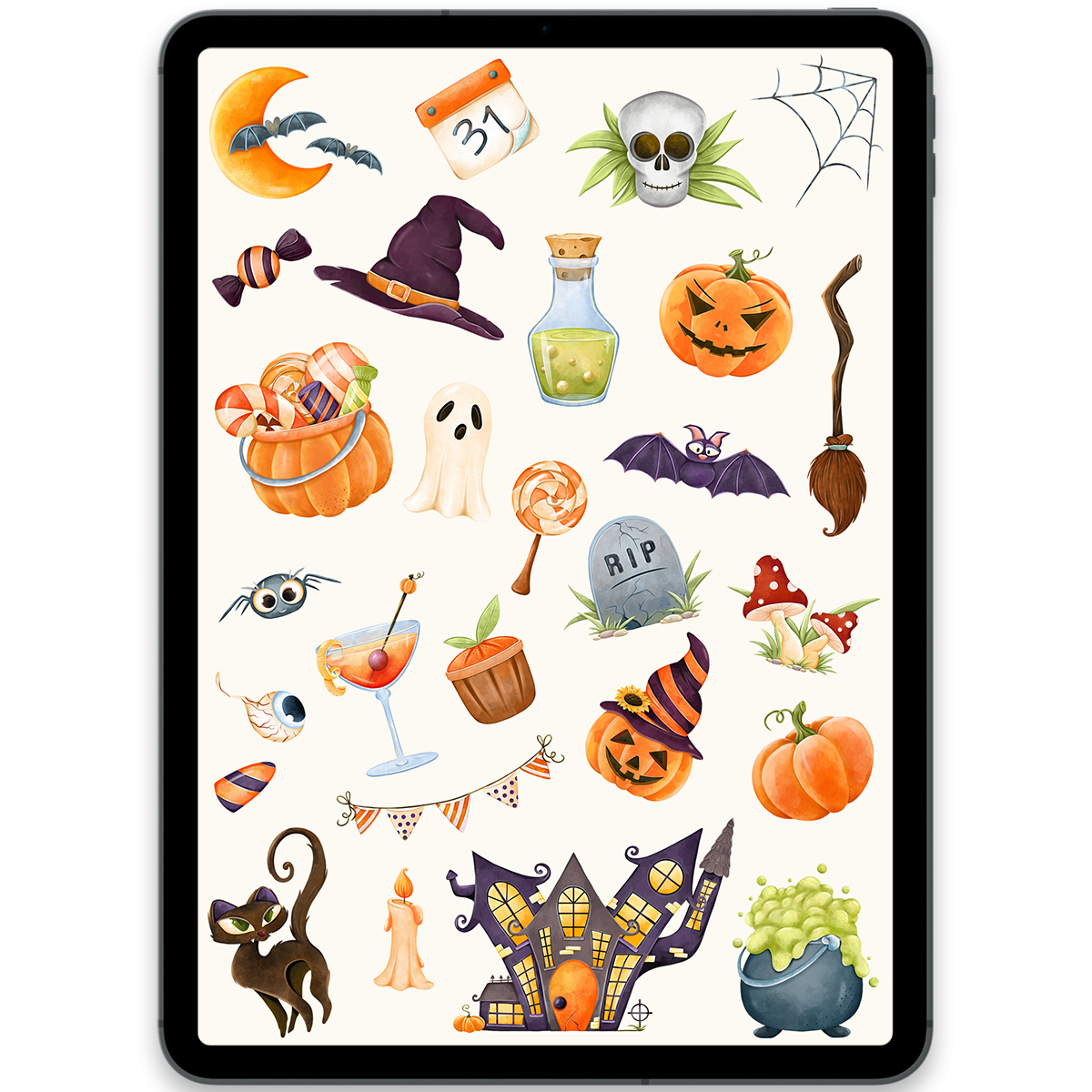
Halloween Stickers
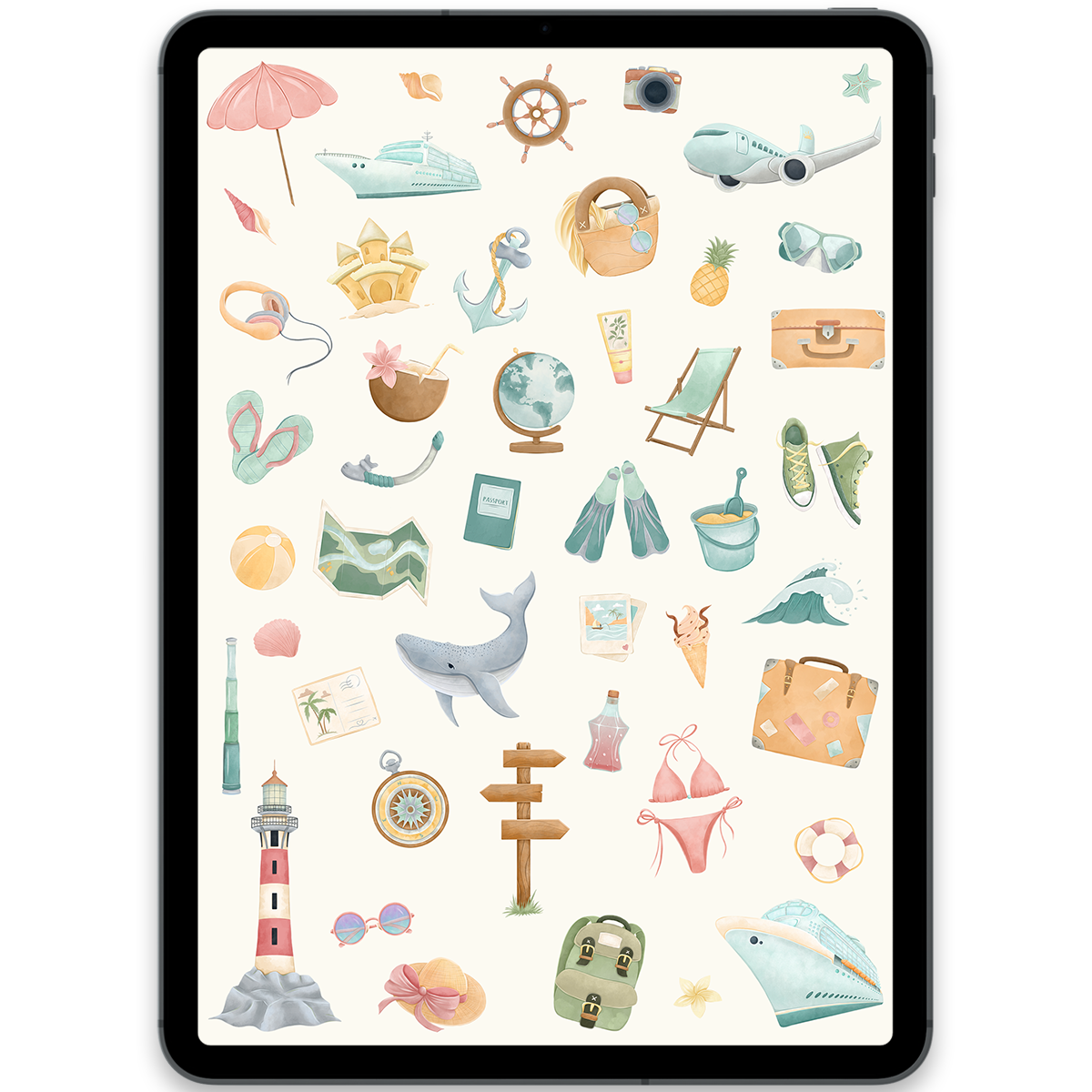
Summer Travel Stickers
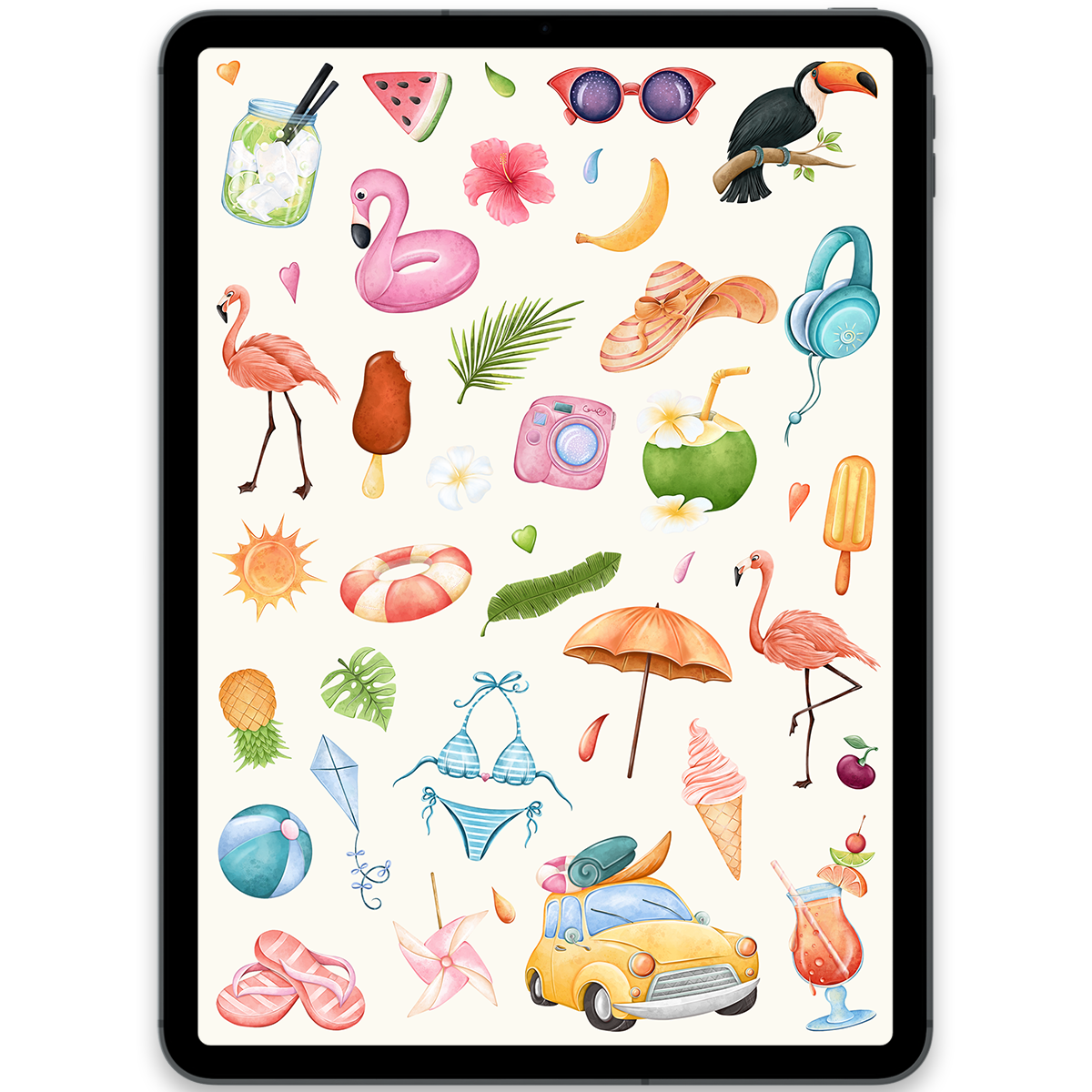
Pool Party Stickers
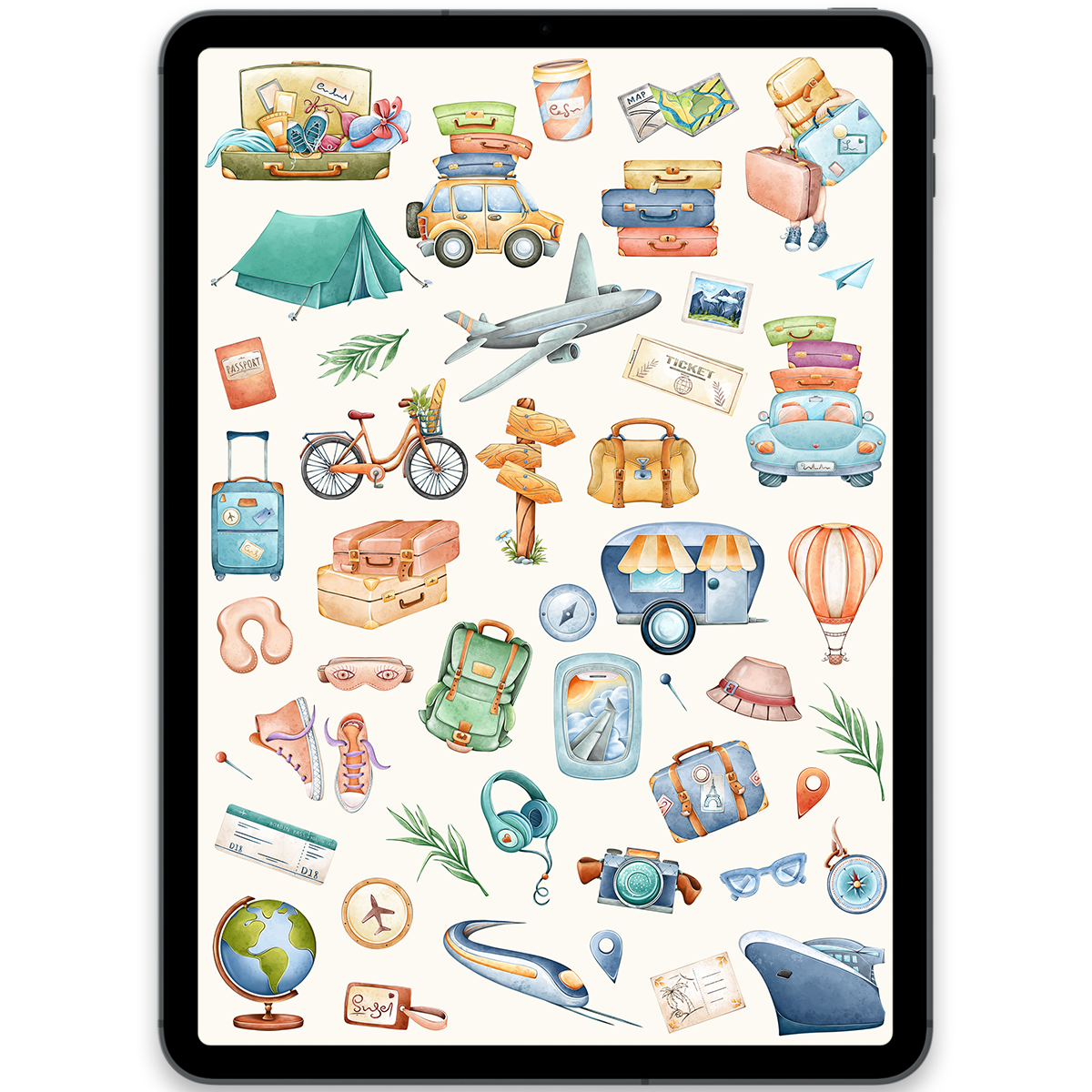
Travel Stickers
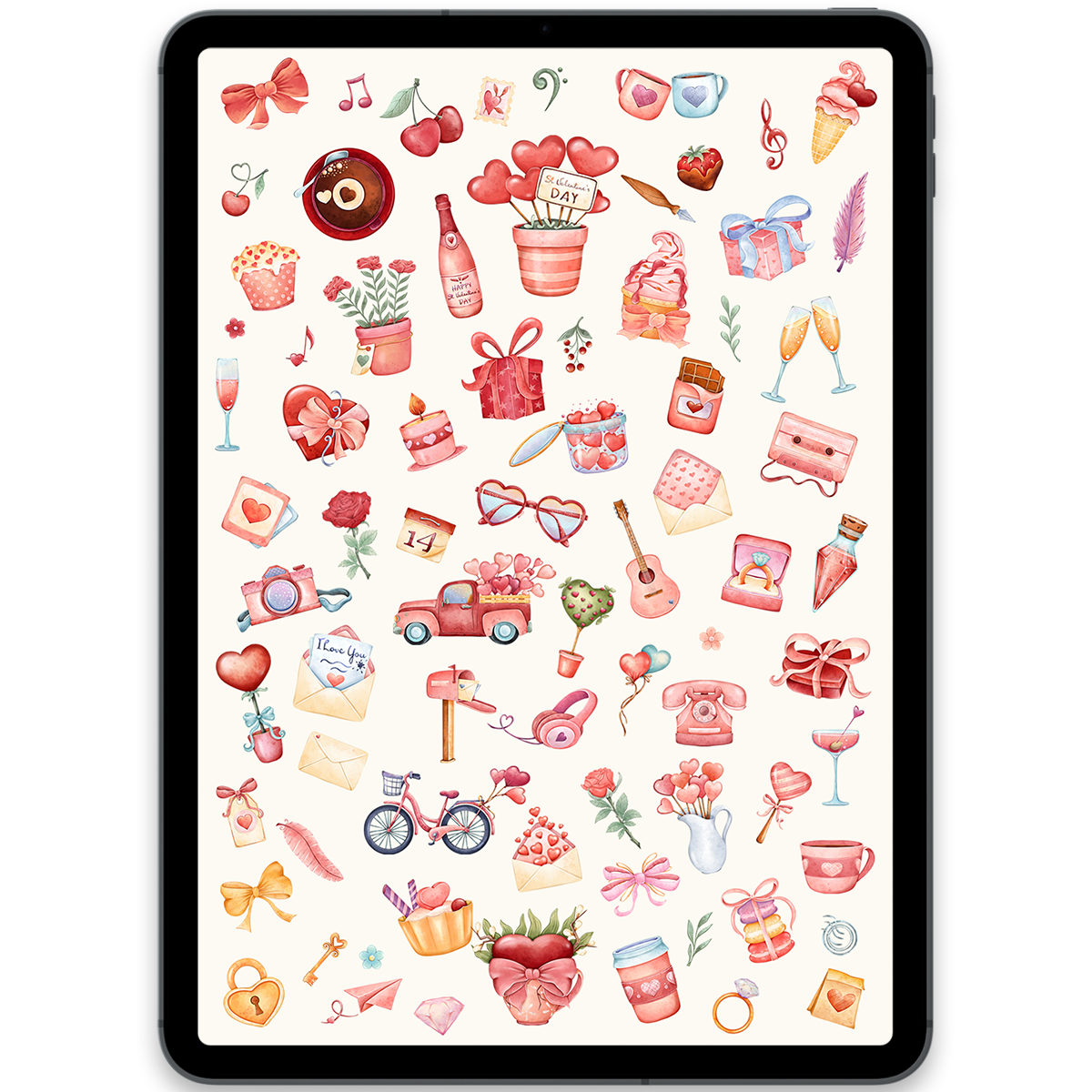
Bright Valentine's Day Stickers
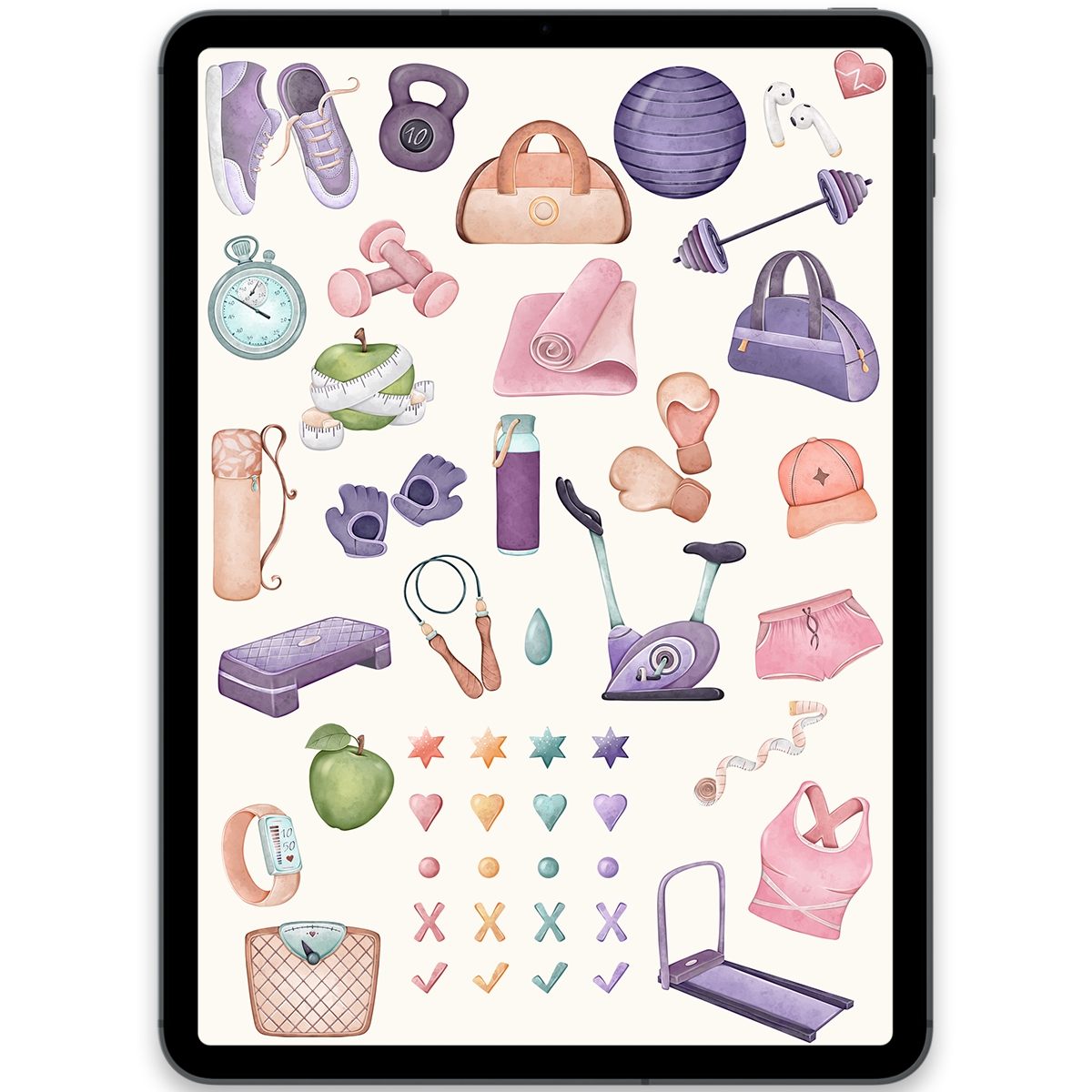
Fitness Stickers
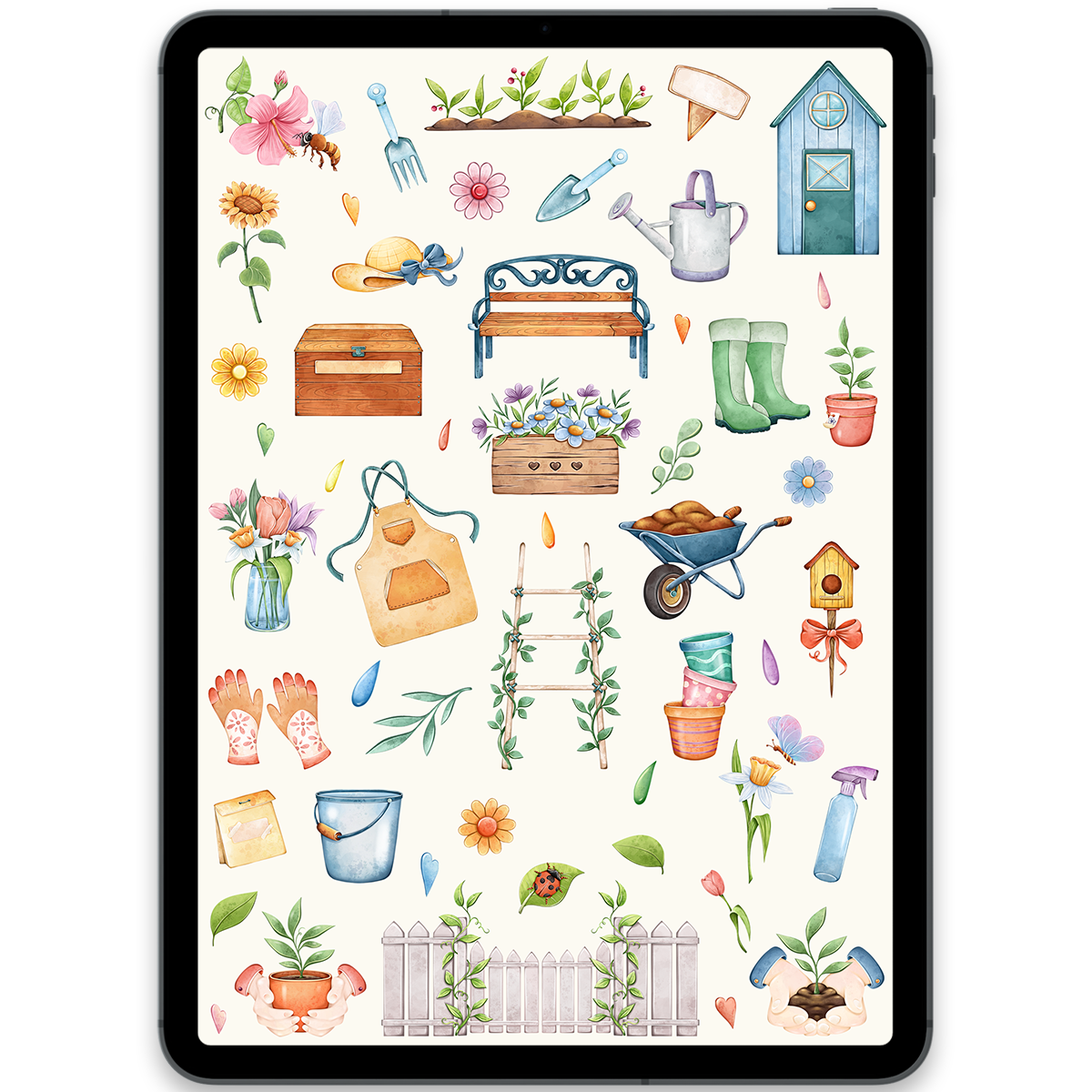
Gardening Stickers
St. Patrick's Day Stickers
Boho Fruits Stickers
Boho Flowers Stickers
Watercolor Flowers Stickers
Planner + stickers
Don't have a digital planner yet?
Start with the All in One Planner 2026. It brings your schedule, goals, habits, and notes together, and already includes a coordinated pack of 300+ digital stickers.
Explore the All in One PlannerSpring Flowers Stickers
Flower Market Stickers
Autumn Leaves Stickers
Butterflies Stickers
Simple to use
How to use digital stickers
Every pack is ready for popular digital planning and note-taking apps, so you can make any page feel more useful and personal in minutes.
- 1
Download your files
After checkout, download the included GoodNotes file or individual transparent PNG stickers.
- 2
Import into your app
Open the sticker book in GoodNotes, or add the PNG files to GoodNotes, Notability, Noteshelf, Xodo, or Samsung Notes.
- 3
Decorate your pages
Copy, paste, resize, and arrange stickers in your planner, journal, calendar, or digital notebook.
Christmas Stickers
Love Stickers
St. Valentine's Day Stickers
Happy St. Valentine's Day Stickers
Build your planning system
Find a digital planner made for your goals and routine
Explore dated planners, journals, notebooks, and focused bundles, then personalize every page with the stickers you love.
Shop all digital plannersSt. Valentine's Gnomes Stickers
Cozy Christmas Stickers
Christmas Gifts Stickers
Cocktails Stickers
Easter Stickers
Harvest Stickers
Snowflakes Stickers
Hearts Stickers
Birthday Party Stickers
Magic School Stickers
Cozy Autumn Stickers
Camping Stickers
Boho Travel Stickers
Books Stickers
Halloween Stickers
Summer Travel Stickers
Pool Party Stickers
Travel Stickers
Bright Valentine's Day Stickers
Fitness Stickers
Gardening Stickers
Sticker FAQ
Everything you need to know about digital stickers
What are digital planner stickers?
Digital stickers are image files that you can add to a digital planner, journal, calendar, or notebook. Use them to decorate pages, mark important dates, highlight habits, and make your planning system feel personal.
Which apps can I use with these stickers?
Our stickers work with GoodNotes, Notability, Noteshelf, Xodo, Samsung Notes, and other apps that support PNG images. Each pack also includes a pre-cropped GoodNotes file for quick importing.
Do I need GoodNotes?
No. They work with many PDF annotation apps, including Notability, Noteshelf, Penly, Freenotes, Xodo, Samsung Notes, Microsoft OneNote, CollaNote, StarNote, Notewise, Kilonotes, Flexcil, Nebo, Noteful, Zinnia, ZoomNotes, Drawboard PDF, Adobe Acrobat, PDF Expert, Foxit PDF Editor, Foxit PDF Reader, GoodReader, LiquidText, MarginNote, Apple Preview, Apple Markup, Apple Files, UPDF, Wondershare PDFelement, PDF Reader Pro, PDFgear, PDF Studio, PDF-XChange Editor, Bluebeam Revu, Nitro PDF Pro, PDF Annotator, Kami, Lumin PDF, Smallpdf, Sejda PDF, PDFescape, PDF Max, Squid, Touchnotes, Jnotes, Element Note, Notes Writer, BookNote, ONYX BOOX Notes, ONYX BOOX NeoReader, reMarkable, Xournal++, Okular, Skim, Master PDF Editor, WPS Office PDF, Polaris Office PDF, Adobe Fill & Sign, Readdle Documents, Afirstsoft PDF, PDF Viewer, PDF Extra, iAnnotate, Highlights, LiquidText, Concepts, Penbook, Evernote, Zoho Notebook, Agenda, Bear, Miro, Microsoft Whiteboard, Freeform, Journal, Journalistic, Notes Plus, INKredible, MyScript Nebo, LectureNotes, Bamboo Paper, MetaMoJi Note, MetaMoJi Note Lite, S Note, NoteLedge, WeNote, FiiNote, Write, Saber, Rnote, Joplin, Obsidian, Notesnook.
What files are included?
Each sticker pack includes a GoodNotes file with pre-cropped stickers and a ZIP folder of individual high-resolution PNG files with transparent backgrounds.
Do I need a digital planner to use them?
No, but they work beautifully with digital planners, journals and notebooks.
Can I resize and reuse the stickers?
Yes. You can resize, rotate, copy, and reuse the stickers throughout your personal digital planners and notebooks.
Can I print the digital stickers?
These stickers are designed primarily for digital use in apps like GoodNotes, Notability, Noteshelf, Xodo, Penly, Samsung Notes, etc.
They are not provided as print-ready sticker files. However, you can still print them at home or through a local print shop, then cut them with scissors or a Cricut/Silhouette machine.
Because the stickers are high-quality PNG files, they should look beautiful when printed, but please note that we don’t include special print setup files such as cut lines, bleed, or print sheets prepared for physical sticker making.
Will I receive physical stickers?
No. These are digital products, so nothing is shipped. Your download is available after purchase and you can begin using it right away.
Can I share or resell the sticker files?
No. Your purchase is licensed for personal use only. The original files may not be shared, redistributed, or resold.