Midyear Digital Journal for Ideas, Plans, and Reset
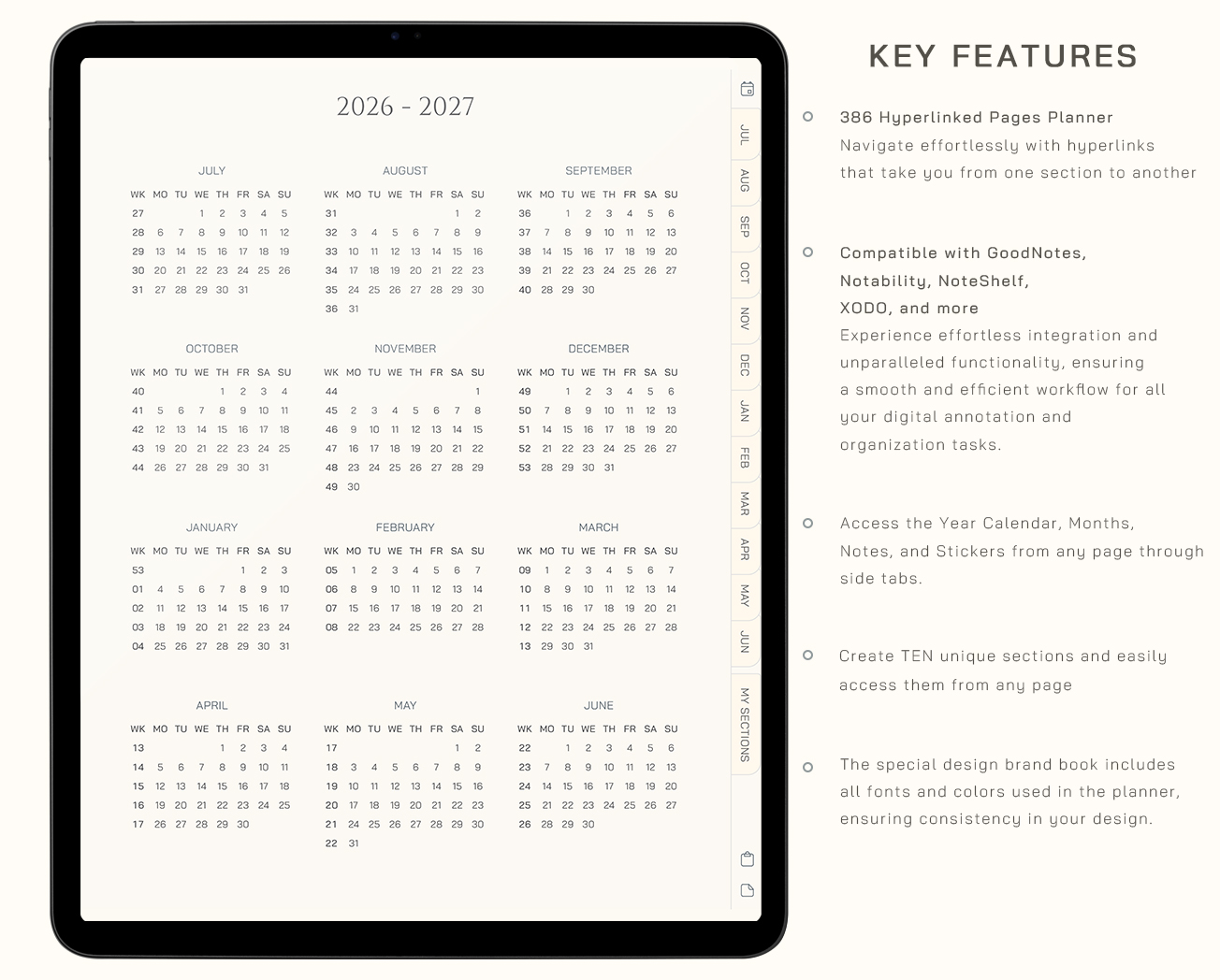
Halfway through the year is your moment to pause, clear your mind, and begin again. Capture your ideas, organize your plans, and create a space that helps you move forward with clarity and calm.
Midyear Digital Journal for Ideas, Plans, and Reset
Colors included
Compatible with
Works on iPad & Android tablets
Use with a stylus for the best experience
Just getting started?
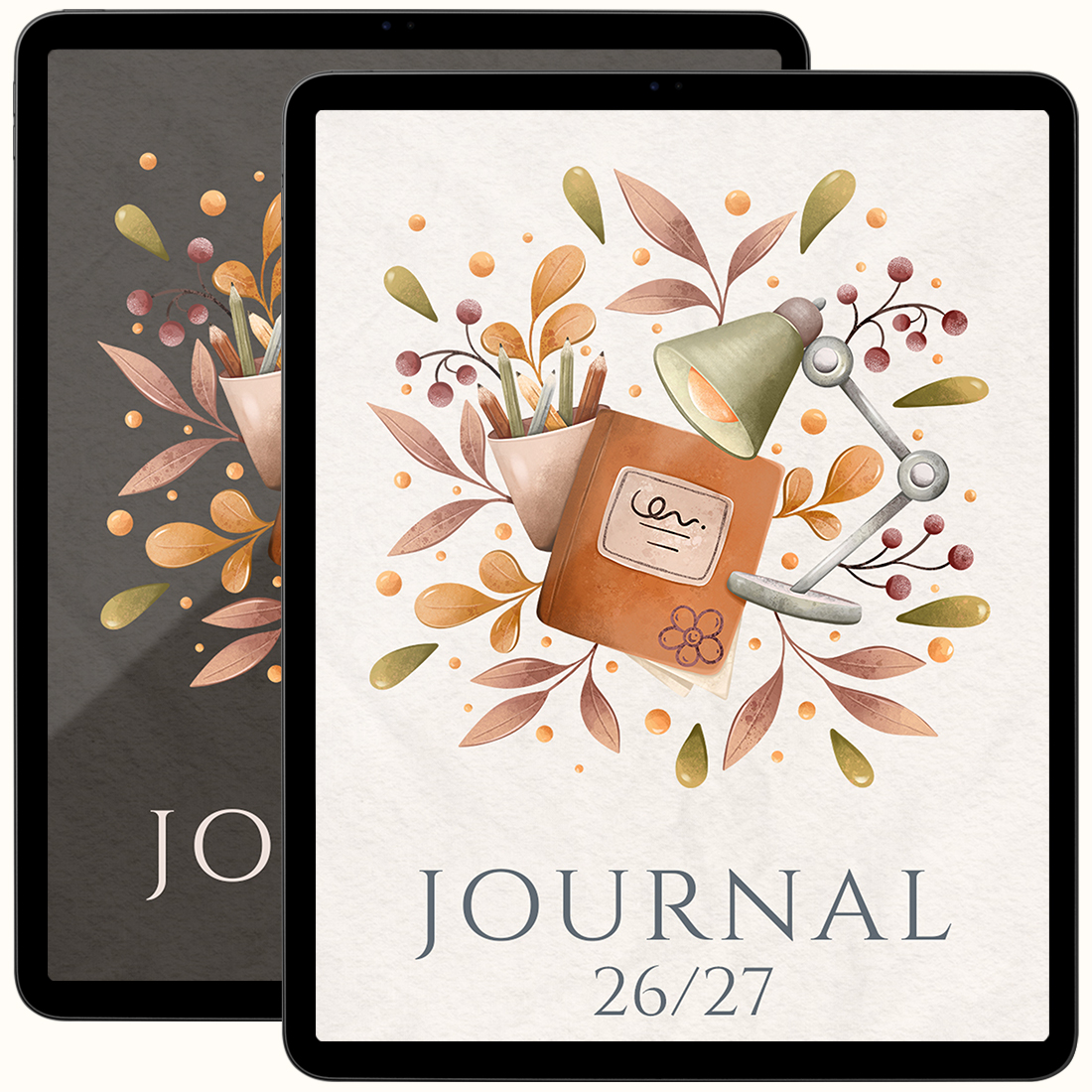
Midyear Journal 26/27
Perfect if you’re looking for a simple daily diary, a calm space to capture your thoughts, reflect, and unwind.
- Just the Journal
Your price
$7.5$10Best value
Midyear Planning System
The planner helps you organize your year. The journal gives you space to reflect and stay connected to your goals. The stickers make the whole setup feel personal from the first page.
- Midyear Journal 26/27
- Midyear Planner 26/27
- 490+ School Sticker Pack
Learn moreYour price
$22.5$45
Tap. Write. Repeat.
Get a real-time feel for the smooth, tap-to-navigate experience
- A fresh start without starting overPick up right where you are and move forward with clarity, not pressure
- One space for your second halfKeep your thoughts, ideas, and plans together in a rhythm that feels natural
- A space that keeps up with your thoughtsWrite freely, without overthinking structure
- Made to move with your lifeFlexible pages that adapt to your flow, not force you
Why choose it
Designed to keep your days light, focused, and fully yours
Start today
Instant Download
No shipping, no waiting. Start right after checkout.
One purchase
Lifetime Access
Your files are yours to keep and use anytime.
- Risk free
Shop confidently
14-Day Money-Back Guarantee
Try planner risk-free. If it’s not the right fit, contact us within 14 days of purchase for a refund.
Secure checkout, instant access, and friendly support if you need help getting started.
Made for Everyday Clarity
Simple, flexible pages to help you plan and think with ease
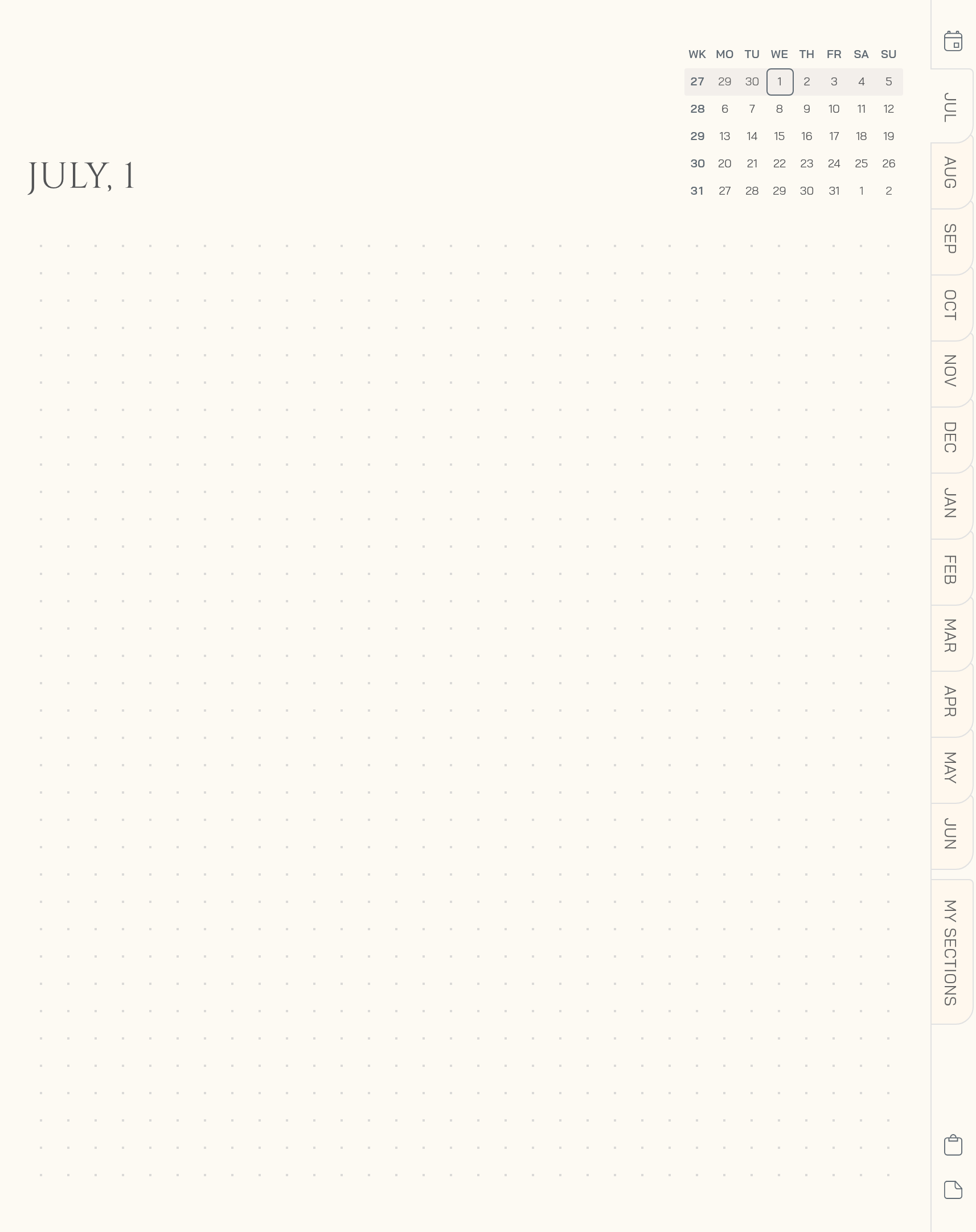
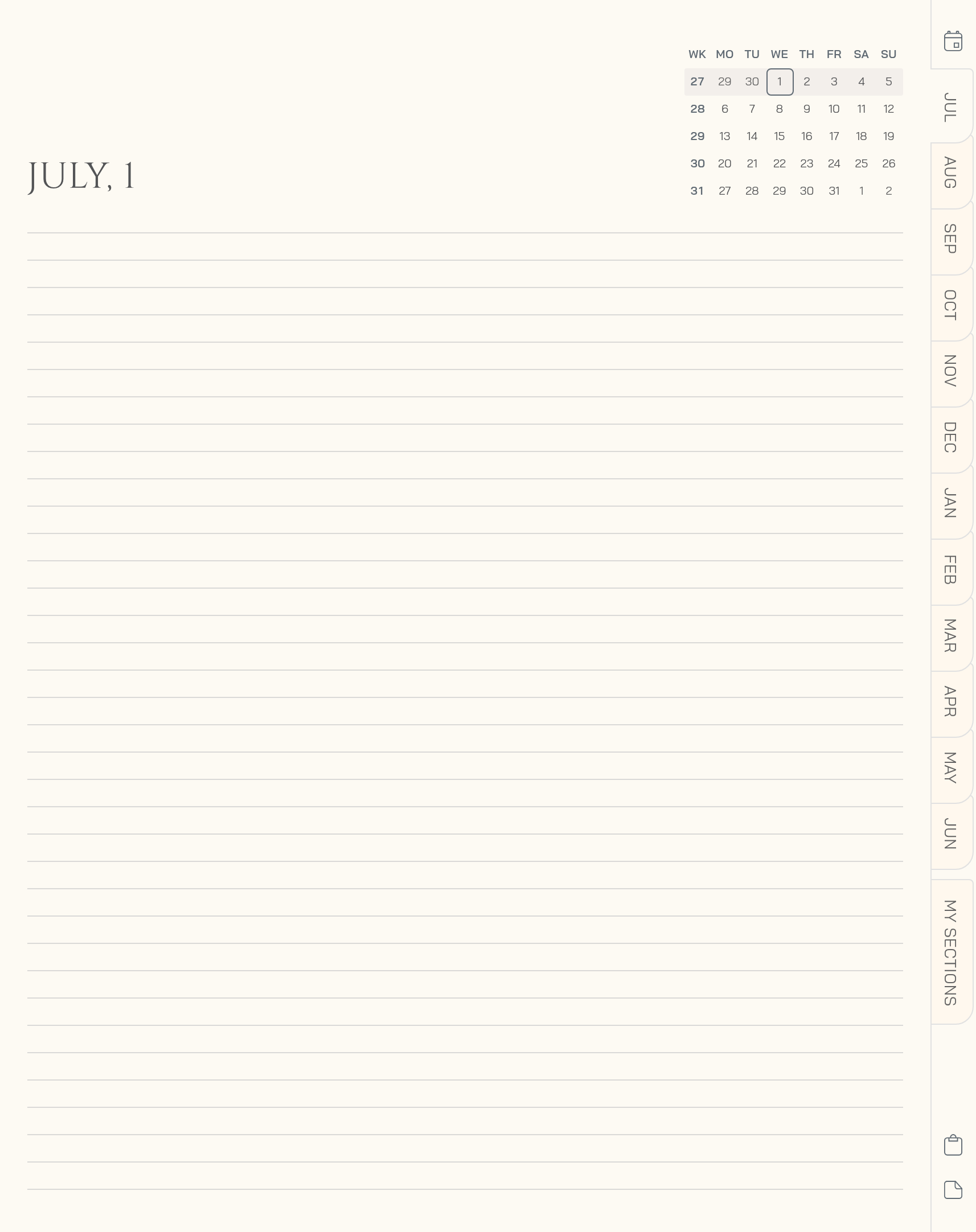
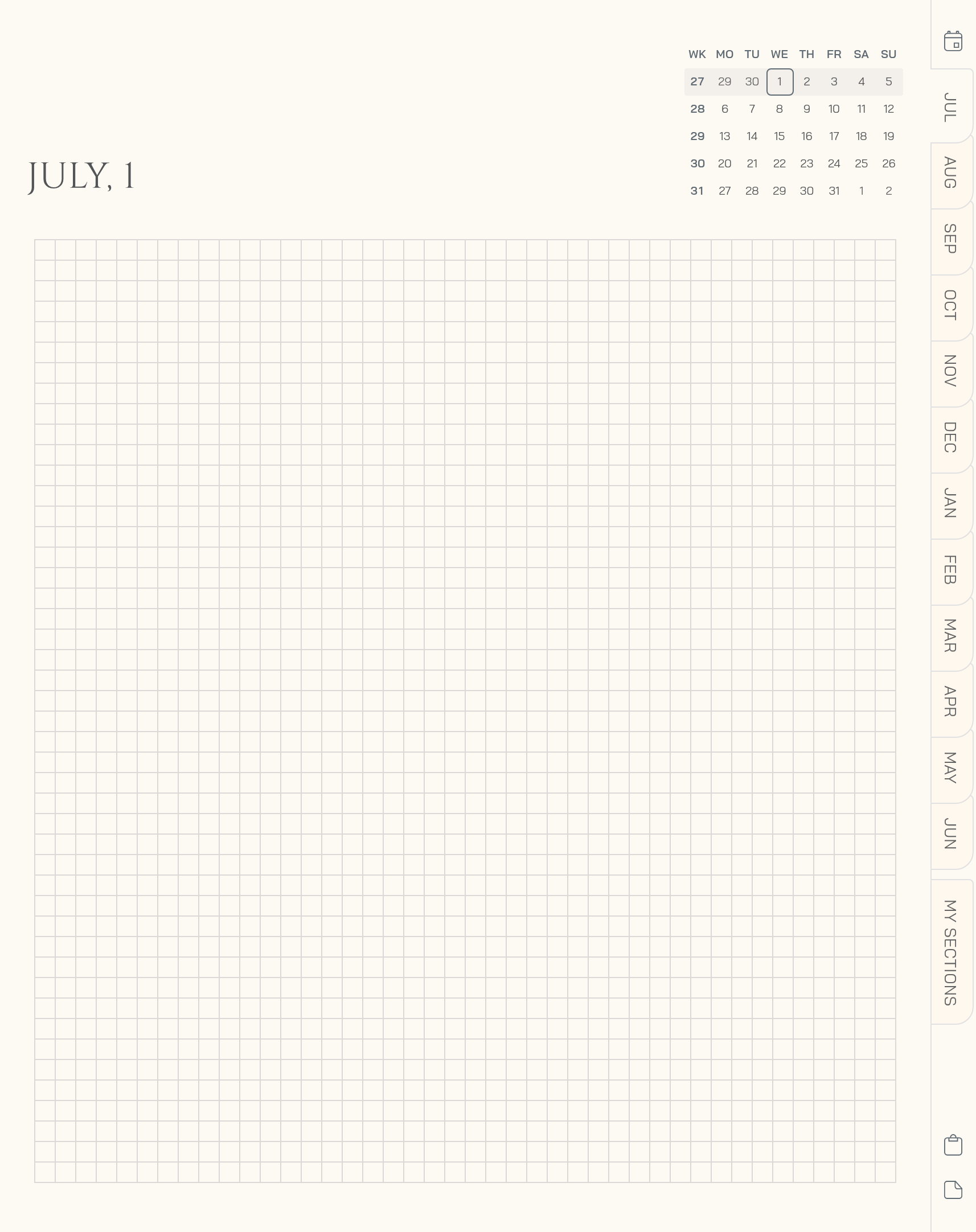
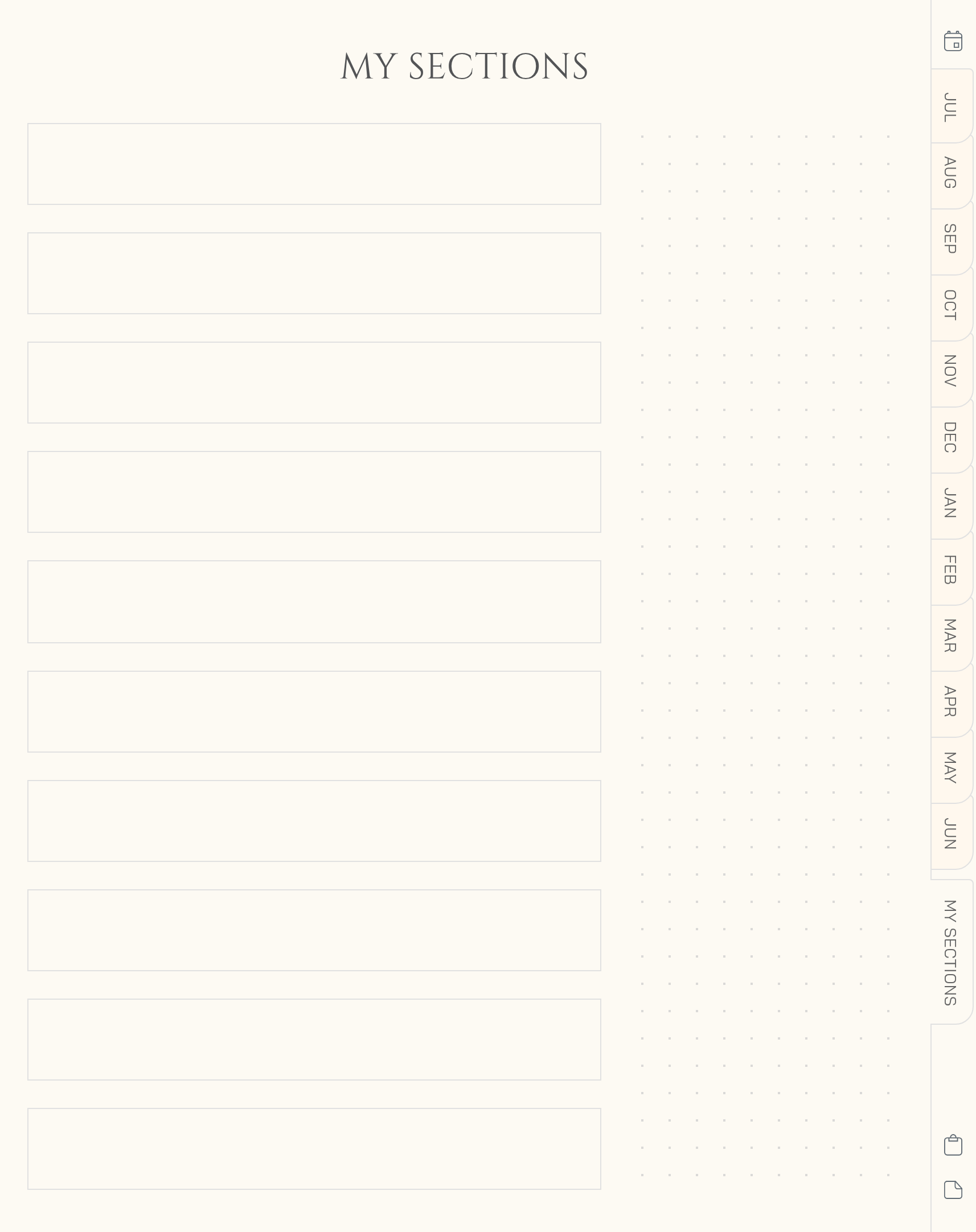
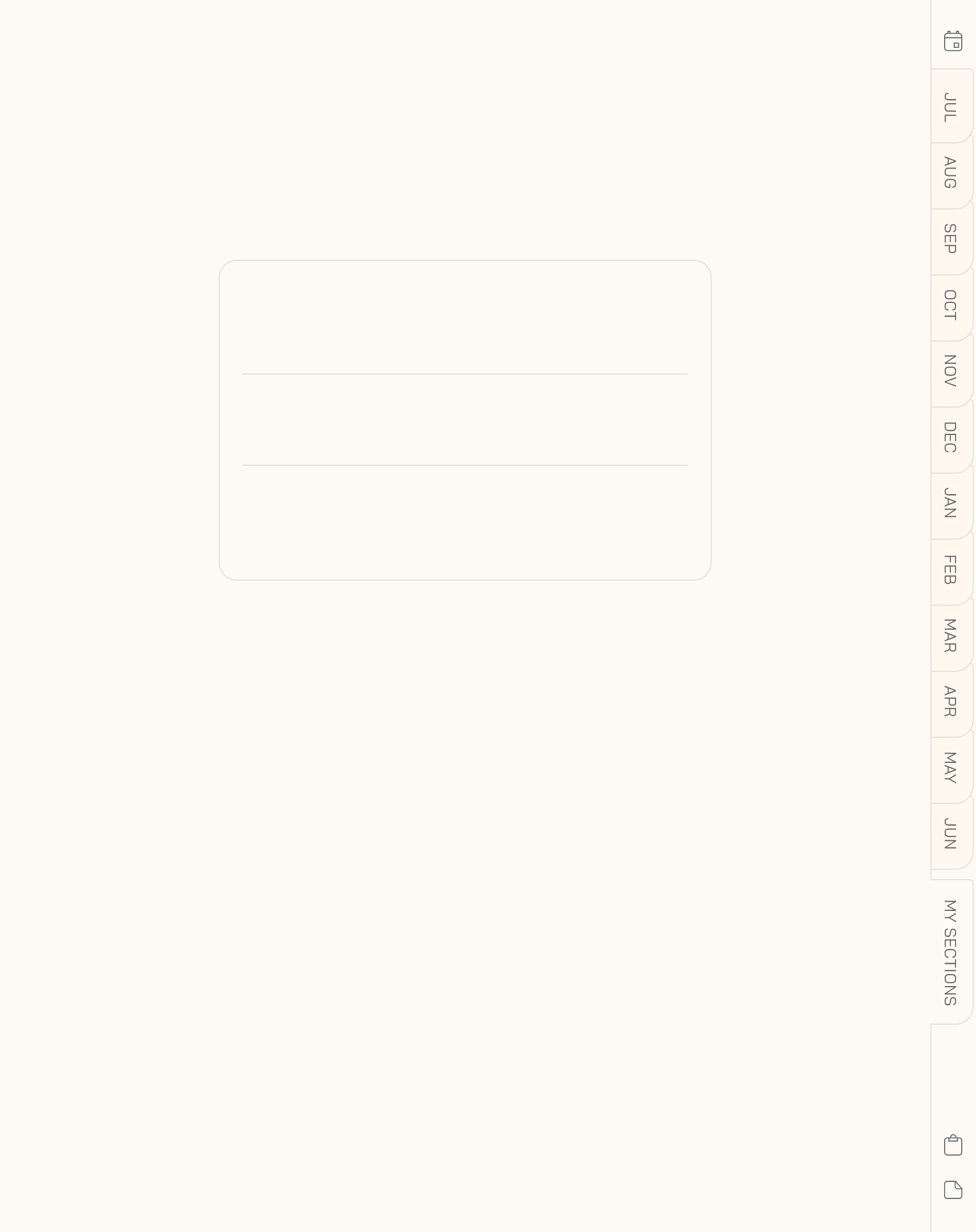
Choose a color to preview the pages
Your Midyear Digital Journal for a Fresh Start
This Midyear Digital Journal is more than just a notebook, it’s your space to reset, reflect, and move forward with clarity through the second half of the year. Designed as a midyear diary for tablet planning, it helps you capture ideas, organize thoughts, and stay connected to what matters most without breaking your rhythm.
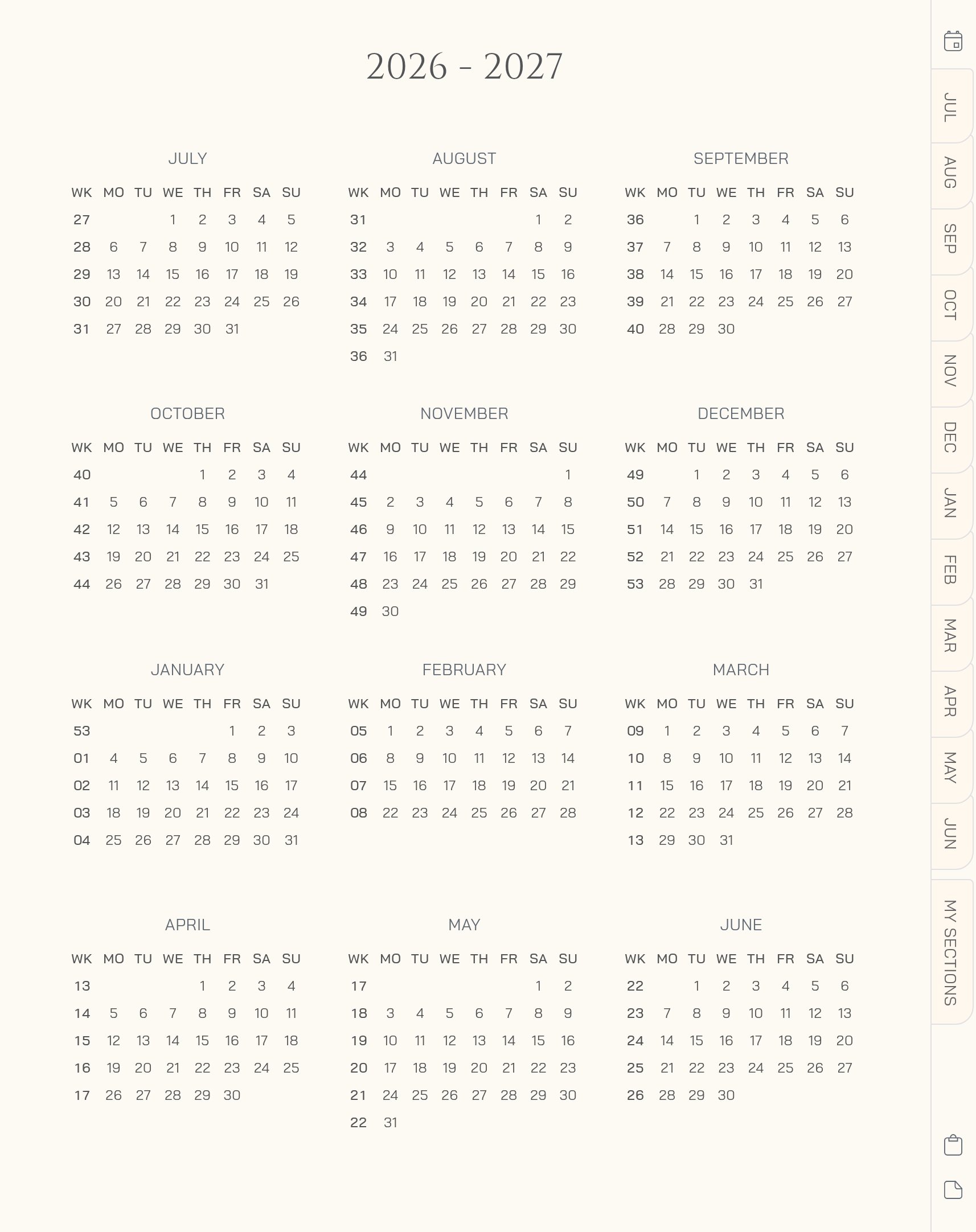
Dated from midyear, it aligns perfectly with your flow if your year starts in July. Whether you’re using it as a digital journal in GoodNotes, Notability, or other note-taking app, this hyperlinked planner brings structure, flexibility, and calm to your everyday planning. From daily reflections to creative notes, it adapts to you.
Key Features
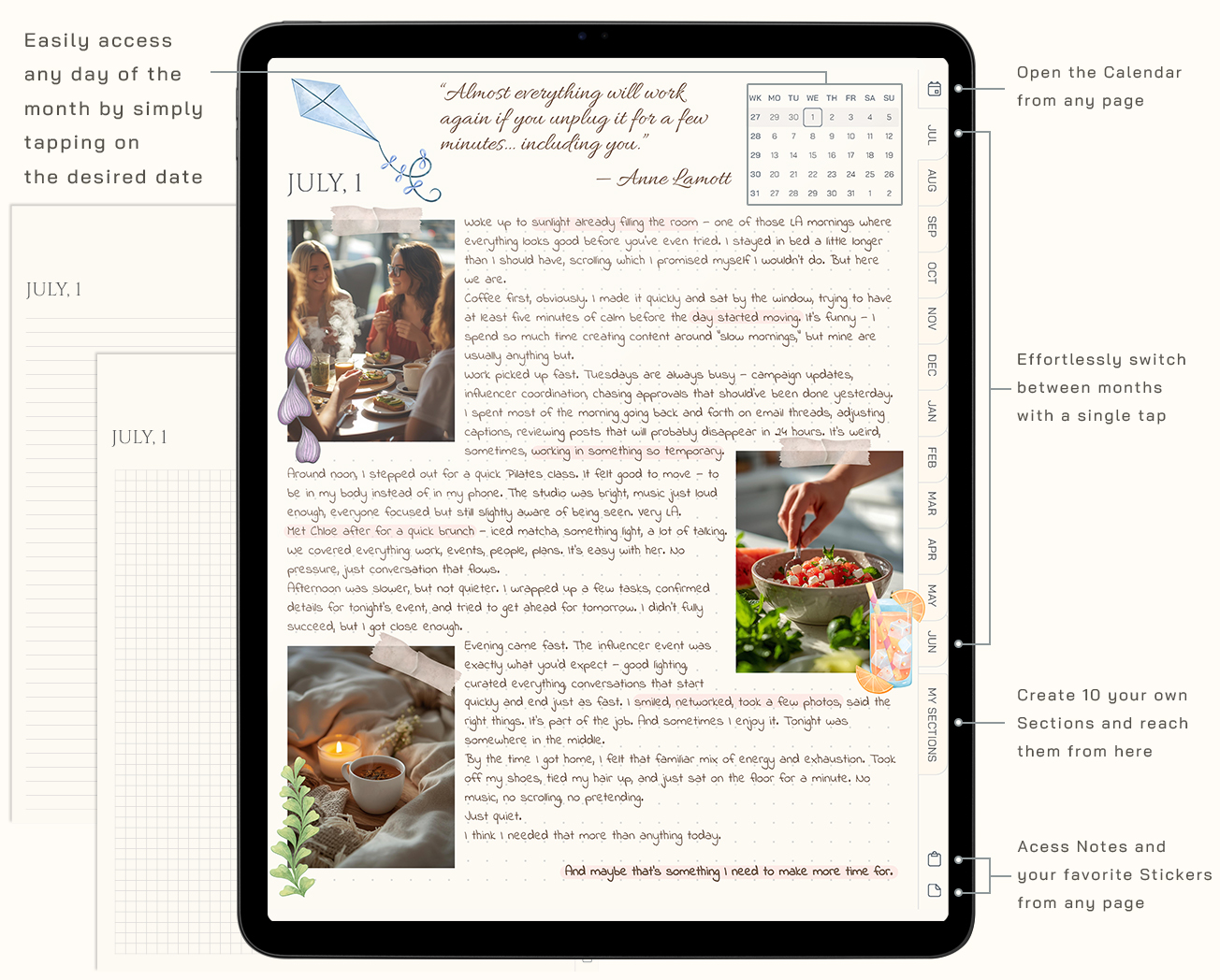
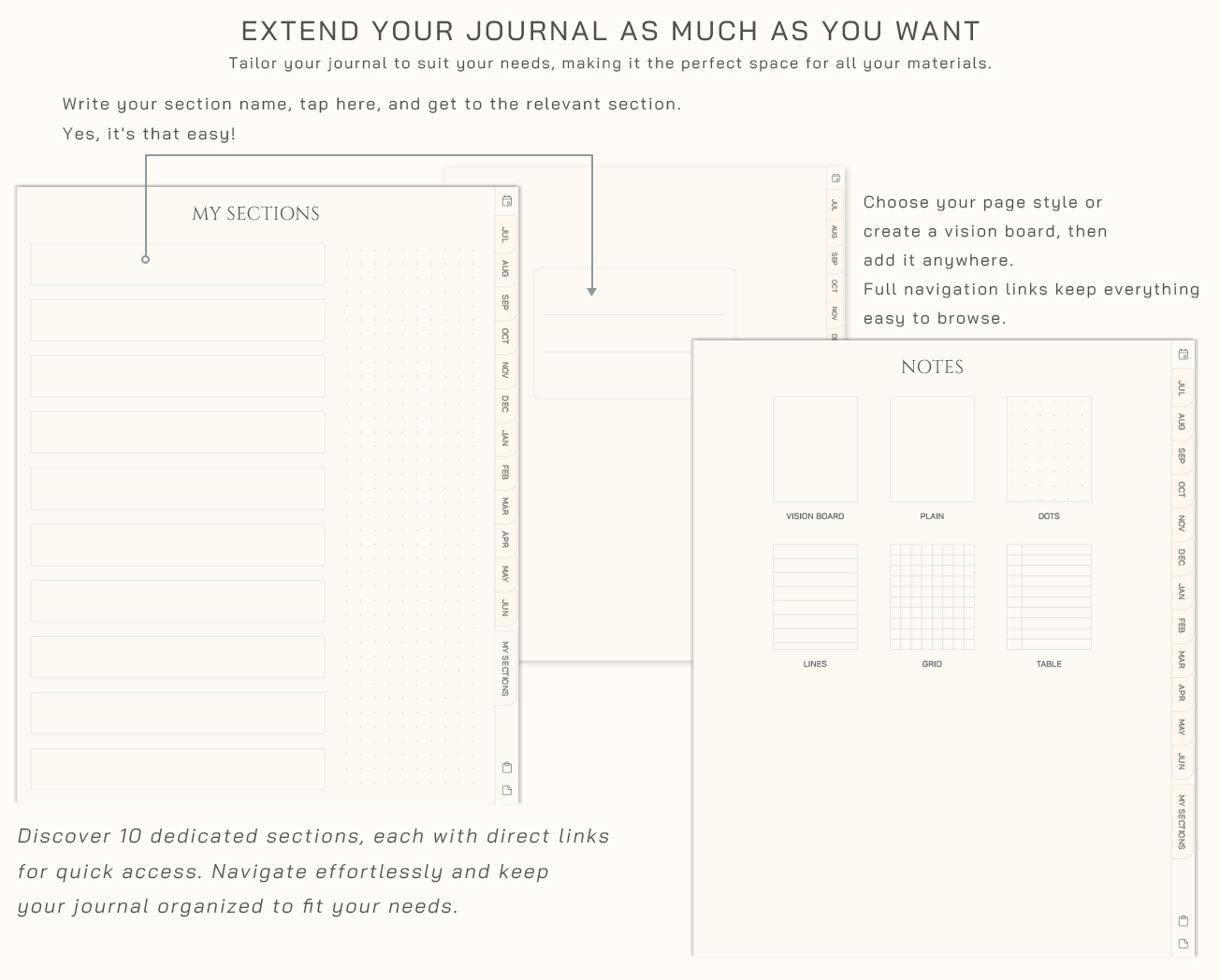
- Hyperlinked Navigation: Move between sections, months, and pages instantly with a smooth, tap-based flow
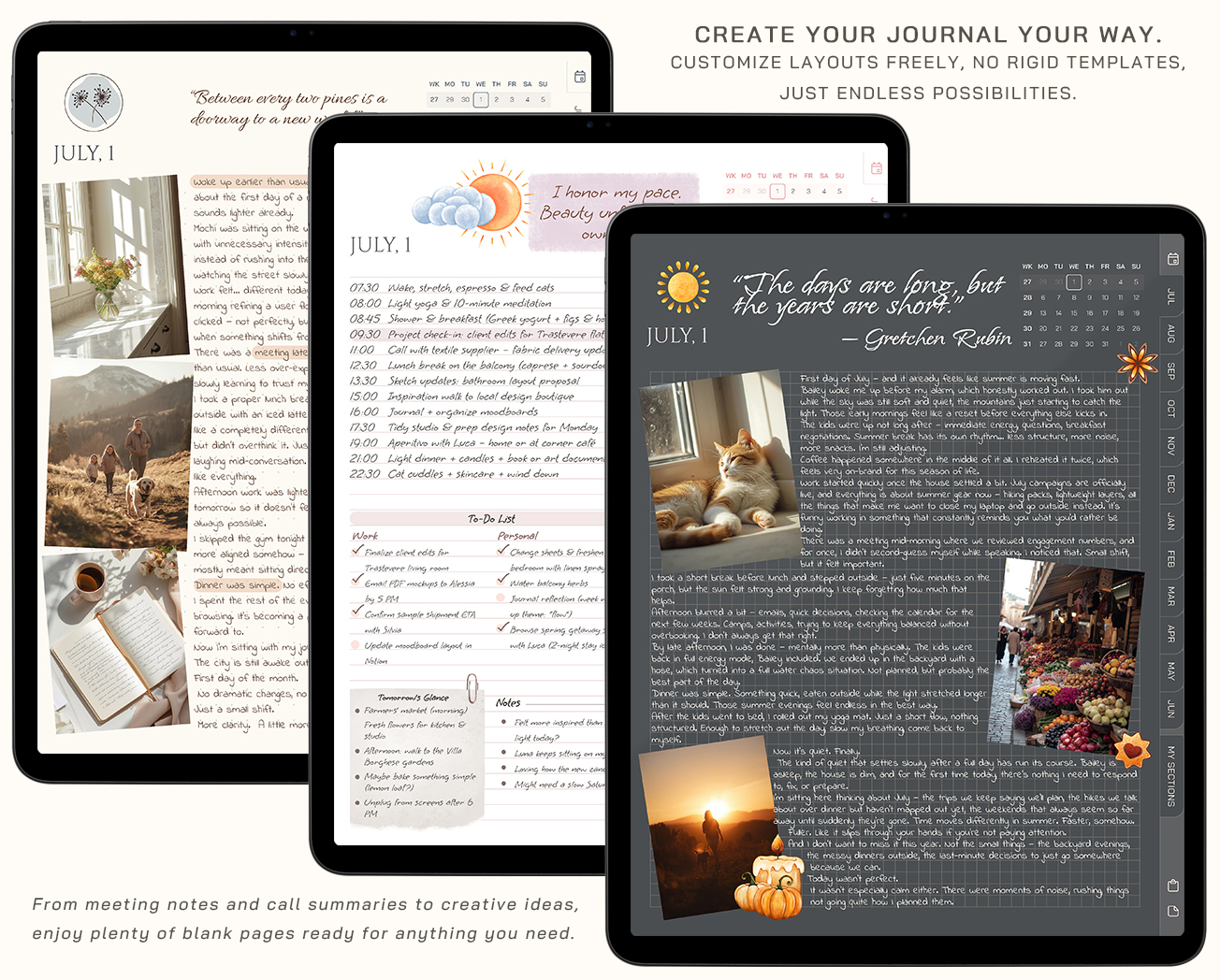
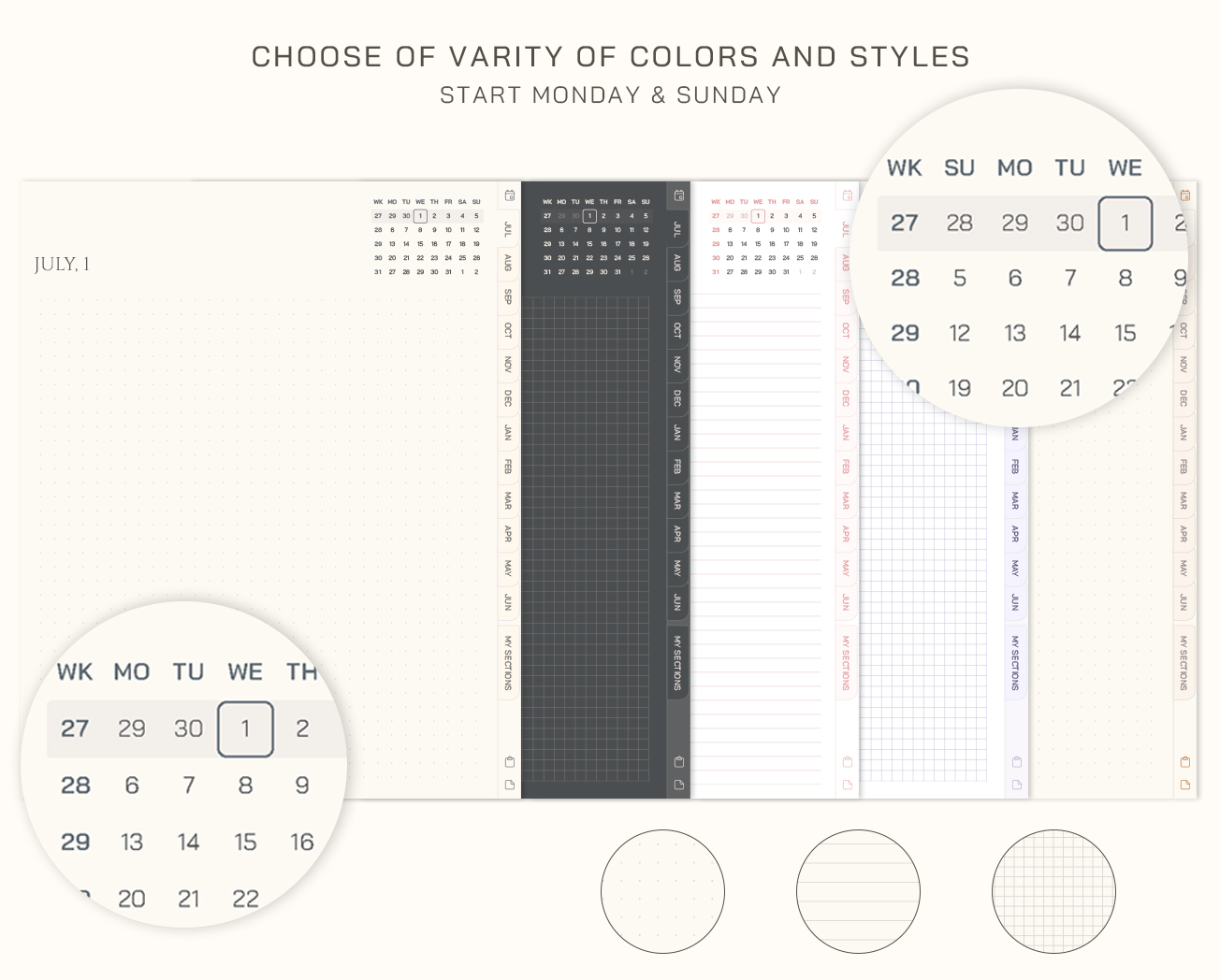
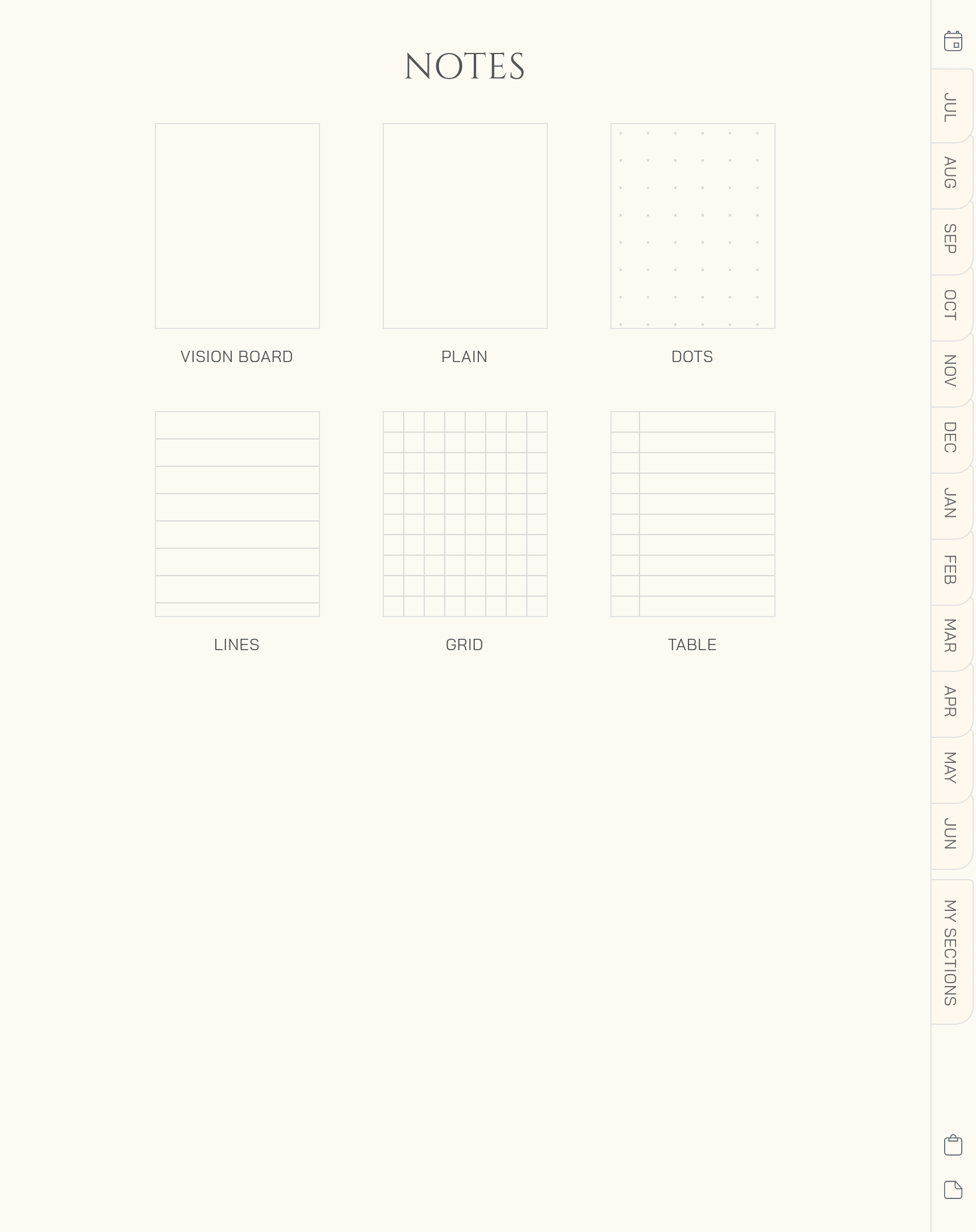
- Custom Layouts: Choose between lined, grid, or dotted pages to match how you think and plan
- 5 Color Themes: Switch your journal style to fit your mood and aesthetic
- Expandable Pages: Add and duplicate pages anytime, your journal grows with you
- Flexible Sections: Create your own space for notes, ideas, trackers, or personal projects
- Tablet-Friendly PDF: Works seamlessly as a GoodNotes planner, Notability planner, and across all major apps
Designed with a clean, minimalist approach, this downloadable planner brings clarity without overwhelm. It’s not about filling pages, it’s about creating space for your thoughts, your plans, and your next chapter.
Start fresh at midyear, and keep everything in one calm, continuous flow.
Our customers love it
See why so many have made Bewely part of their daily routine
The journal is exactly as described. I use it in goodnotes on my iPad and it’s wonderful!
Very organized and easy to navigate.
Great and simple journal. Exactly what I wanted
The journal is exactly as described. I use it in goodnotes on my iPad and it’s wonderful!
Great product fast delivery!
Muy hermosa y práctica agenda, la variedad de estilos y diseño está increíble
Very organized and easy to navigate.
The Journal was well-designed, and it fits exactly what I was looking for.
Perfect. Exactly what I was looking for
Great and simple journal. Exactly what I wanted
Awesome planner very easy to use.
Very nice, thank you. I recommend.
Start Free. Plan Freely.
Subscribe and get instant access to your free digital notebook
Made for the Digital Tools You Already Love
We’ve tested it with top apps to give you a smooth, tap-to-navigate experience across devices





FAQ: Everything You Need to Know
Let’s clear things up. Here’s what most people ask.
What is a digital journal?
A digital journal is a reusable journal you can write in on your iPad, tablet, computer, or phone. It’s perfect for reflections, routines, tracking, lists, memories, reading notes, recipes, wellness, or simply creating a quiet space for your thoughts.
You can use it every day or whenever you need a little reset.
Is this a physical product?
No. This is a digital product, so nothing will be shipped to you. After purchase, you’ll receive instant access to download your files and start using them right away.
No waiting, no shipping cost, and no paper clutter.
What do I need to use the journal?
You’ll need a device that can open PDF files and a note-taking or PDF app. Many customers use apps like GoodNotes, Notability, Noteshelf, Xodo, or similar apps.
Once you open the file in your app, you can write, type, highlight, add stickers, and use the clickable links inside the product.
Is it easy to use if I’m new to digital planning?
Yes. The product is designed to feel simple and intuitive, even if this is your first digital planner, notebook, or journal.
Just download the file, open it in your favorite app, and start planning or writing. You don’t need any complicated setup to begin.
Can I use the journal on more than one device?
Yes. You can use your files on your personal devices, as long as you have a compatible app on each one.
For example, you can plan on your iPad and also open the file on your phone when you want to quickly check something.
Can I reuse the pages?
Yes. One of the best parts of digital planning is flexibility. In many note-taking apps, you can duplicate pages, move pages, delete pages, or add extra copies whenever you need them.
This makes your planner, notebook, or journal easy to adjust to your real life — not the other way around.
Can I print it?
This product is created mainly for digital use, but you can print pages for your own personal use if you want to.
What happens after I buy?
After checkout, you’ll receive access to your digital files. You can download them, open them in your chosen app, and start using your product right away.
If you have any trouble accessing your files, just contact us and we’ll help you.
What if I don’t like it?
We want you to feel happy with your purchase. That’s why we offer a 14-day money-back guarantee on all purchases.
If you’re not satisfied with your order for any reason, simply contact us within 14 days and we’ll provide a full refund. See full details in our Return Policy
Can I share the files with someone else?
No. All digital products are for personal use only. Please don’t share, resell, copy, upload, or distribute the files.
If a friend loves the design, they’ll need to purchase their own copy from the shop. This helps support our small business and allows us to keep creating new digital products.
Make it yours
Add a little more joy to every page
Complete your planner with digital stickers made to add personality, color, and inspiration to your routine. Pick a favorite and start decorating your pages right away.
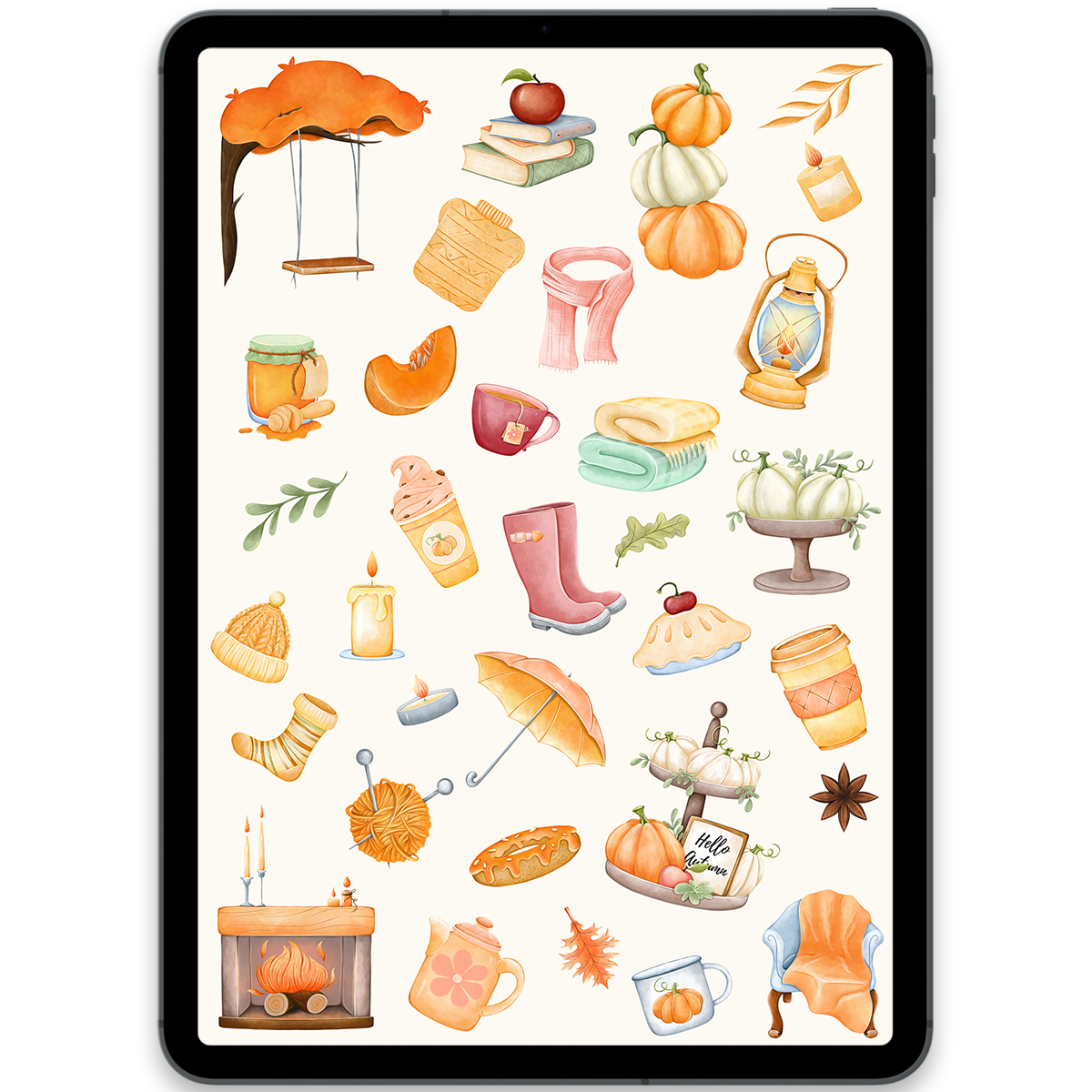
Cozy Autumn Stickers
$5.00
Books Stickers
$5.00
You may also love
Discover more planners designed to support your goals
- 25%
Off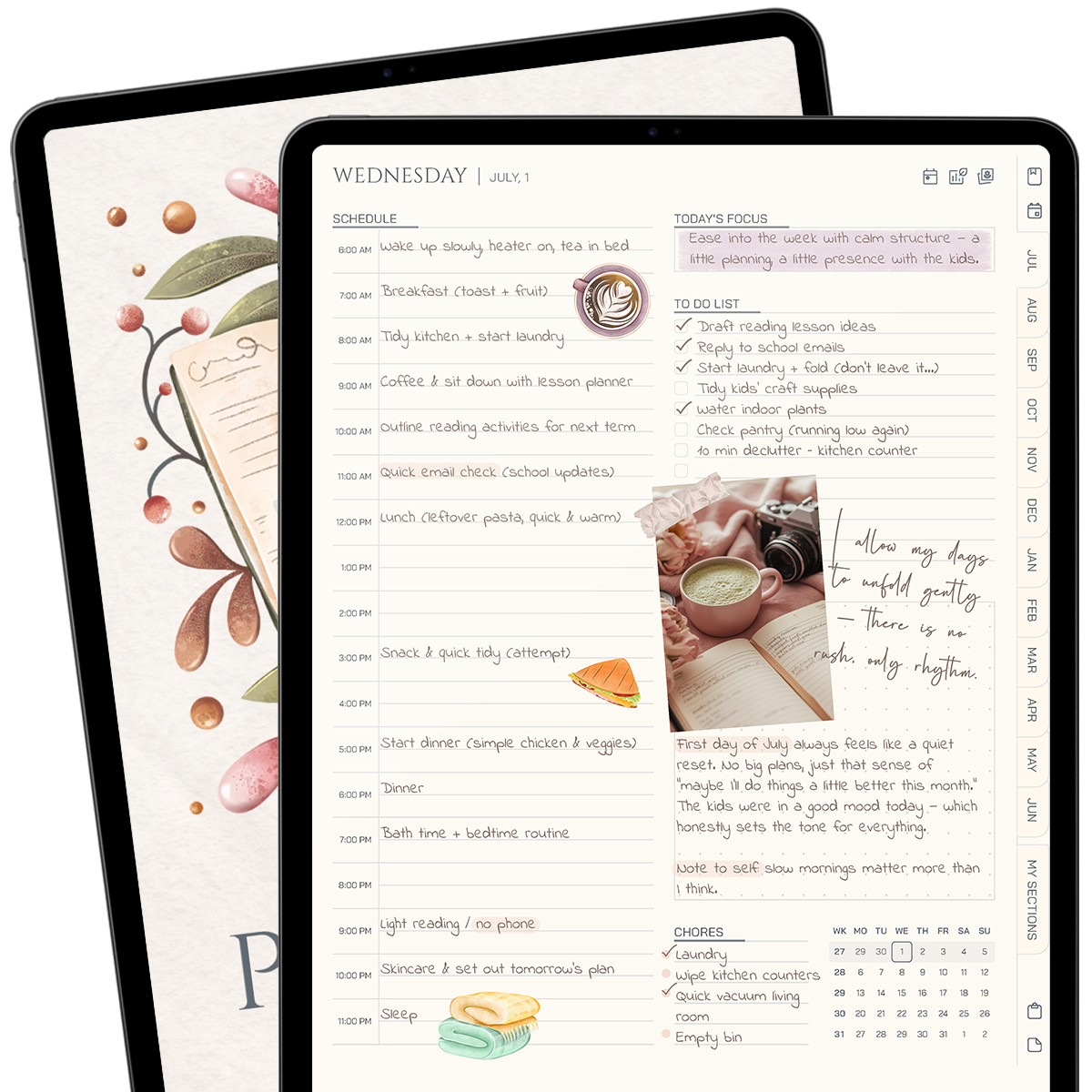
Midyear Planner 26/27
$11.25$15.00 - 75%
Off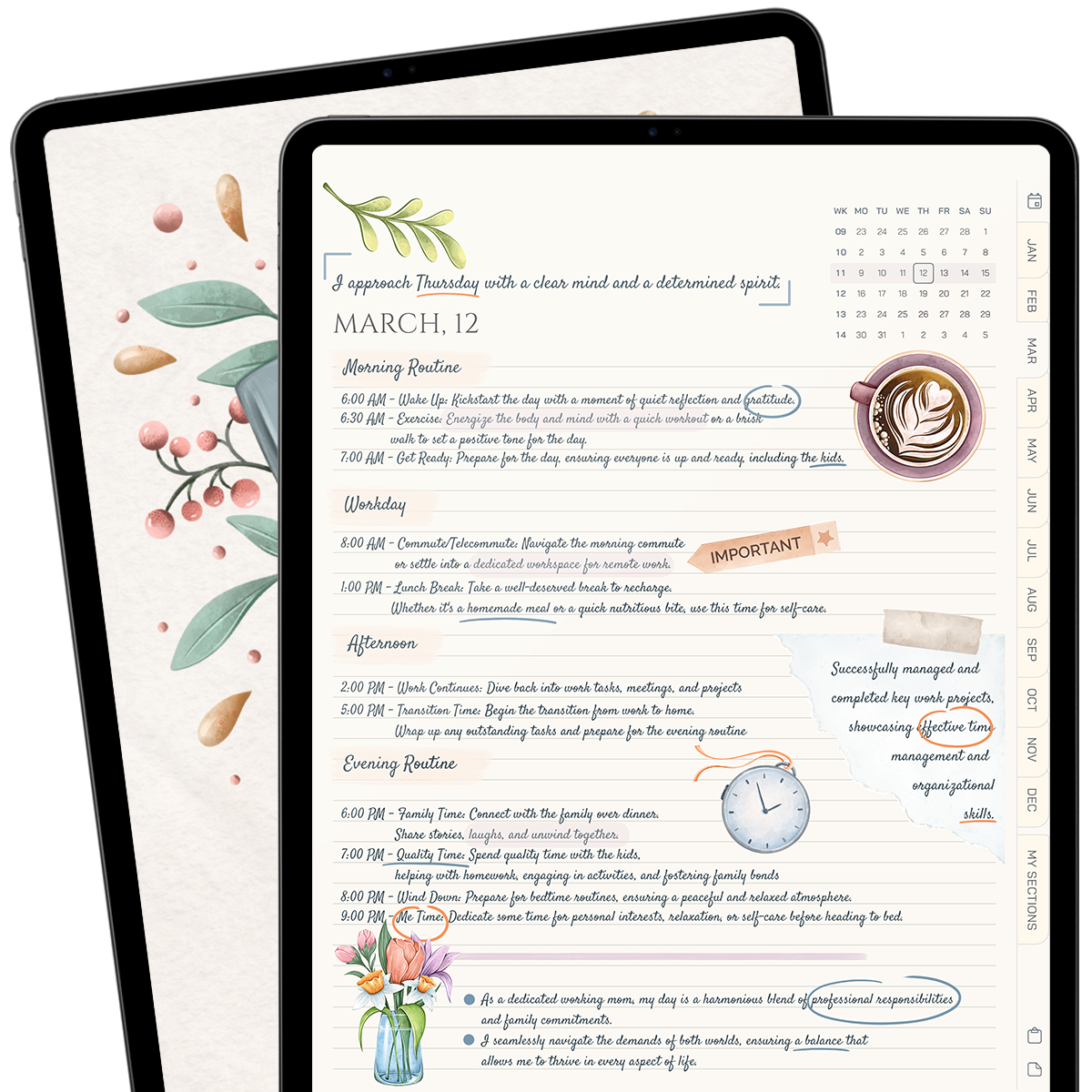
Daily Journal 2026
$2.50$10.00 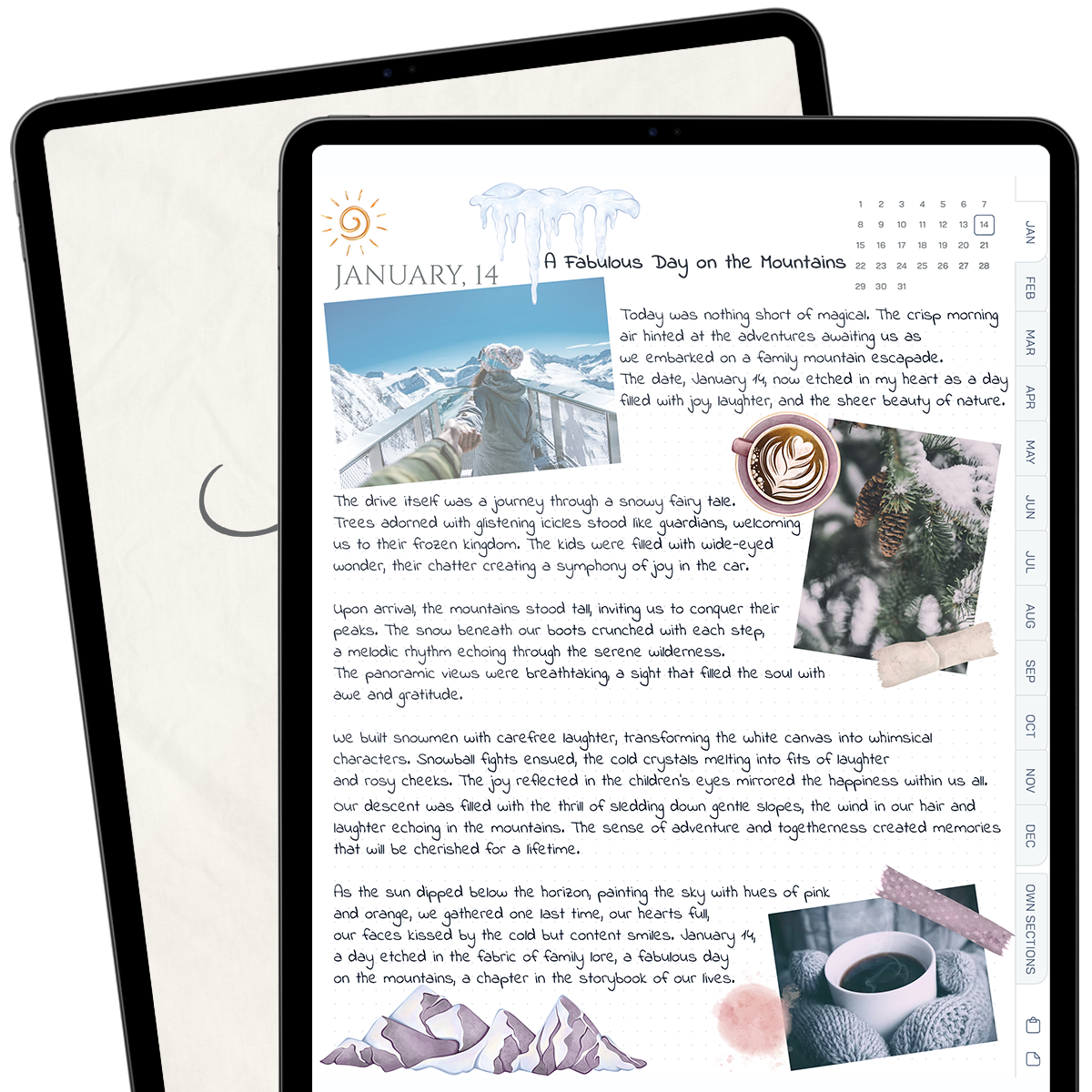
Daily Journal
$12.00