All in One Planner 2027
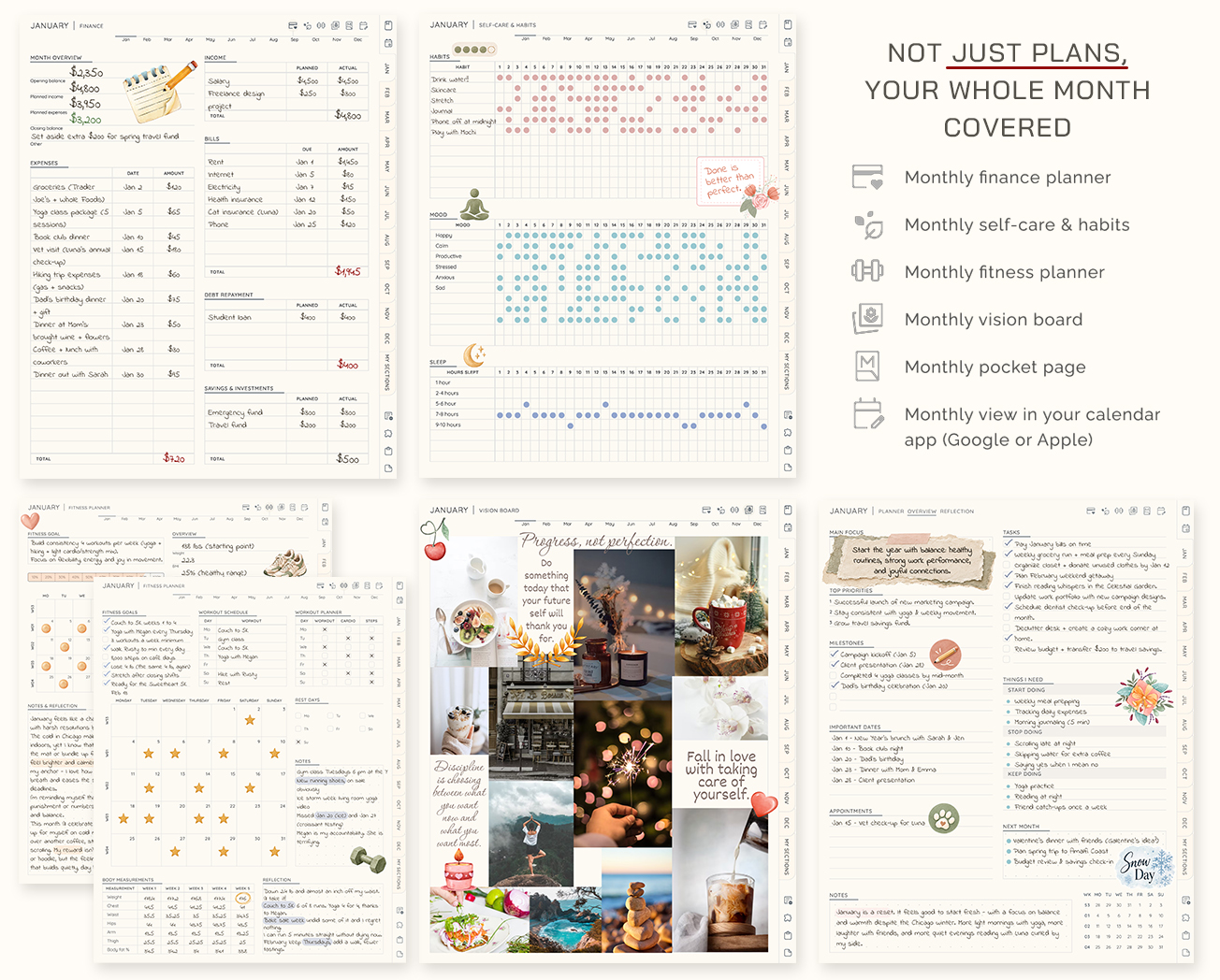
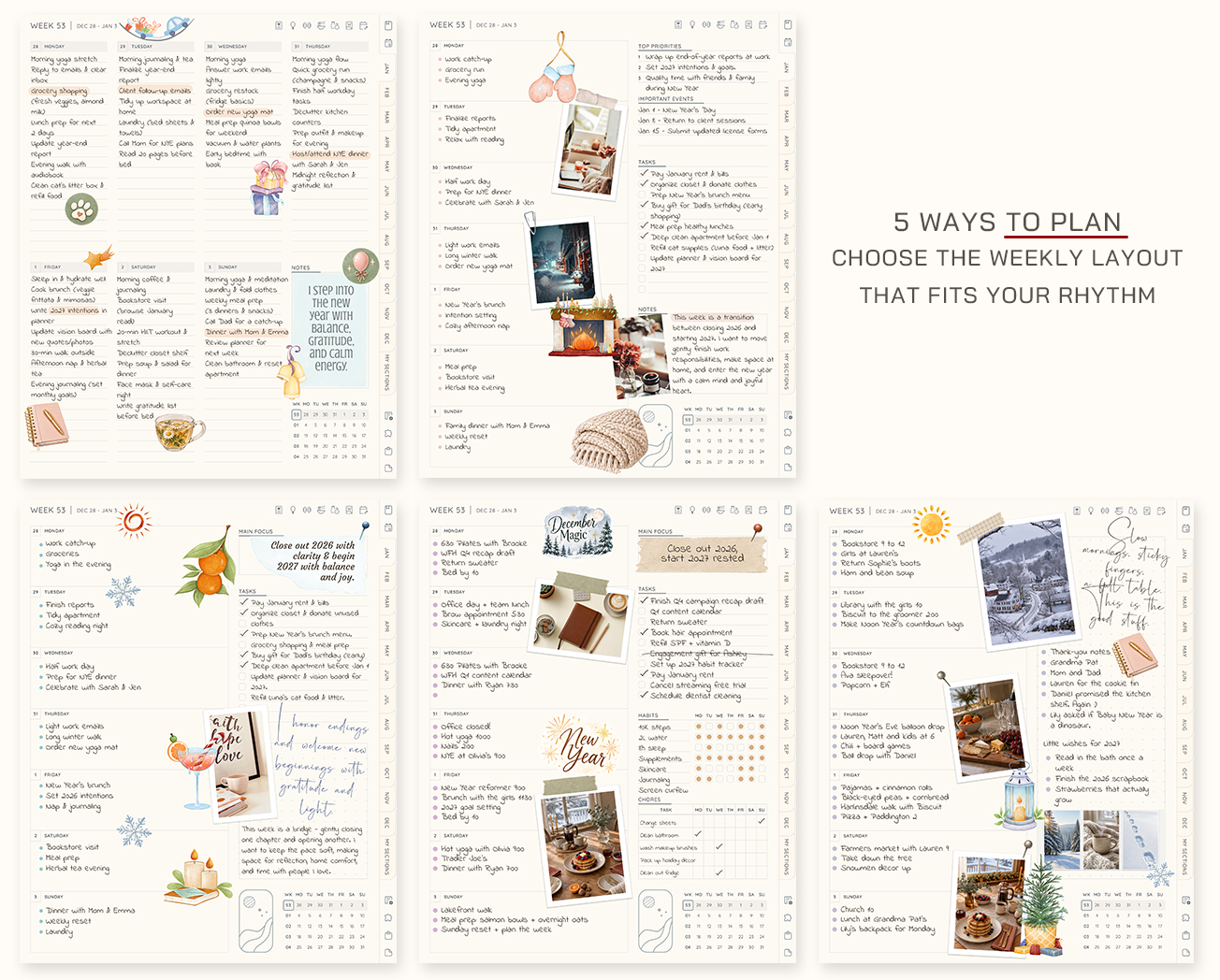
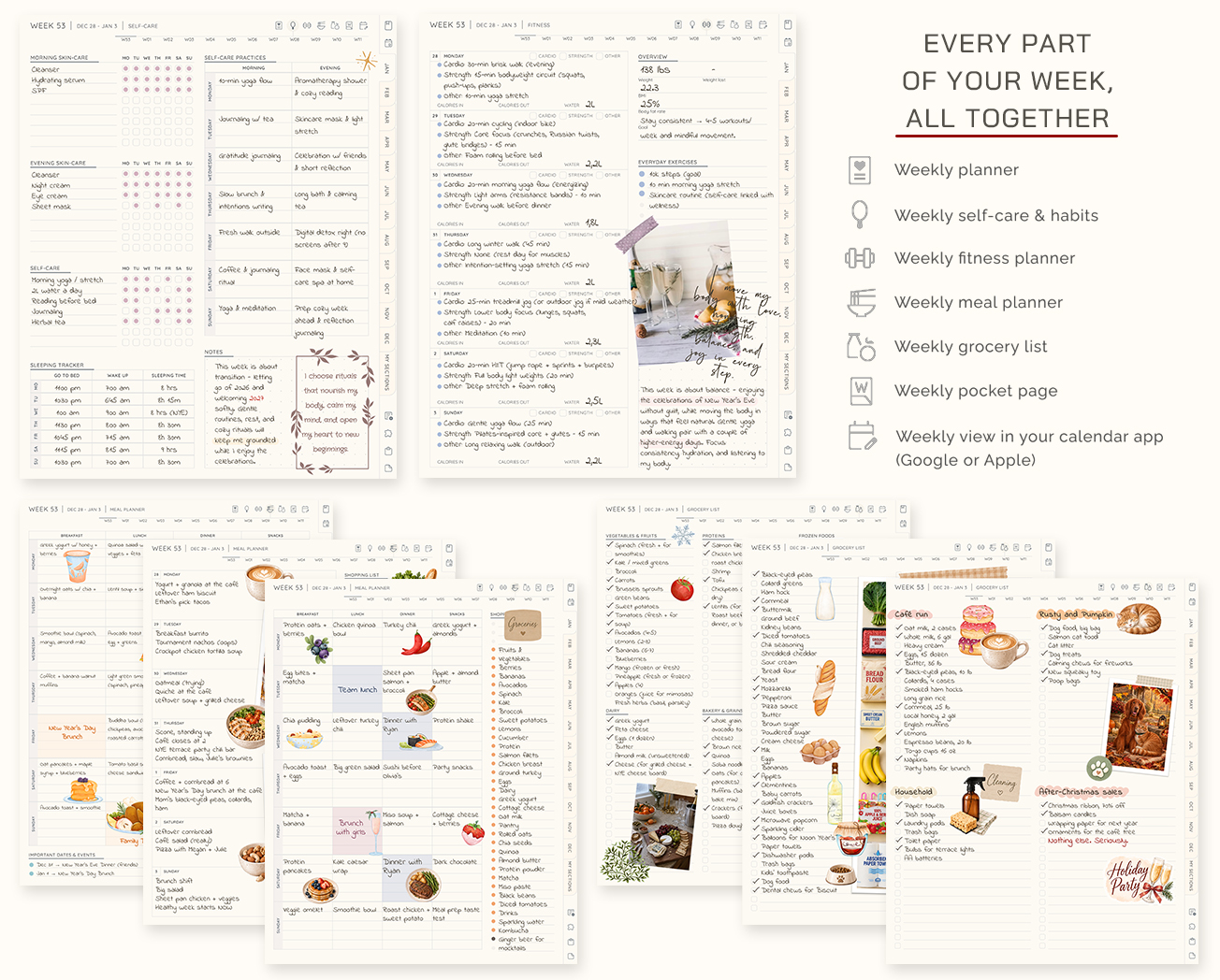
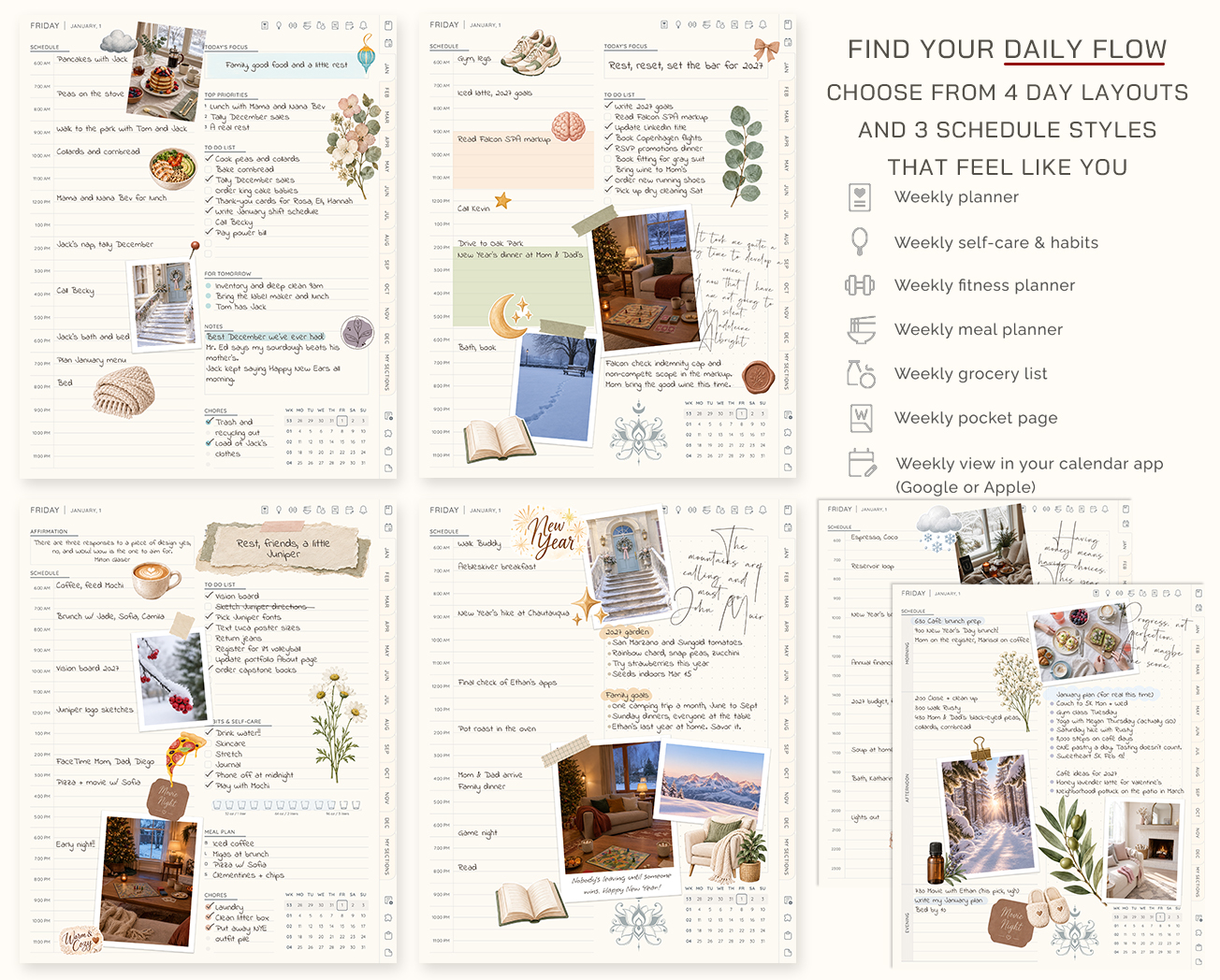
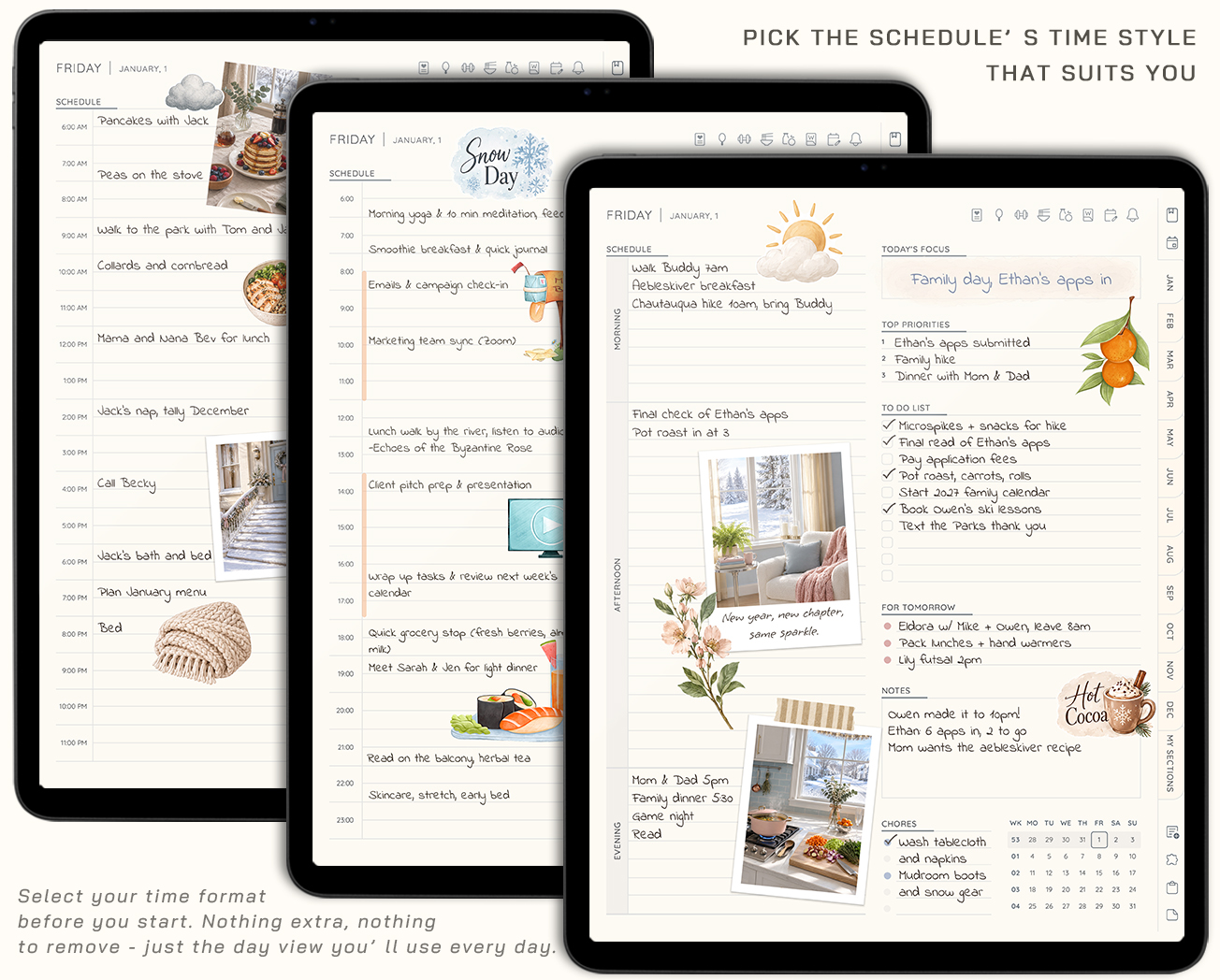
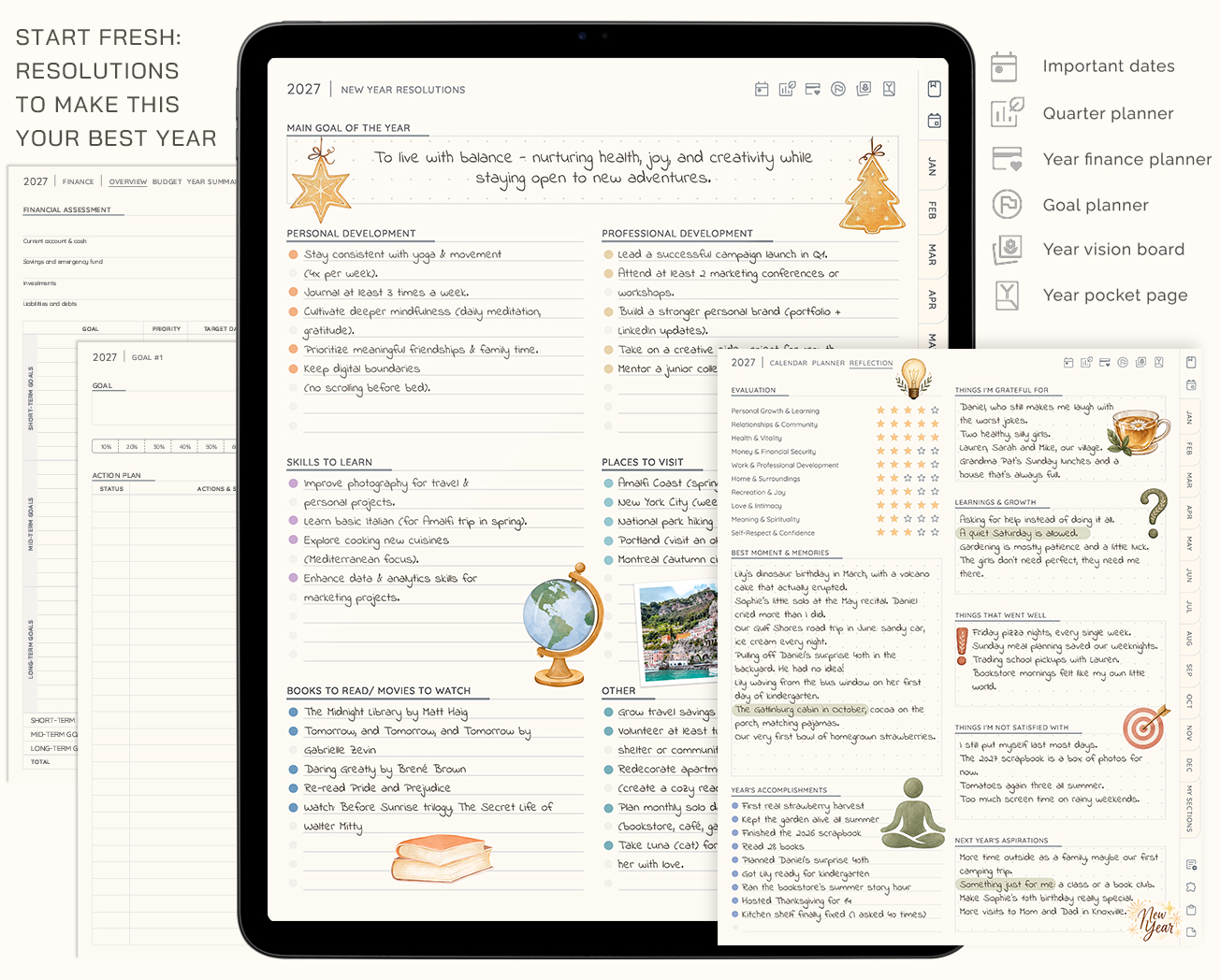
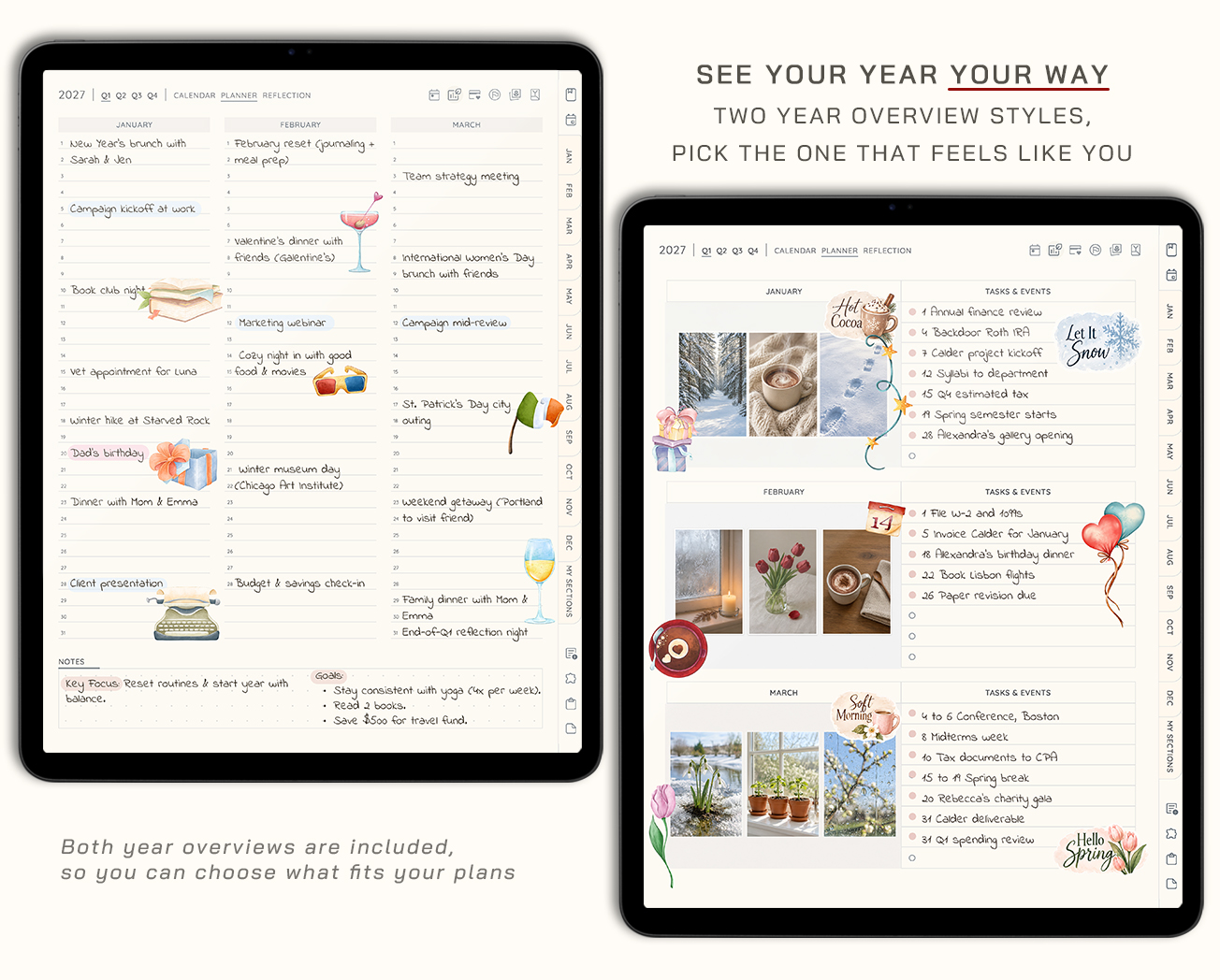
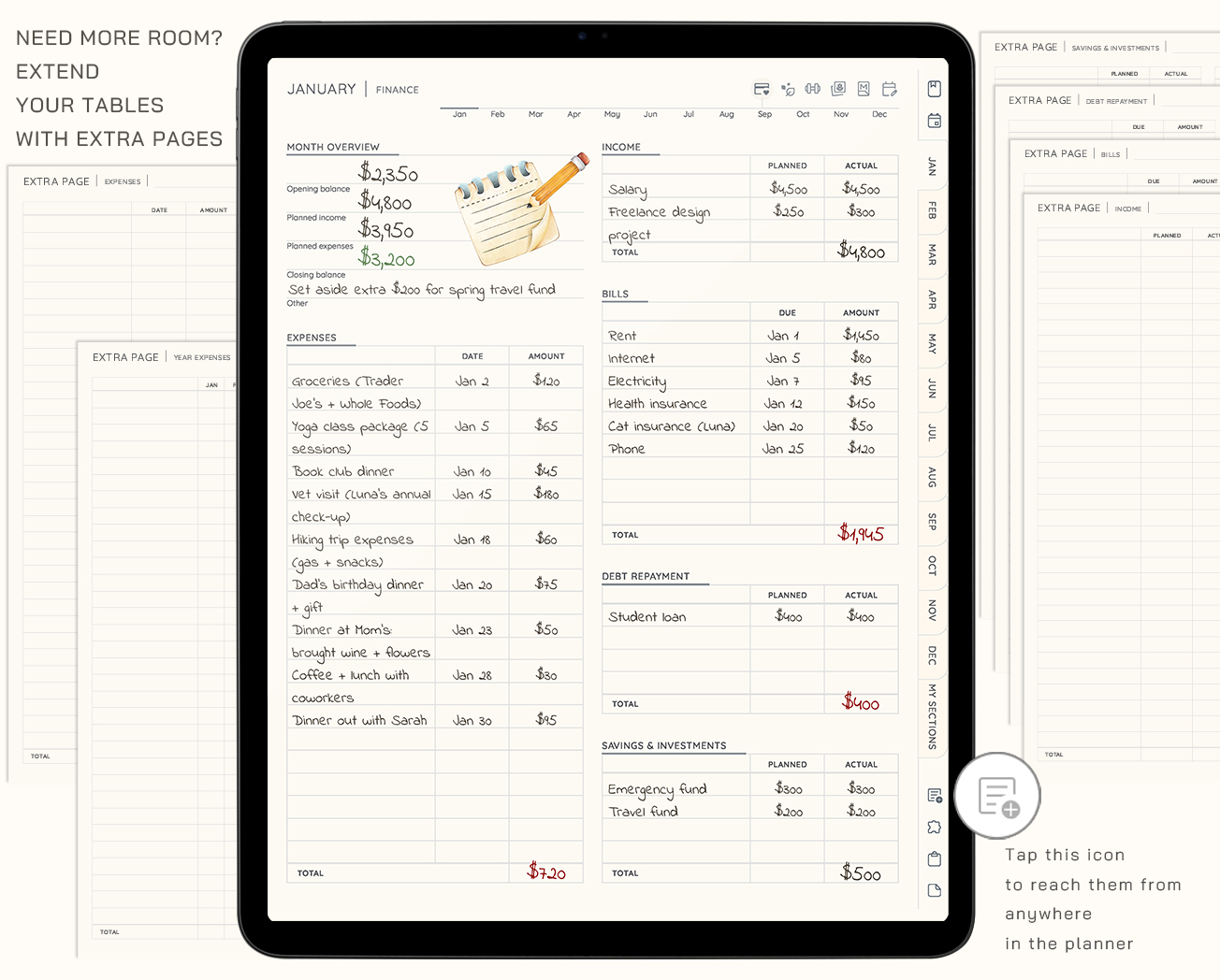
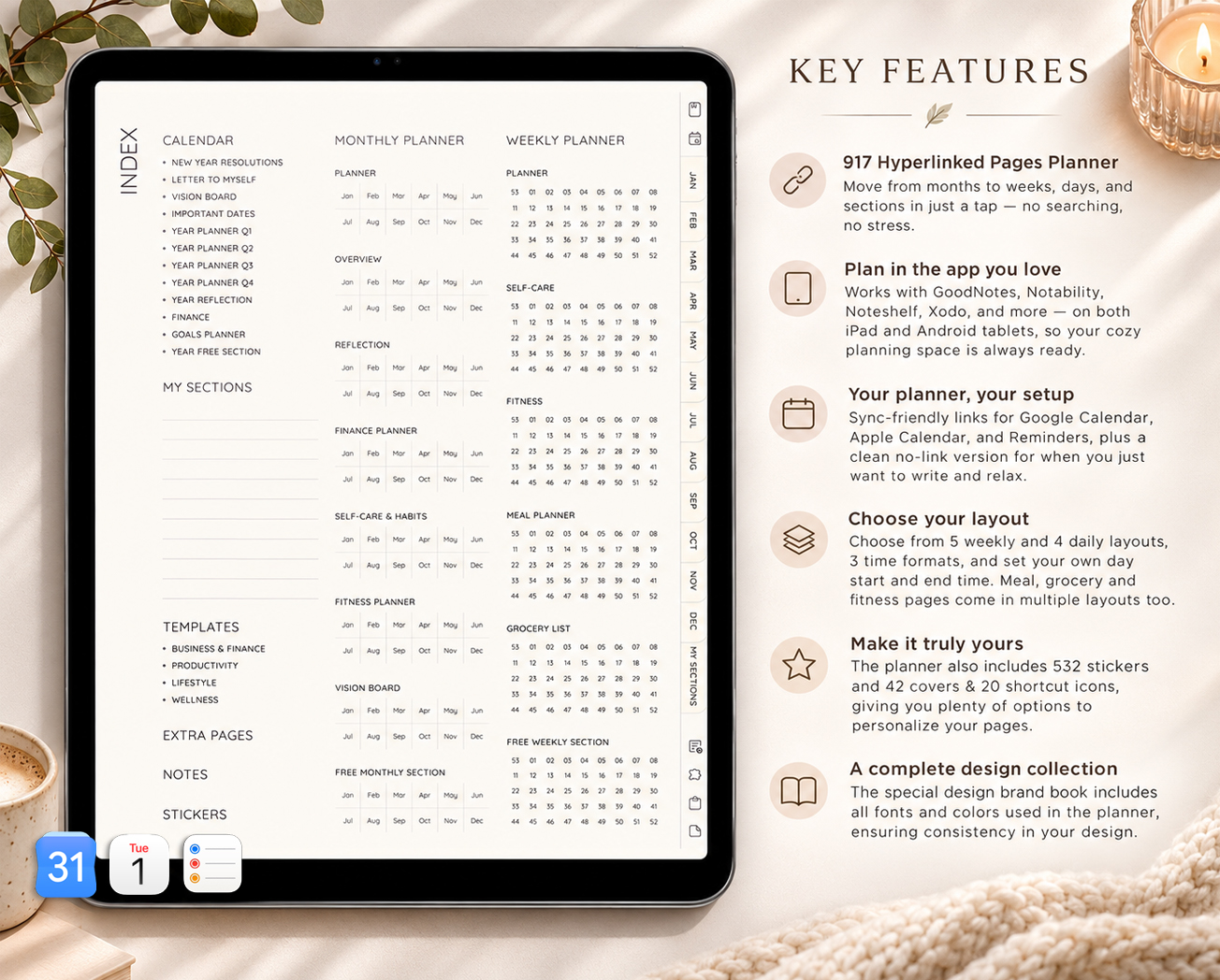
Your days, goals, money, meals and self-care, together in one linked planner. Build it the way you plan, open it in your favorite notes app and start whenever you're ready. The 2026 planner is included, so you don't have to wait for January.
All in One Planner 2027
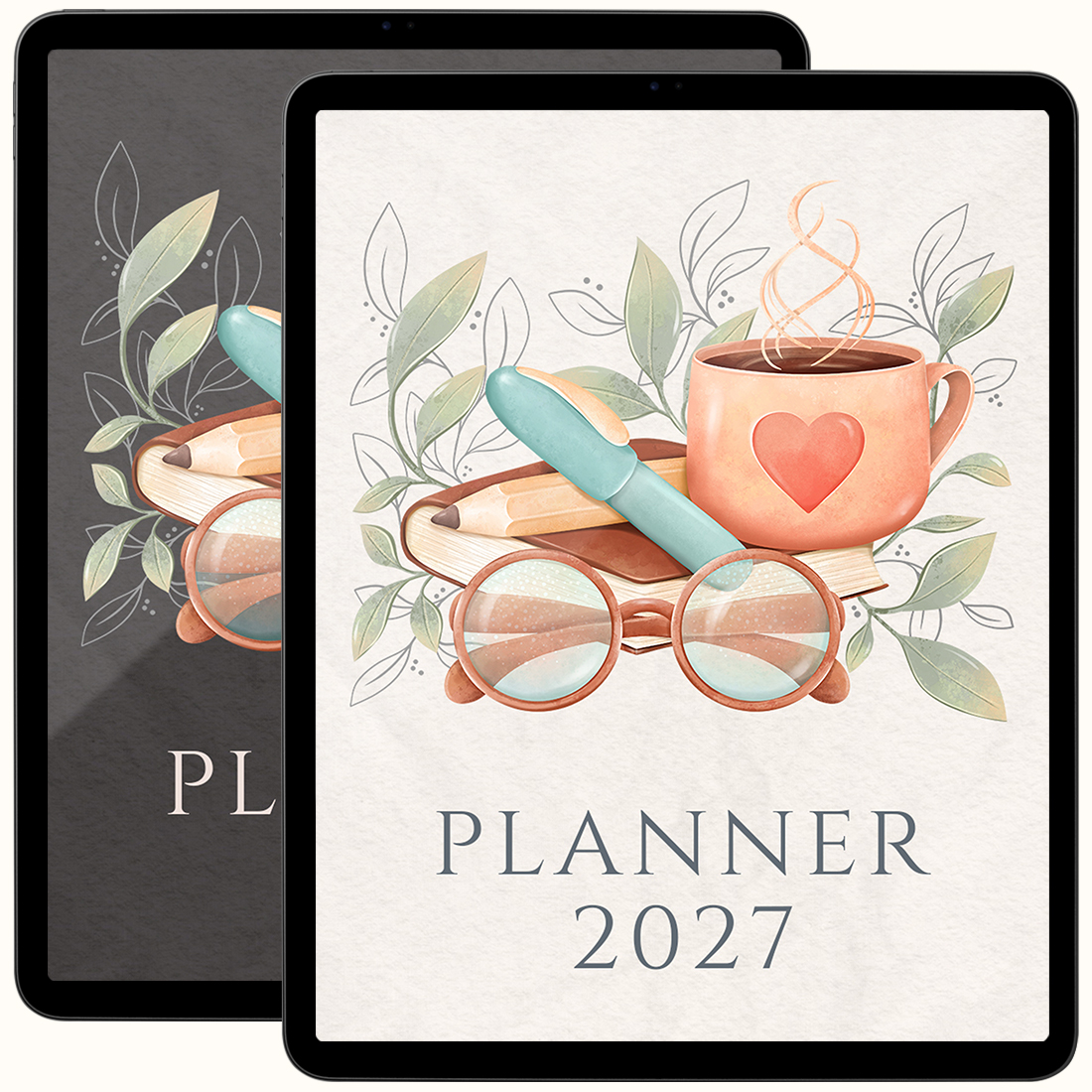
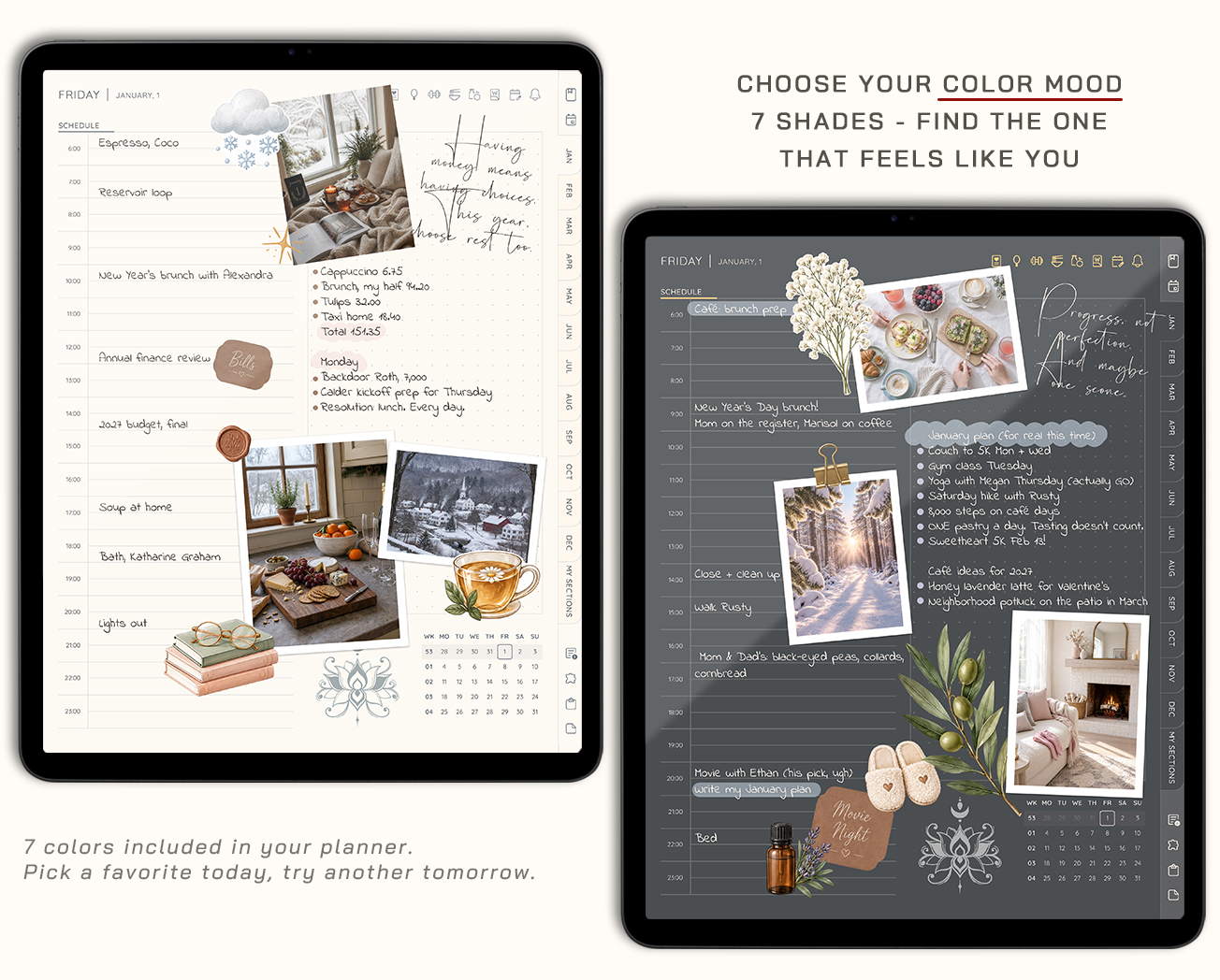
Colors included
Not sure about layouts? Change them anytime and download a new customized planner after purchase, free.
Compatible with
Works on iPad & Android tablets
Use with a stylus for the best experience
Make it yours
Build a planner that fits your days
Pick your layouts, keep the pages you'll use and leave out the rest. Pages you skip are removed completely, so your menus stay tidy.
Most balanced
All-in-One Planner 2027
Your days, routines, goals and notes in one place, so you never have to switch between planners.
- All-in-One Planner 2027, built your way
- 2026 planner included
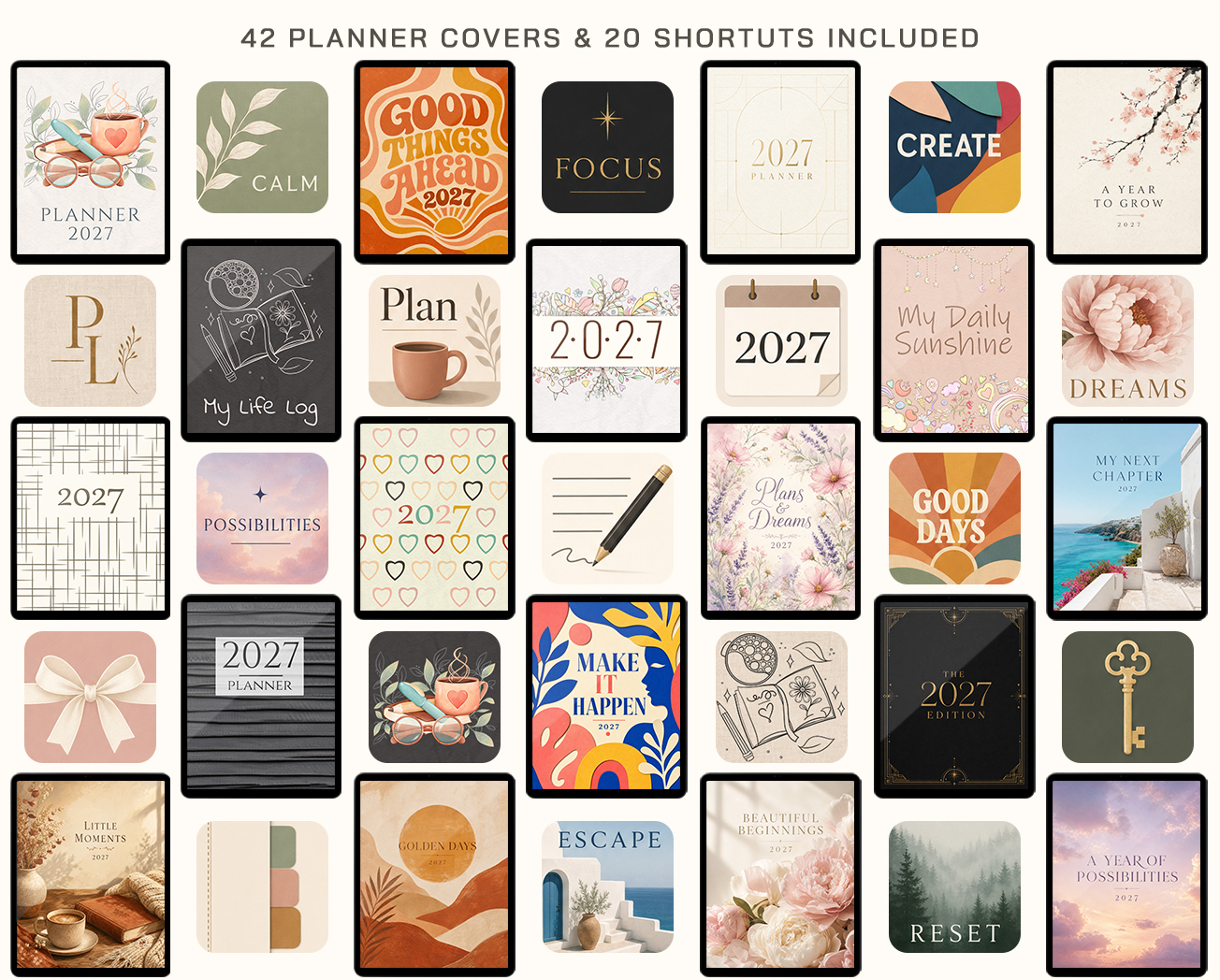
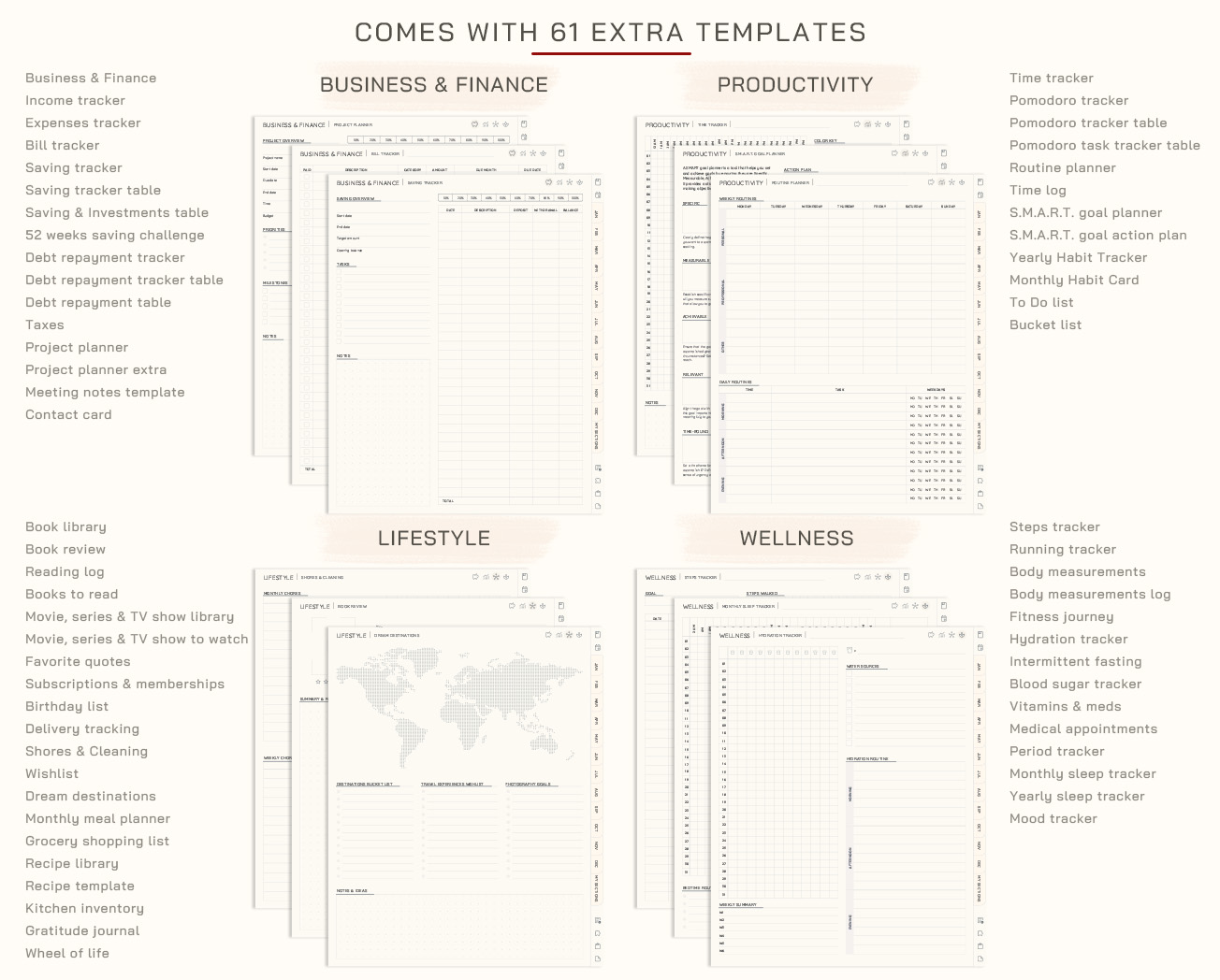
- 61 templates & 42 covers
- 500+ PNG & Goodnotes stickers
Your price
Secure checkout · 14-day money-back guarantee · Rebuild your planner anytime after purchase
Still deciding?
Just getting started?
Daily Planner 2027
Just the daily pages, simple and focused. A good fit if you only need one planner for now.
$15Best value
Full Planning System
Our planners, journals and notebooks together, in one purchase.
$19$110
One Place forAll of It
A calm, simple way to keep your plans together
- Everything in one placePlans, goals and ideas live together, linked page to page.
- Planned your wayChoose your layouts, colors, week start and the hours of your day.
- Room for what mattersSelf-care, habits, fitness and reflection sit right next to your to-dos.
- Connected to your calendarA planner that makes room for priorities, self-care, and the dreams you don’t want to forget.
Why choose it
The perfect blend of simplicity, flexibility, and efficiency for your daily planning
Start today
Instant Download
No shipping, no waiting. Start right after checkout.
One purchase
Lifetime Access
Your files are yours to keep and use anytime.
- Risk free
Shop confidently
14-Day Money-Back Guarantee
Try planner risk-free. If it’s not the right fit, contact us within 14 days of purchase for a refund.
Secure checkout, instant access, and friendly support if you need help getting started.
The Little Details That Matter
Small touches that make everyday planning easier
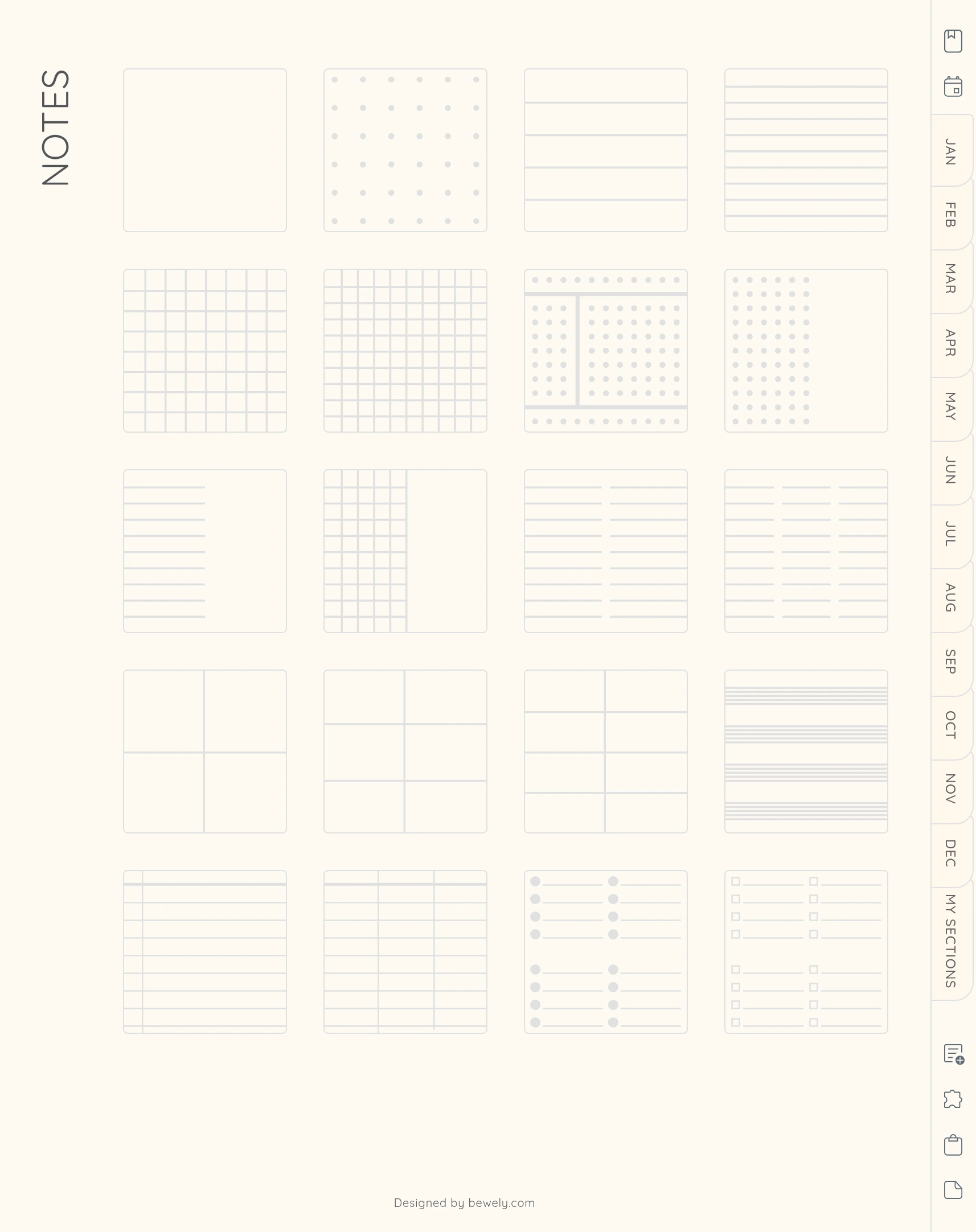
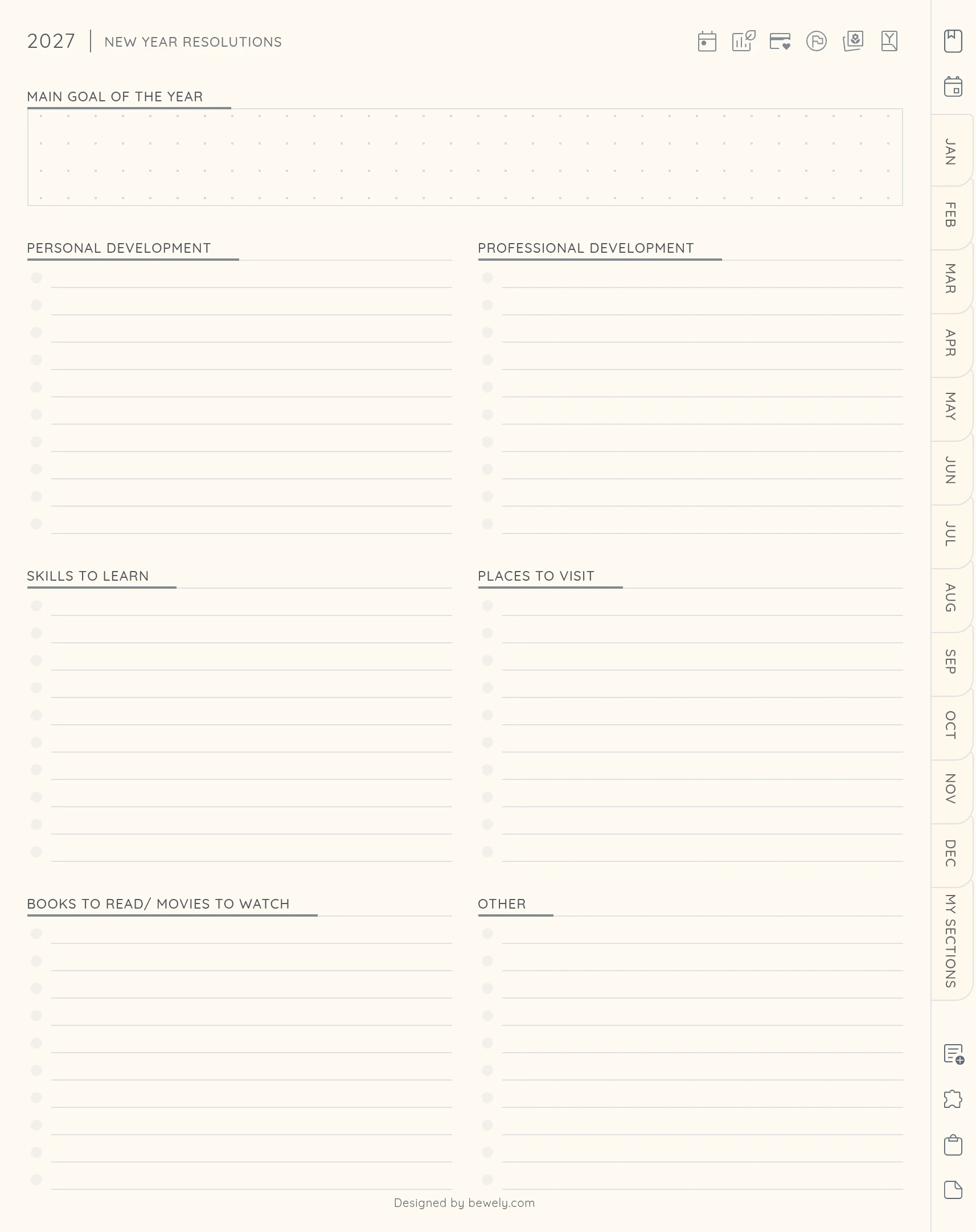
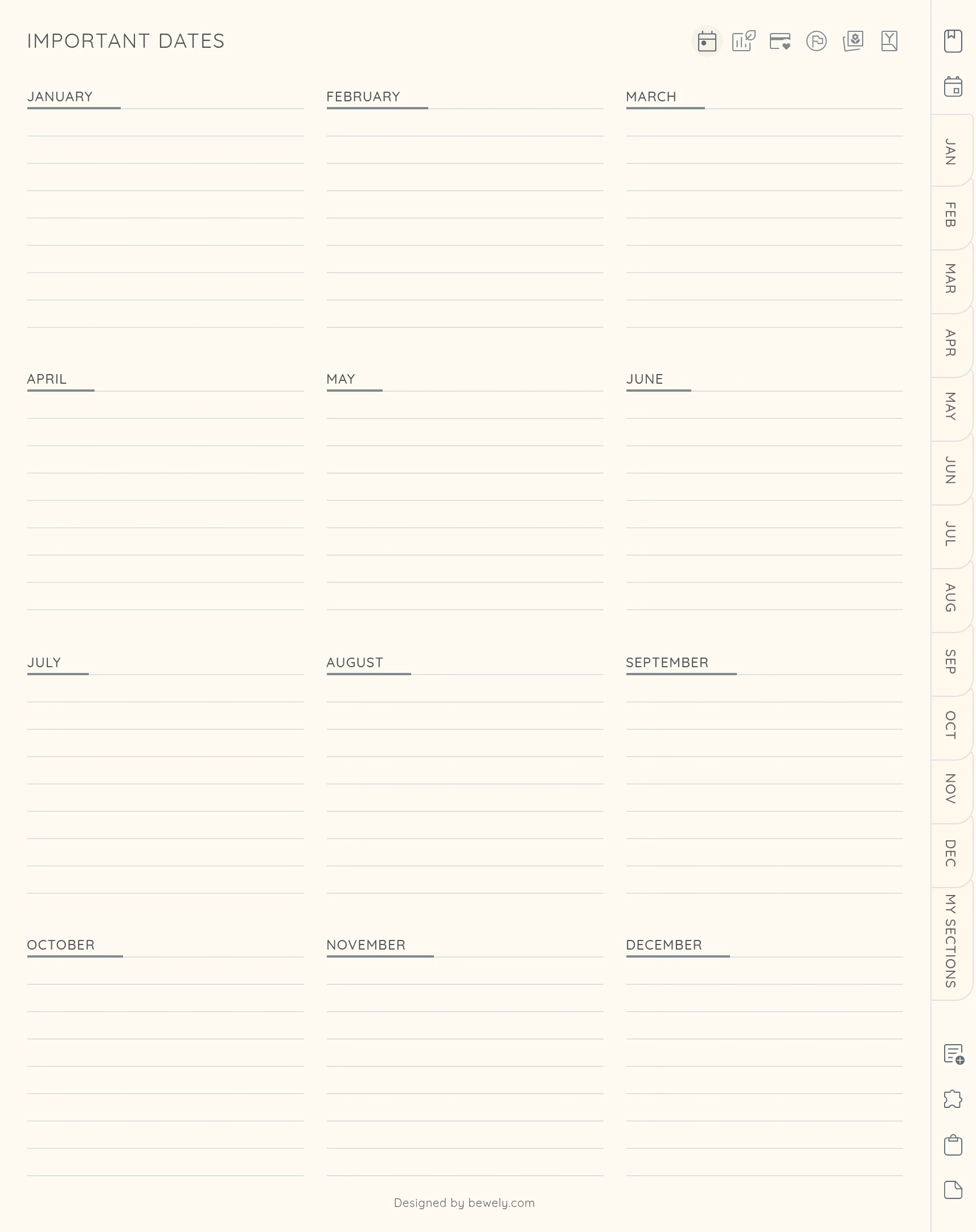
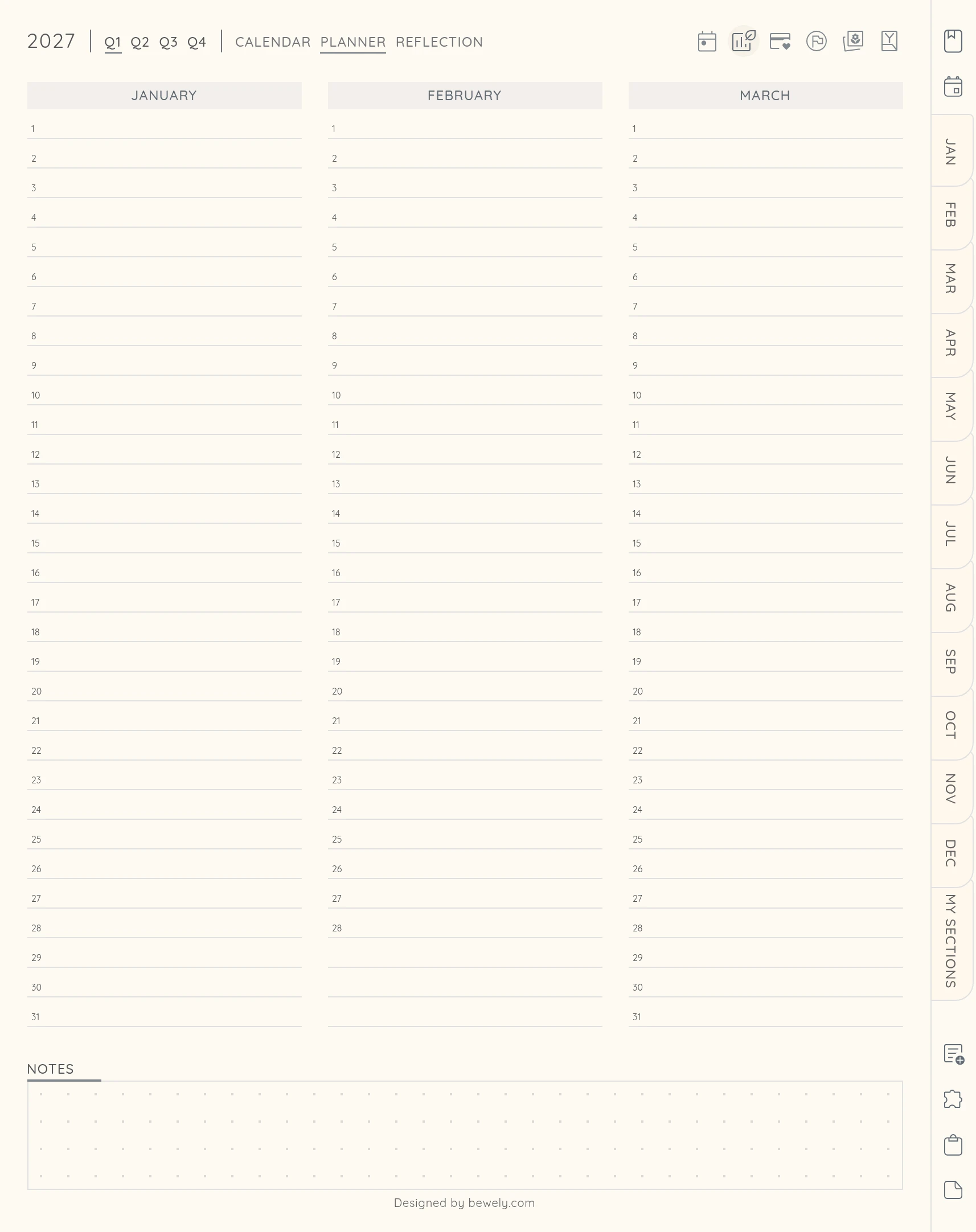
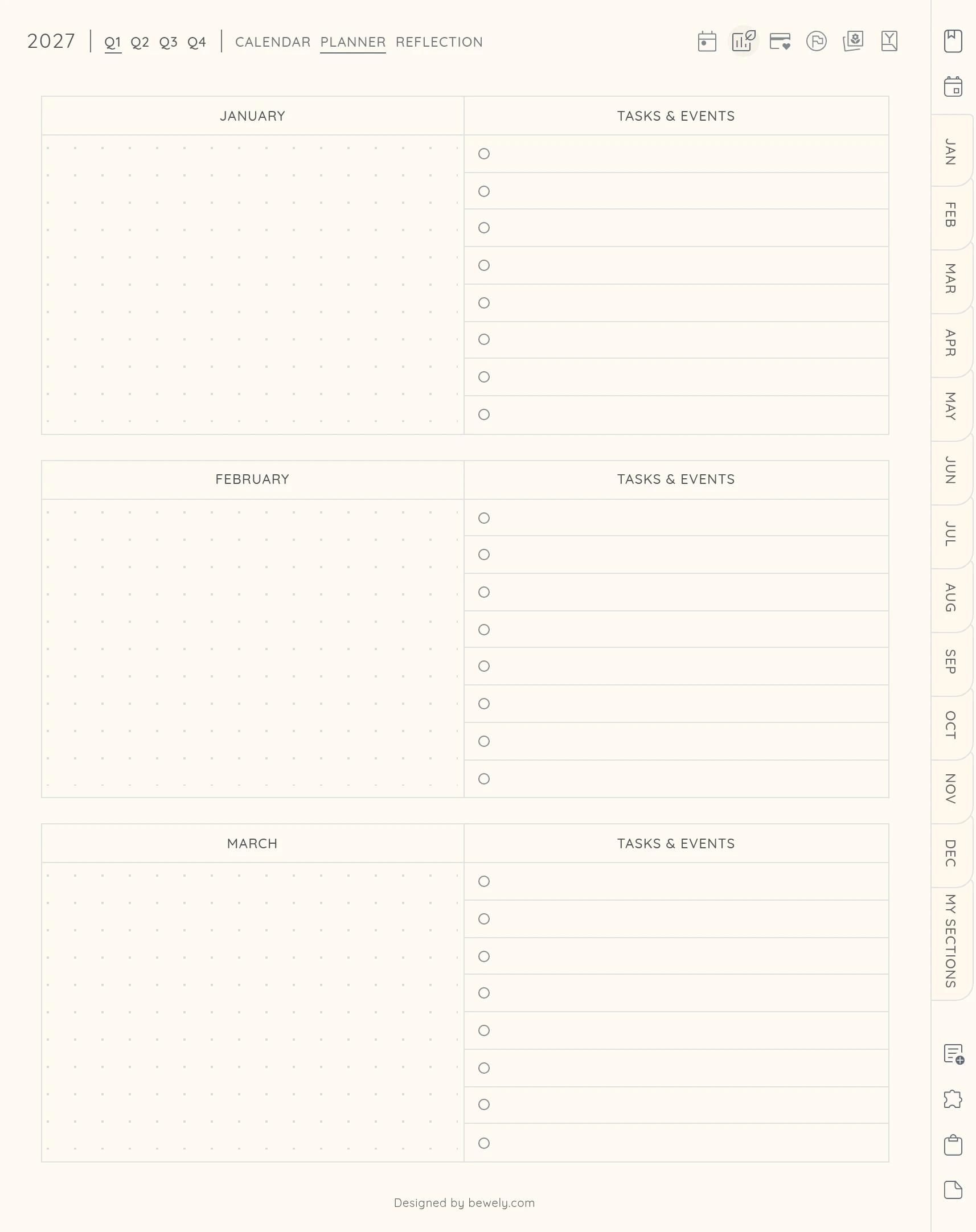
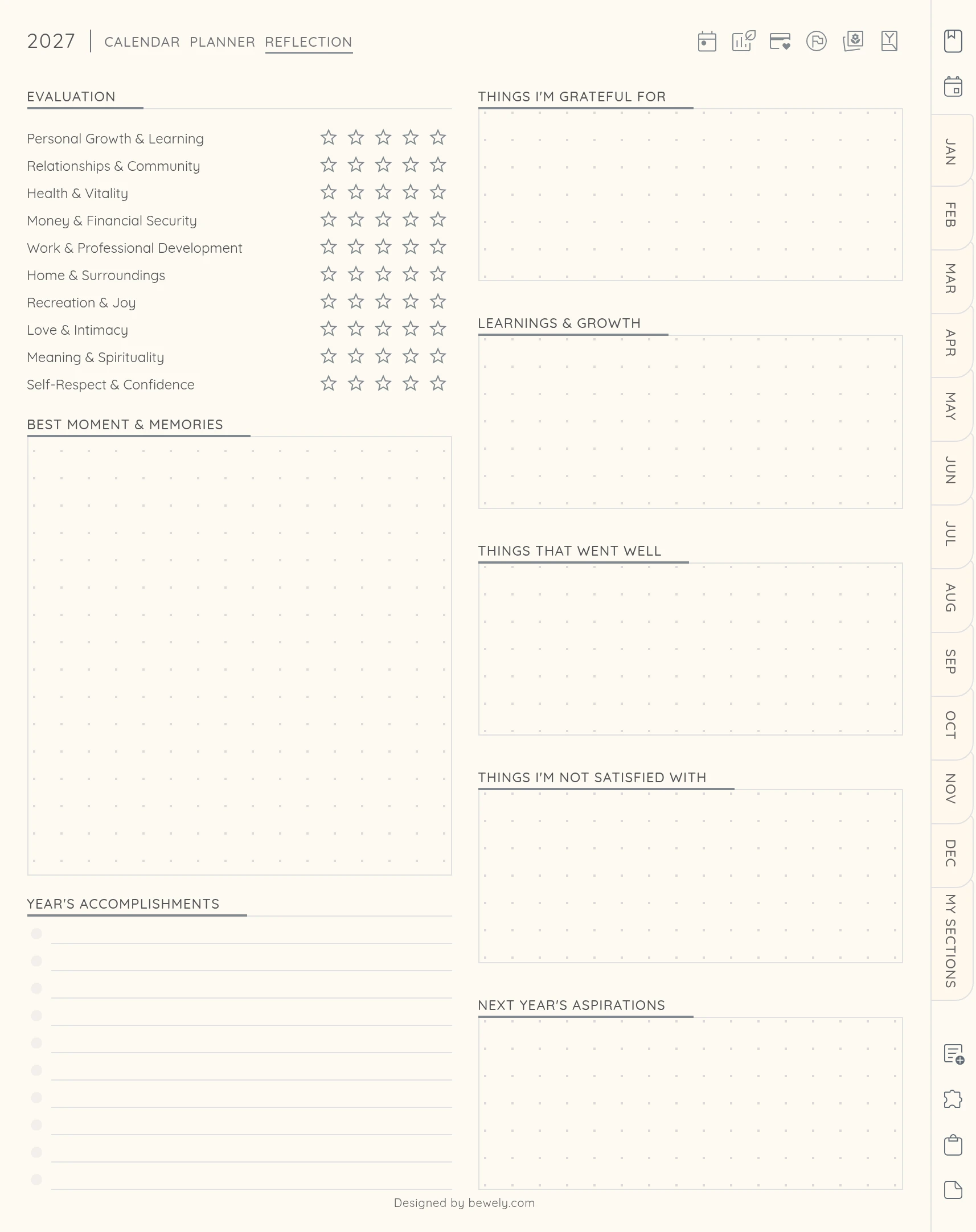
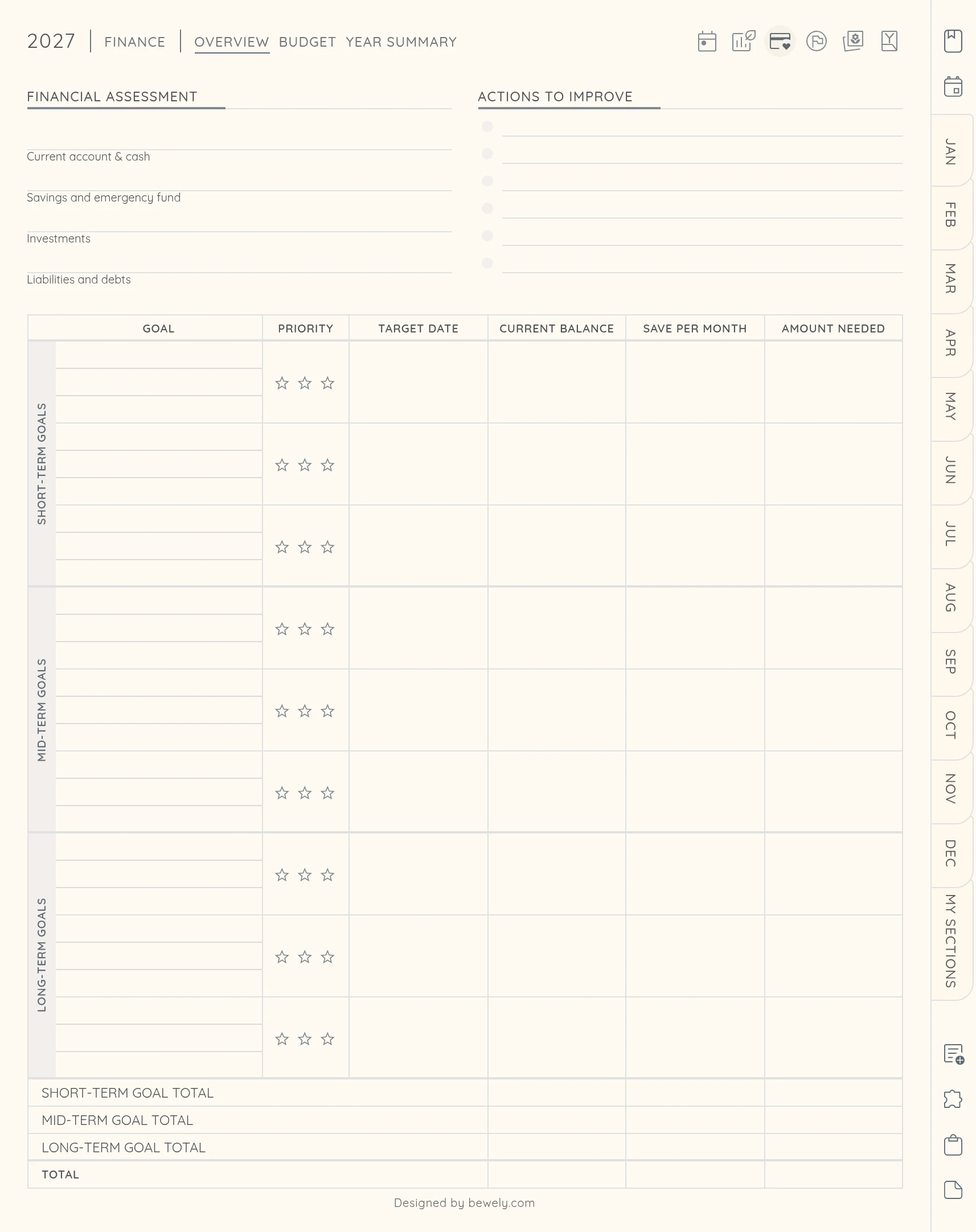
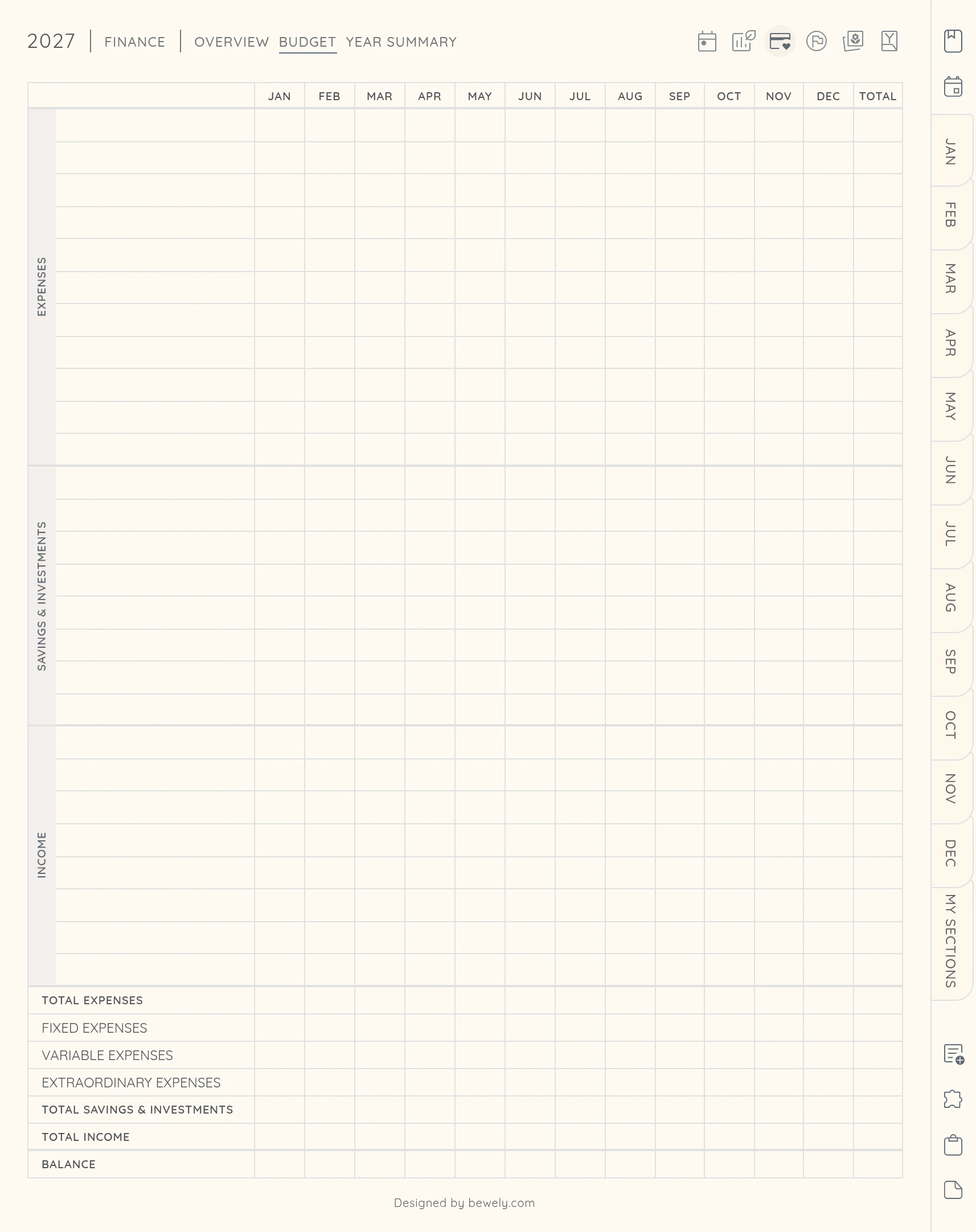
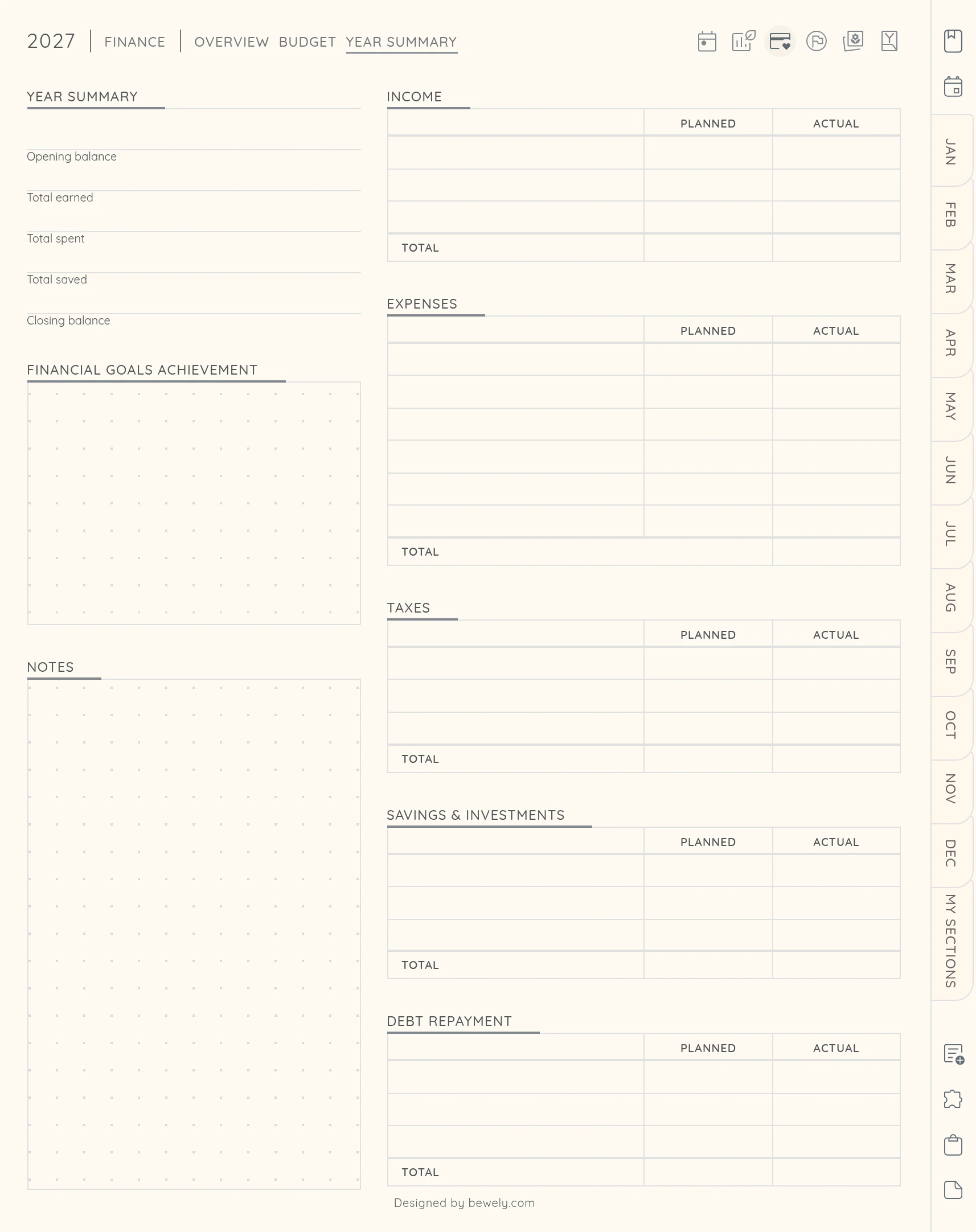
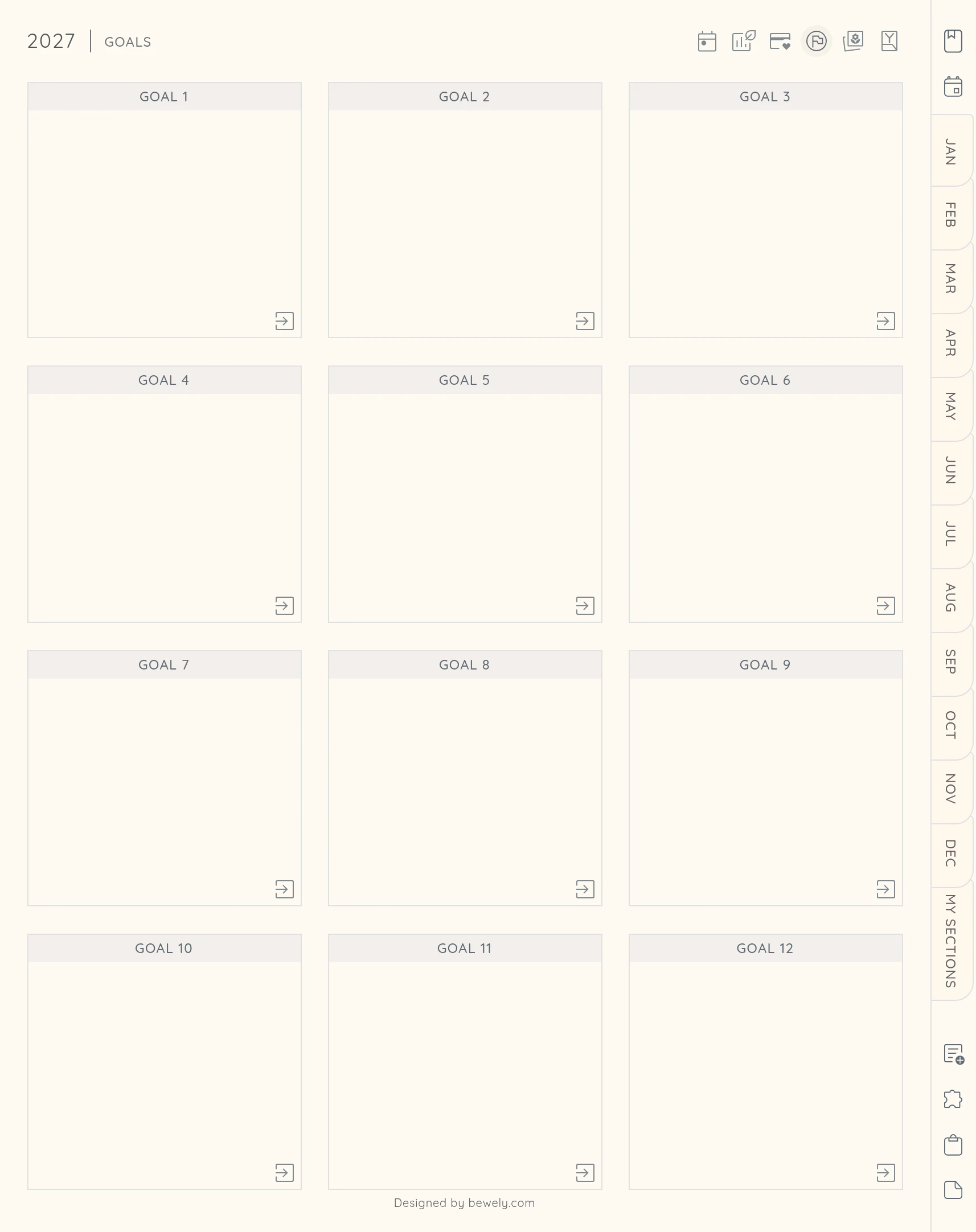
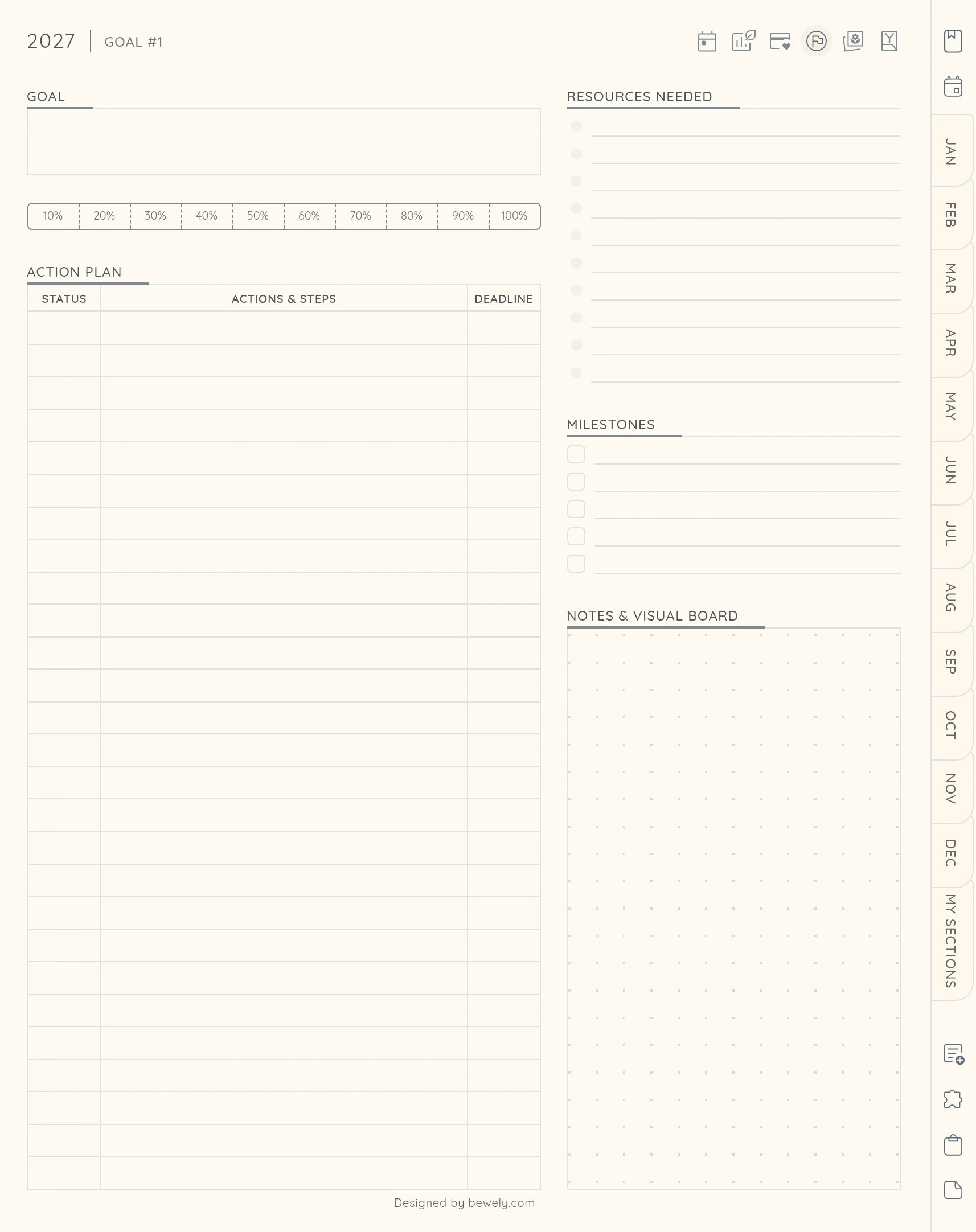
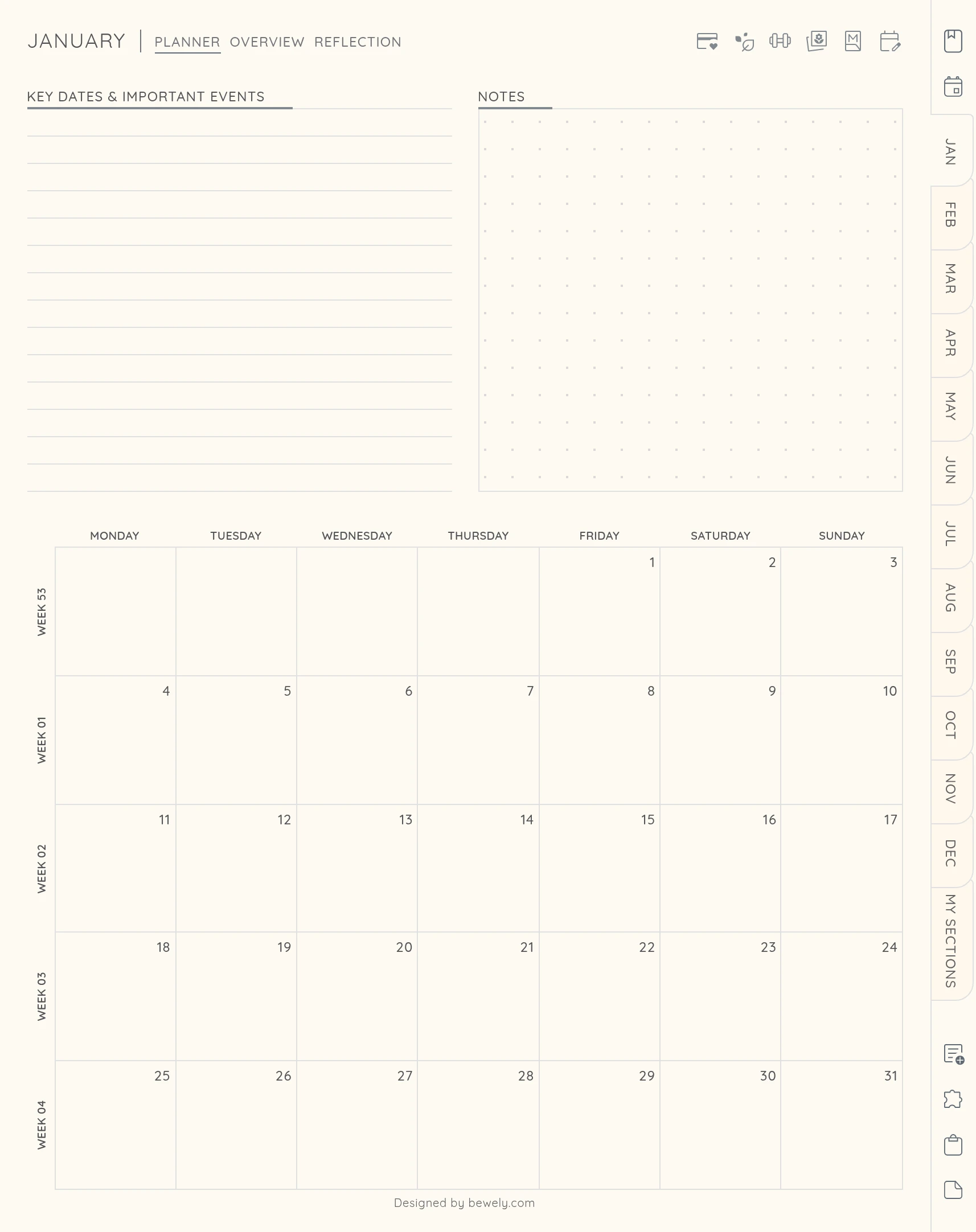
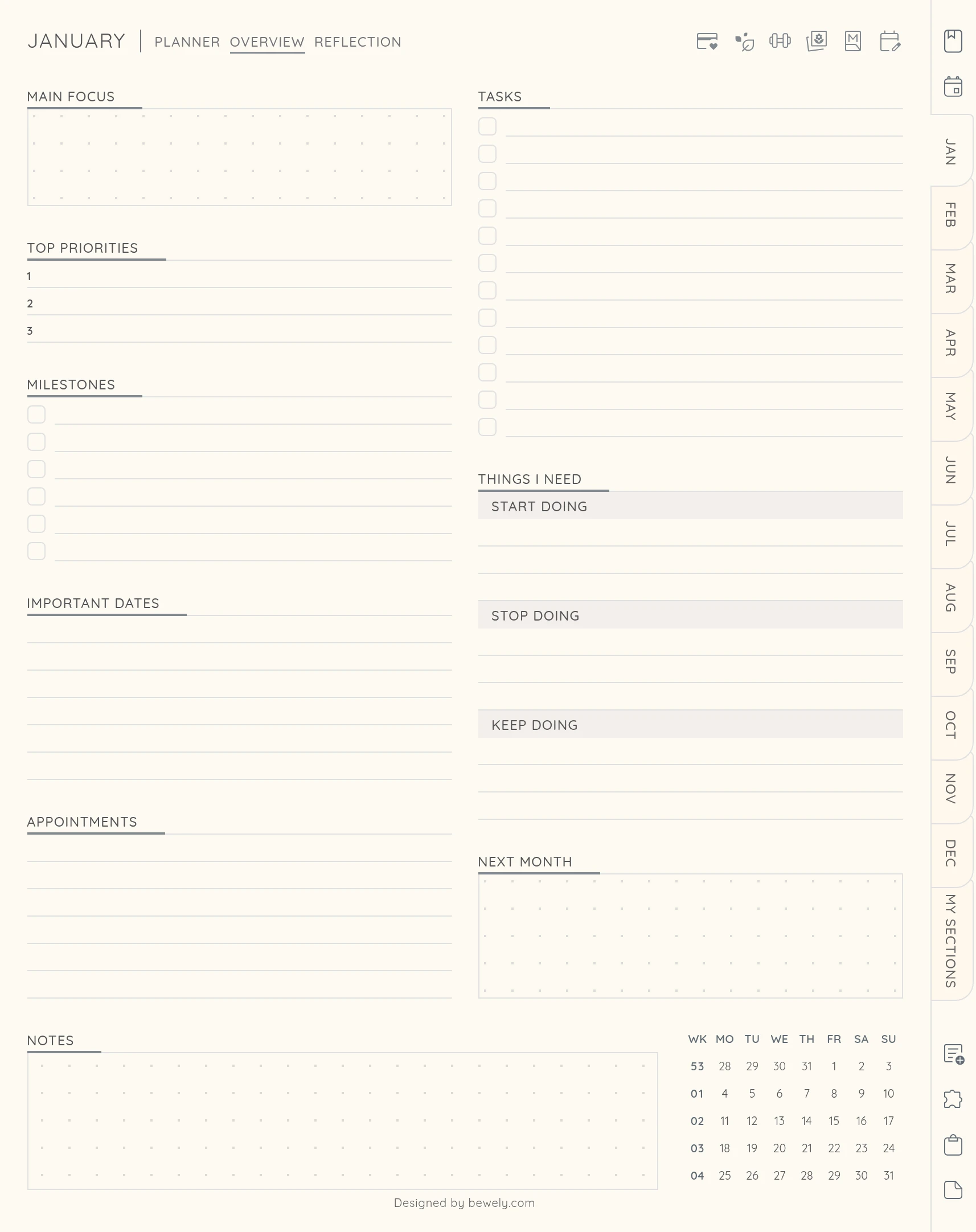
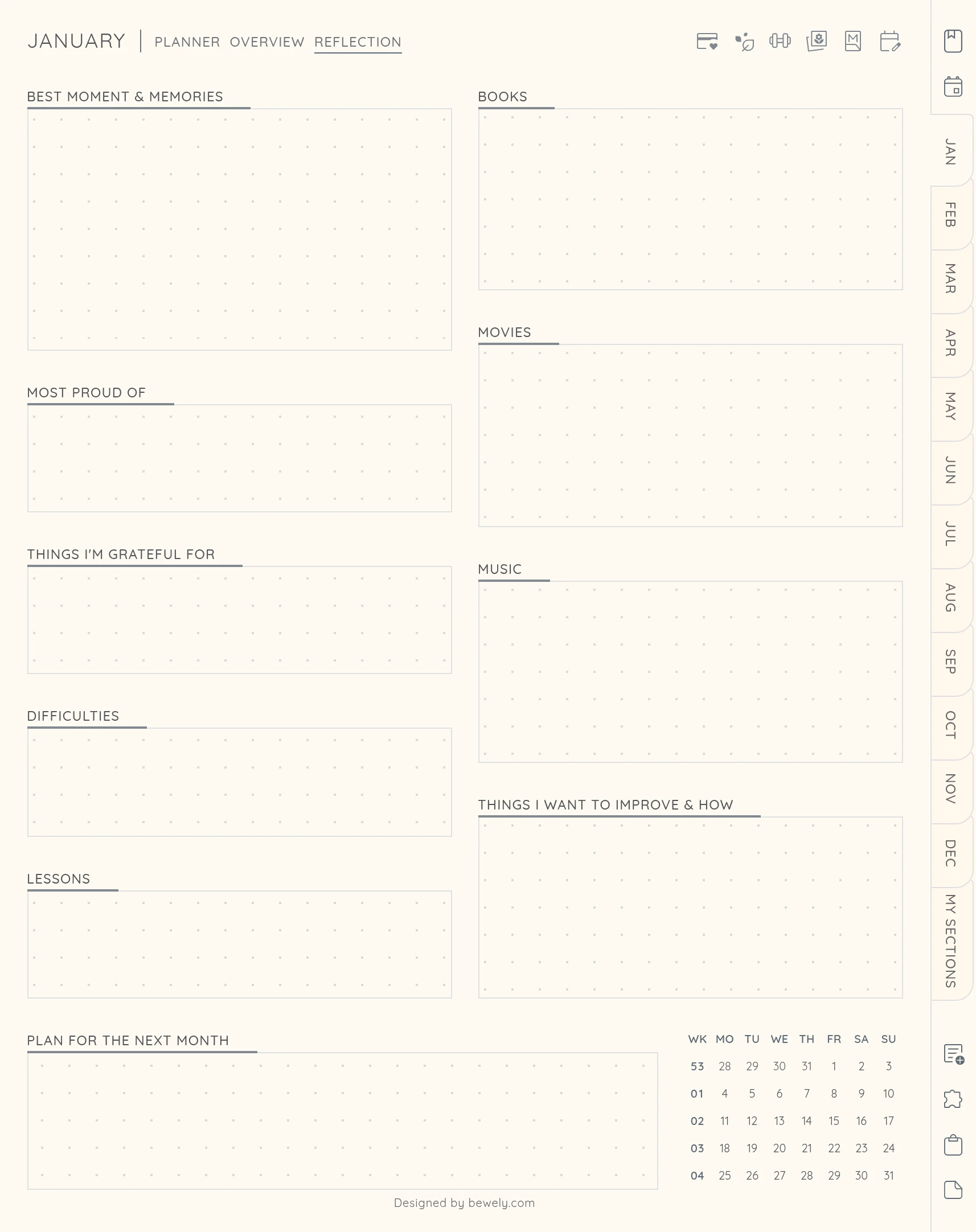
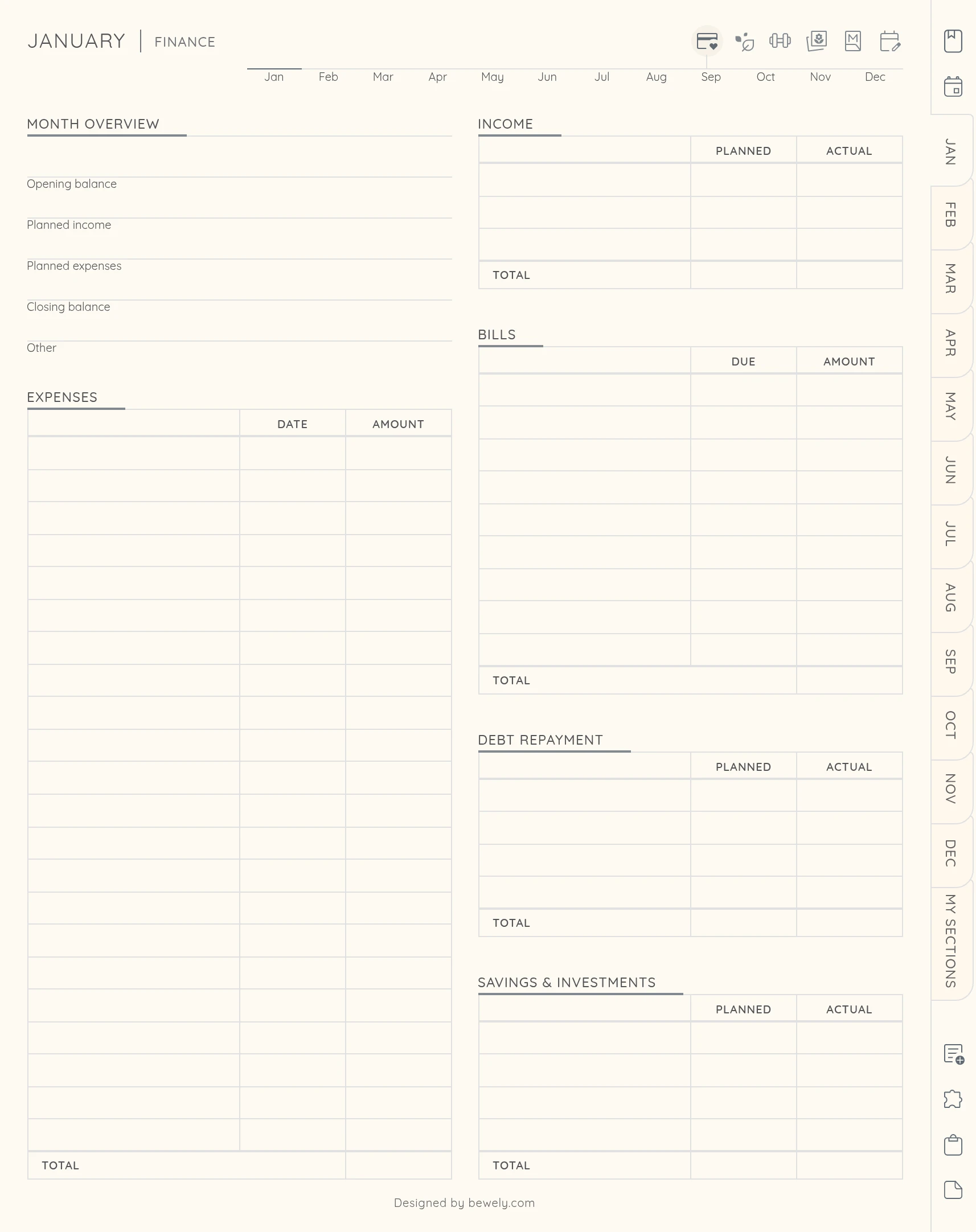
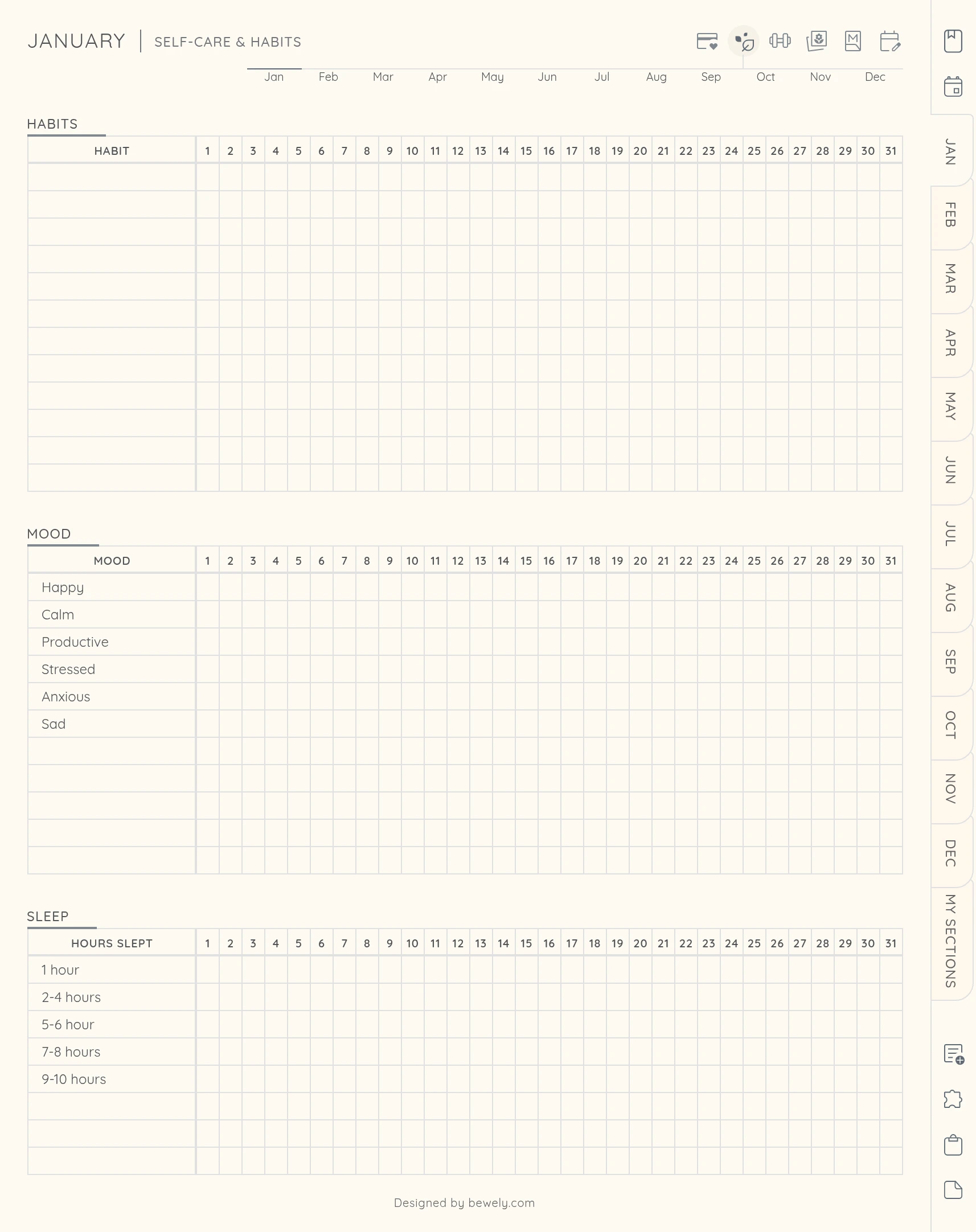
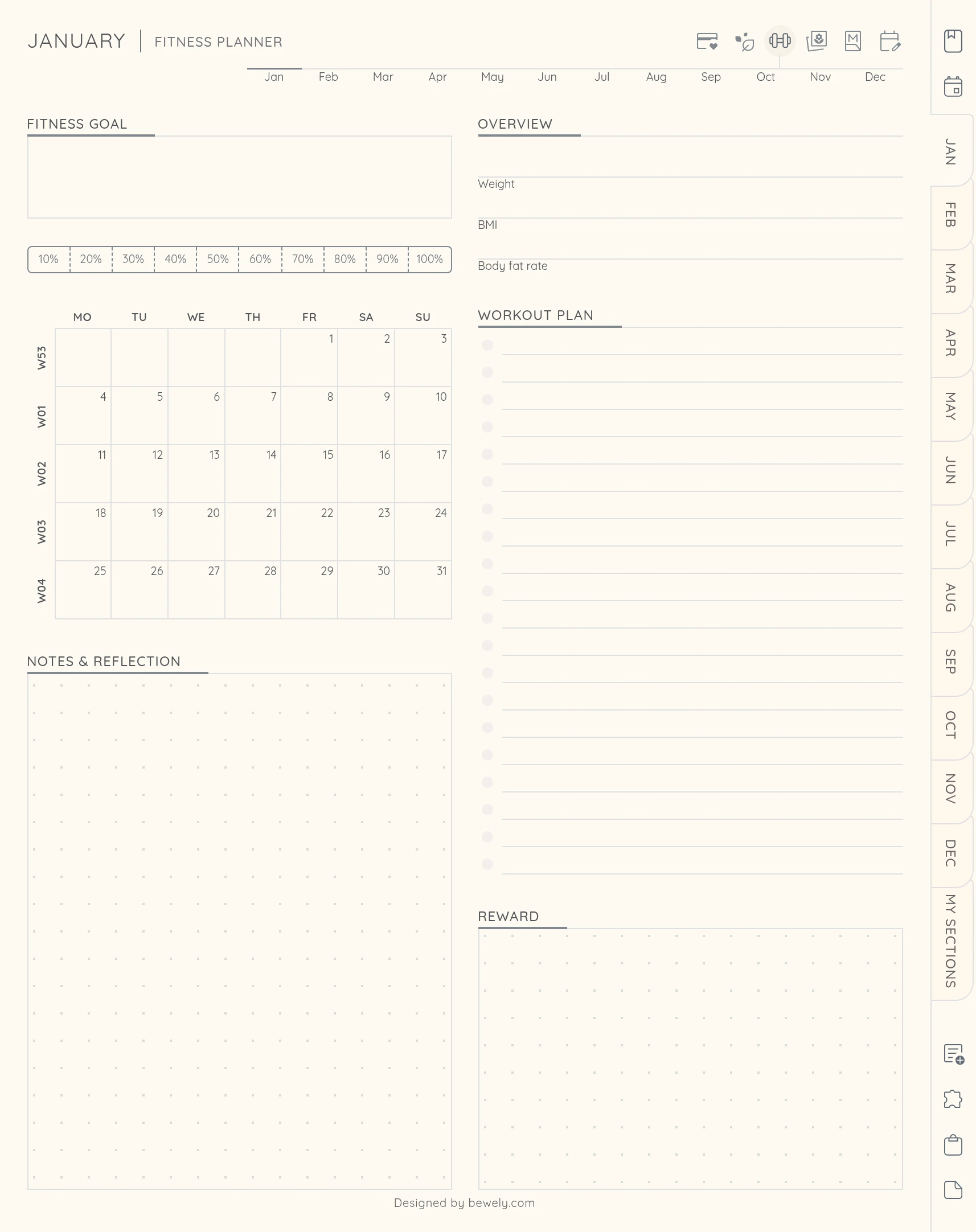
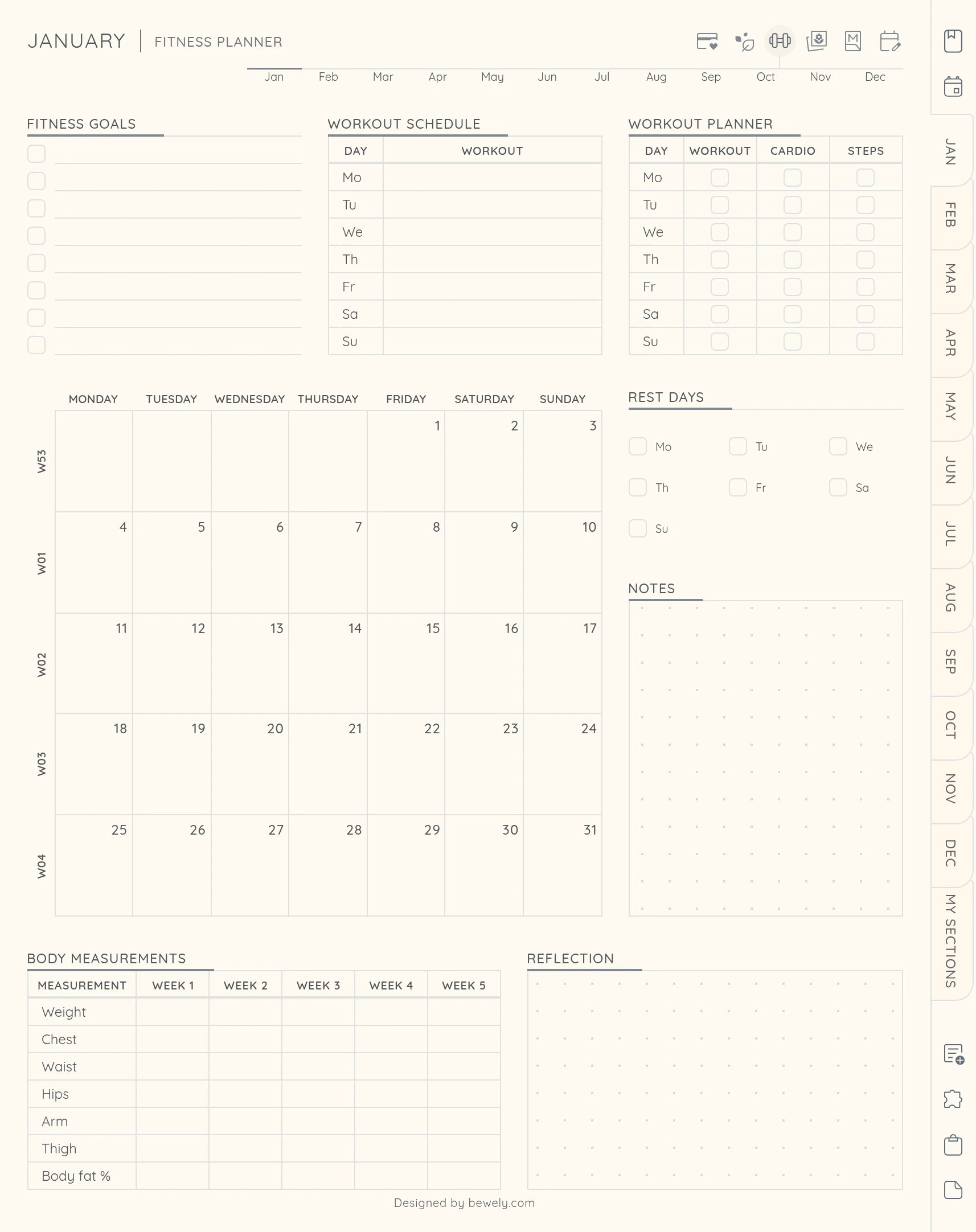
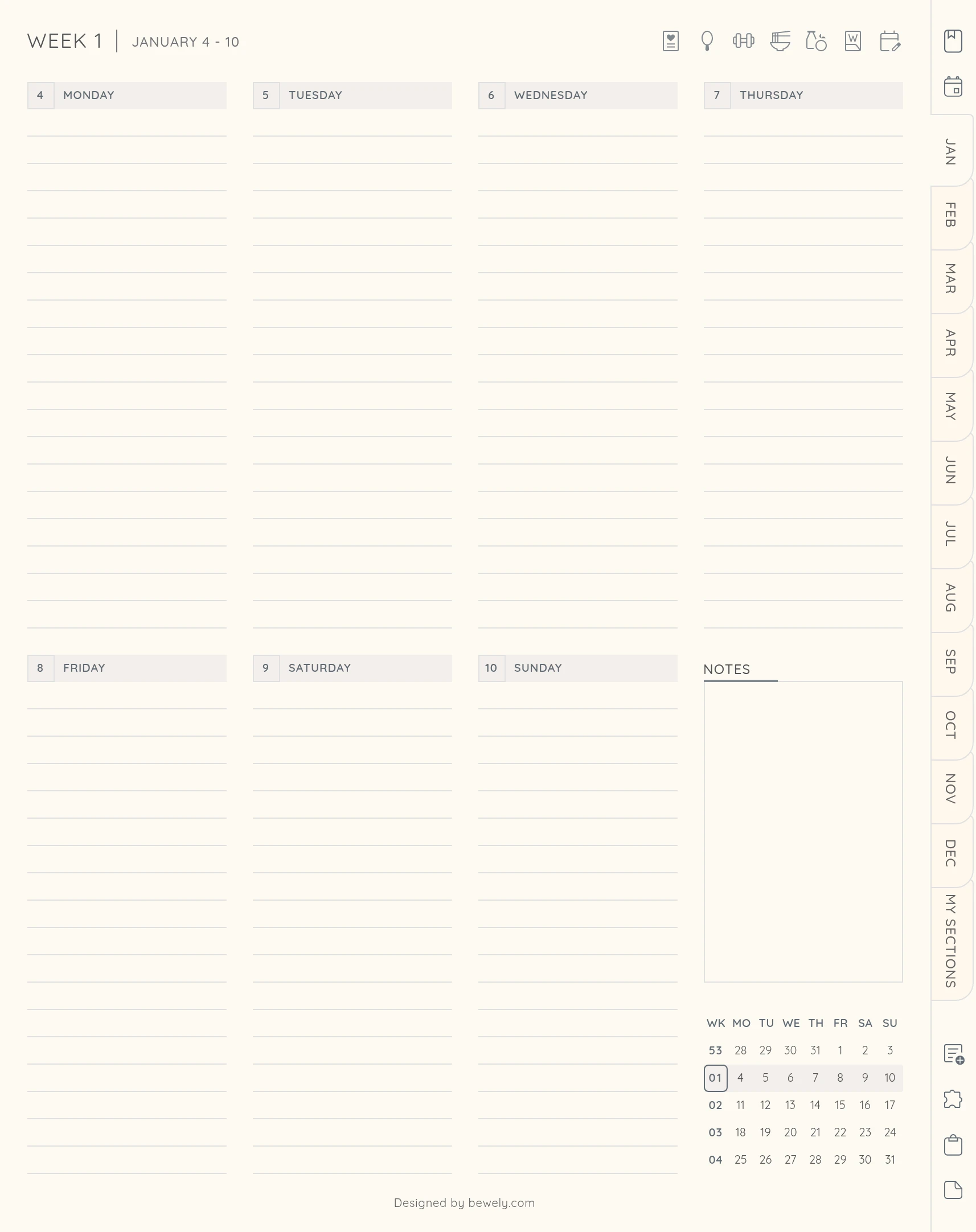
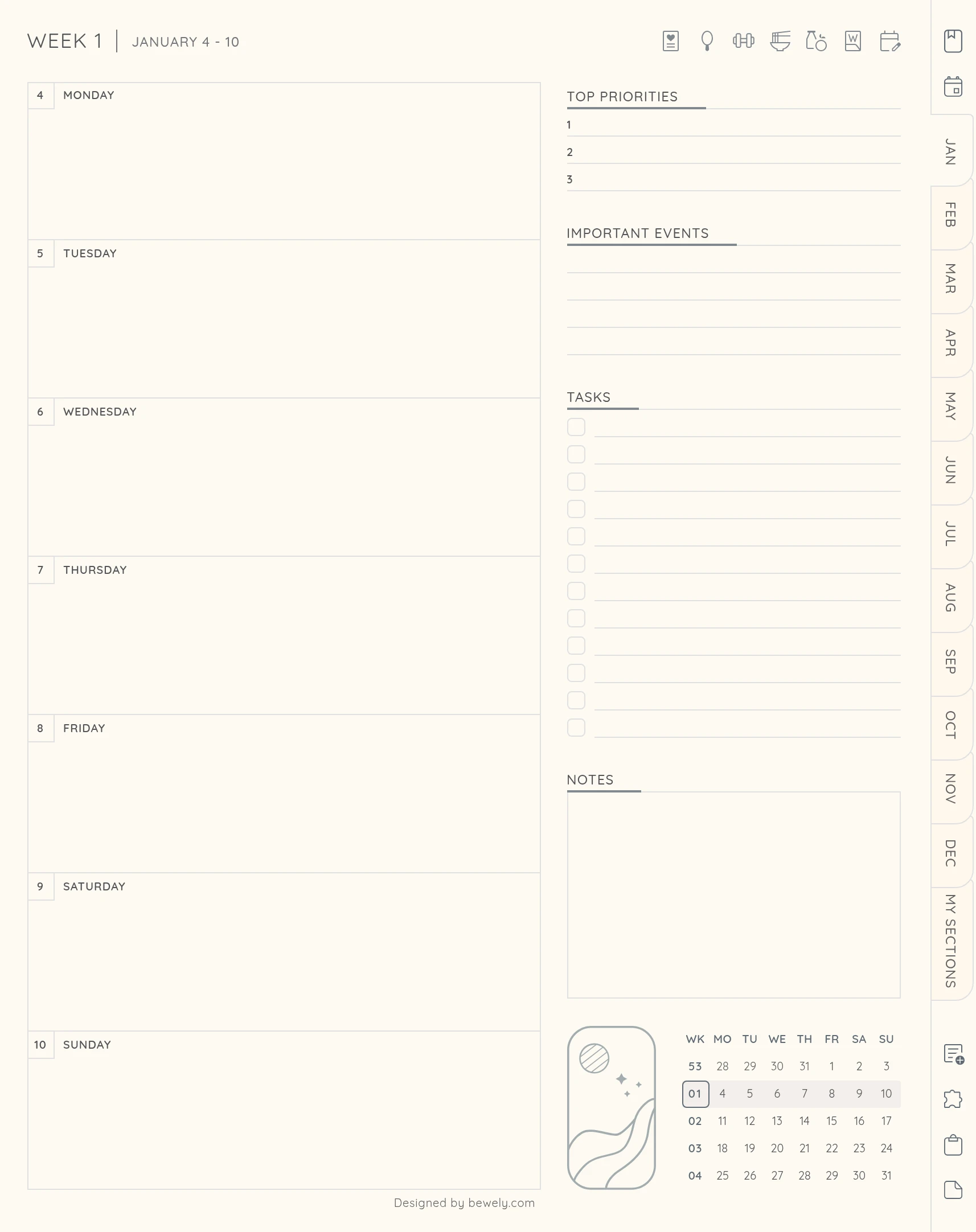
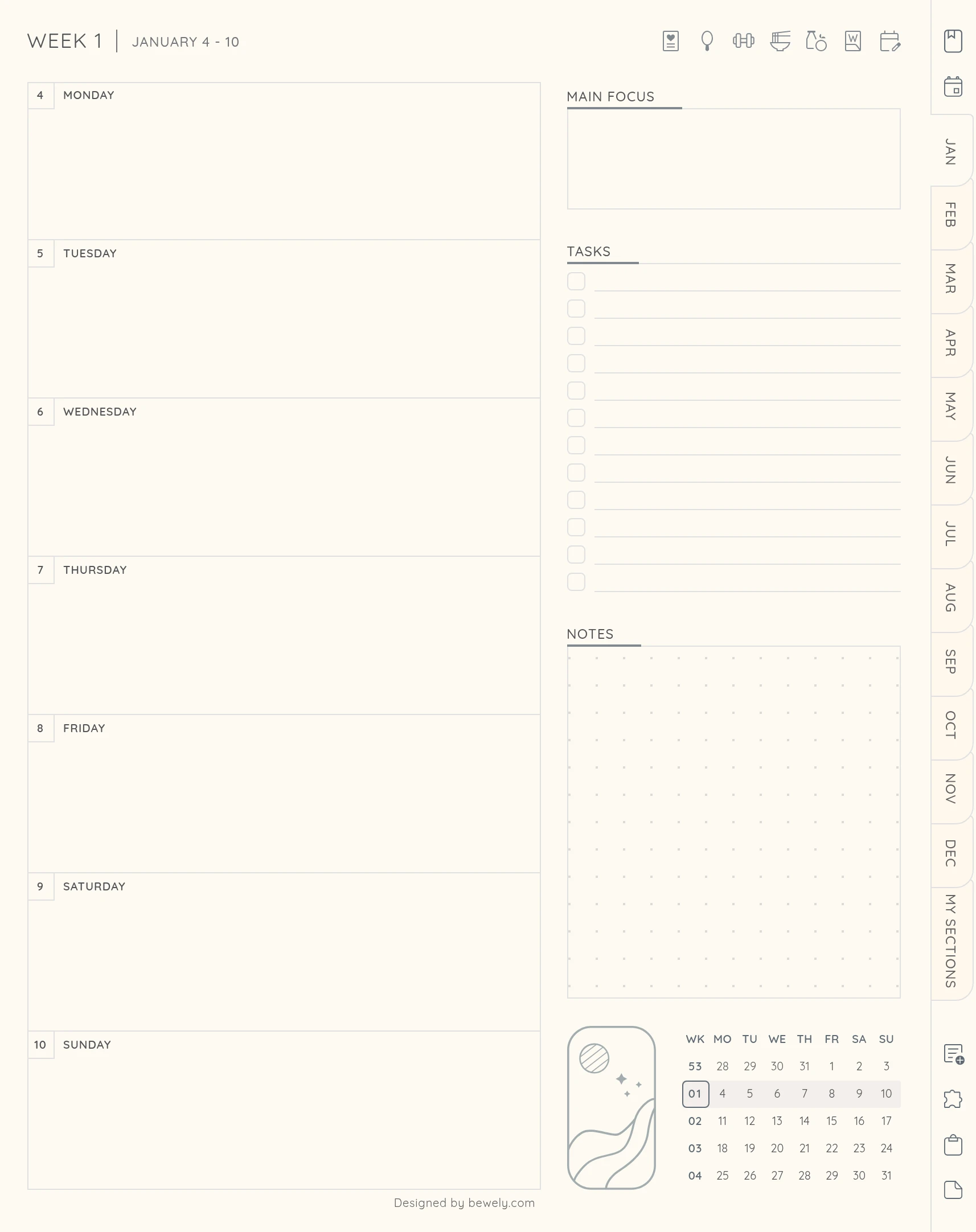
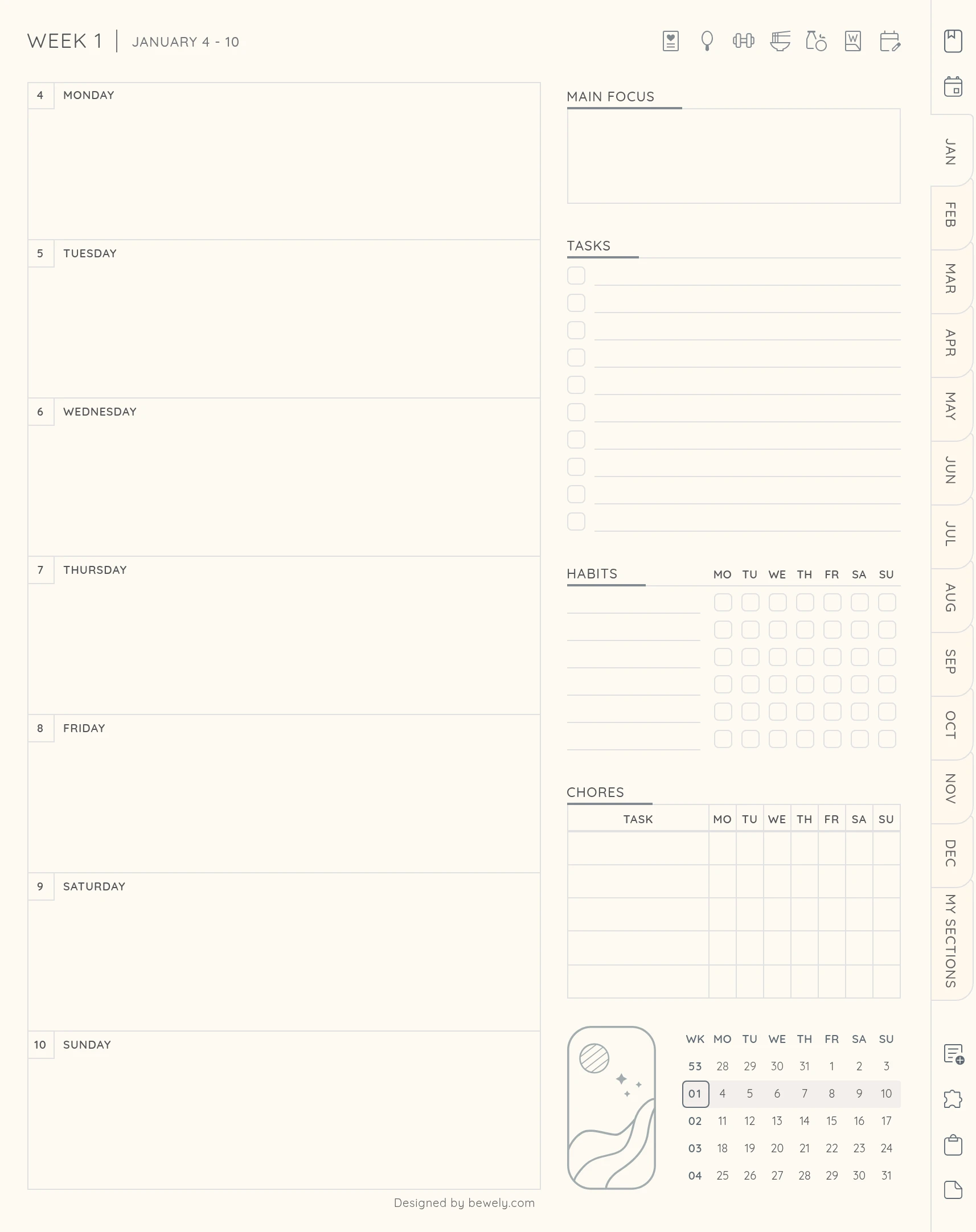
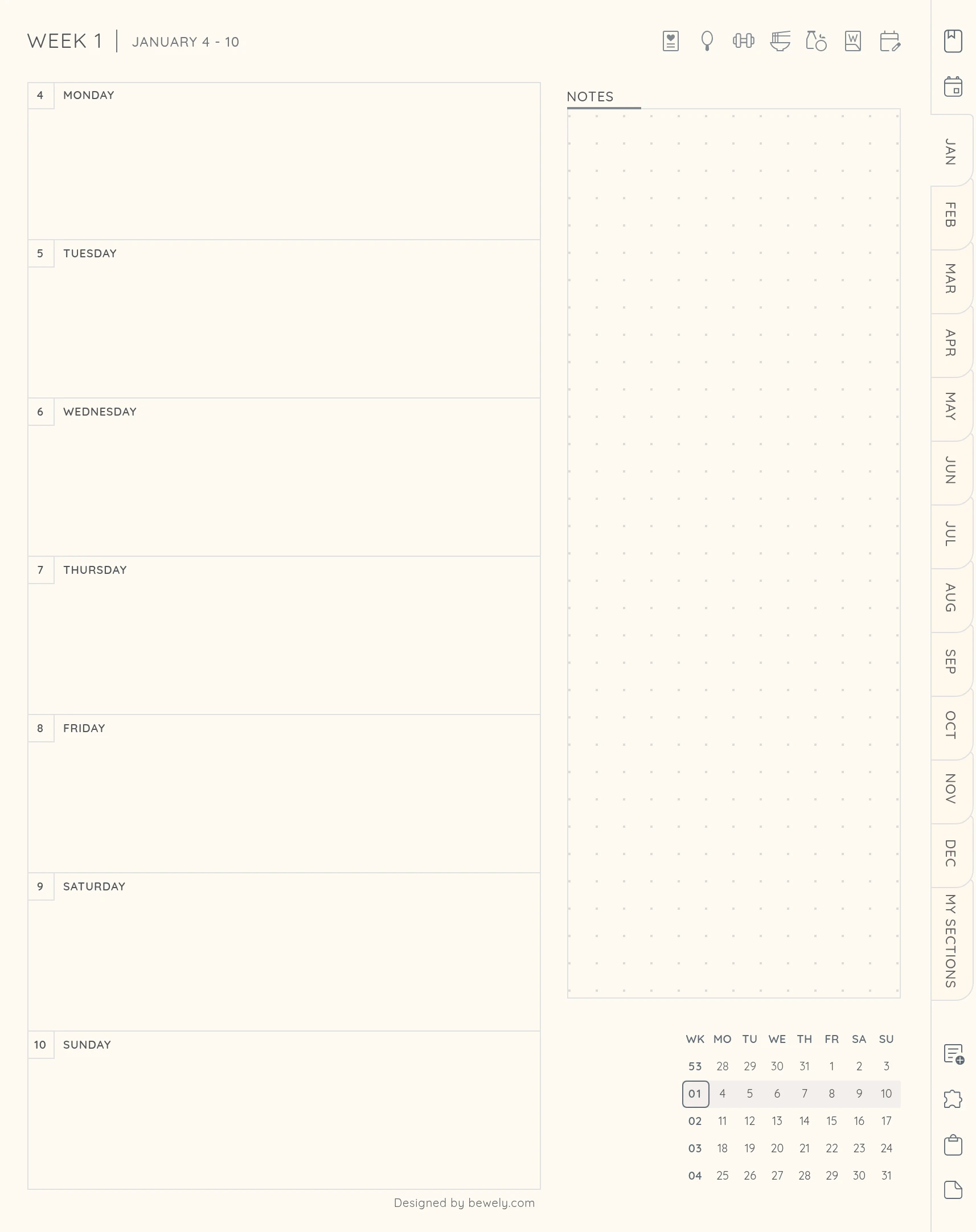
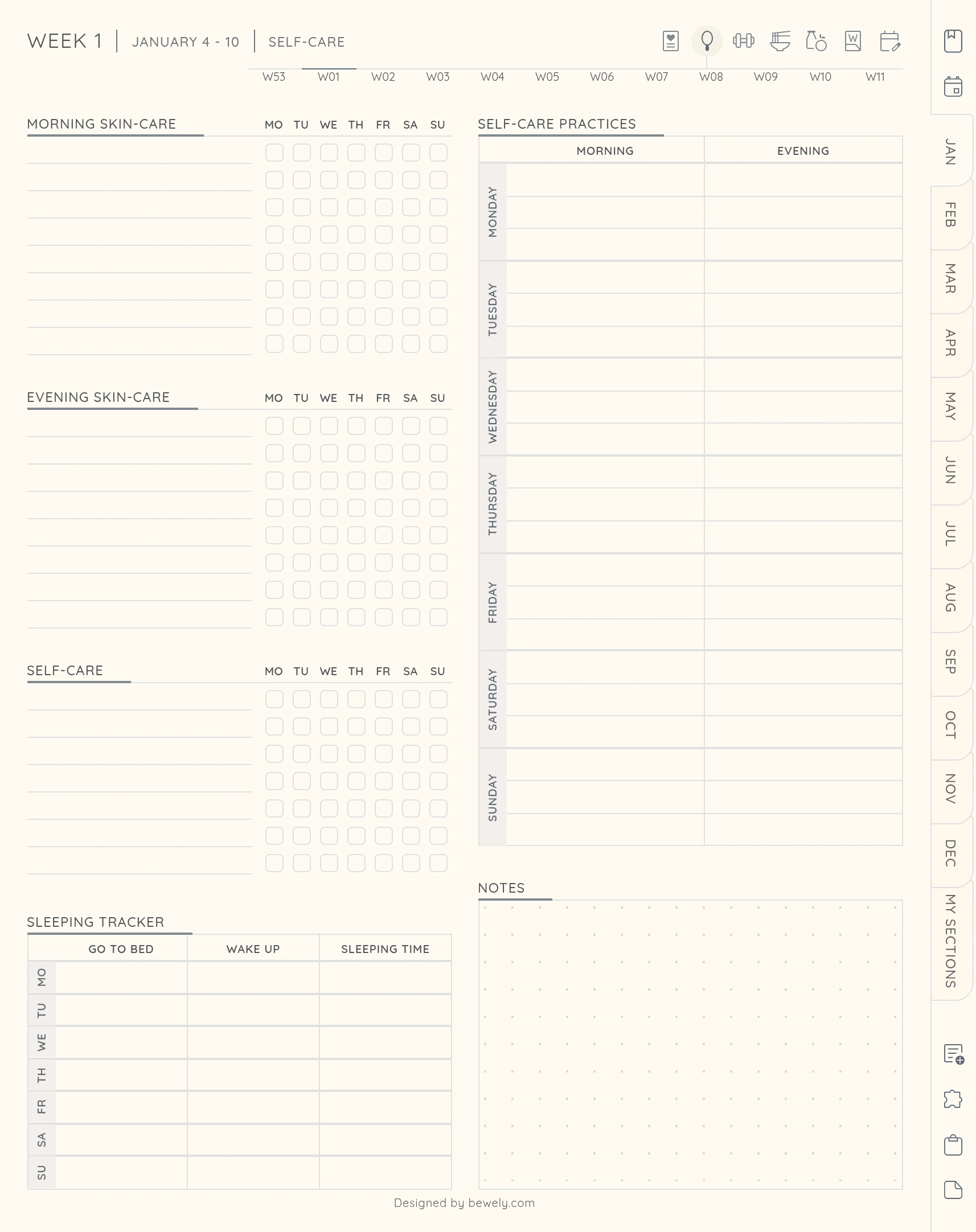
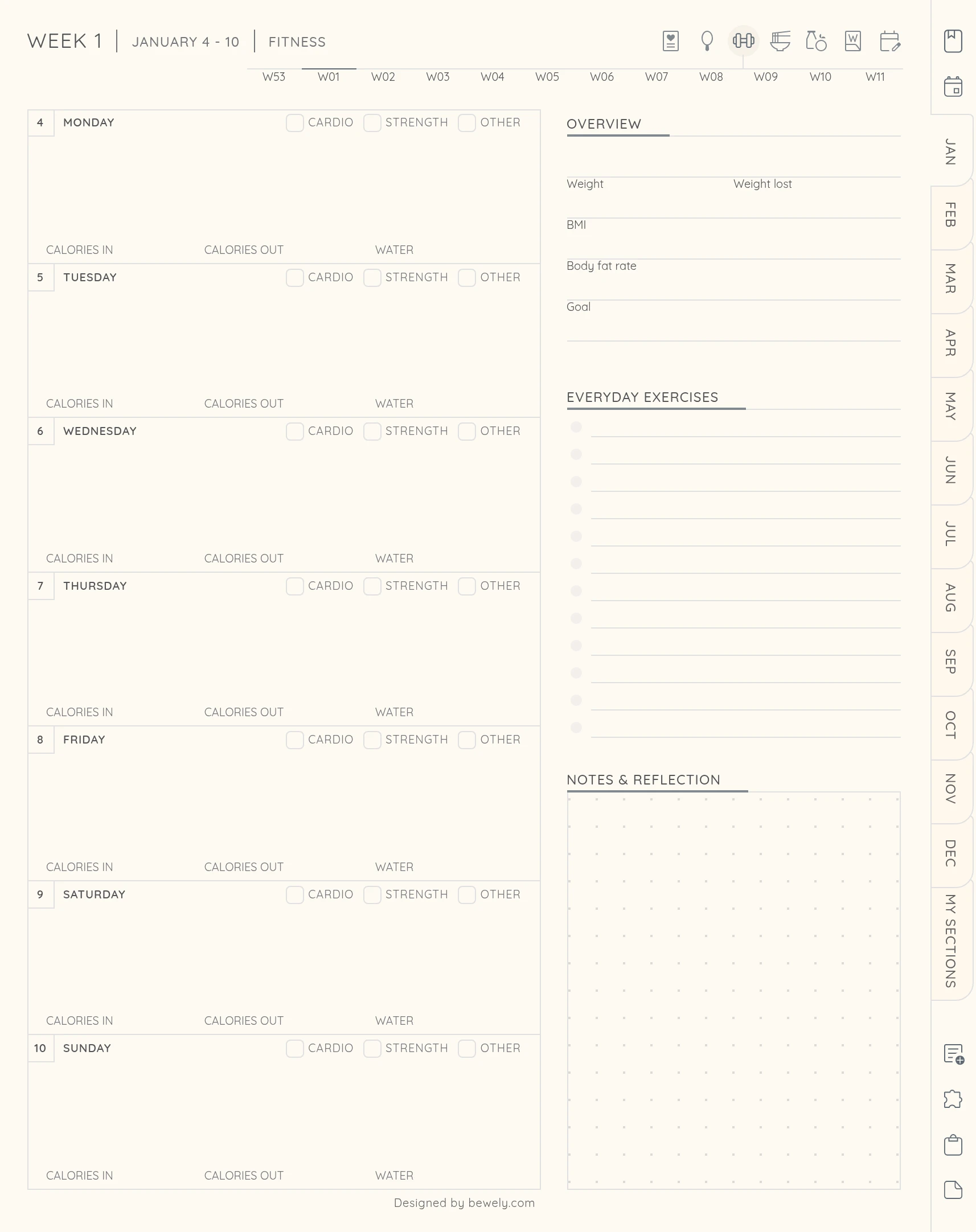
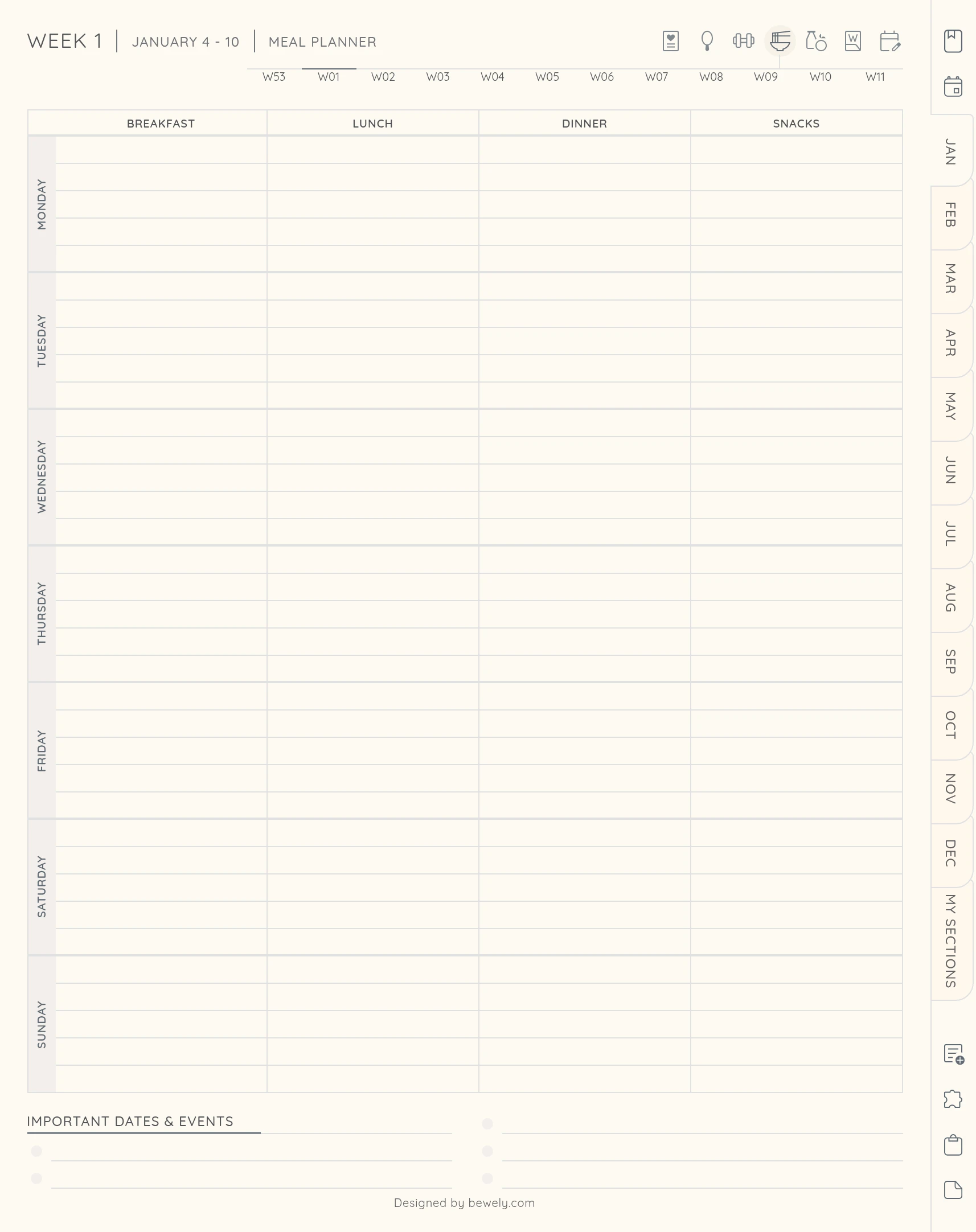
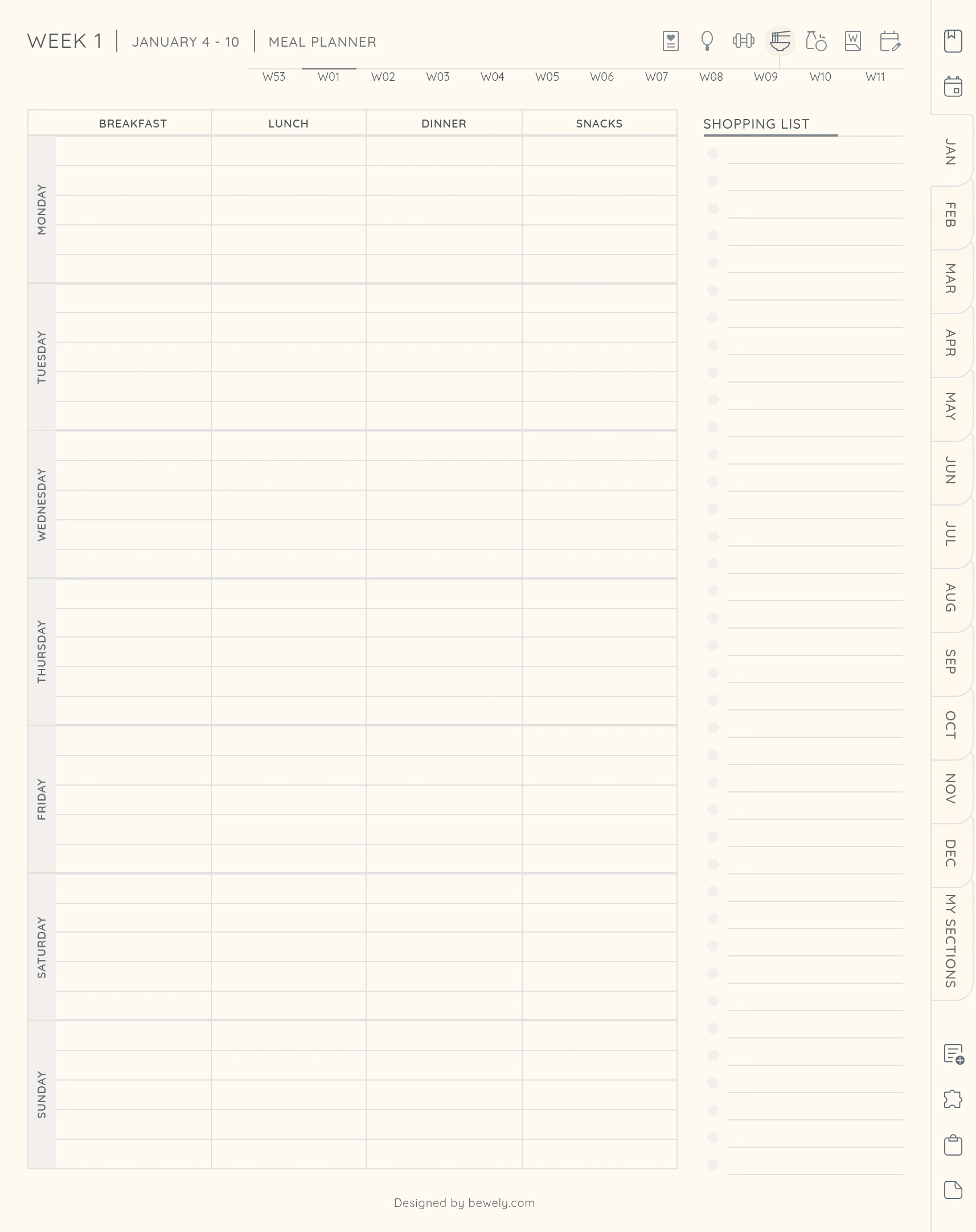
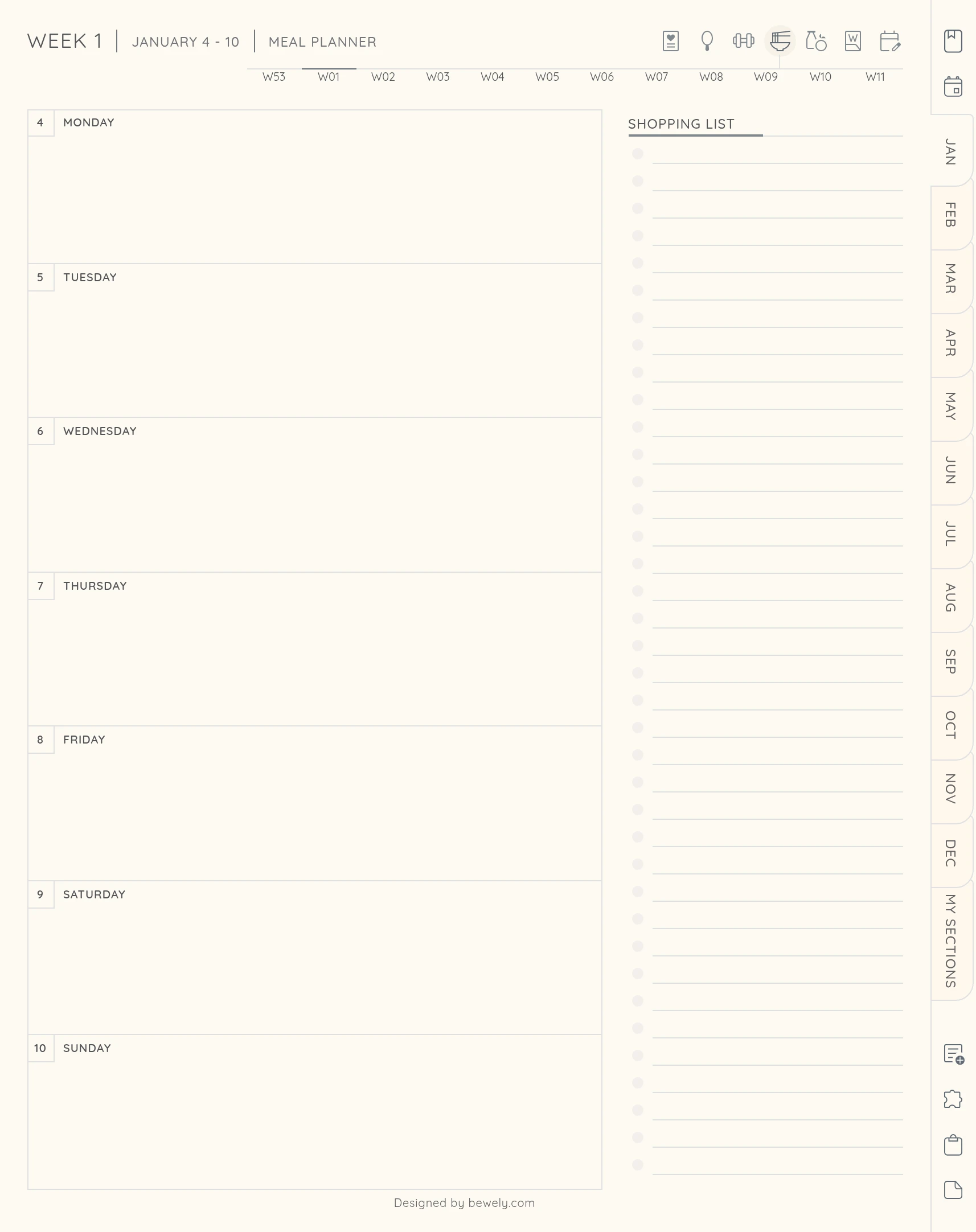
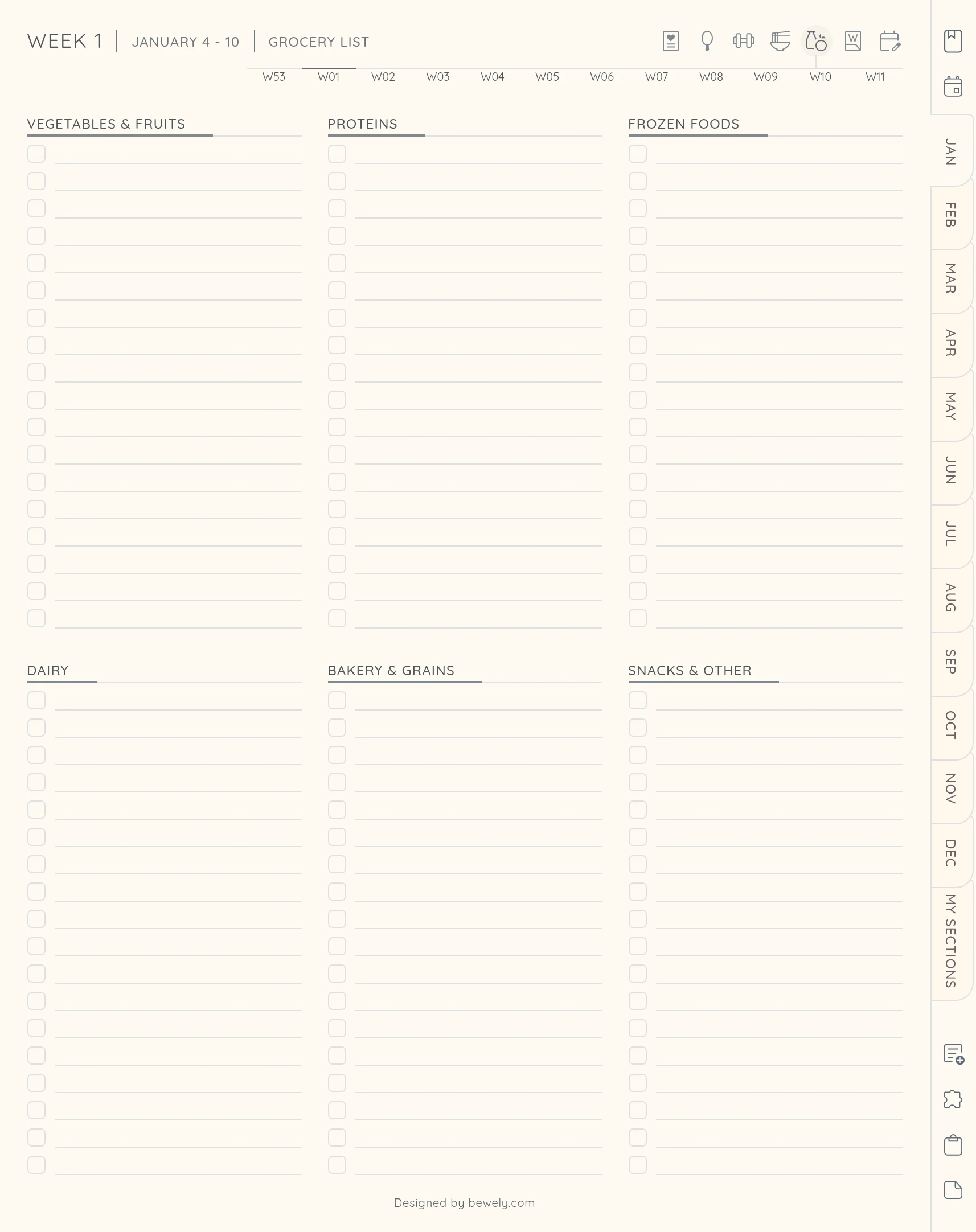
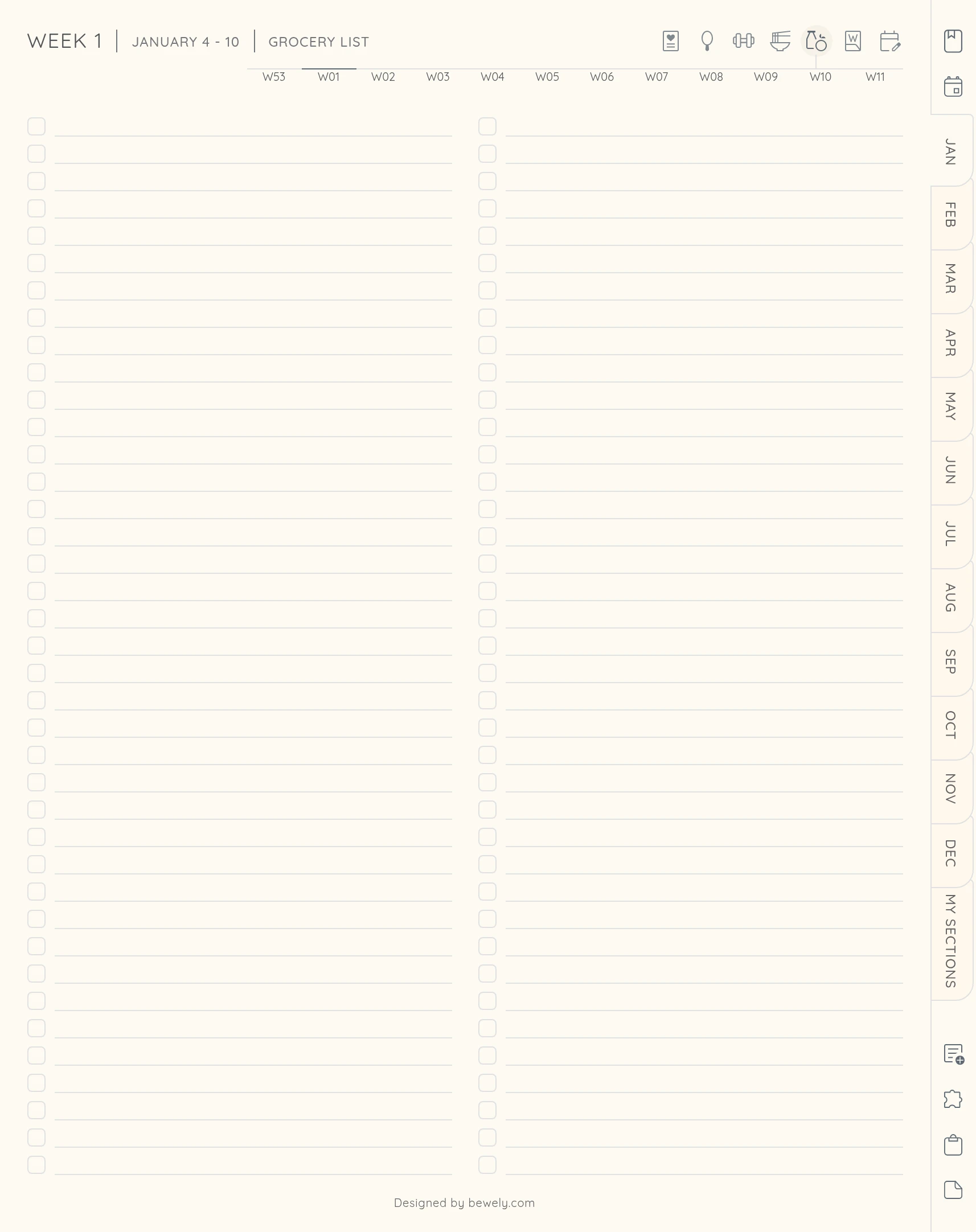
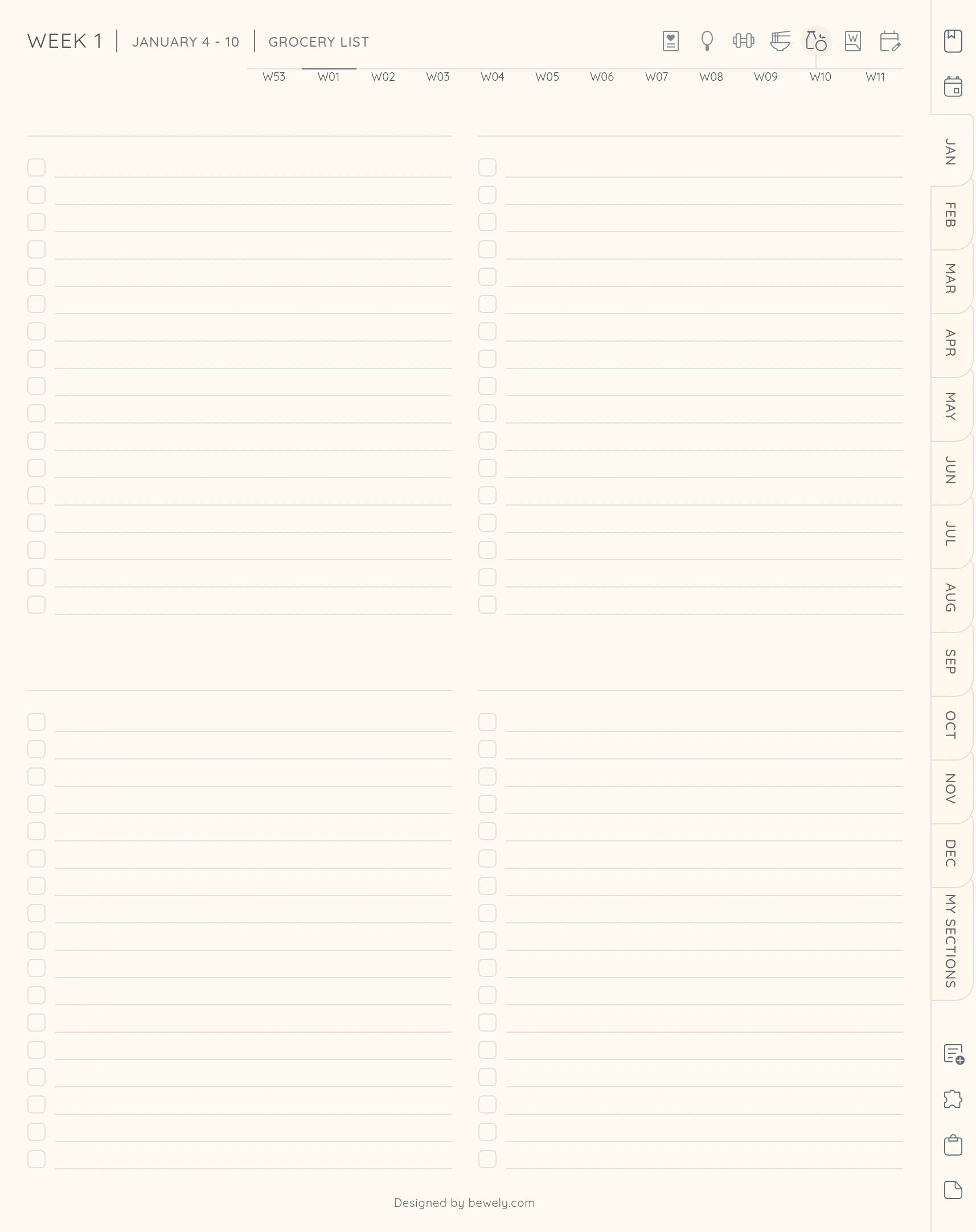
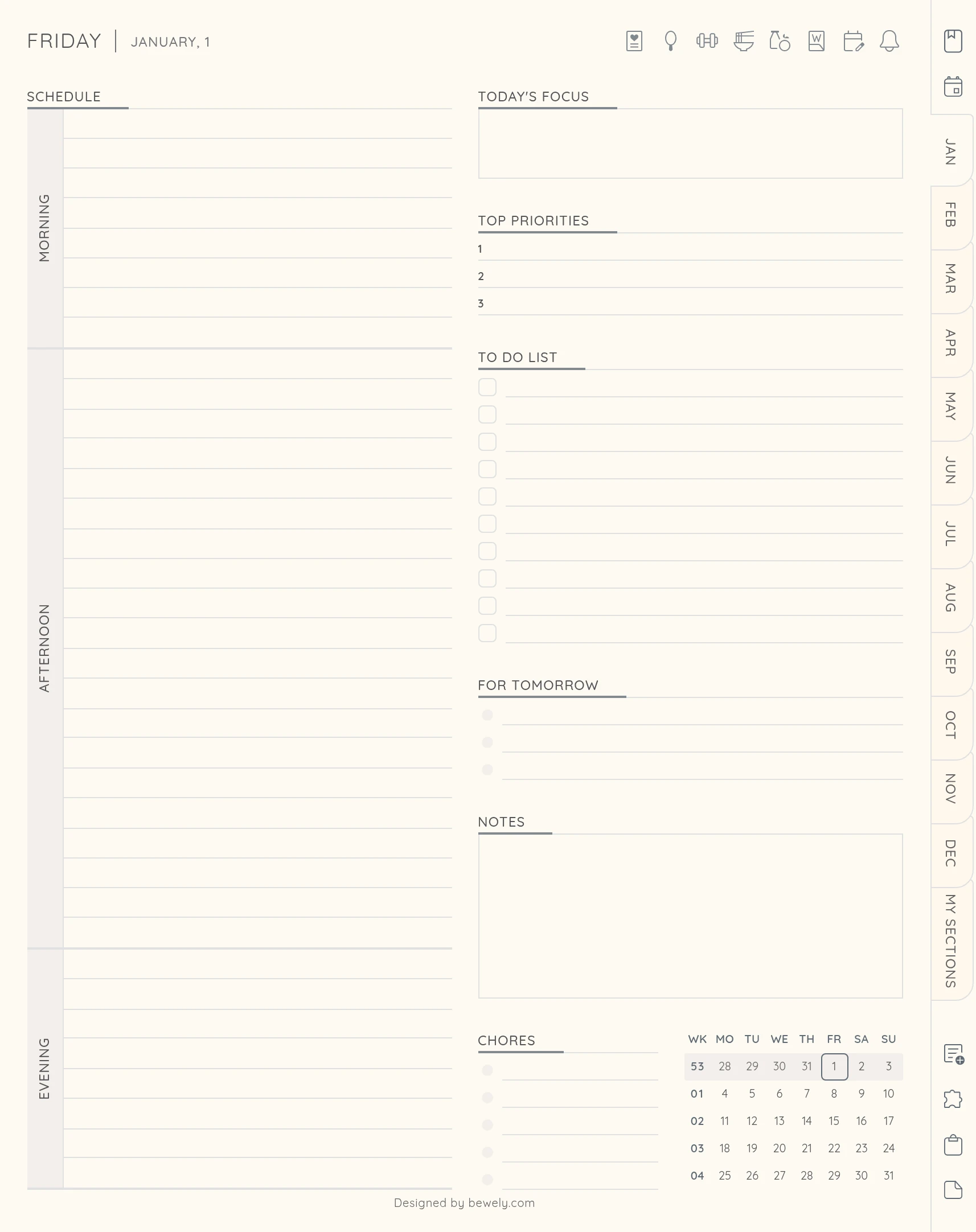
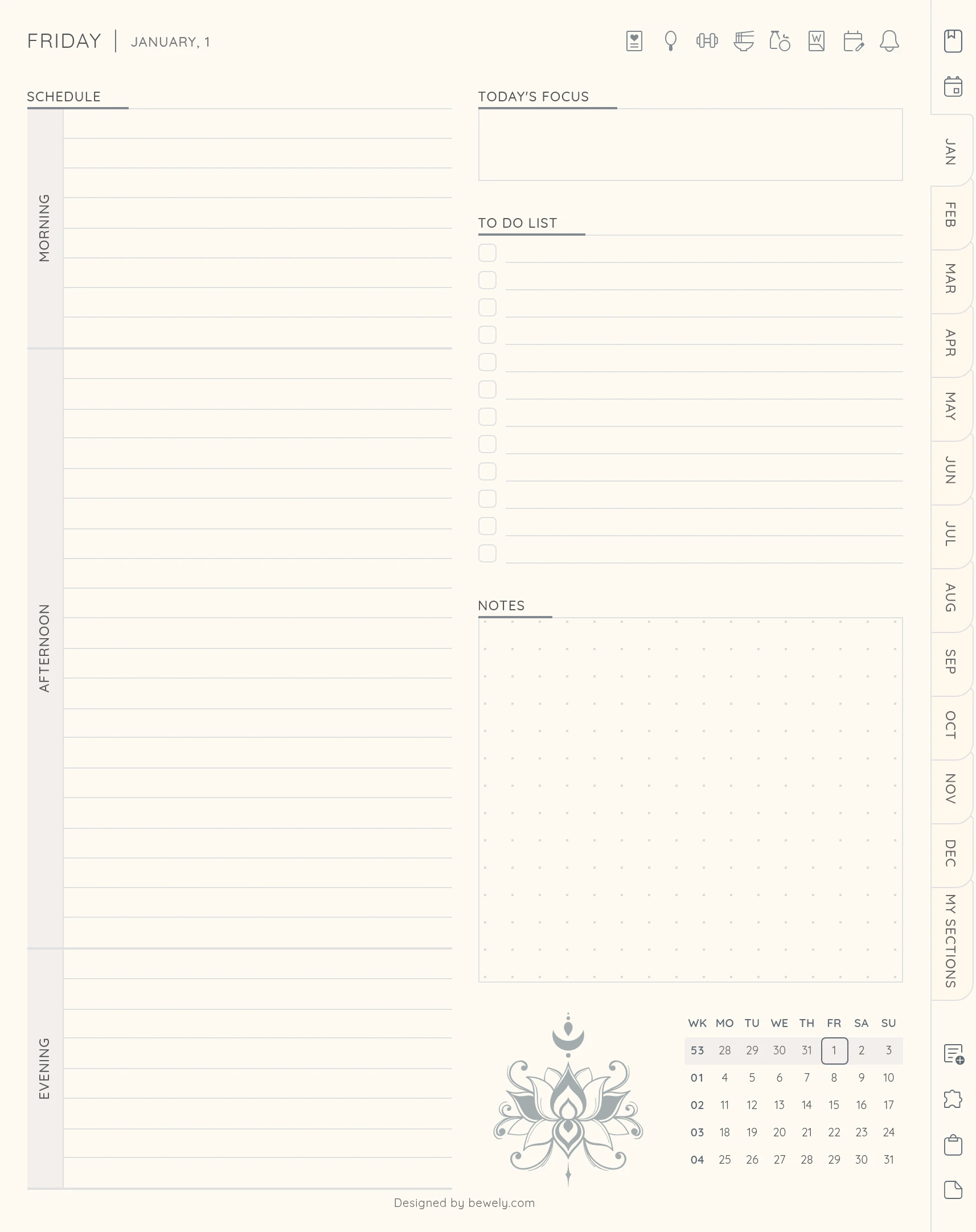
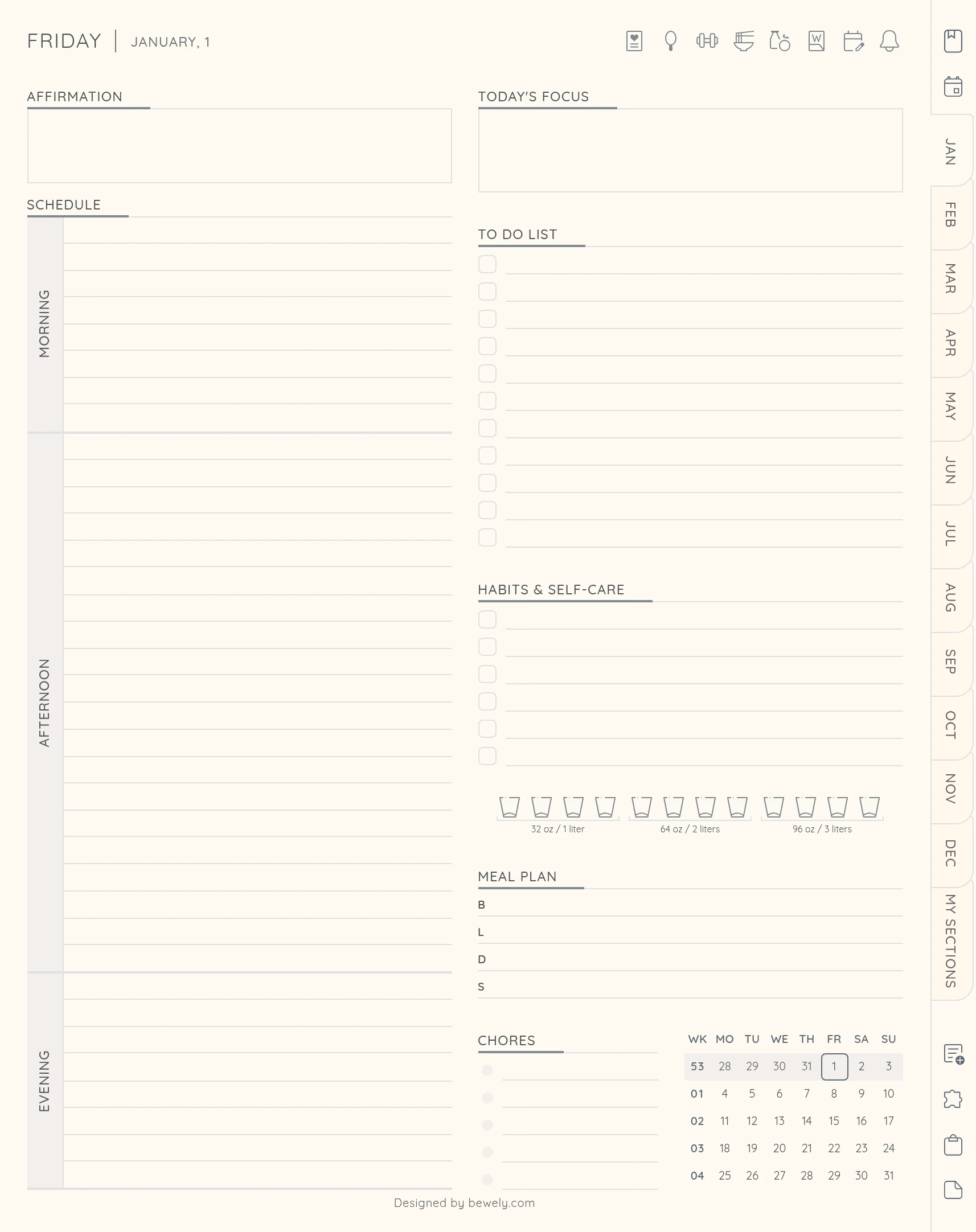
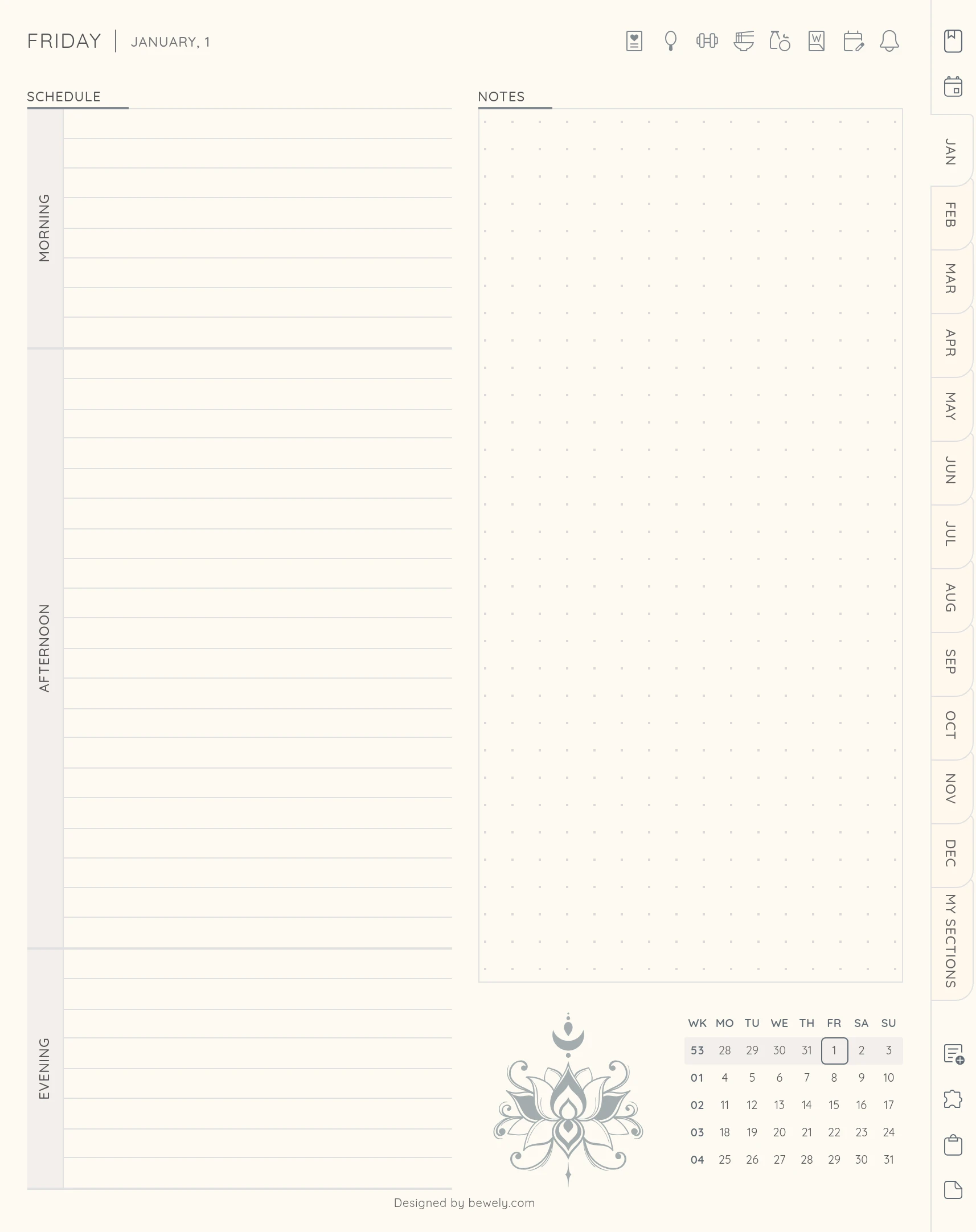
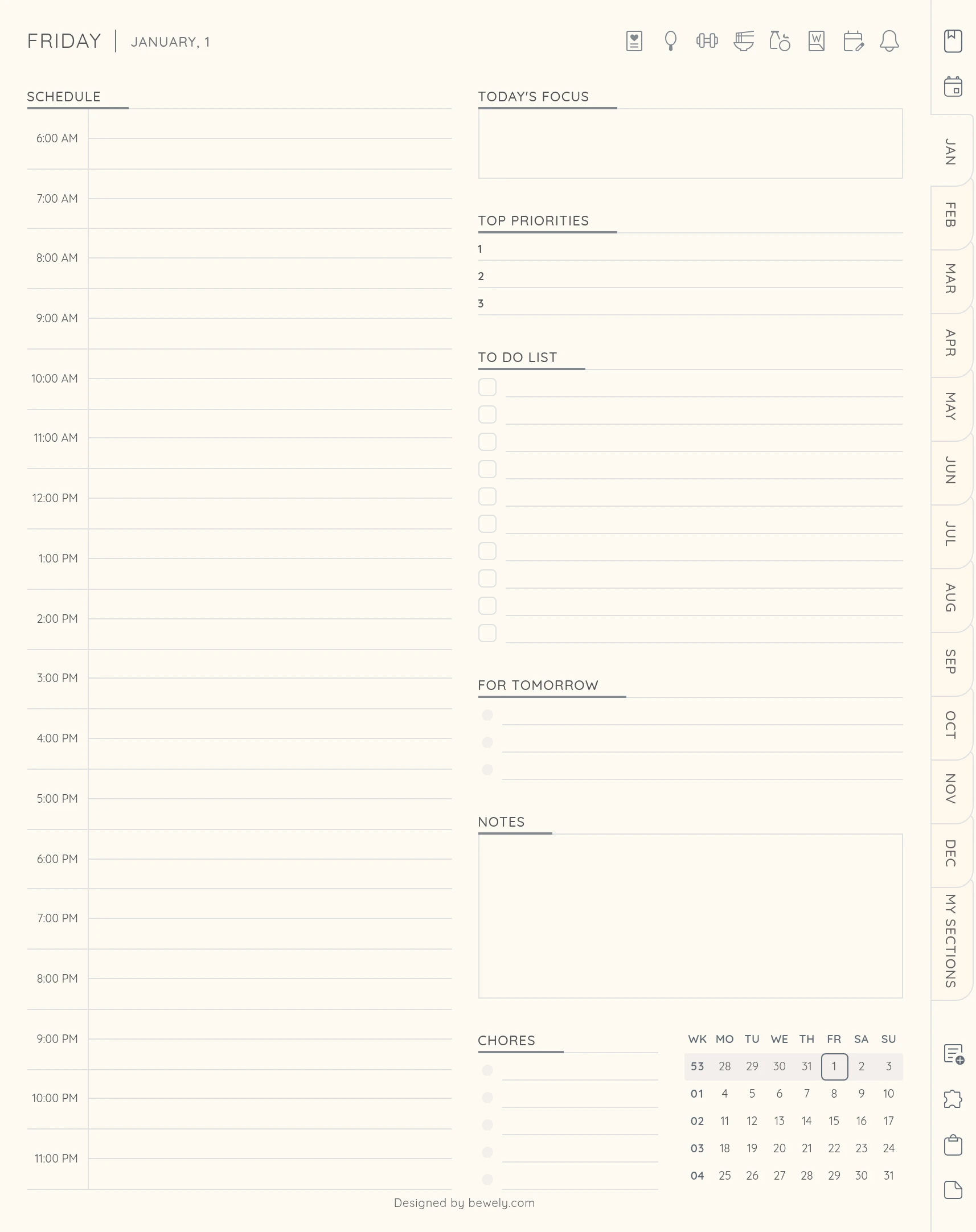
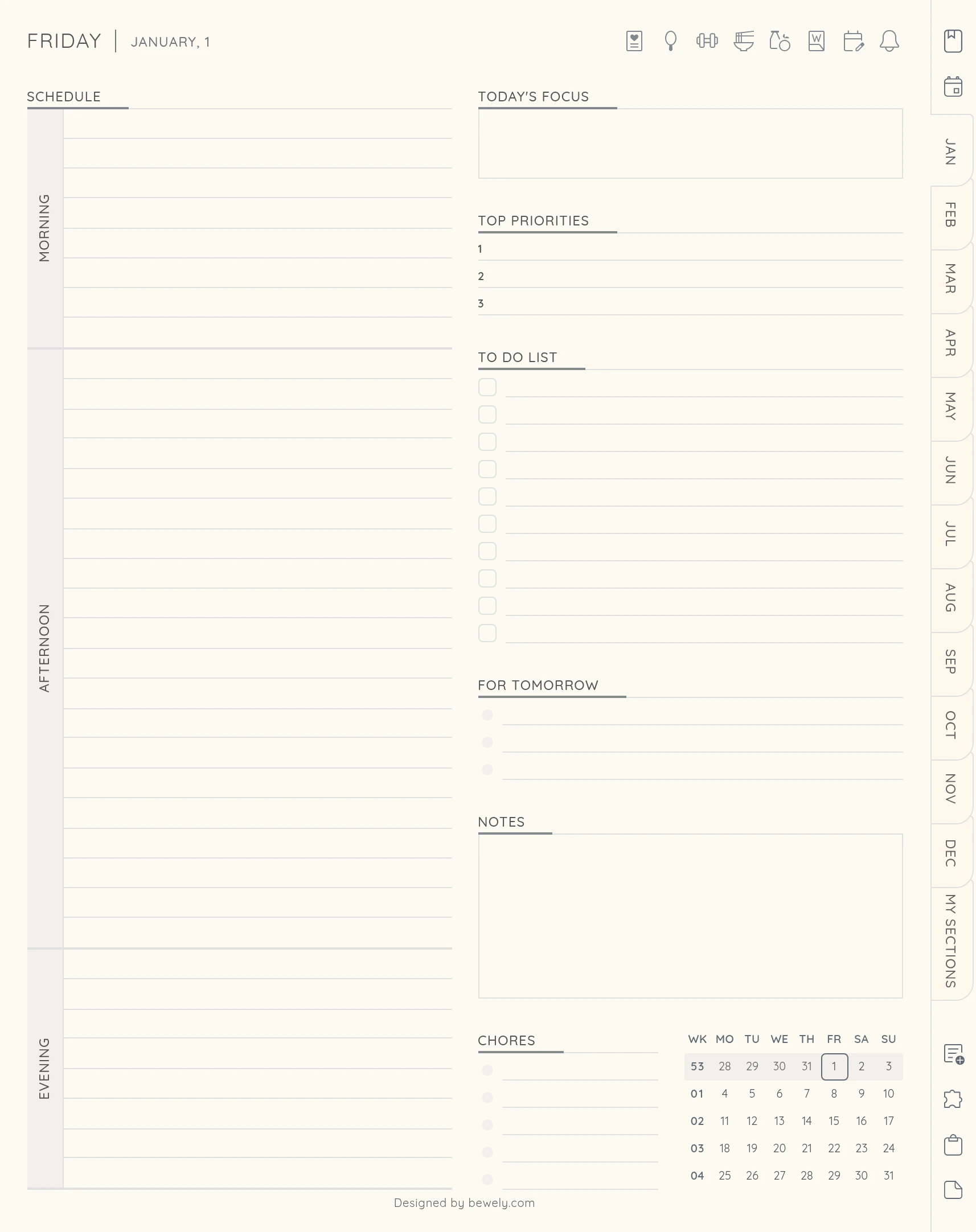
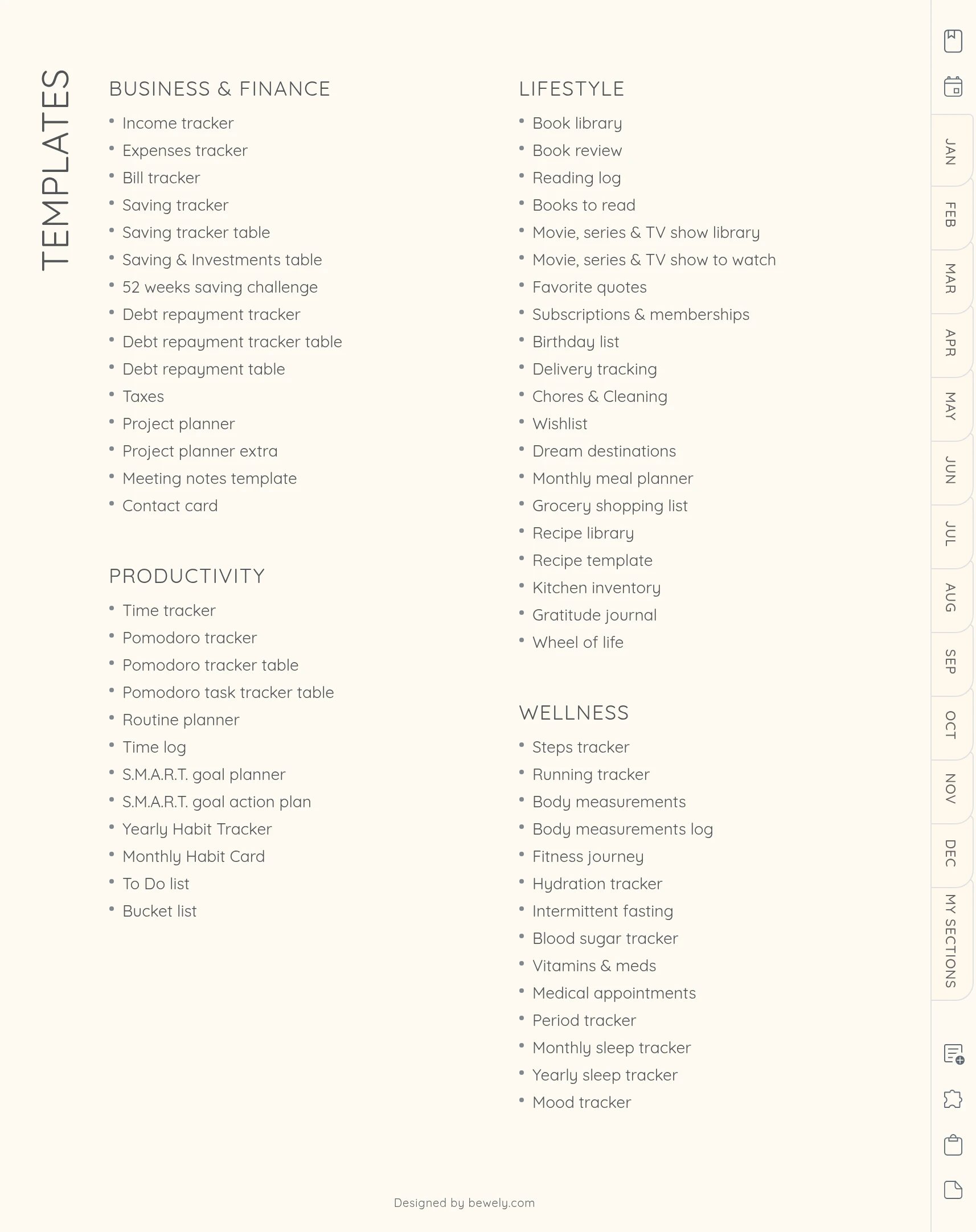
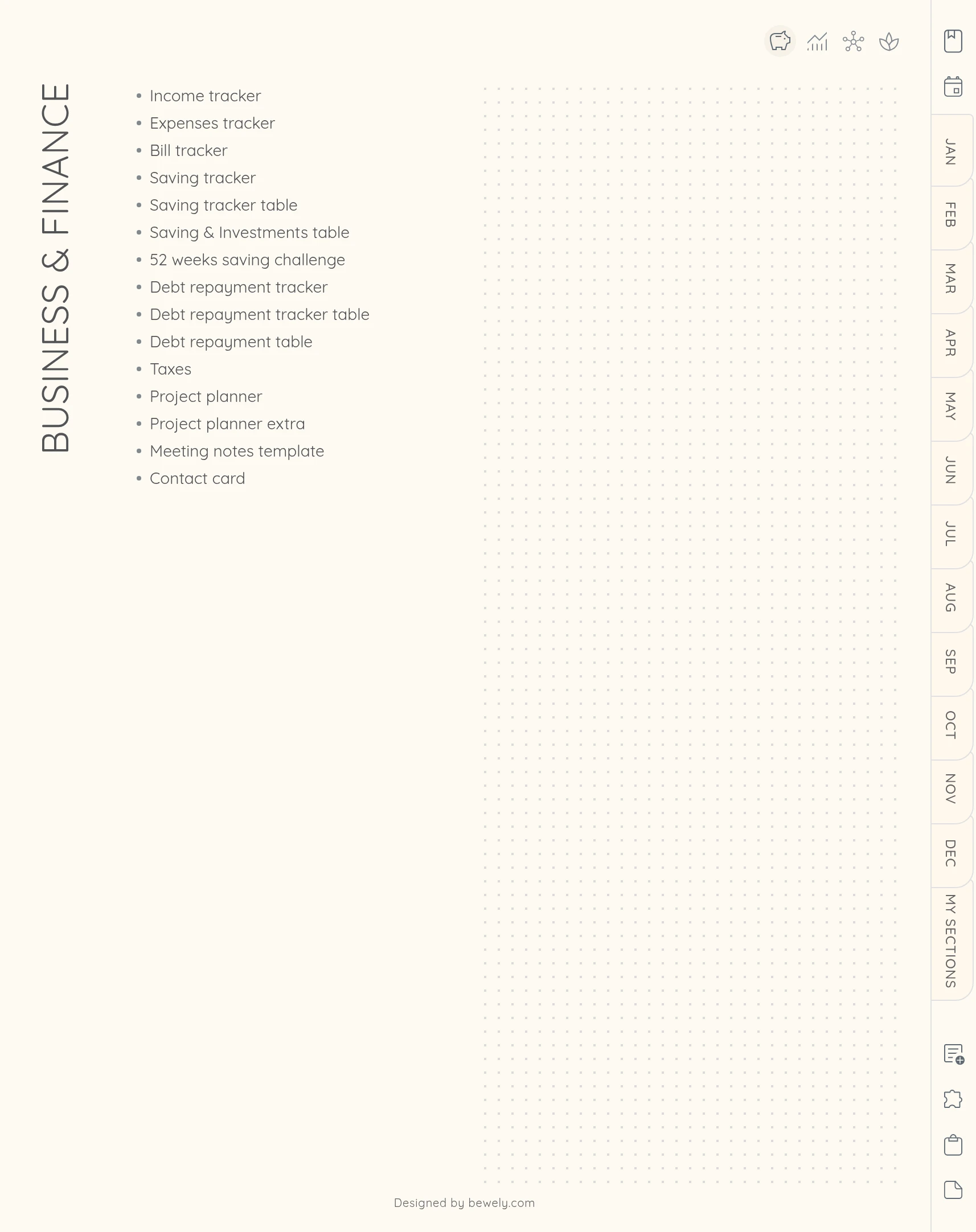
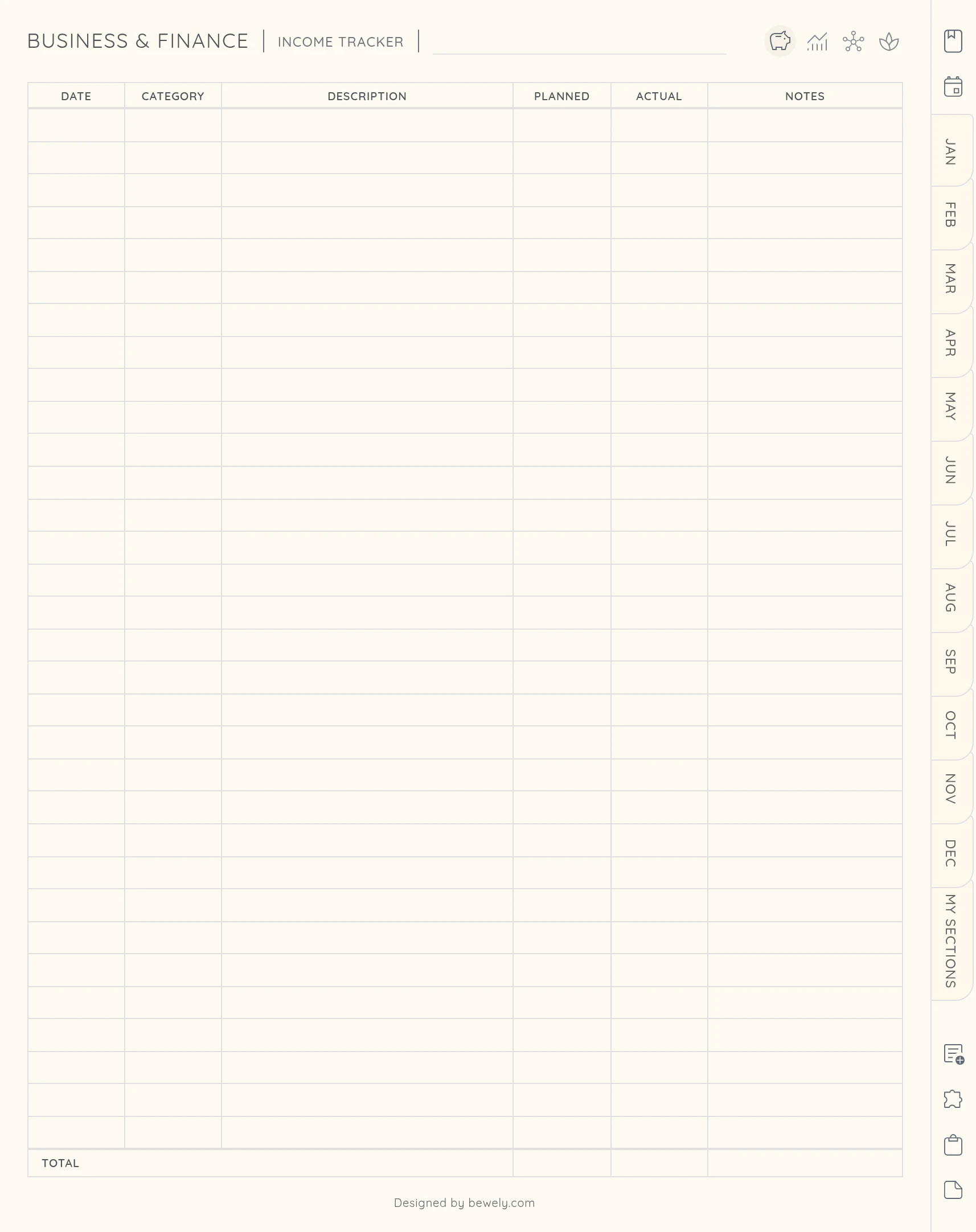
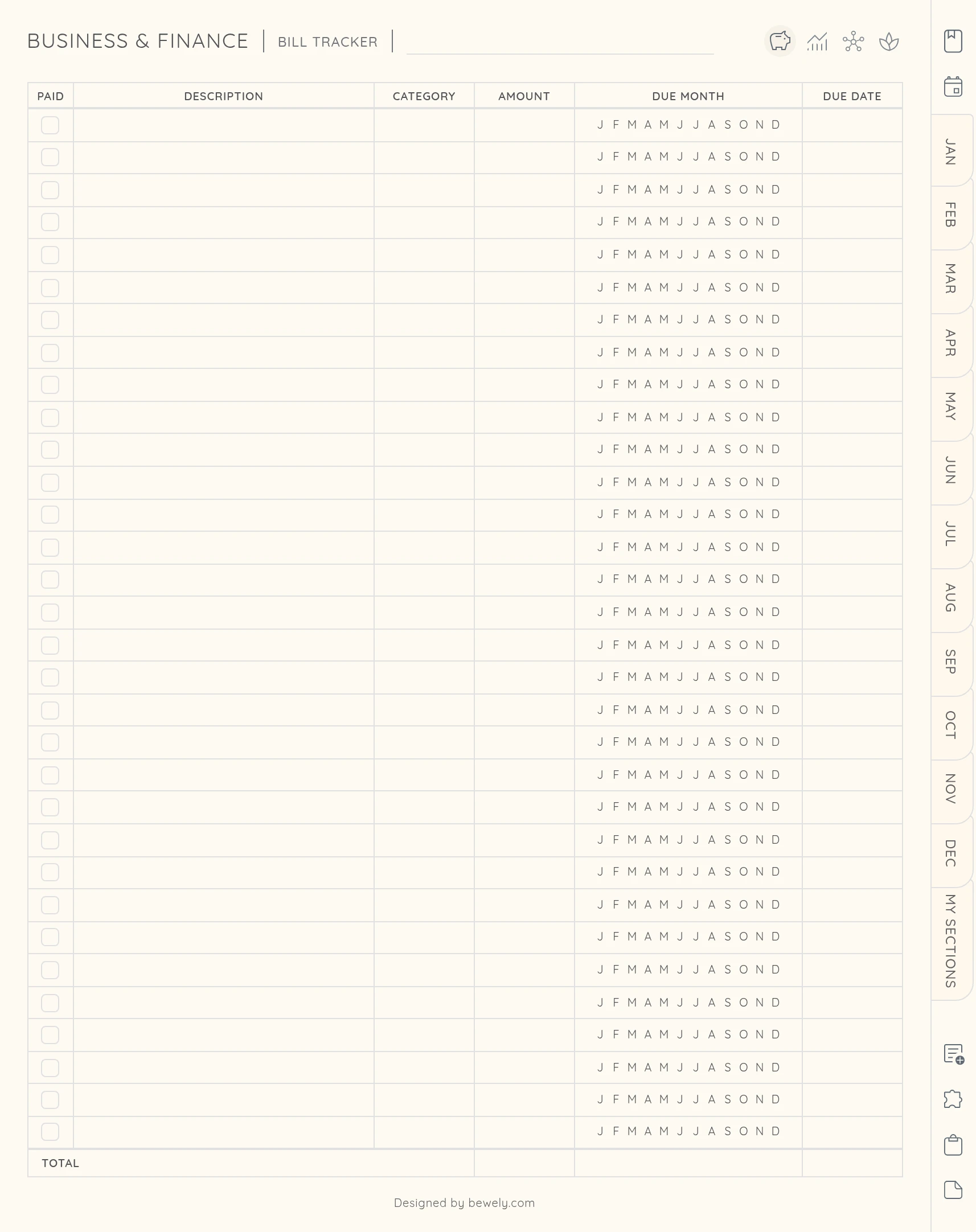
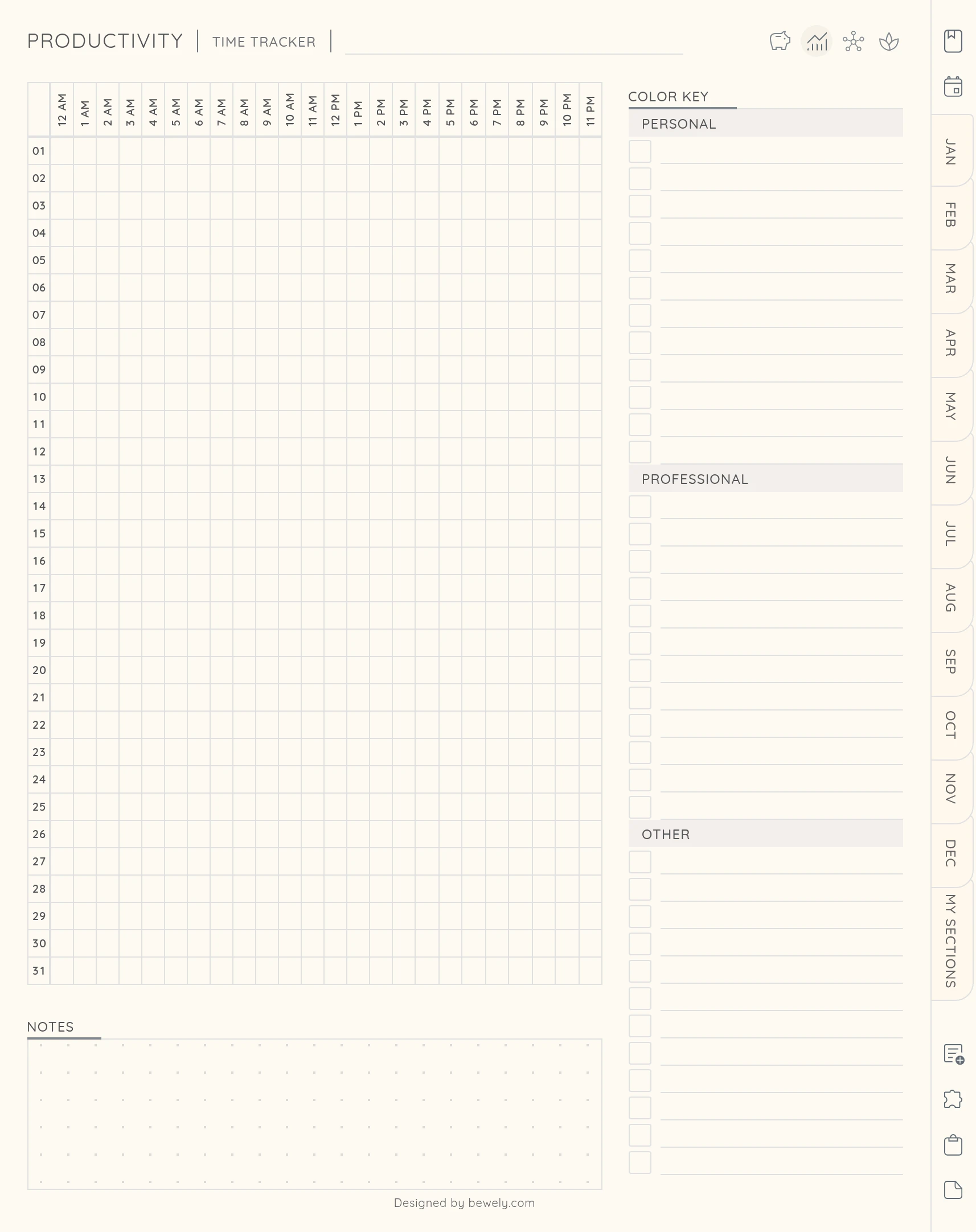
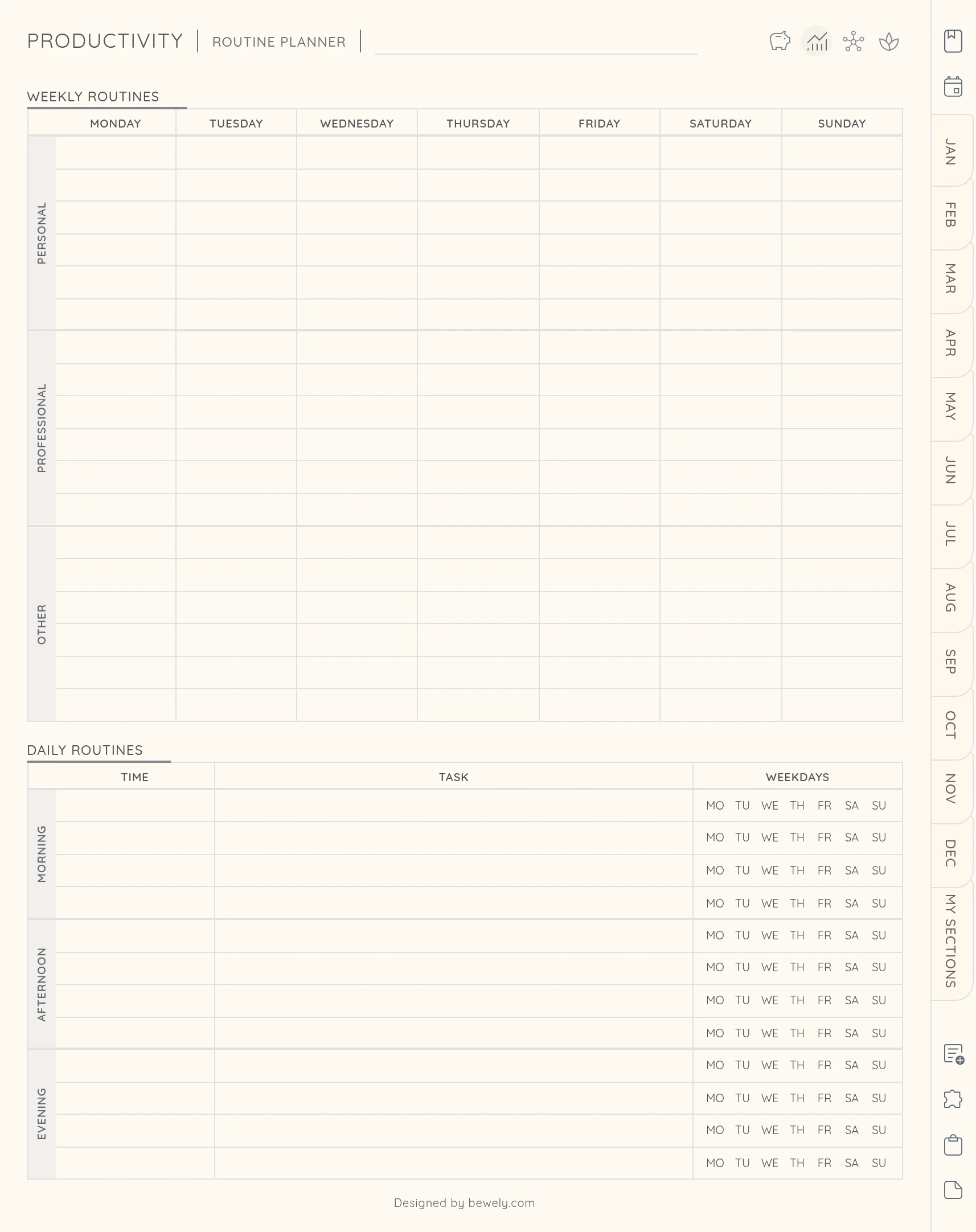
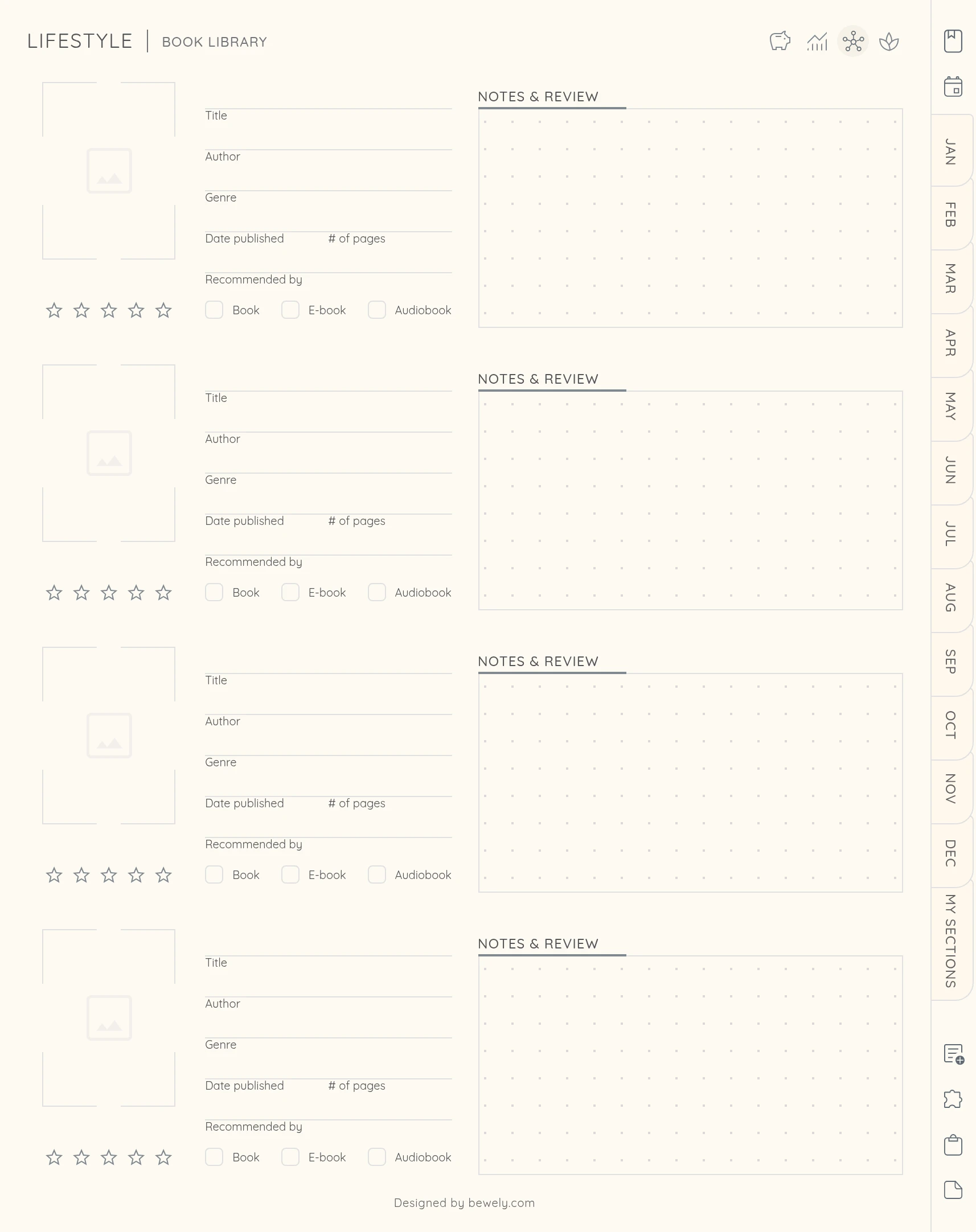
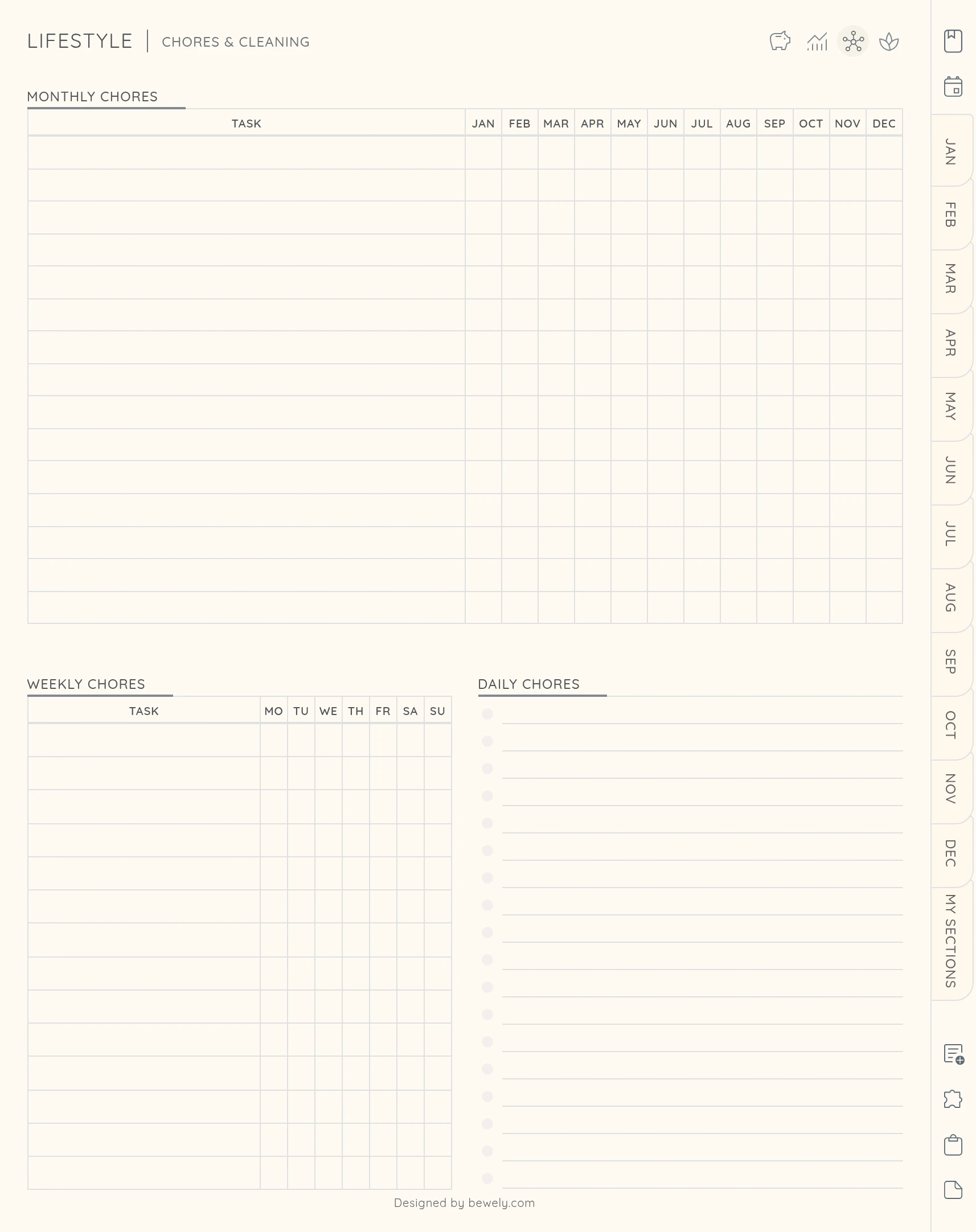
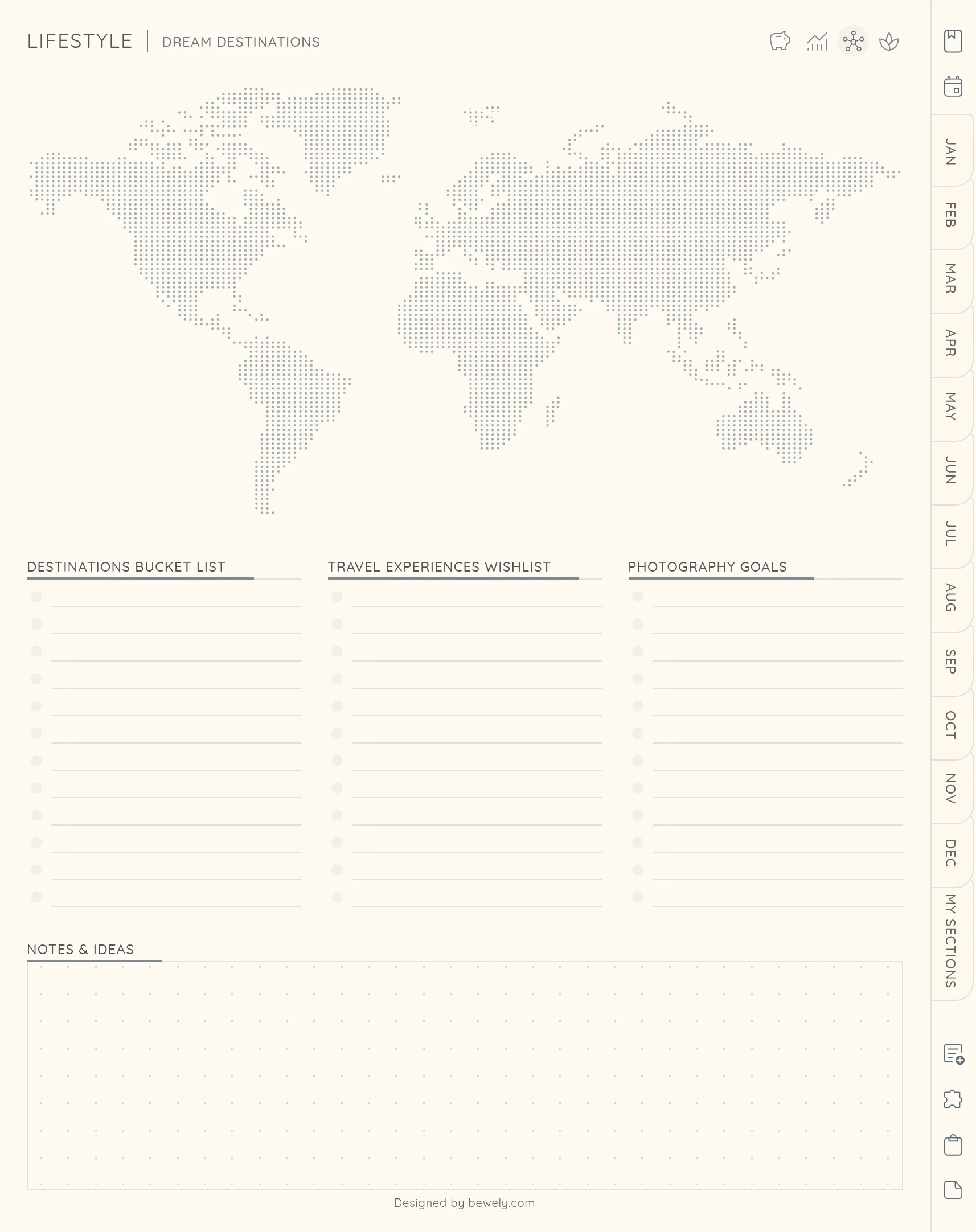
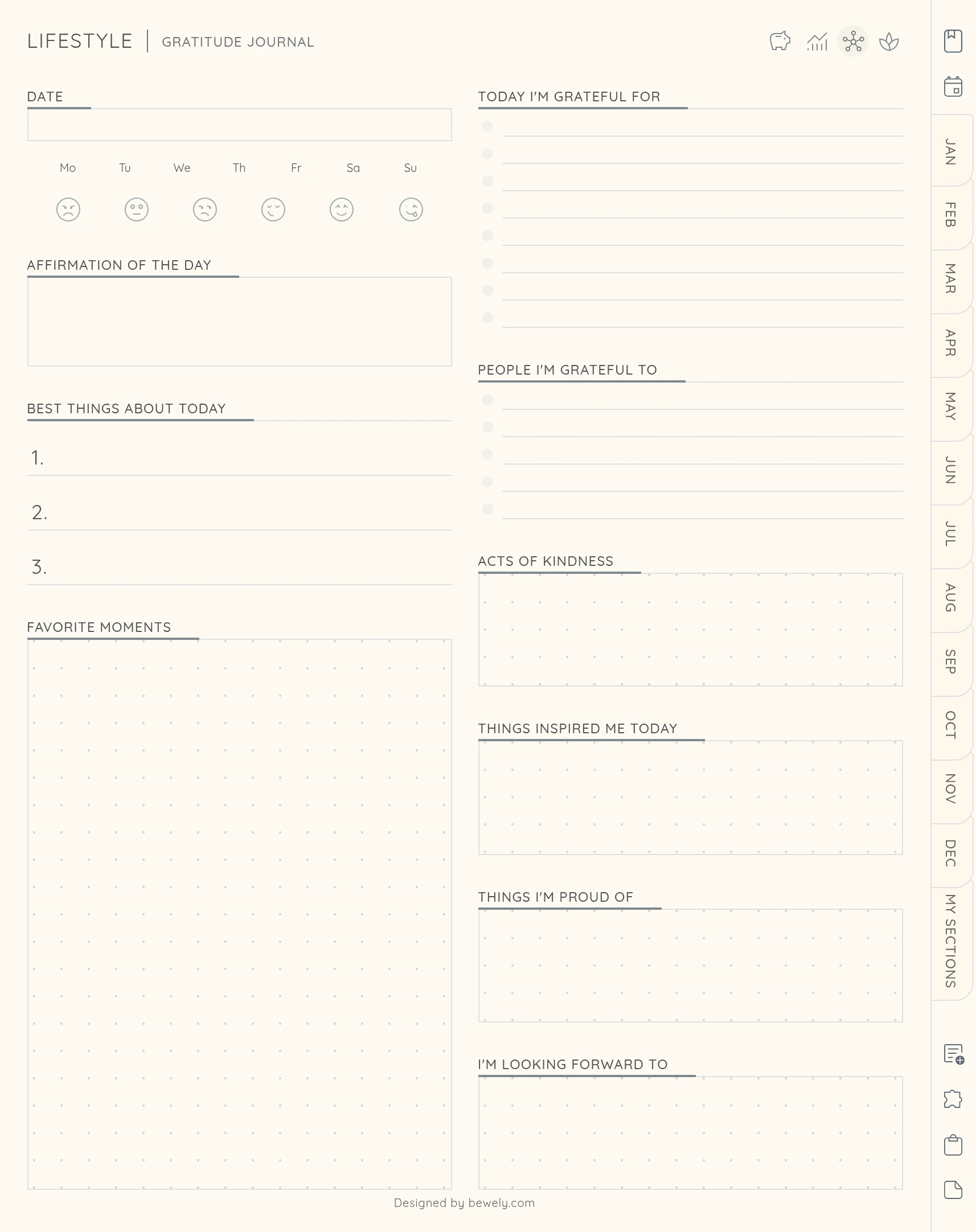
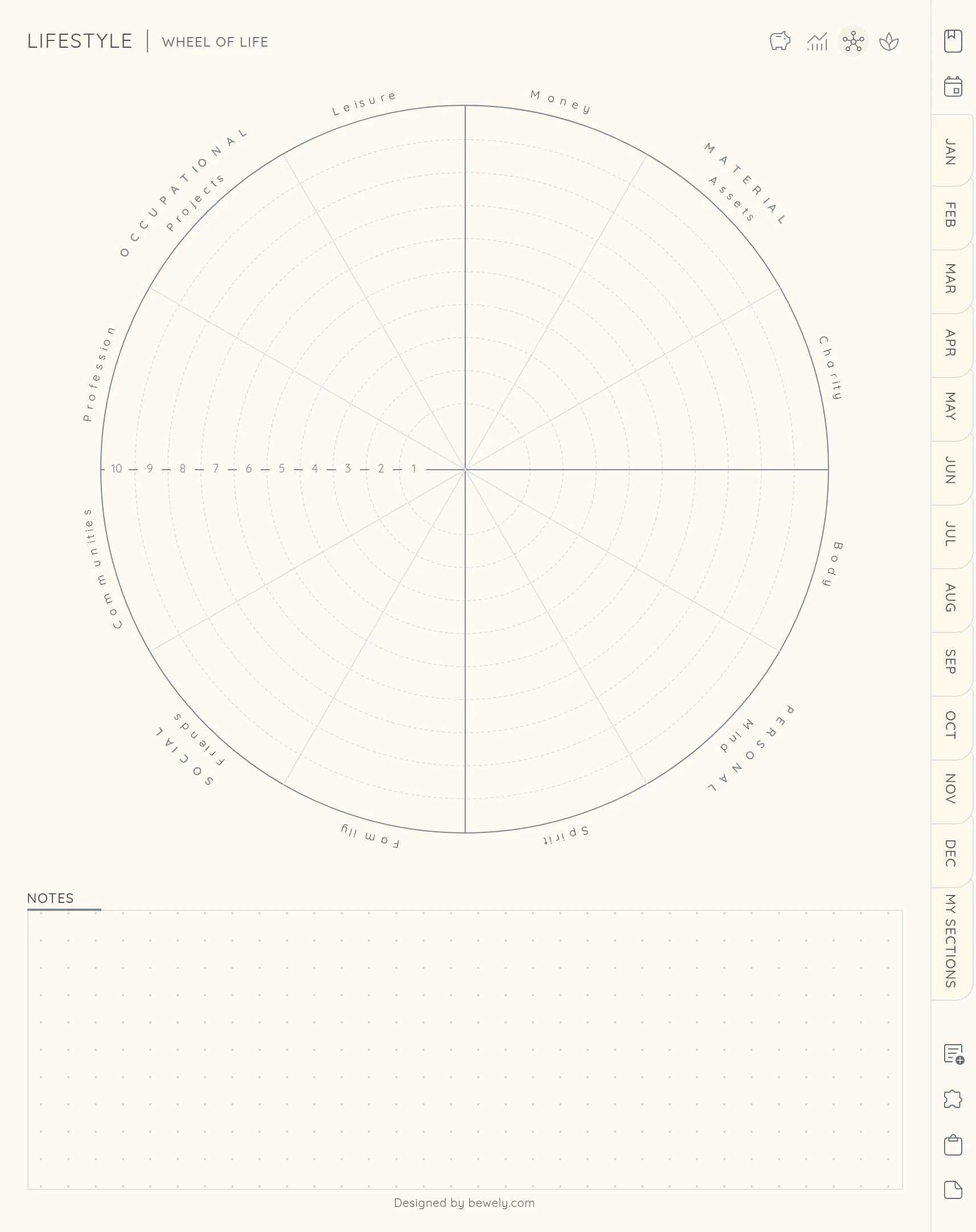
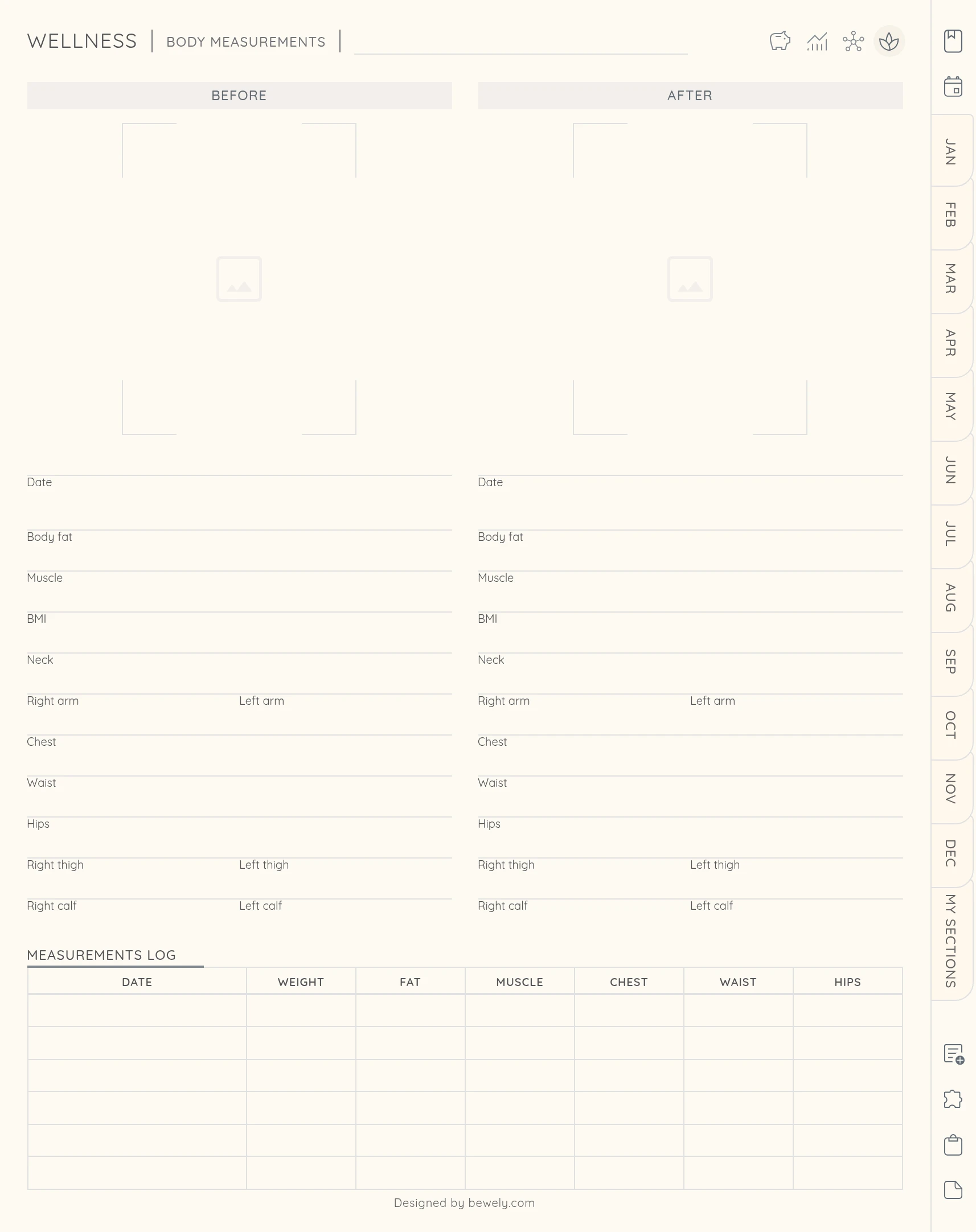
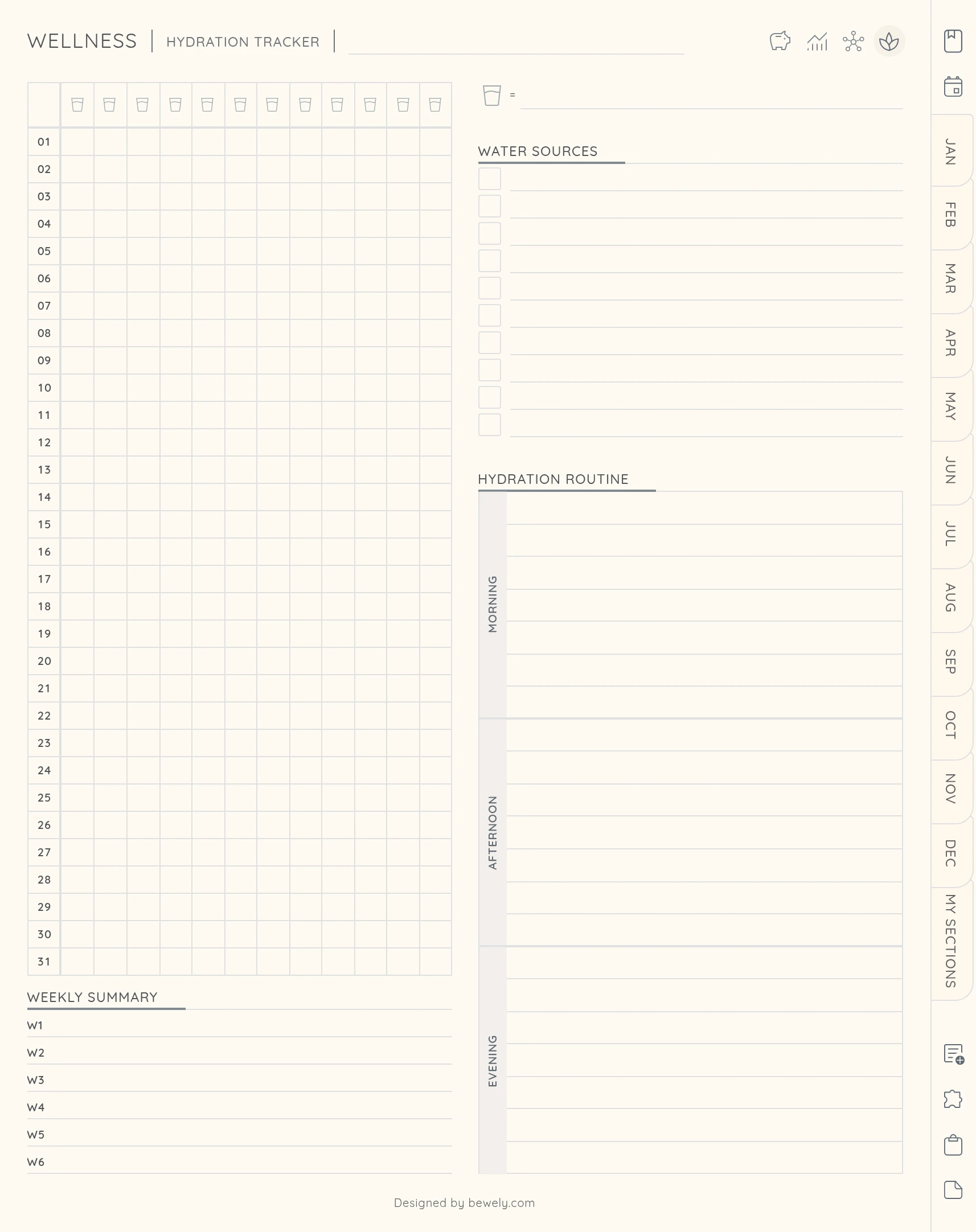
Choose a color to preview the pages
Your planner isn’t just a calendar - it’s a complete toolkit designed to adapt to your life. With flexible layouts, creative templates, and endless space, you’ll never run out of room for your plans, ideas, or inspiration. Every detail is crafted to keep you organized while still feeling calm and personal.
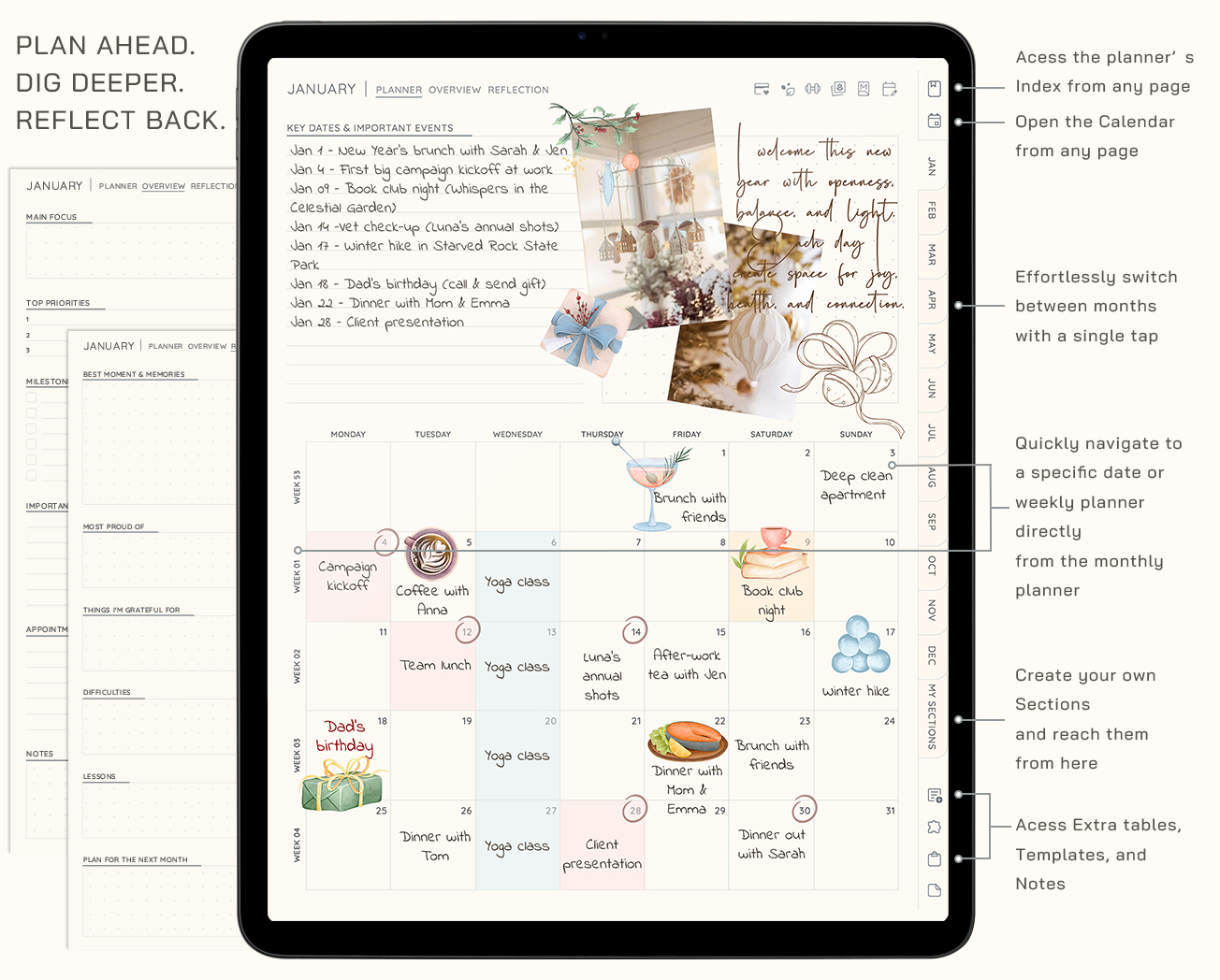
One tap to anywhere
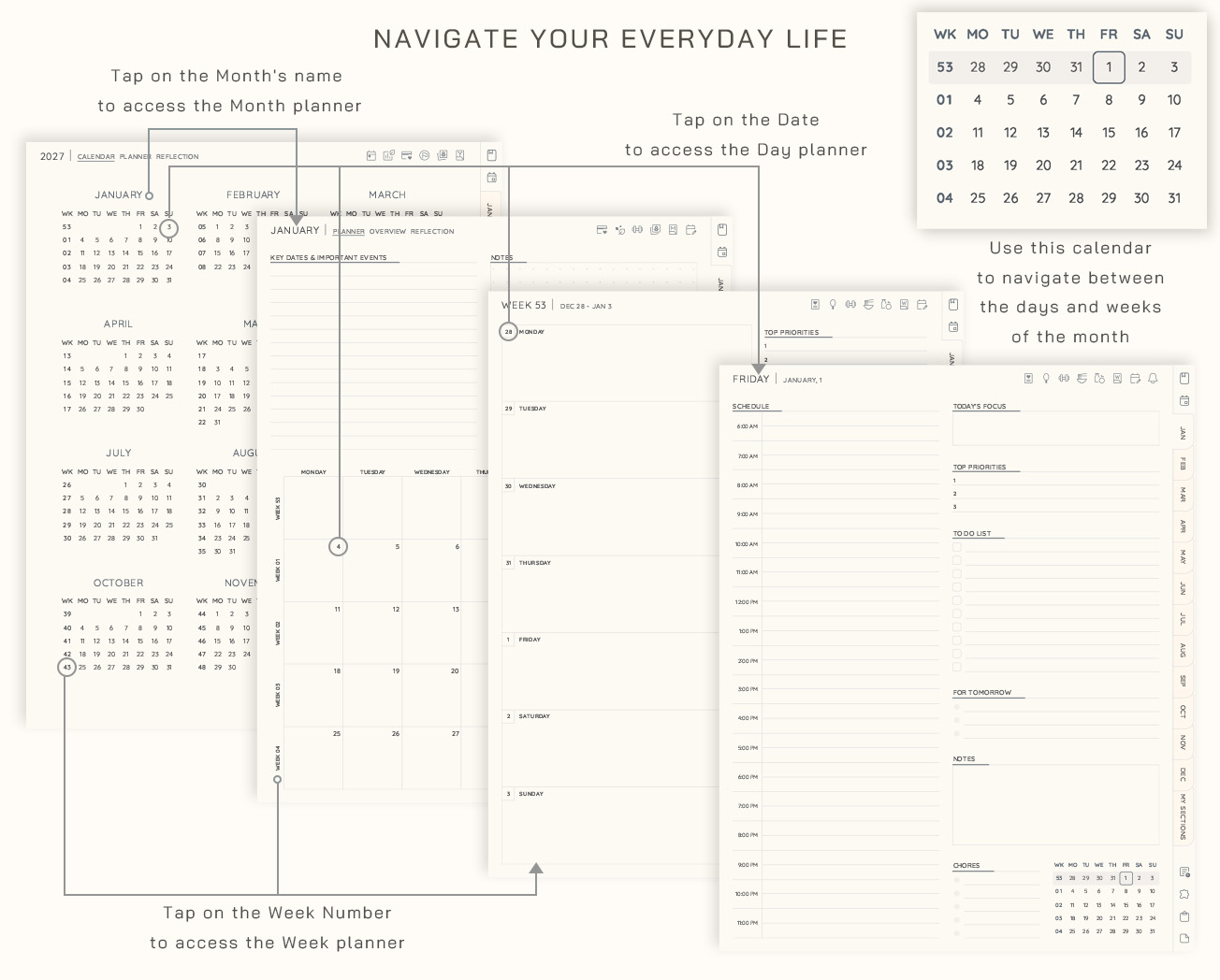
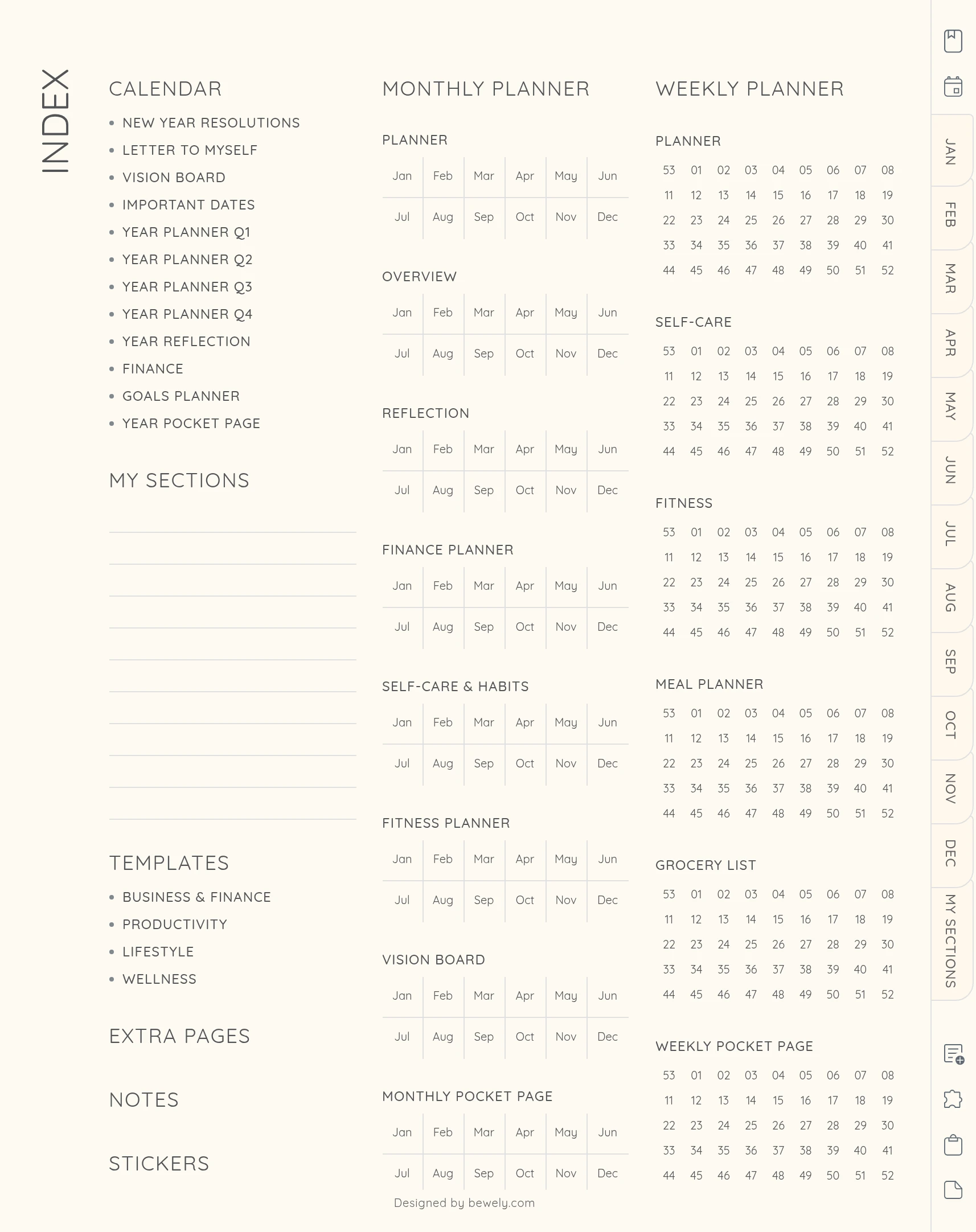
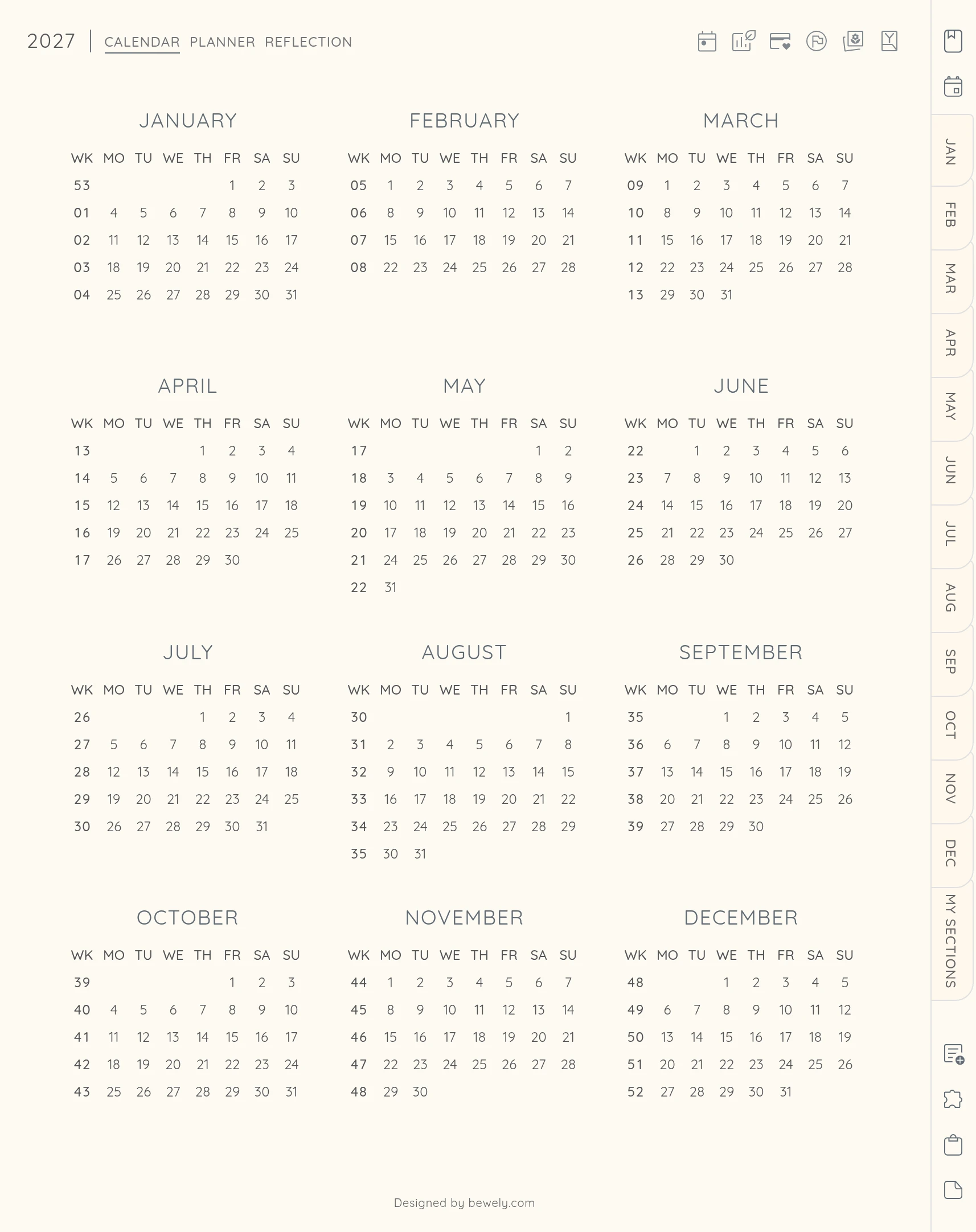
The Index, the year calendar and every month sit in the sidebar of every page. Tap a week number to open that week, or a date to open that day.
Your calendar, one tap away
Icons on your monthly, weekly and daily pages open Google Calendar or Apple Calendar on the right date. On iPad you can also create an Apple Reminder from any day.
Open it from your Home Screen
Your planner comes with 20 matching app icons. Add one to your iPad Home Screen and open your planner with a single tap.
Easy to find your way back
Each section has its own little menu, so you can jump to the same page in another month or week. The current week and date are highlighted, so you always know where you are.
A step-by-step guide
Your download includes an illustrated guide. It walks you through importing your planner, using the links and adding or copying pages. If you get stuck, our support is happy to help.
This is more than a planner - it’s your all-in-one space to bring order, inspiration, and clarity into every day.
Download instantly, open it in your favorite notes app, and step into 2027 with a planning system designed to support not just your schedule, but your life.
Your 2026 All-in-One Planner is included as a bonus, so you can start right away.
Our customers love it
See why so many have made Bewely part of their daily routine
A lovely and simplistic planner. Couldn’t ask for more!
great planner, simple and effective
Perfect. Exactly what I was looking for
A lovely and simplistic planner. Couldn’t ask for more!
Loved it item was exactly as expected
Great planner, it works perfect
great planner, simple and effective
Minimal and useful planner. Links work as they should. Plenty of space for writing in the planner. Love it use it daily for work.
Gorgeous! If fit my needs perfectly and is easy to use.
Perfect. Exactly what I was looking for
This planner is just perfect for the first timer like me. Well organized and easy to use.
Love the simplicity of this planner and easy it is to navigate!
Works With Your Apps
Use the All-in-One Planner seamlessly in all your favorite note-taking apps




Start Free. Plan Freely.
Subscribe and get instant access to your free digital notebook
Questions? We've Got You
Here's what people ask most often
What is a digital planner?
It's a planner you use in a notes app like Goodnotes, Notability or Xodo. You write on the pages, tap tabs and links to move around, and add stickers. It feels like paper, without the clutter.
Is this a physical product?
No, it's a digital download. Nothing is shipped, and you can start right after checkout.
What do I need to use it?
A tablet and a notes app that opens PDF files. A stylus makes it feel just like writing on paper.
I'm new to digital planning. Is it easy to use?
Yes. Download the file, open it in your app and start writing. The included guide shows you each step, with pictures.
Can I change my layouts after I buy?
Yes. Layouts can't be switched inside a planner you've already downloaded, but you can build a new version anytime for free. Pick different layouts, colors or pages and download it again.
Why don't the links work?
Links only work in Read Mode. Most notes apps have two modes: one for writing and one for reading. Switch to Read Mode and tap away.
How do the calendar links work?
Icons on your monthly, weekly and daily pages open your calendar app on the right date. Google Calendar works with no setup. Apple Reminders need a free shortcut that takes a few minutes to set up once on each device. The guide walks you through it.
Can I use it on more than one device?
Yes, on your own devices. Plan on your iPad and check it on your phone when you're out.
Can I add or reuse pages?
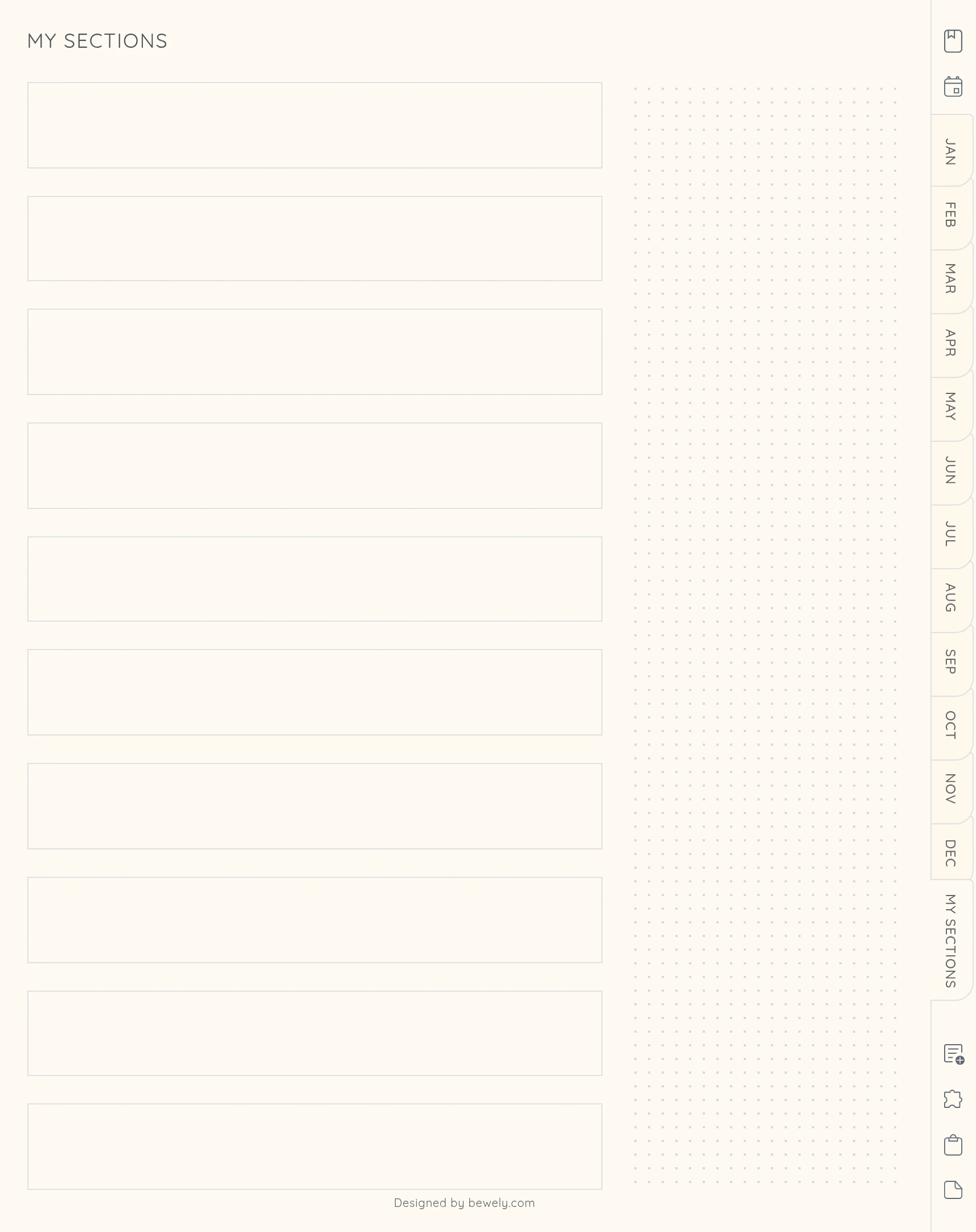
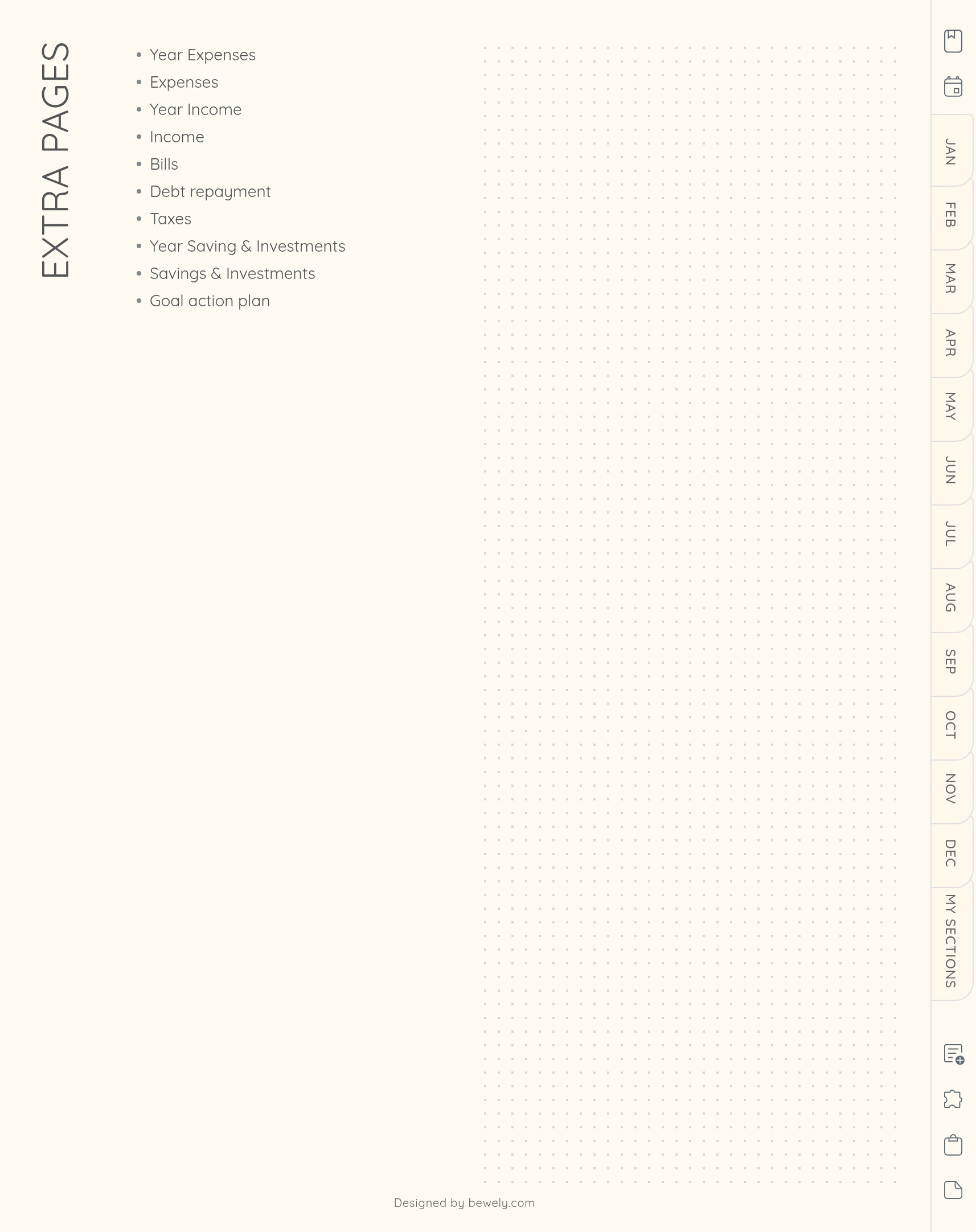
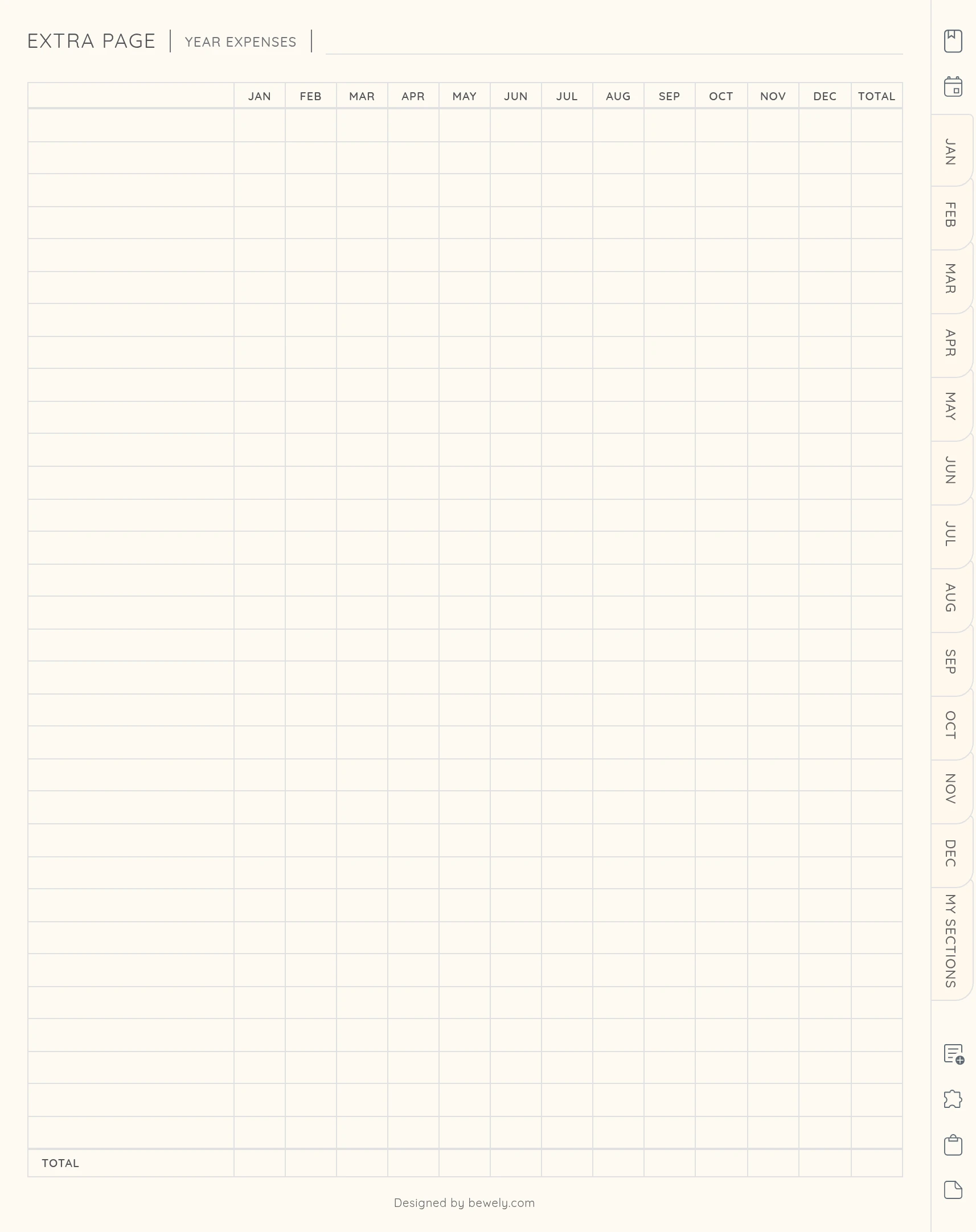
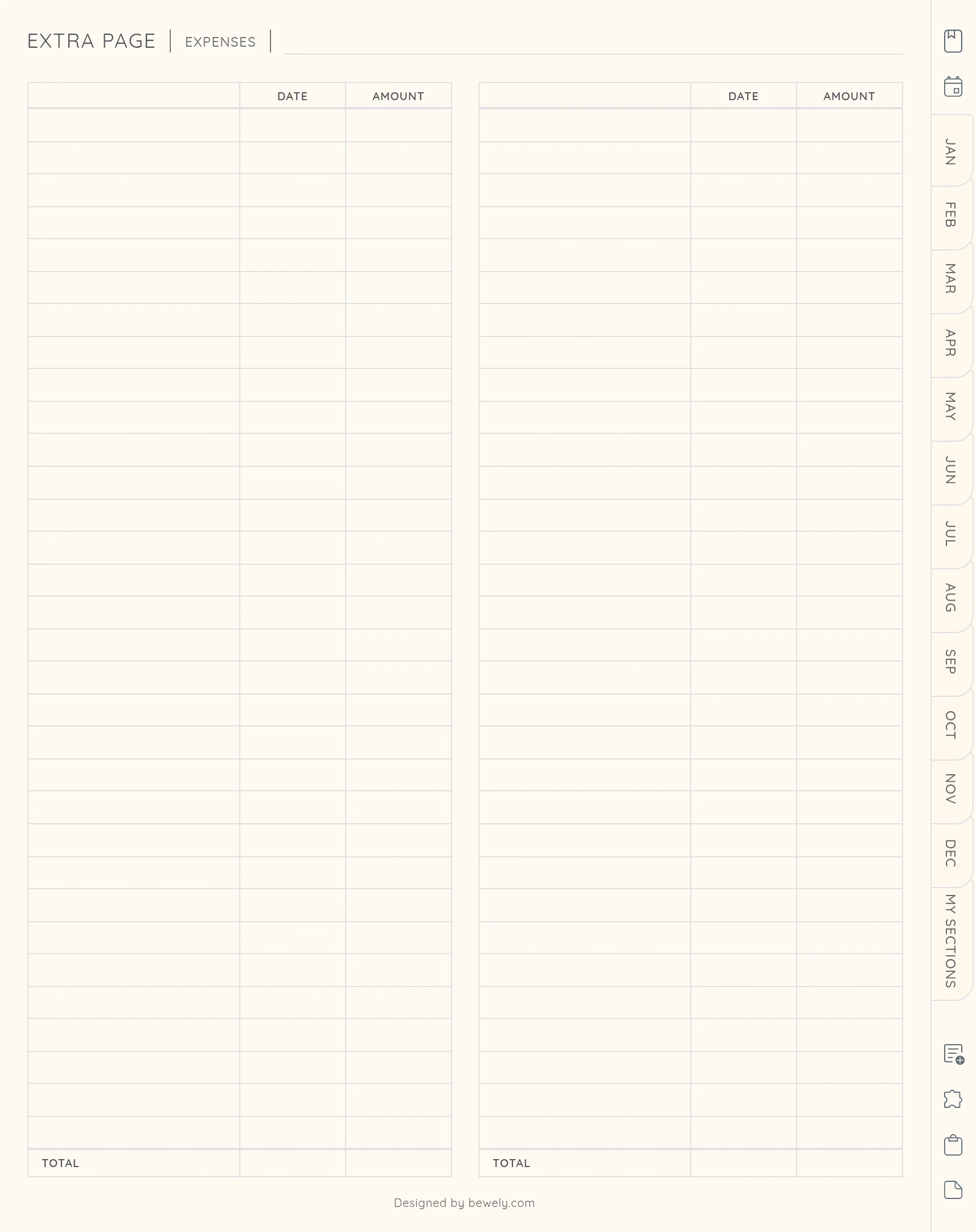
Yes. You can copy, add and delete pages in most notes apps. There are also Extra Pages with longer tables when you need more room.
Why are my week numbers different from my other calendar?
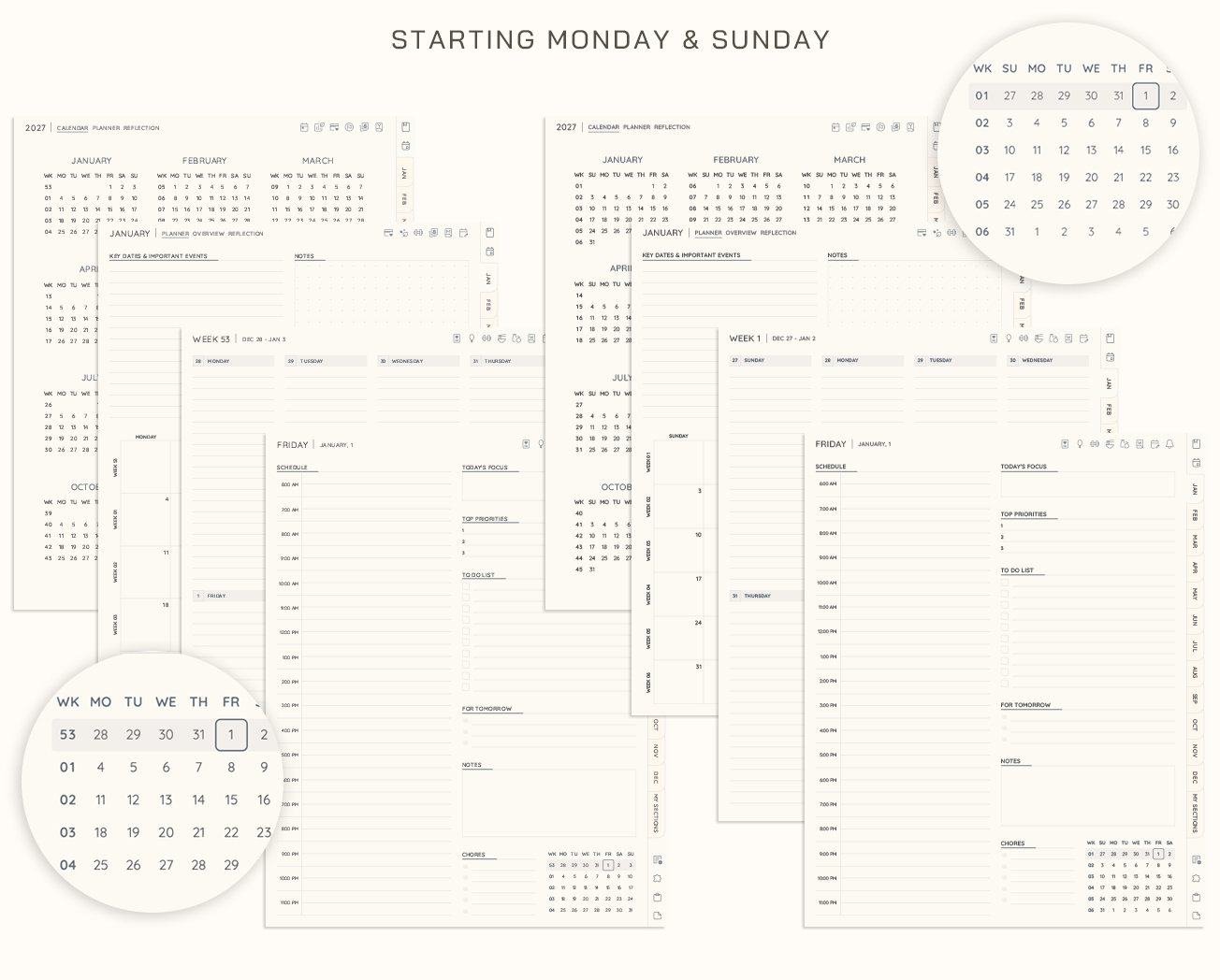
It depends on when your week starts. With Monday start, weeks follow the ISO system: week 1 contains the first Thursday of the year. With Sunday start, week 1 is the week that contains January 1.
Can I print it?
It's made for digital use, but you can print pages for your own personal use.
What happens after I buy?
You get instant access to your files, plus the option to build more versions of your planner. If anything doesn't work, just write to us and we'll help.
What if it's not right for me?
We offer a 14-day money-back guarantee. Contact us within 14 days of purchase and we'll refund you in full. See our Return Policy.
Can I share the files?
The files are for your personal use only, so please don't share or resell them. If a friend loves the planner, they can get their own copy. It helps our small shop keep creating.
All in One Planner 2027
Ready to Plan 2027 Your Way?
Build it with the layouts and pages you'll actually use, and start today. The 2026 planner is included, so you don't have to wait for January.
Make it yours
Add a little more joy to every page
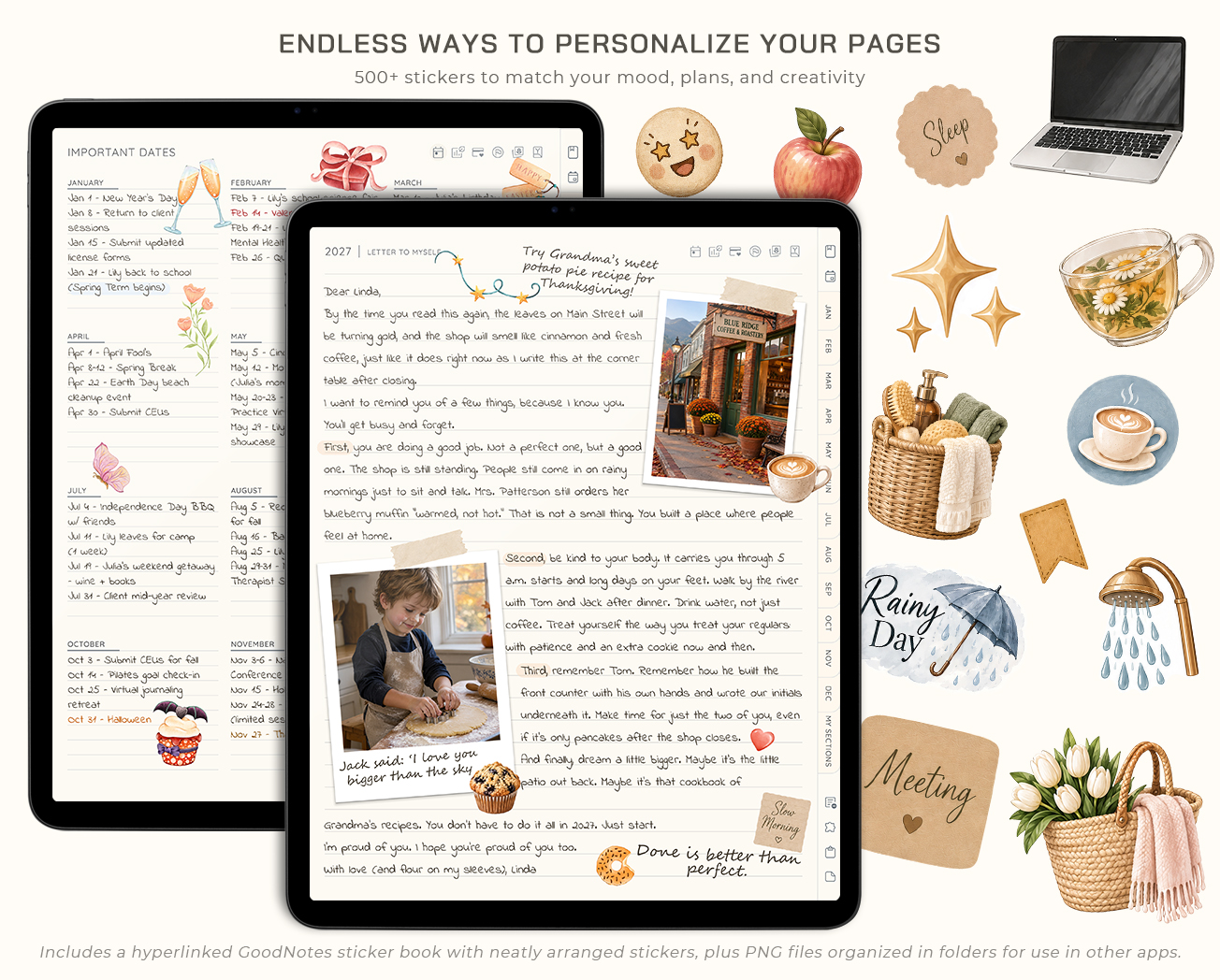
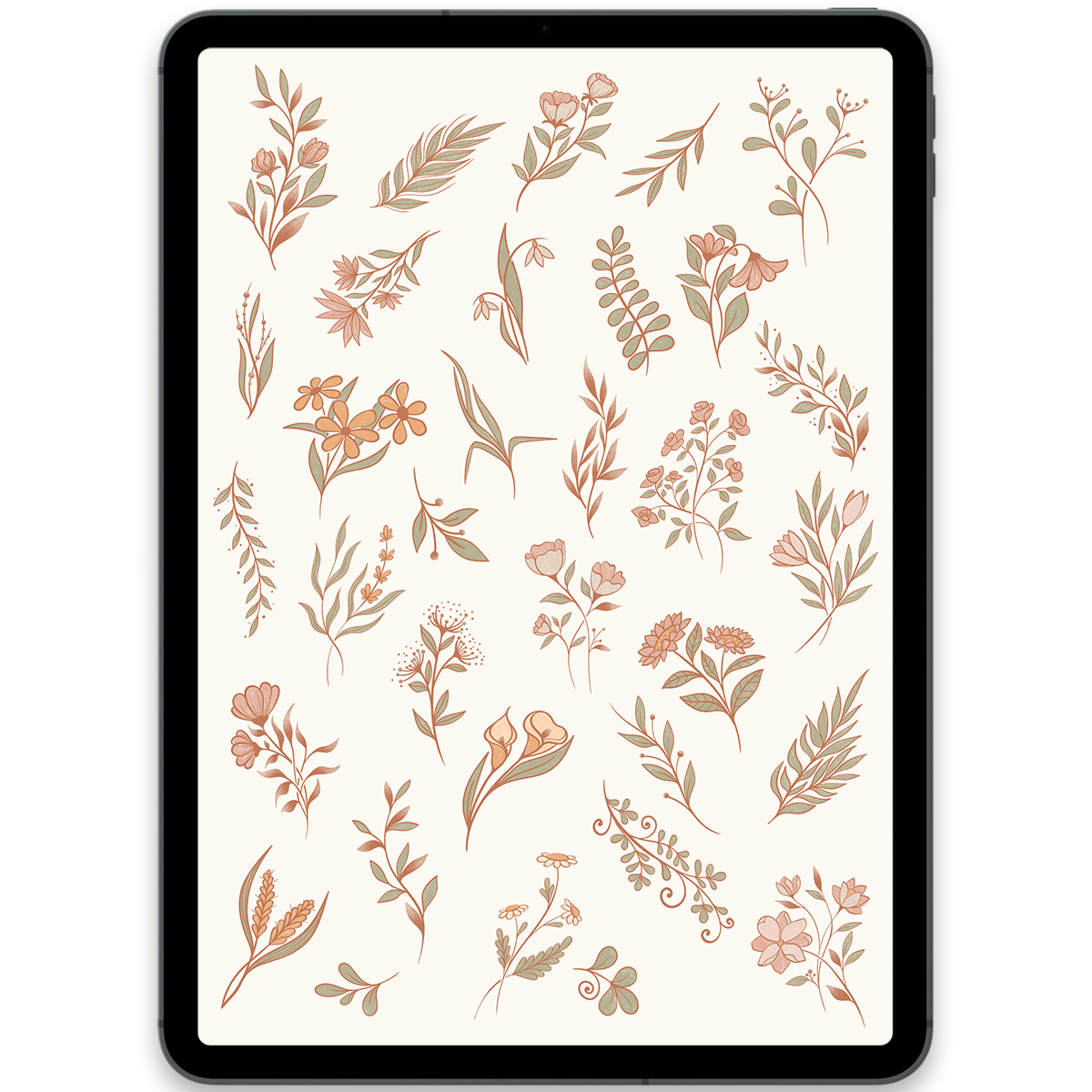
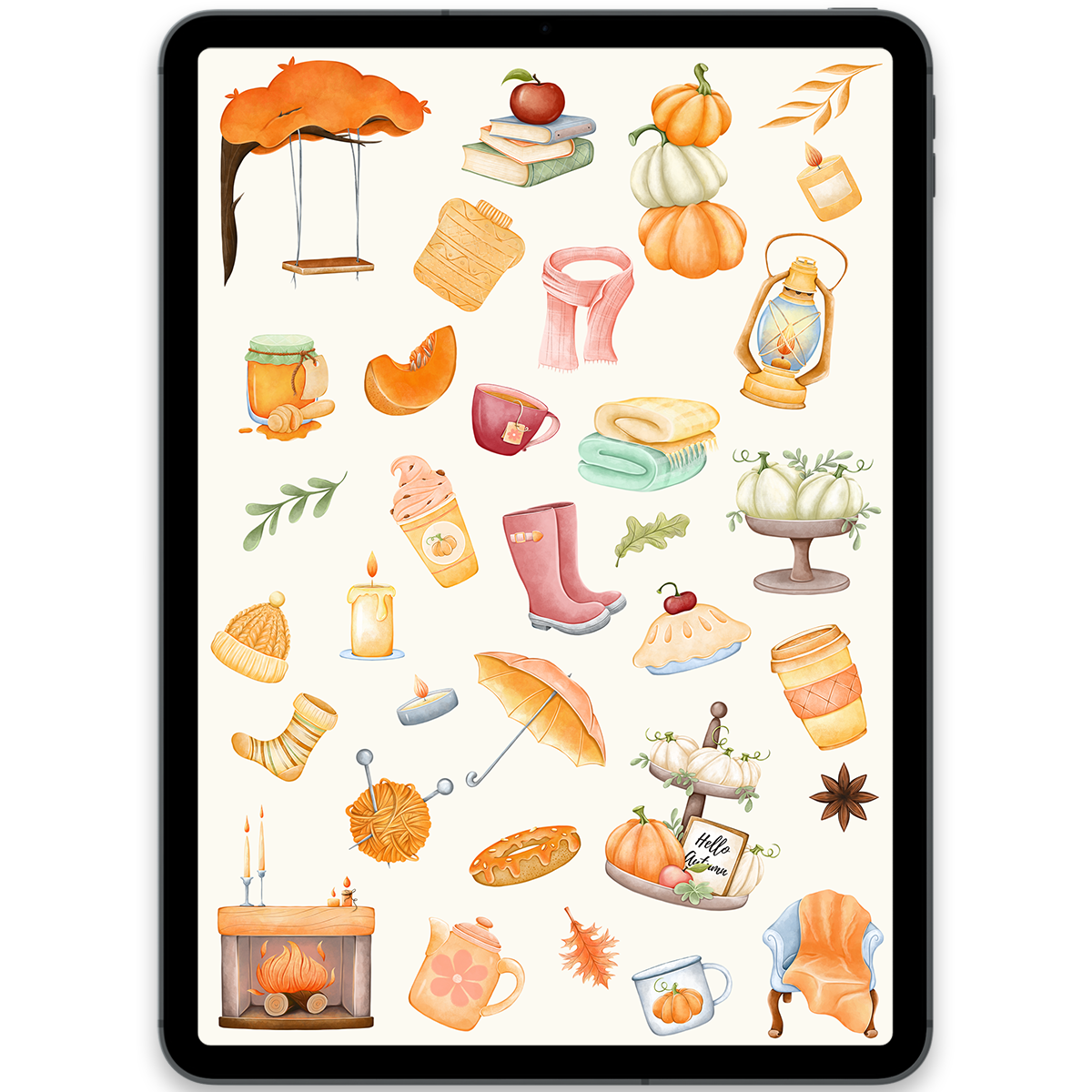
Complete your planner with digital stickers made to add personality, color, and inspiration to your routine. Pick a favorite and start decorating your pages right away.
You may also love
Discover more planners designed to support your goals
- 75%
Off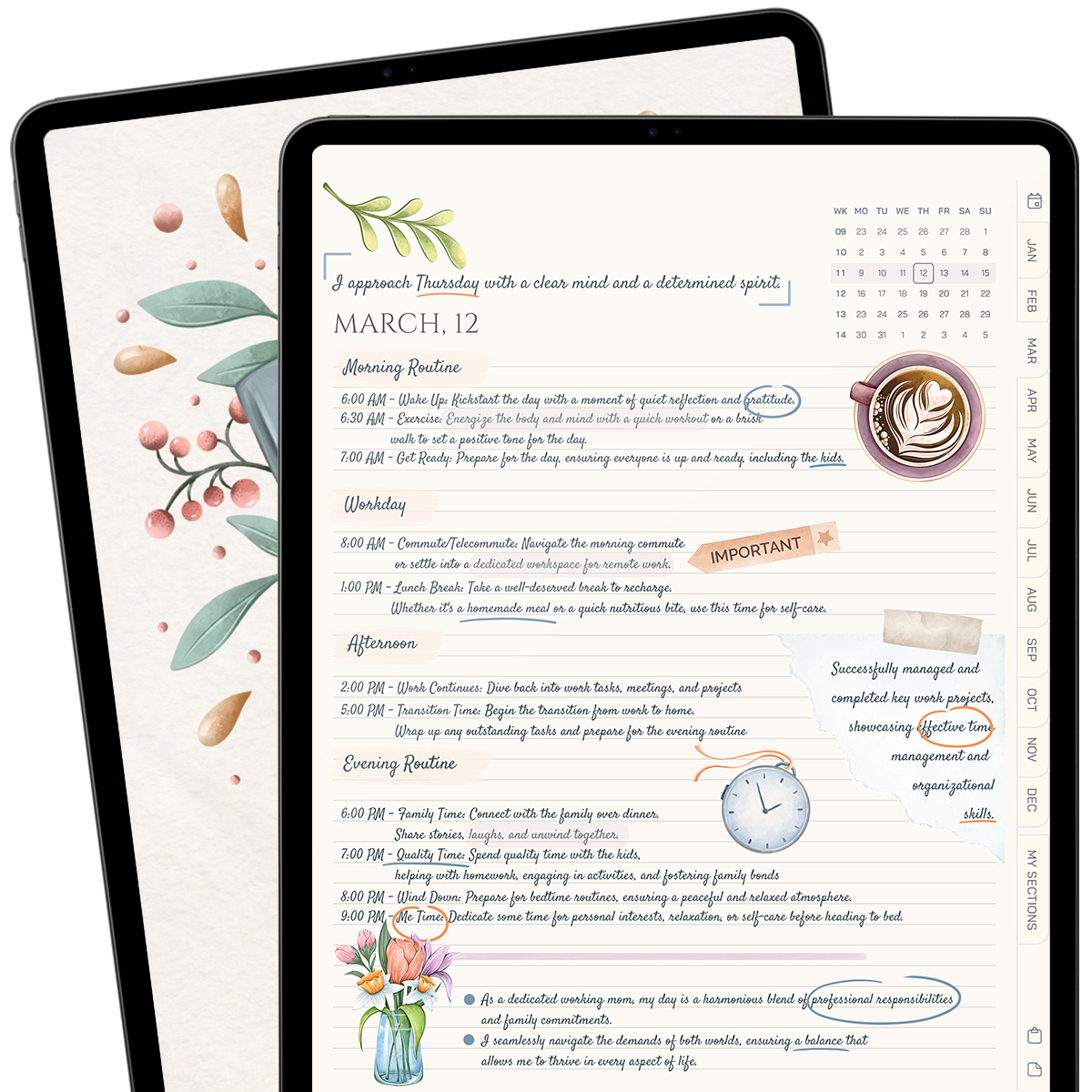
Daily Journal 2026
$2.50$10.00 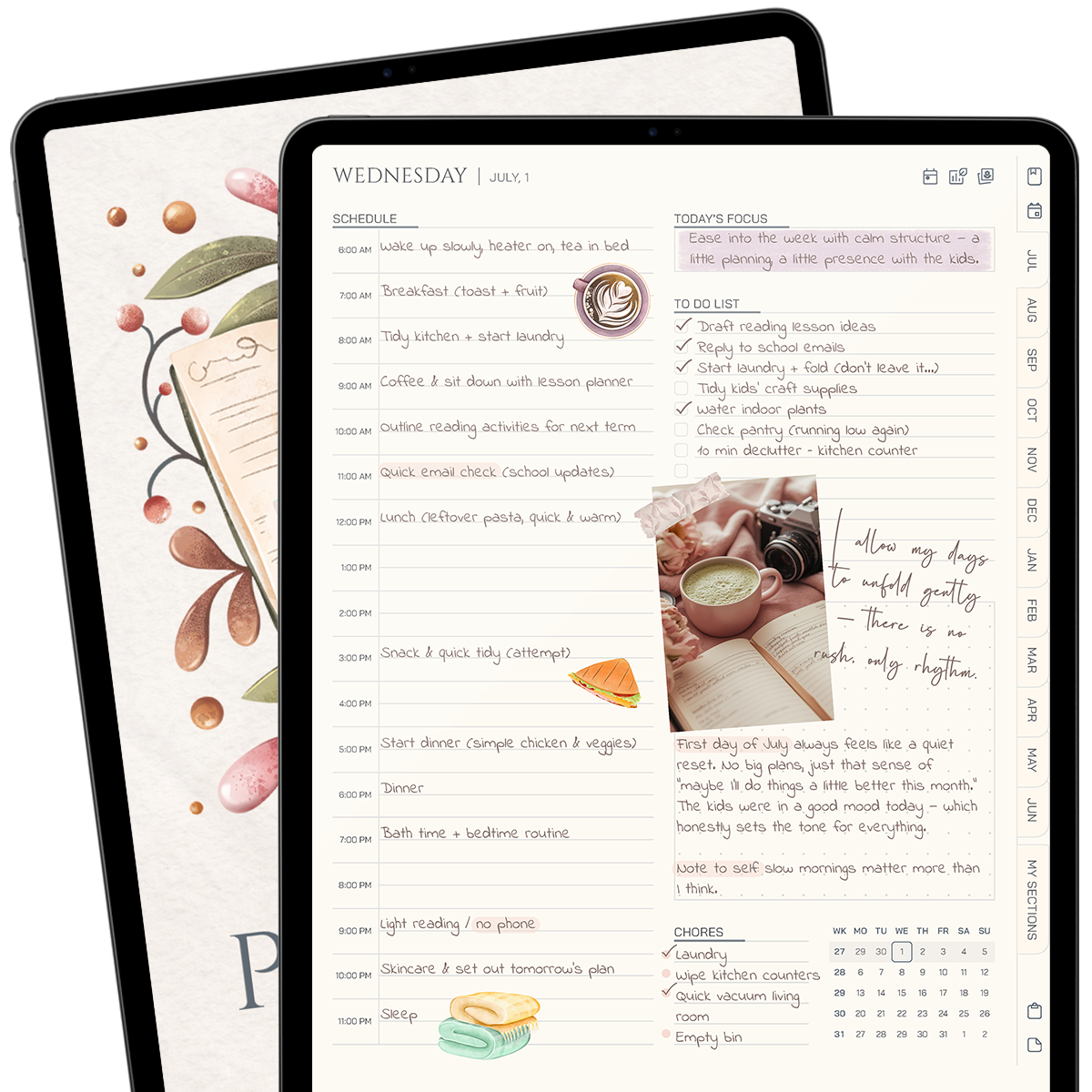
Midyear Planner 26/27
$15.00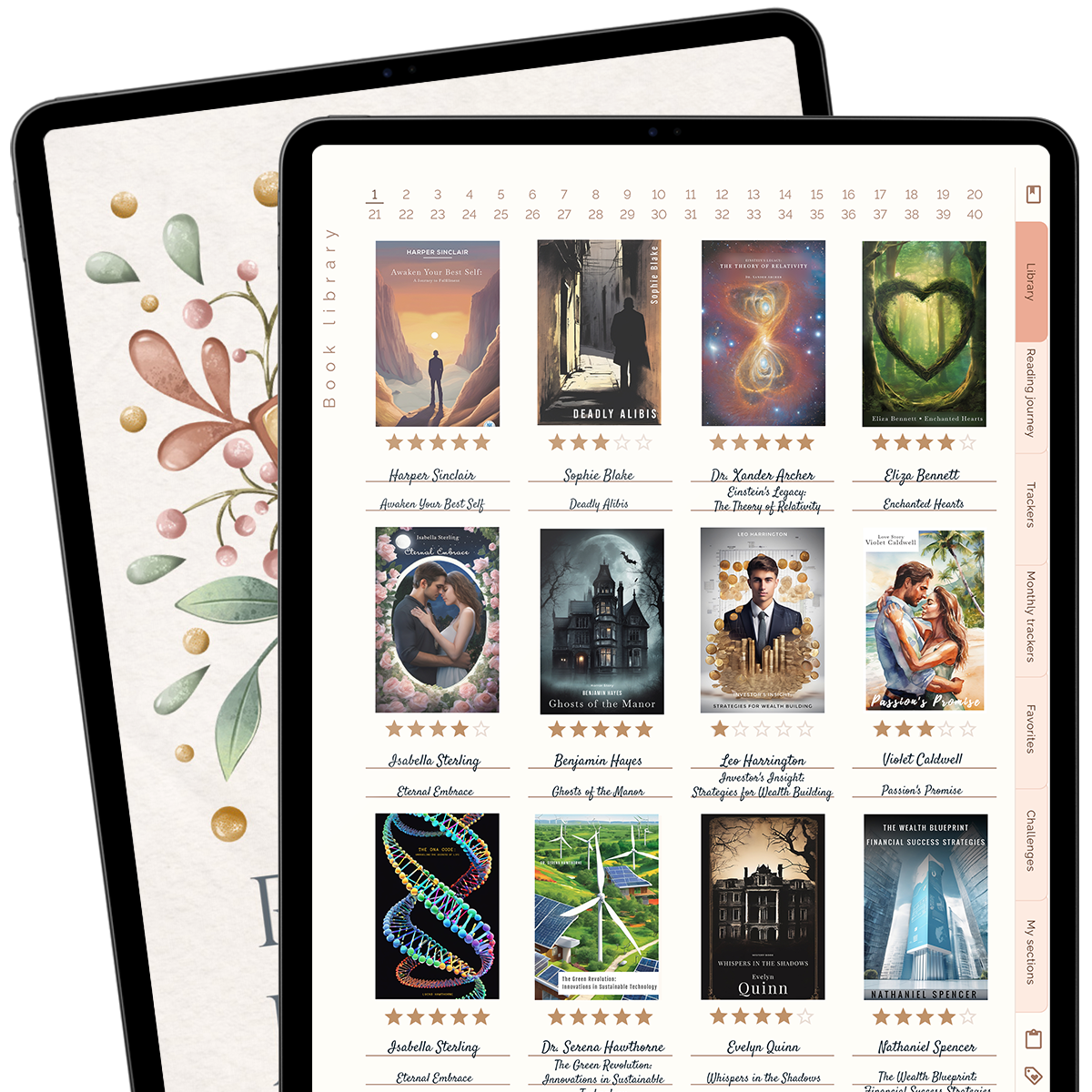
Reading Journal
$12.00